



M.2 2280 SSD Form Factor Guide: Is It Compatible With Your Rig?
Confused by storage sizes? Our M.2 2280 SSD form factor guide breaks down dimensions, compatibility, and performance perks. 🚀 Find out if the standard 2280 stick fits your laptop or desktop build before you buy! 💾
|
Loading tags...

Building a new PC or upgrading your storage in South Africa? Awesome. You've probably seen "M.2 2280 SSD" pop up everywhere, promising insane speeds. But here's the catch... what do those numbers actually mean? Choosing the wrong size is a classic blunder that can stop your build dead in its tracks. Let's make sure that doesn't happen to you. This guide will quickly demystify the M.2 2280 SSD form factor so you can buy with confidence.
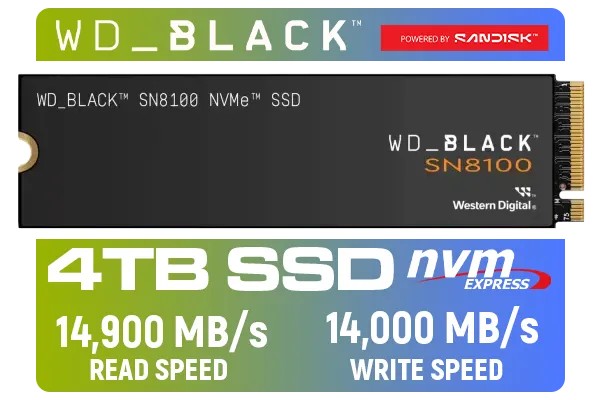
Western Digital SN8100 NVMe Internal Solid State Drive - 4TB / Sequential Read, Write Performance - 14900MB/s, 14000MB/s / PCIe Gen 5 / WDS400T1X0M
R10499.00In Stock
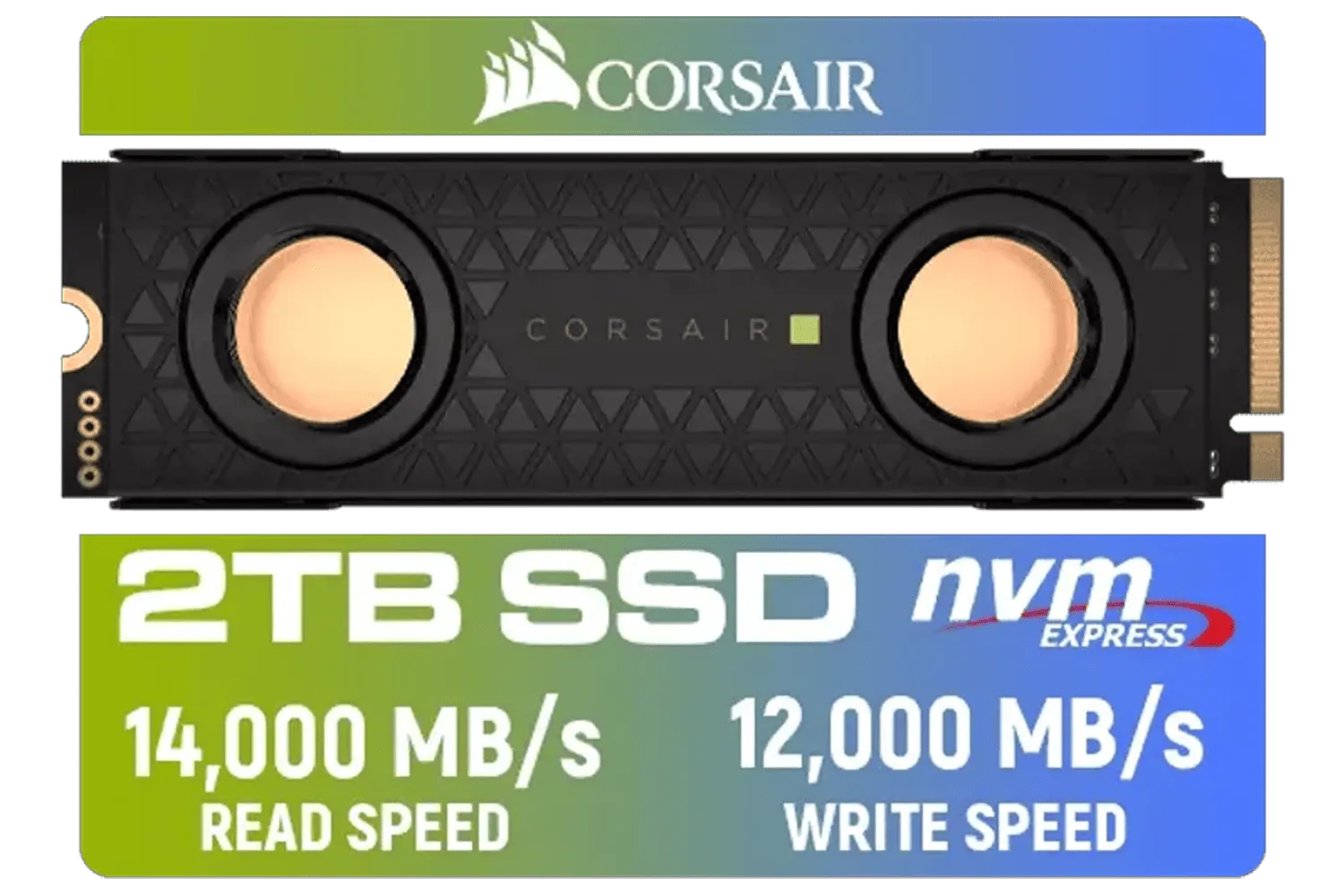
Corsair MP700 PRO SE Hydro X Series 2TB M.2 PCIe Gen5 x4 NVMe 2.0 SSD – M.2 2280 – Up to 14,000MB/sec Sequential Read – High-Density TLC NAND – Pre-Installed Water Block – Black / CSSD-F2000GBMP700PHXS
R7499.00In Stock
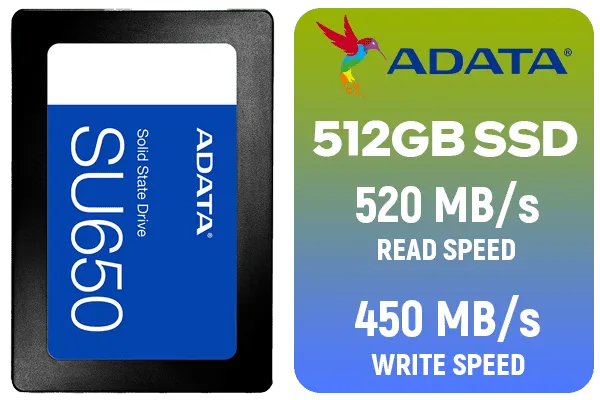
ADATA SU650 512GB 3D-NAND SATA 2.5 inch Internal SSD / ASU650SS-512GT-R
R799.00In Stock
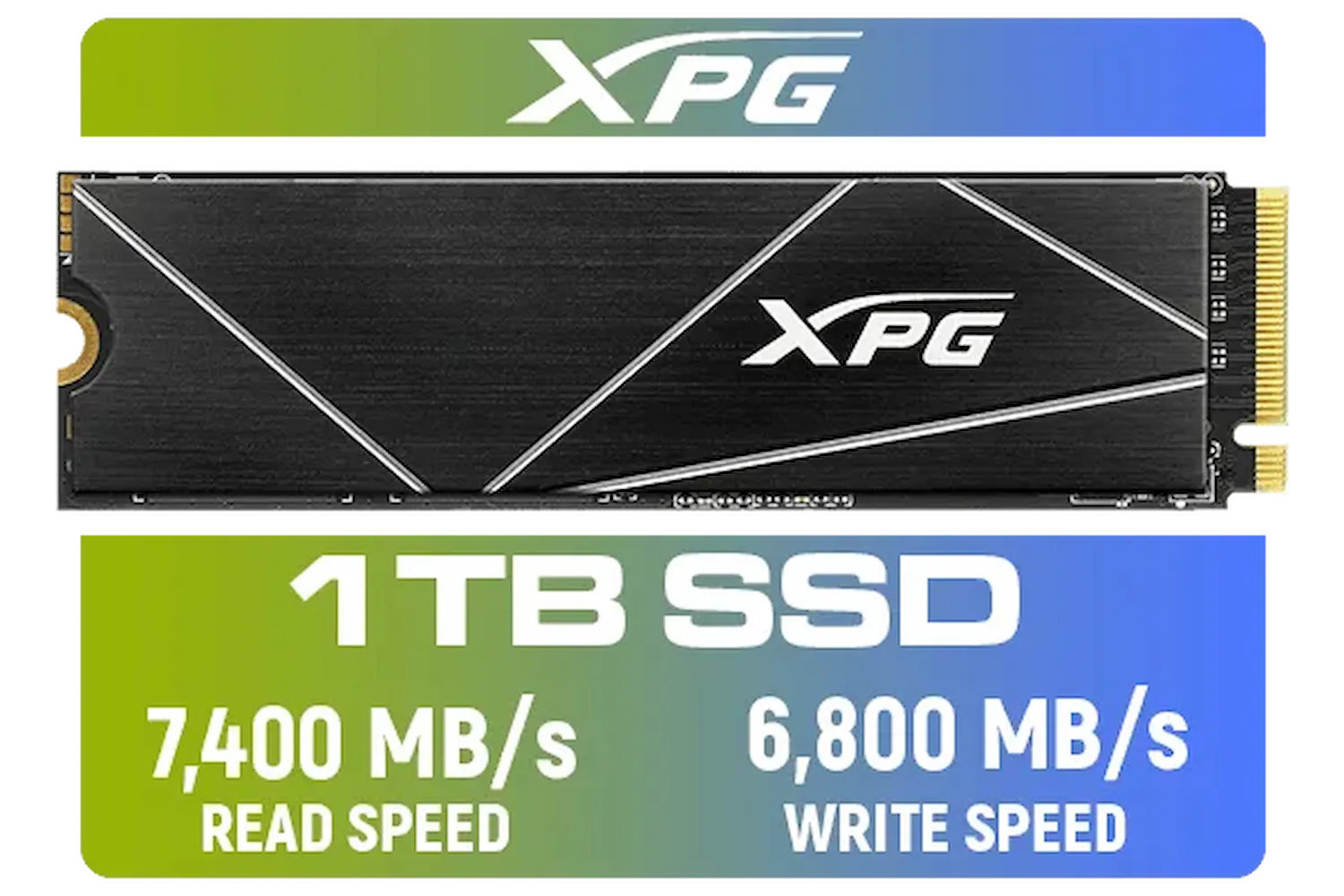
ADATA XPG 1TB GAMMIX S70 Blade - Works with Playstation 5, PCIe Gen4 M.2 2280 Internal Gaming SSD Up to 7,400 MB/s / AGAMMIXS70B-1T-CS
R2599.00In Stock
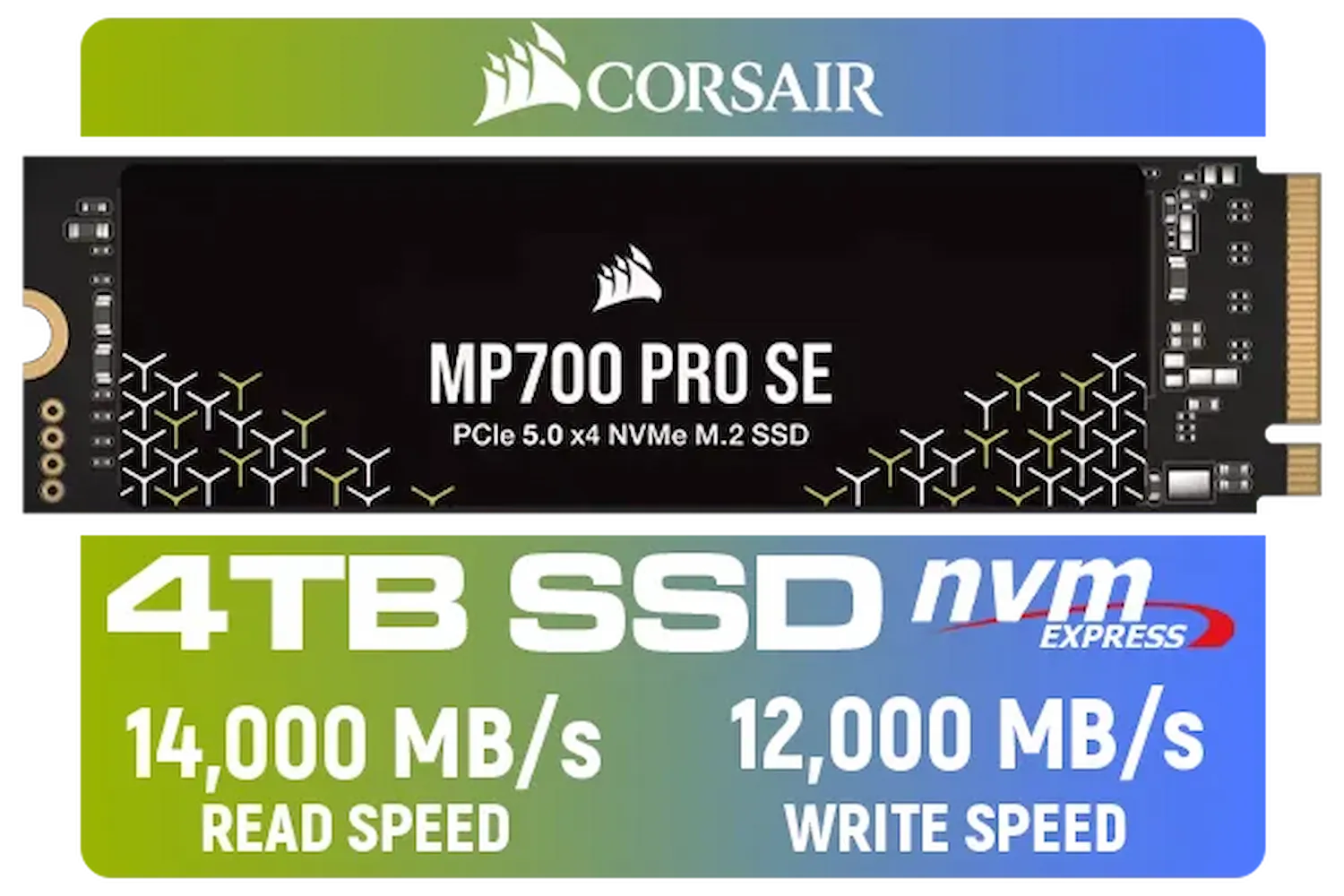
Corsair MP700 PRO SE 4TB PCIe 5.0 x4 NVMe M.2 SSD / Up to 14,000MB/s Sequential Read / Up to 12,000MB/s Sequential Write / M.2 2280 Form Factor / CSSD-F4000GBMP700PNHS
R10999.00In Stock
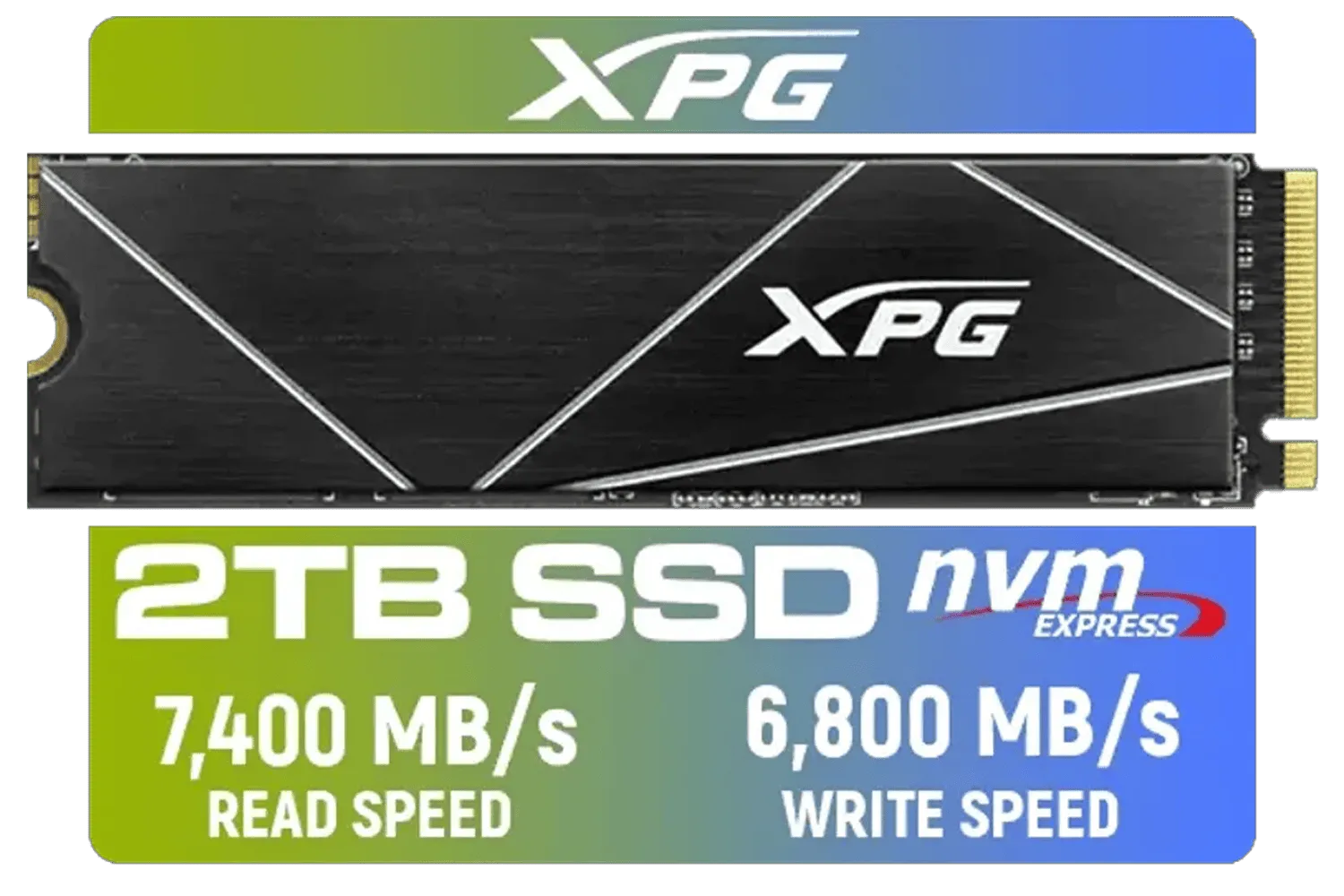
XPG 2TB GAMMIX S70 Blade - Works with Playstation 5, PCIe Gen4 M.2 2280 Internal Gaming SSD Up to 7,400 MB/s (AGAMMIXS70B-2T-CS)
R3699.00In Stock
What Does the M.2 2280 Form Factor Actually Mean?
Let's break it down. It's simpler than you think. The term "M.2" refers to the slim, modern slot on your motherboard, replacing the chunky old SATA cables. The number that follows, however, is the most crucial part for compatibility.
The M.2 2280 SSD form factor is not a model number... it's a measurement. 📏
- 22 stands for the width of the drive in millimetres (22mm).
- 80 stands for the length of the drive in millimetres (80mm).
That's it! So, a 2280 drive is 22mm wide and 80mm long. This is, by far, the most common size for consumer NVMe SSDs today because it provides enough space for NAND flash chips and a controller without being too large. You might occasionally see other sizes like 2242 or 22110, but 2280 is the standard for gaming rigs.

KLEVV CRAS C930 2TB M.2 NVMe PCIe Gen4x4 Internal Gaming SSD with Heatsink, Compatible with PS5, up to 7400MB/s with DRAM Cash / K02TBM2SP0-C93
R3999.00In Stock

ADATA XPG GAMMIX S55 2TB NVMe PCIe Gen4 x 4 M.2 / Read & Write Speed up to 5,000 & 3,700MB/s / Internal Solid State Drive Great for Steam Deck, Microsoft Surface and Gaming Consoles / SGAMMIXS55-2T-C
R3999.00In Stock

DAHUA M.2 PCIe Gen4x4 1TB NVMe SSD / PCIe Gen4.0x4 Supported / Read: Up to 6290 MB/s Write: Up to 5680 MB/s / DHI-SSD-C970VN1TB
R1949.00In Stock
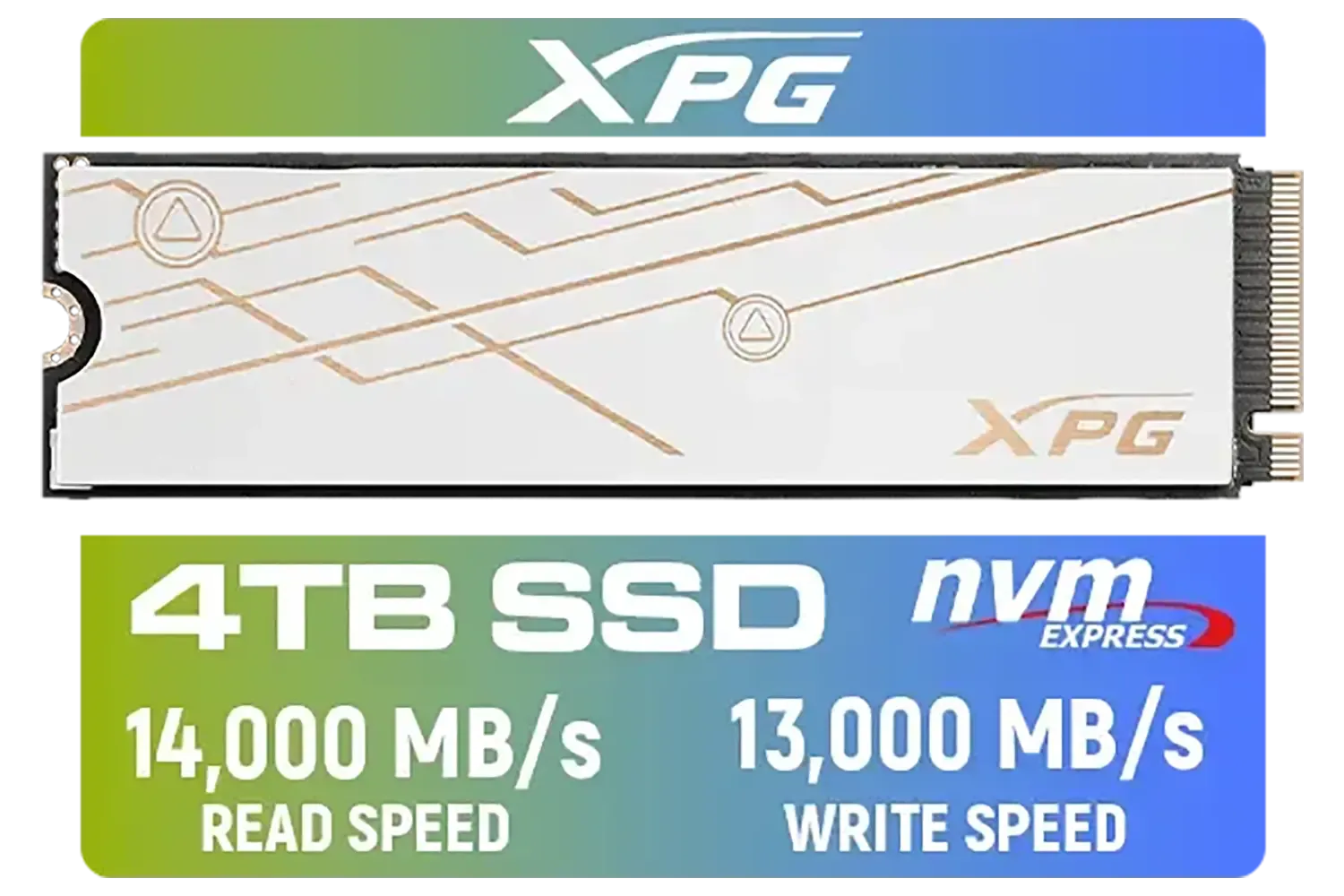
ADATA XPG Mars 980 Blade 4TB NVMe 5.0 Internal Solid State Drive / Up to 14,000MB/s Read Speed and Up to 13,000MB/s Write Speed / SMAR-980B-4TCS
R7999.00In Stock

Kingston Fury Renegade 2TB NVMe SSD / M.2 2280 Form Factor / PCIe Gen5.0 / Up to 14,700MB/s Read / Up to 14,000MB/s Write / SFYR2S/2T0
R6999.00In Stock
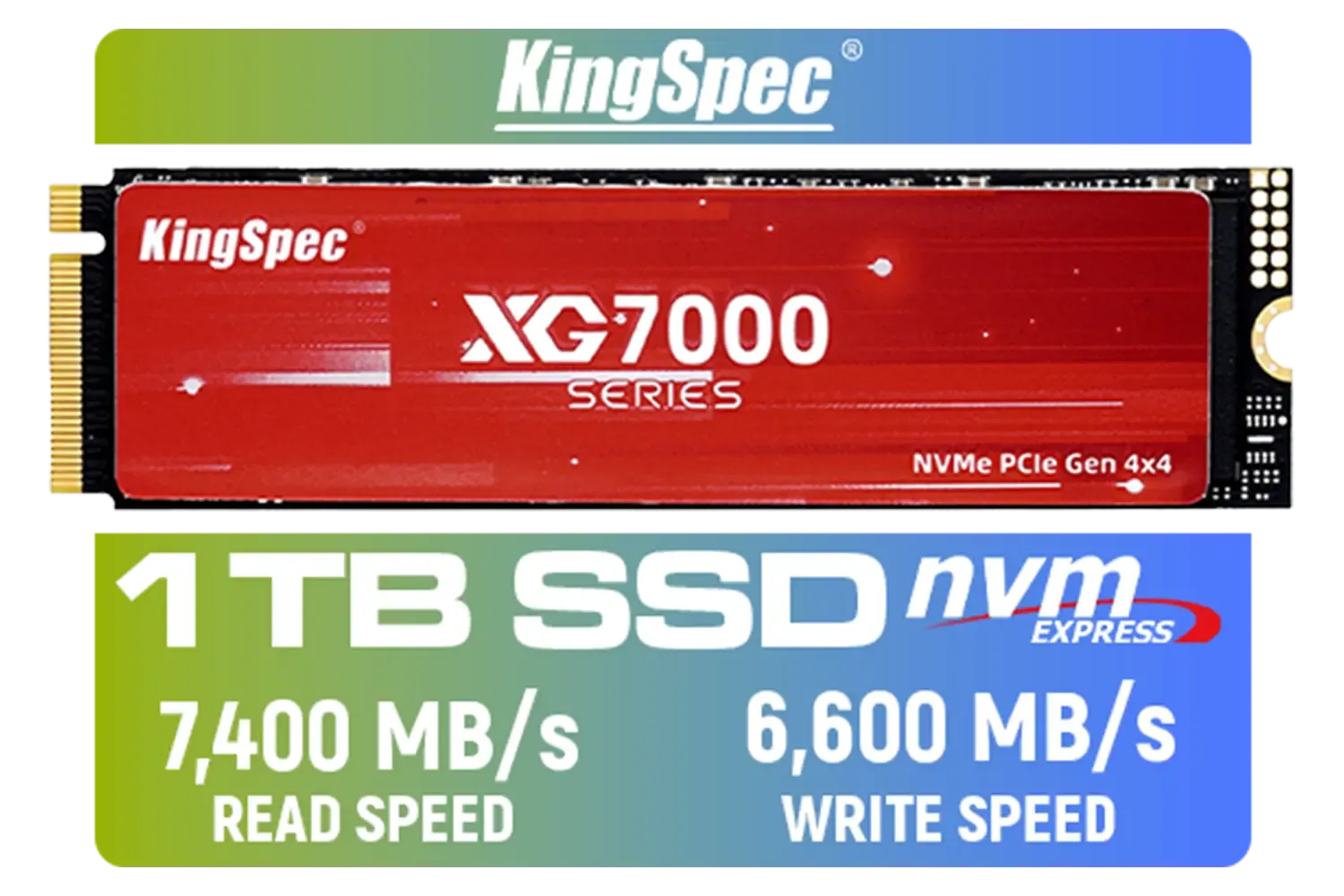
KingSpec XG7000 1TB NVMe Internal Solid State Drive SSD / TLC NAND flash memory / PCIe Gen 4.0, M.2 2280, Up to 7400MB/s/6600MB/s Read/Write Speeds / XG7000-2280-1TB
R1999.00In Stock
Checking Your Rig's M.2 2280 Compatibility
So, how do you know if an M.2 2280 SSD will fit your setup? Don't guess. The last thing you want is a top-tier drive you can't even install. Here are two foolproof ways to check.
1. The Motherboard Manual is Your Best Friend
Your motherboard's manual is the ultimate source of truth. It will have a dedicated section or diagram showing the M.2 slots and explicitly stating which lengths are supported. Look for labels like "M.2_1" or "M.2_2" and check the specs for "supports 2242/2260/2280 storage devices." If you see 2280 listed, you're good to go.
TIP FOR YOU
Lost Your Manual? No Stress! 🔧
Every motherboard manufacturer has a support page for their products. Simply Google your motherboard's exact model name (e.g., "ASUS ROG STRIX B760-F GAMING WIFI specs"). You'll find the official product page with a downloadable PDF manual and a full specifications list. Bookmark it!
2. A Quick Visual Inspection
If you're comfortable opening your case, you can often see the compatibility right on the motherboard itself. Look for the M.2 slot and you'll likely see several small screw holes lined up next to it, each labelled with a number like 2242, 2260, and 2280. If there's a screw hole marked 2280, your board is ready for the most popular M.2 2280 SSD form factor on the market. Brands like Klevv focus on this standard, offering some of the best performance in this size from Klevv's range of high-performance memory and storage.

Kingston Fury Renegade 4TB NVMe SSD / M.2 2280 Form Factor / PCIe Gen5.0 / Up to 14,800MB/s Read / Up to 14,000MB/s Write / SFYR2S/4T0
R9999.00In Stock
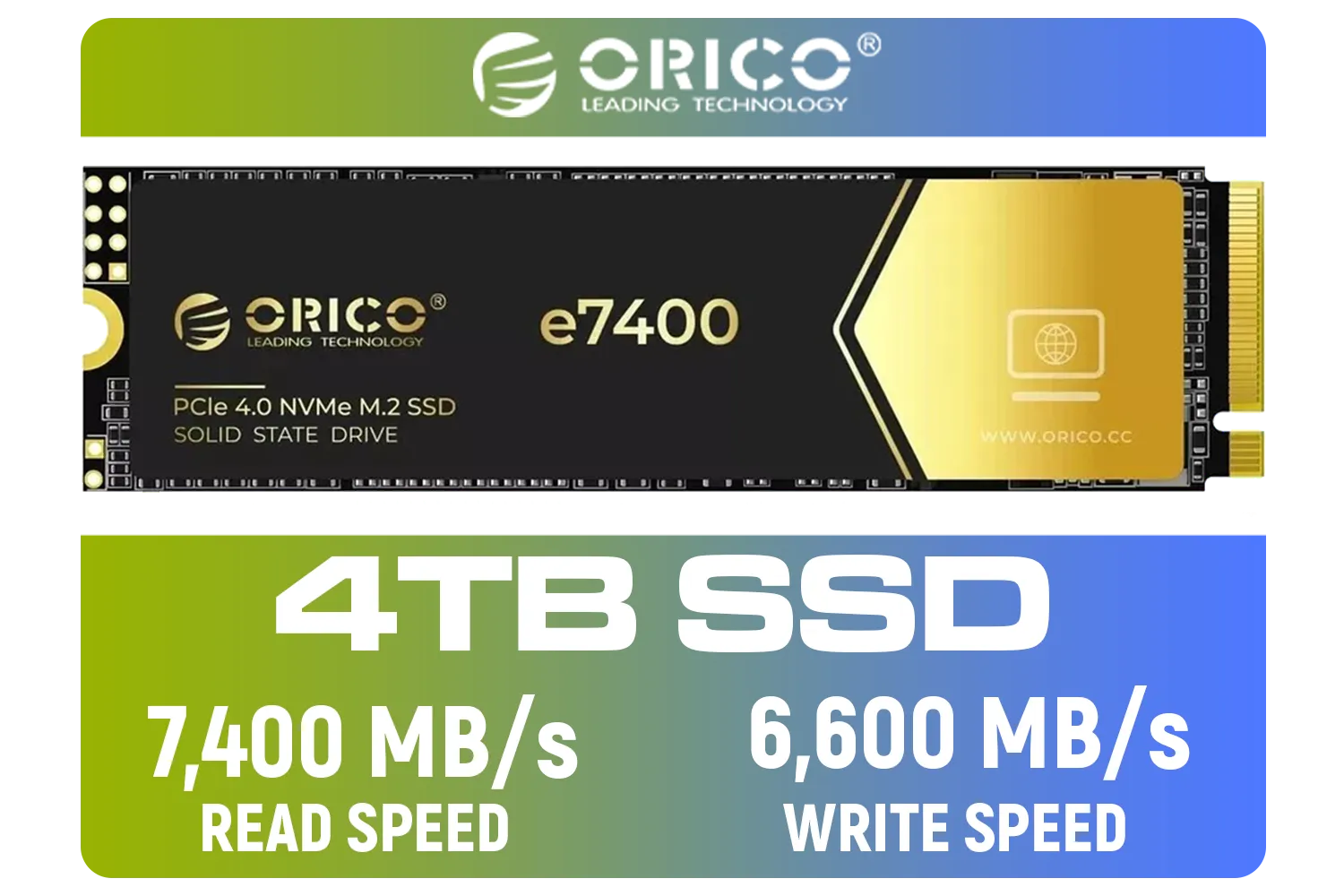
ORICO e7400 M.2 NVMe SSD - 4TB / PS5 Compatible / PCIe Gen4.0 x4 / Up to 7,400MB/s Read and 6,600MB/s Write Speeds / ORICO-e7400-4TB-GD-BP
R5949.00In Stock

Dahua L7 M.2 512GB NVMe SSD / Read: Up to 1,050 MB/s Write: Up to 895 MB/s / Shock-resistant and drop-resistant design / Aluminum body with heat dissipation / Dual Type-C/Type-A cable included / DHI-PSSD-L7-512GB
R899.00In Stock
Kingston Fury Renegade 2TB PCIe Gen 4.0 NVMe M.2 Internal Gaming SSD with Heat Sink | PS5 Ready | Up to 7300MB/s | SFYRDK/2000G
R4199.00In Stock
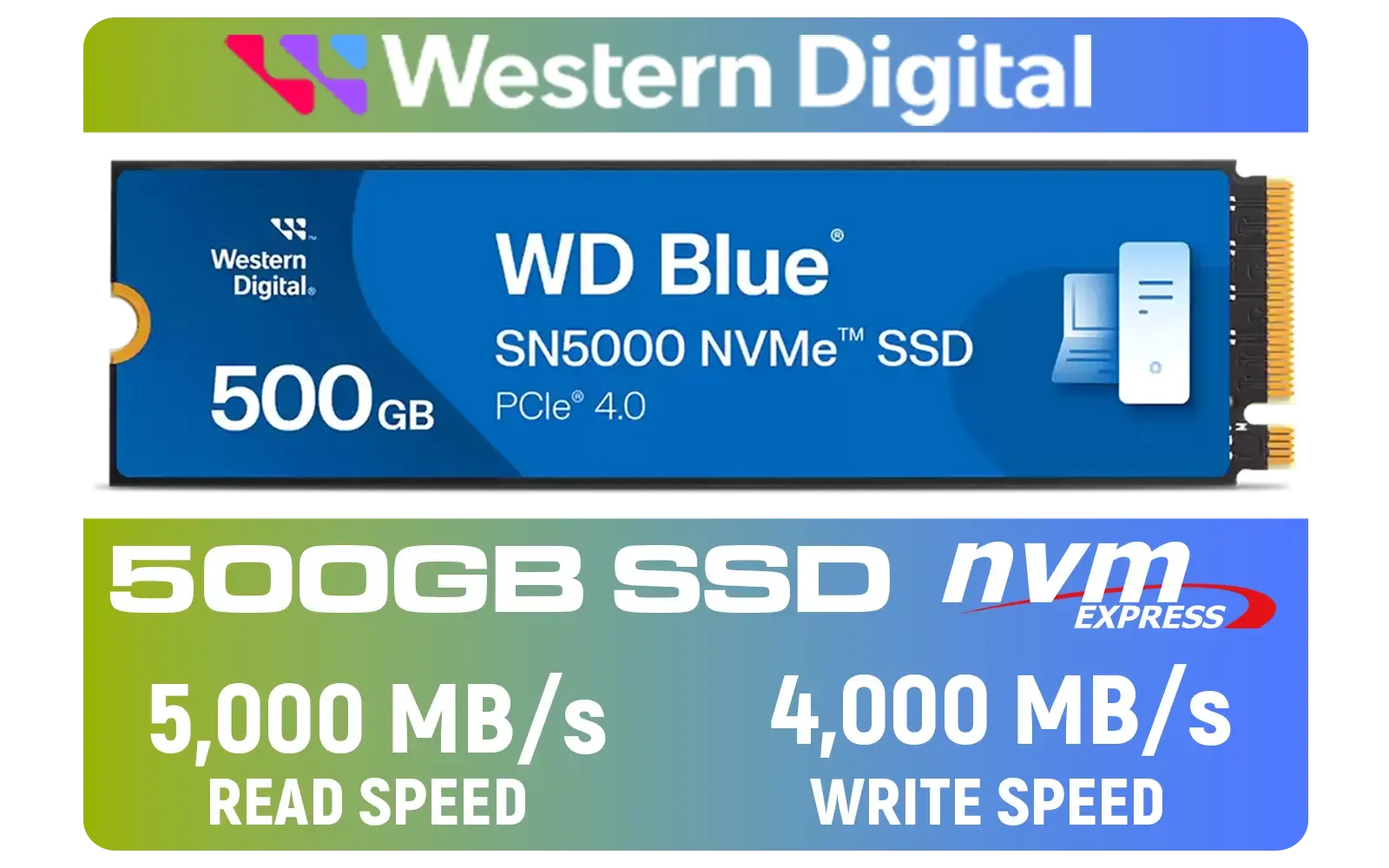
Western Digital 500GB WD Blue SN5000 NVMe Internal Solid State Drive SSD / PCIe Gen 4.0, M.2 2280 / Up to 5,000MB/s Read Speed / Up to 4,000MB/s Write Speed / WDS500G4B0E
R1299.00In Stock
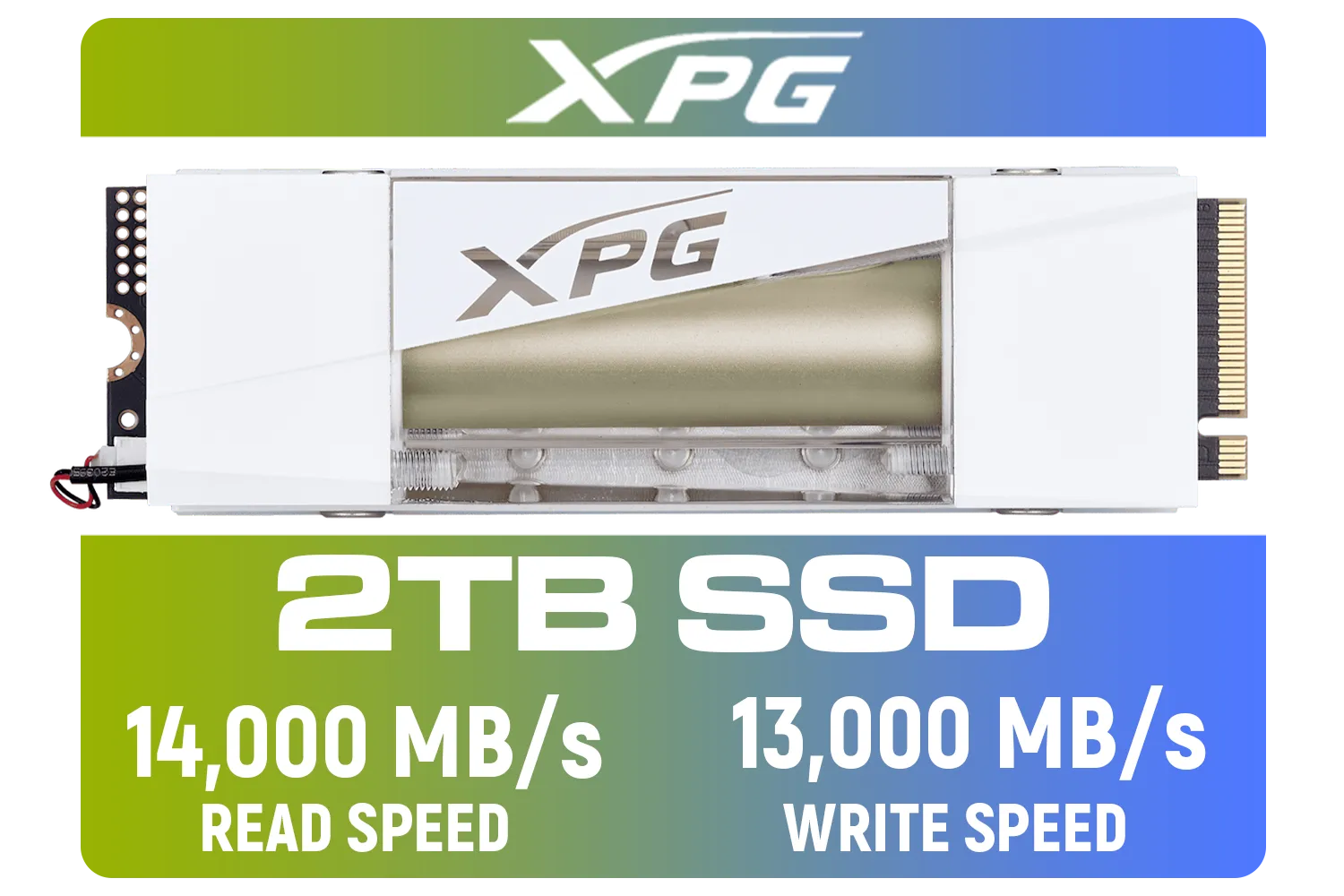
Adata Mars 980 Storm 2TB NVMe SSD / PCIe Gen5 x4 / Up to 14,000MB/s - 13,000MB Sequential Read/Write / SMAR-980S-2TCI
R4499.00In Stock
Why the 2280 Standard Dominates PC Gaming
There's a good reason the M.2 2280 size became the industry standard. The 80mm length provides the perfect real estate for manufacturers to pack in multiple high-density NAND flash chips and a powerful controller. This results in higher capacities, better performance, and more efficient heat dissipation. 🚀
A drive like the super-fast Klevv Cras C925G 1TB Gen4 is a perfect example. It leverages the 2280 layout to deliver blistering read/write speeds that slash game load times and make your entire system feel incredibly responsive. Once you've confirmed your board's compatibility, browsing our wide selection of SSDs is the exciting next step.
Ready for a Speed Boost? ⚡ Understanding the M.2 2280 form factor is the first step to unlocking next-level performance. Now that you know what to look for, you're ready to choose the perfect drive for your rig. Explore our massive range of M.2 SSDs and find the perfect match to slash your load times.
Related Products

Kingston XS1000 2TB SSD / Pocket-Sized / USB 3.2 Gen 2 / External Solid State Drive / Up to 1050MB/s / SXS1000/2000G
R2899.00In Stock
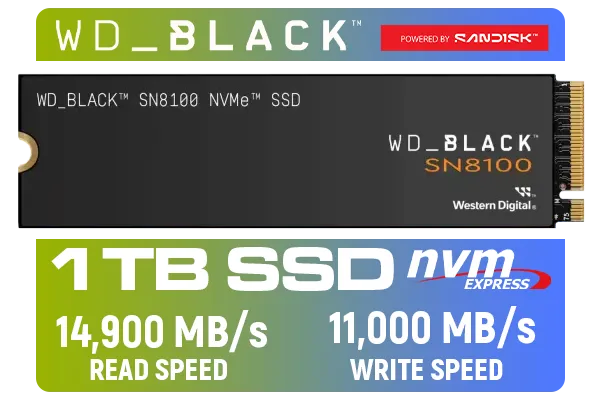
Western Digital SN8100 NVMe Internal Solid State Drive - 1TB / Sequential Read, Write Performance - 14900MB/s, 11000MB/s / PCIe Gen 5 / WDS100T1X0M
R3999.00In Stock

ORICO e7400 M.2 NVMe SSD - 2TB / PS5 Compatible / PCIe Gen4.0 x4 / Up to 7,400MB/s Read and 6,600MB/s Write Speeds / ORICO-e7400-2TB-GD-BP
R3699.00In Stock

ORICO i7500 M.2 NVMe SSD - 2TB / 3D NAND Flash / PCIe Gen4.0 x4 / Up to 7,200MB/s Read and 6,100MB/s Write Speeds / ORICO-i7500-2TB-GD-BP
R3599.00In Stock

Adata Mars 980 Storm 1TB NVMe SSD / PCIe Gen5 x4 / Up to 14,000MB/s - 13,000MB Sequential Read/Write / SMAR-980S-1TCI
R3699.00In Stock

DAHUA M.2 PCIe Gen4x4 512GB NVMe SSD / PCIe Gen4.0x4 Supported / Read: Up to 7000 MB/s Write: Up to 4300 MB/s / DHI-SSD-C970VN512G
R1299.00In Stock
It refers to the dimensions of the SSD module: 22mm wide and 80mm long. This is the most common standard for desktop and laptop NVMe drives.
No, a 2280 SSD is too long for a 2230 slot often found in handhelds like the Steam Deck. You must match the physical length supported by your motherboard.
Yes, usually. Most M.2 2280 drives use NVMe protocols via PCIe, offering speeds significantly higher (up to 7000MB/s+) than the 600MB/s limit of SATA SSDs.
Most modern desktop motherboards and laptops support the M.2 2280 SSD form factor, but ultra-thin laptops might require shorter 2230 or 2242 drives.
Keys prevent inserting incompatible drives. NVMe PCIe x4 drives usually use an M-key, while older SATA M.2 drives might use B+M keys. Check your manual.
High-performance Gen4 or Gen5 M.2 2280 SSDs generate heat. A heatsink is recommended for sustained heavy workloads like gaming or video editing.











