



Mini PC for Video Editing: A Surprisingly Powerful Choice
Discover why a mini PC for video editing is a game-changer for creators. These compact powerhouses pack a punch, handling 4K workflows and complex timelines with ease, saving you space and money. Ready to upgrade your edit bay? 🖥️✨
|
Loading tags...
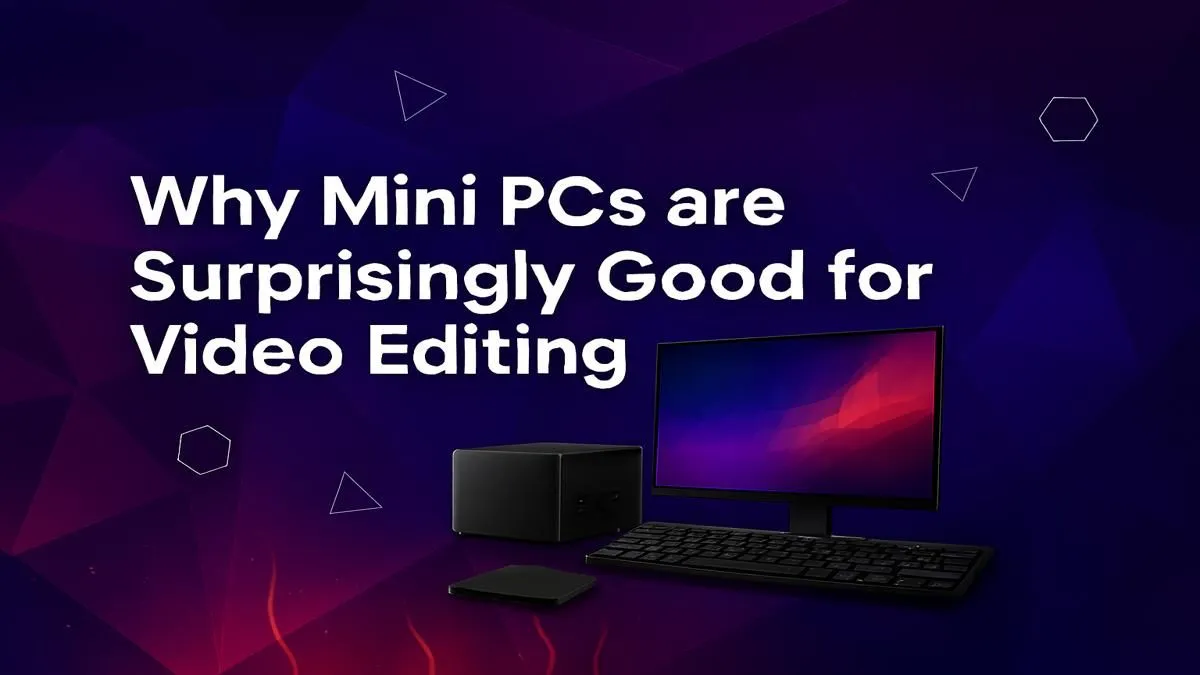
Think video editing in South Africa, and you probably picture a massive, glowing tower that could double as a bedside table. But what if all that power could fit into a box smaller than your lunch tin? The game has changed. For content creators, freelancers, and aspiring YouTubers from Cape Town to Polokwane, the mini PC for video editing is no longer a compromise... it's a seriously smart choice that saves space and slays render queues. 🚀

RYZEN 5 8400F 4.7GHz GT 710 2GB DDR5 Workstation PC
R10079.00In Stock

Intel Core Ultra 5 225F 4.9GHz GT 710 2GB DDR5 PC
R11864.00In Stock

Intel Core Ultra 5 225F ARC A380 6GB Gaming PC
R14174.00In Stock

AMD RYZEN 9 9900X 5.6GHz RTX 4000 Blackwell 24GB DDR5 Workstation PC
R56174.00In Stock
![[Pre Built] AMD RYZEN 9 9900X RTX 5070 Ti Gaming PC](https://img.evetech.co.za/repository/ProductImages/ryzen-9-9900-x-rtx-5070-ti-gaming-pc-pbs-main-1600px-v1.webp)
[Pre Built] AMD RYZEN 9 9900X RTX 5070 Ti Gaming PC
R44729.00In Stock
![[Pre Built] AMD Ryzen 7 9800X3D RX 9070 XT Gaming PC](https://img.evetech.co.za/repository/ProductImages/ryzen-7-9800-x-3-d-rx-9070-xt-gaming-pc-48-gb-main-1600px-v1.webp)
[Pre Built] AMD Ryzen 7 9800X3D RX 9070 XT Gaming PC
R67199.00In Stock
Can a Mini PC Really Handle Video Editing?
Let's cut to the chase: absolutely. Modern mini PCs are engineering marvels, packing desktop-grade processors and lightning-fast storage into incredibly compact chassis. Gone are the days when "small" meant weak. Today, a well-specced mini PC can chew through 1080p and even 4K timelines without breaking a sweat.
The secret lies in the efficiency of new components. These machines are perfect for creators who need a powerful yet unobtrusive setup, freeing up valuable desk space for more important things, like your second monitor or a proper cup of coffee. They represent a huge leap forward from older, larger designs, offering incredible performance in a small package, much like many of the latest pre-built PC deals available today.
What to Look for in a Mini PC for Video Editing
Choosing the right machine comes down to a few key components. Getting this balance right is crucial for a smooth editing experience.
The CPU: Your Editing Engine 🔧
The processor is the heart of your editing rig. It handles encoding, decoding, and rendering. For video editing, more cores and higher clock speeds are your best friends.
- Intel's Core i5/i7/i9 chips offer excellent single-core performance, which is great for timeline responsiveness. You can find a wide variety of systems in our Intel PC deals section.
- AMD's Ryzen 5/7/9 series often provides more cores for your money, which can dramatically speed up your final export times. Exploring the options in our AMD Ryzen PC deals is a great place to start.

Intel Core Ultra 7 265K 5.5GHz RX 9070 XT 16GB DDR5 Gaming PC
R40109.00In Stock
![[Pre Built] AMD Ryzen 7 9800X3D RTX 5080 Gaming PC](https://img.evetech.co.za/repository/ProductImages/ryzen-7-9800-x-3-d-rtx-5080-gaming-pc-48-gb-main-1600px-v1.webp)
[Pre Built] AMD Ryzen 7 9800X3D RTX 5080 Gaming PC
R77699.00In Stock
![[Pre Built] AMD RYZEN 7 9700X RX 9070 XT Gaming PC](https://img.evetech.co.za/repository/ProductImages/ryzen-7-9700-x-rx-9070-xt-gaming-pc-pbs-main-1600px-v2.png)
[Pre Built] AMD RYZEN 7 9700X RX 9070 XT Gaming PC
R39794.00In Stock

AMD RYZEN 7 9800X3D RTX Pro 4500 DDR5 Workstation PC
R78644.00In Stock
AMD RYZEN 5 3600 4.2GHz ARC A380 6GB Gaming PC
R9659.00In Stock
RYZEN 5 9600X 5.4GHz A1000 8GB DDR5 Workstation PC
R25199.00In Stock
RAM: More is More
Random Access Memory (RAM) is like your computer's short-term workspace. For video editing, 16GB is the absolute minimum for a smooth 1080p workflow. If you're tackling 4K footage or heavy effects, 32GB is the new sweet spot, allowing you to multitask without your timeline grinding to a halt.
TIP FOR YOU
Editing Pro Tip ⚡
When editing high-resolution footage like 4K or 6K on a compact machine, always use proxies. These are low-resolution copies of your original files that make timeline scrubbing and playback incredibly smooth. Your editing software (like Premiere Pro or DaVinci Resolve) will automatically switch back to the high-quality originals for the final export, giving you the best of both worlds.
Graphics (GPU): The Visual Powerhouse
Your Graphics Processing Unit (GPU) accelerates visual tasks like colour grading, applying effects, and timeline playback. While many mini PCs rely on powerful integrated graphics, some high-end models can house a discrete GPU. For serious editors, a dedicated graphics card from NVIDIA or AMD is a must. Powerful GPUs are the backbone of high-performance NVIDIA GeForce gaming PCs and are equally crucial for editing. Likewise, the technology found in top-tier AMD Radeon gaming PCs provides incredible acceleration for creative workloads.
The Pros and Cons: Is This the Right Choice for You?
A mini PC for video editing is a fantastic tool, but it's important to be realistic about its strengths and weaknesses.
Pros:
- Space-Saving: Its biggest advantage. Perfect for smaller apartments, dorm rooms, or a minimalist desk setup.
- Portability: Easy to pack up and move between your home and office (or a client's site).
- Energy Efficient: Generally consumes less power than a full-sized desktop, which is a nice bonus with today's electricity prices.
- Aesthetics: They just look clean and modern. ✨
RYZEN 5 9600X 5.4GHz A1000 8GB DDR5 Workstation PC
R25199.00In Stock

RYZEN 5 9600X 5.2GHz ARC B580 12GB DDR5 Gaming PC
R21419.00In Stock

Intel Core Ultra 5 225F 4.9GHz RTX 3050 6GB DDR5 Gaming PC
R16274.00In Stock
RYZEN 5 9600X 5.2GHz A400 4GB DDR5 Workstation PC
R18164.00In Stock

Intel Core Ultra 9 285K 5.7GHz RTX 5090 32GB DDR5 Gaming PC
R80114.00In Stock

Intel 14th Gen Core i3 14100F 4.7GHz ARC A380 6GB Gaming PC
R12599.00In Stock
Cons:
- Limited Upgradability: You can usually upgrade RAM and storage, but the CPU and GPU are often soldered to the motherboard.
- Thermal Constraints: The compact size can lead to higher temperatures under sustained heavy loads, which may slightly reduce peak performance.
- Fewer Ports: You might get fewer USB ports or display outputs compared to a traditional tower.
For professionals rendering complex 3D animations or 8K feature films, the raw, uncompromised power and cooling of dedicated Workstation PCs will always be the top choice.
The Verdict: A Mighty Machine in a Tiny Box 💻
For a huge number of South African content creators, the debate is over. A powerful mini PC for video editing offers an incredible blend of performance, value, and convenience. It proves that you don't need a giant rig to produce professional-quality content. By choosing your components wisely, you can build a sleek, powerful editing station that fits anywhere and handles almost anything you can throw at it.
Ready to Find Your Perfect Powerhouse? Whether you need a compact creator's machine or a full-blown editing beast, the right PC is waiting for you. Explore our massive range of pre-built PC deals and find the perfect rig to bring your creative vision to life.
Related Products
![[Pre Built] AMD RYZEN 9 9900X RX 9070 XT Gaming PC](https://img.evetech.co.za/repository/ProductImages/ryzen-9-9900-x-rx-9070-xt-gaming-pc-pbs-main-1600px-v1.webp)
[Pre Built] AMD RYZEN 9 9900X RX 9070 XT Gaming PC
R42524.00In Stock

RYZEN 7 9700X 5.5GHz RTX 5070 12GB DDR5 Gaming PC
R34334.00In Stock
![[Pre Built] Intel Core Ultra 7 265KF RX 9070 XT Gaming PC](https://img.evetech.co.za/repository/ProductImages/intel-core-ultra-7-265-kf-rx-9070-xt-gaming-pc-pbs-main-1600px-v1.webp)
[Pre Built] Intel Core Ultra 7 265KF RX 9070 XT Gaming PC
R42209.00In Stock
Intel Core Ultra 7 265K 5.5GHz RX 9070 XT 16GB DDR5 Gaming PC
R40109.00In Stock
RYZEN 5 9600X 5.2GHz GT 710 2GB DDR5 PC
R14489.00In Stock
RYZEN 5 9600X 5.2GHz A400 4GB DDR5 Workstation PC
R18164.00In Stock
Yes, many modern mini PCs are equipped with powerful CPUs and integrated graphics, making them fully capable of handling demanding 4K video editing workflows with ease.
For smooth video editing, look for at least a modern Intel Core i5 or AMD Ryzen 5 CPU, 16GB of RAM (32GB recommended), and a fast NVMe SSD for your OS and project files.
A mini PC often provides better thermal performance and more powerful desktop-grade CPUs for the price, while a laptop offers portability. The best choice depends on your needs.
Absolutely. High-end mini PCs meet and exceed the system requirements for professional software, providing a smooth workflow for editors who need a reliable, compact machine.
The key benefits are a minimal desk footprint, lower power consumption, and excellent portability compared to a traditional tower, without sacrificing significant performance.
A capable mini PC for video editing can range from R10,000 to over R30,000, depending on the CPU, RAM, and storage configuration you choose for your specific workflow.











