



NVMe SSD HP ZBook Firefly G11: Benefits for Speed and Battery
NVMe SSD HP ZBook Firefly G11 delivers dramatic boot, app load, and file transfer gains while improving battery life and durability. Learn upgrade tips and best SSD picks. ⚡💾
|
Loading tags...

Tired of waiting for your laptop to catch up? That spinning circle is more than just an annoyance… it’s a productivity killer. For professionals and creators in South Africa, every second counts. What if the secret to reclaiming your time and extending your battery life lies in one key component? The NVMe SSD in the HP ZBook Firefly G11 is precisely that, offering a massive leap in performance that you can feel instantly. 🚀
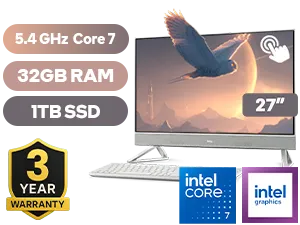
Dell 27 All-in-One EC27250 32GB/1TB
R34,499In Stock

ASUS ZenBook A14 32GB/1TB Snapdragon
R24,999In Stock
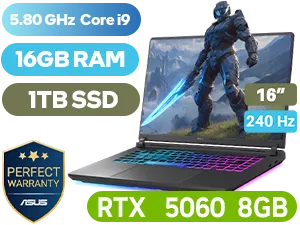
ASUS ROG Strix G16 16GB/1TB Core i9
R44,999In Stock

MSI Raider 18 HX AI A2XWJG Intel Core Ultra 9 RTX 5090 Gaming Laptop
R84,999In Stock
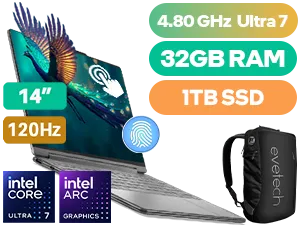
Lenovo Yoga 9 32GB/1TB Ultra 7
R41,999In Stock

MSI Prestige A16 AI+ Ryzen AI 9 Laptop
R27,999In Stock
Unpacking the Speed: Why the HP ZBook Firefly G11's NVMe SSD is a Big Deal
So, what’s all the fuss about? It comes down to how the drive talks to the rest of your computer. Older SATA SSDs were like using a single-lane road… decent, but prone to traffic jams. An NVMe (Non-Volatile Memory Express) SSD, like the one found in the HP ZBook Firefly G11, uses multiple lanes via a direct PCIe connection to the motherboard. Think of it as upgrading to a multi-lane highway.
The result?
- Blazing-fast boot times: Your laptop is ready to go in seconds, not minutes.
- Instant app loading: Heavy software like Adobe Premiere Pro or SolidWorks springs to life.
- Rapid file transfers: Moving large video files or project folders is dramatically quicker.
This raw speed isn't just for show; it fundamentally changes your workflow, making everything feel more responsive and fluid. It’s a standard feature in many of the best gaming laptop deals for a reason—it eliminates frustrating loading screens and keeps you in the action.

Alienware 16x Aurora AC16251 32GB/1TB
R59,499In Stock
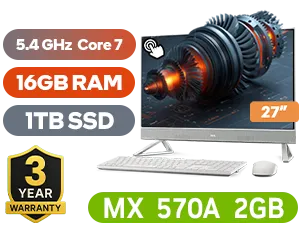
Dell 27 All-in-One EC27250 16GB/1TB
R33,999In Stock

ASUS ROG Strix SCAR 18 32GB/2TB RTX 5090
R79,999In Stock
ASUS ROG Strix G16 16GB/1TB Core i9
R44,999In Stock

ASUS ROG Zephyrus G16 32GB/2TB RTX 5080
R74,999In Stock

MSI Vector 16 HX 16GB/1TB Core Ultra 9
R44,999In Stock
The Surprising Battery Benefits of an NVMe SSD
Here’s something many people miss: a faster drive can actually lead to better battery life. It sounds counterintuitive, but it’s true. The efficiency of an NVMe SSD in the HP ZBook Firefly G11 plays a huge role in how long you can work unplugged.
Because an NVMe drive completes tasks so quickly, it can return to a low-power idle state much faster than older drives. It spends less time actively drawing power, which adds up to significant energy savings over a full workday. Whether you're using one of the latest Intel laptops on special or a different model, this efficiency is key. This means more time creating on the go and less time hunting for a plug point at the coffee shop. ✨
TIP FOR YOU
Check Your Drive Health 🔧
On Windows 11, you can quickly check your SSD's health. Go to Settings > System > Storage > Advanced storage settings > Disks & volumes. Select your drive, click 'Properties', and you'll see an estimated remaining life and temperature reading. It's a great way to keep an eye on your hardware!
Is This Performance Upgrade for You?
Who benefits most from the performance of the HP ZBook Firefly G11's NVMe SSD? While everyone appreciates a faster computer, the impact is most profound for:
- Content Creators: Editing 4K video, working with high-resolution photos, and rendering complex graphics all rely on fast storage access.
- Engineers & Architects: Loading massive CAD files and complex simulations becomes a breeze.
- Power Users: Juggling dozens of browser tabs, virtual machines, and demanding applications without a stutter.
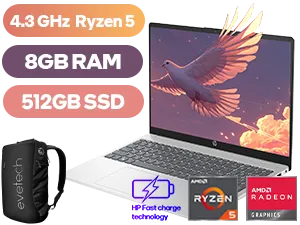
HP 15-fc0003ni 8GB/512GB Ryzen 5
R8,999In Stock
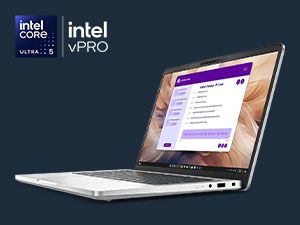
Dell Pro 13 Plus 16GB/512GB Core Ultra 5
R29,999In Stock
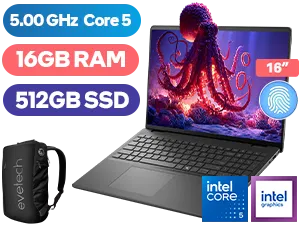
Dell 16 DC16250 16GB/512GB Core 5-120U
R17,999In Stock
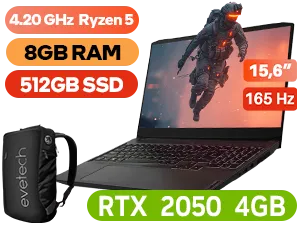
Lenovo IdeaPad Gaming 3 8GB/512GB Ryzen 5
R10,999In Stock
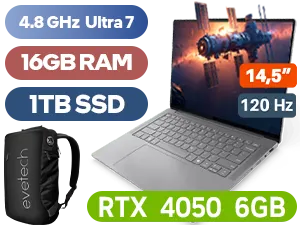
Lenovo Yoga Pro 7 16GB/1TB Ultra 7
R39,999In Stock
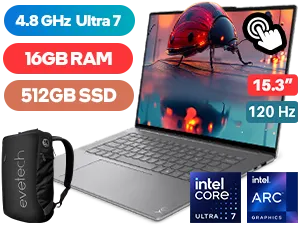
Lenovo Yoga Slim 7 16GB/512GB Ultra 7
R29,999In Stock
Ultimately, the combination of speed and efficiency makes modern laptops with NVMe storage a smart investment for anyone who values their time. This technology is a cornerstone of performance in today's powerful AMD laptops on special, delivering a seamless and productive user experience. If your current machine feels sluggish, the storage drive is often the biggest bottleneck.
Ready for a Real Performance Boost? The jump to an NVMe-powered machine is one of the most noticeable upgrades you can make. For maximum speed, efficiency, and value in South Africa, a modern laptop is hard to beat. Explore our massive range of laptop specials and find the perfect machine to conquer your workday... and your weekend.
Related Products



An NVMe SSD slashes boot and app load times, speeds file transfers, and improves multitasking. Expect 2–5× real-world gains over SATA in many workflows.
Yes. NVMe drives complete tasks faster and often draw less active power, reducing overall energy use and extending battery life during everyday tasks.
Yes. The G11 supports M.2 NVMe drives (commonly 2280). Check the HP service manual for slot specs and BIOS support before purchasing.
NVMe delivers much higher throughput and lower latency than SATA, giving faster boot and app performance; SATA remains a lower-cost, lower-speed option.
Pick reliable models with strong sustained writes and thermal control—Samsung 980/990, WD SN770/SN780, and Crucial P5 are solid, compatible choices.
Yes. Power down, remove the service hatch, insert the M.2 NVMe (usually 2280), secure it, and update BIOS. Follow HP's ESD and warranty guidance.
High-performance NVMe drives can run warm; use the laptop's thermal pad or a slim heatsink to prevent thermal throttling under sustained loads.











