



Optimize Western Digital SN8100 SSD for Loadshedding Safety
Learn how to optimize Western Digital SN8100 SSD for loadshedding risks effectively. ⚡ Secure your 1TB drive against data corruption using critical firmware tips and power management settings. 🛡️ Don't let sudden blackouts destroy your gaming storage.
|
Loading tags...

Loadshedding strikes again... and your PC shuts down instantly. Your heart drops. Was it in the middle of a crucial save? Your Western Digital SN8100 SSD is a speedy drive, but sudden power cuts are its kryptonite, risking data corruption and hardware damage. 😨 Don't stress. You can take simple, effective steps to shield your drive and your data. Let's look at how to optimise your Western Digital SN8100 SSD for loadshedding safety.
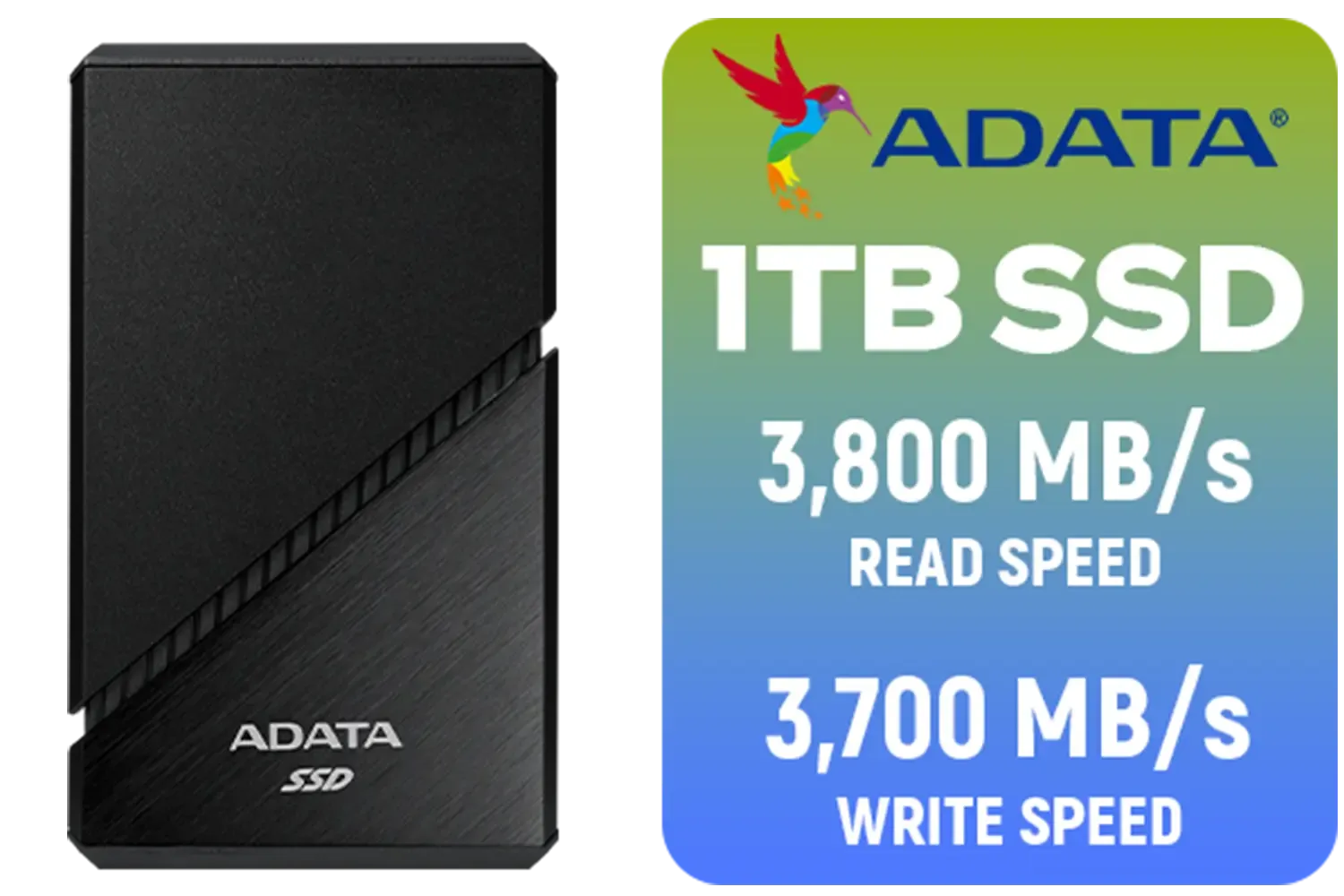
ADATA SE920 1TB External Solid State Drive / Up to 2000 MB/s Read Speed / Up to 3,700 MB/s Write Speed(3,200 MB/s with Thunderbolt 4) / USB4 USB-C Interface (Backwards Compatible with USB 3.2/2.0) / SE920-1TCBK
R2999.00In Stock

Kingston NV3 2TB NVMe SSD / Up to 6,000MB/s Read / Up to 5,000MB/s Write / PCIe 4.0 x4 NVMe / M.2 2230 Form Factor / SNV3SM3/2T0
R3299.00In Stock

ADATA XPG GAMMIX S55 2TB NVMe PCIe Gen4 x 4 M.2 / Read & Write Speed up to 5,000 & 3,700MB/s / Internal Solid State Drive Great for Steam Deck, Microsoft Surface and Gaming Consoles / SGAMMIXS55-2T-C
R3999.00In Stock
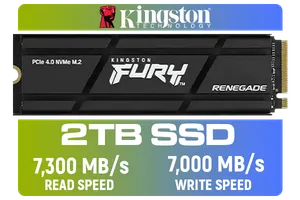
Kingston Fury Renegade 2TB PCIe Gen 4.0 NVMe M.2 Internal Gaming SSD with Heat Sink | PS5 Ready | Up to 7300MB/s | SFYRDK/2000G
R4199.00In Stock
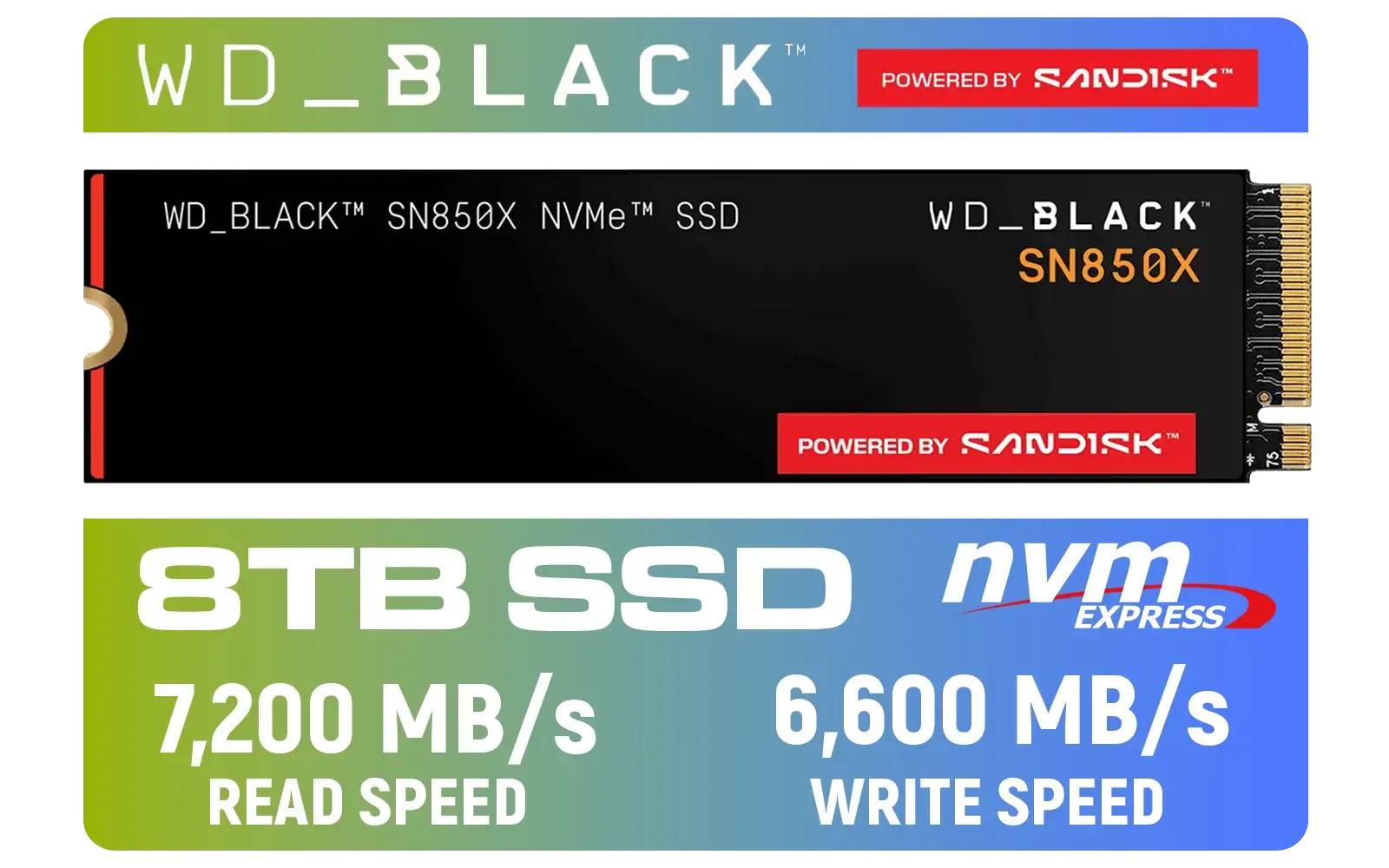
Western Digital SN850X NVMe Internal Solid State Drive - 8TB / Sequential Read, Write Performance - 7200MB/s, 6600MB/s / PCIe Gen 4 / WDS800T2X0E
R12699.00In Stock

Crucial P310 2TB NVMe Internal Solid State Drive SSD / Sequential read/write speeds up to 7,100/6,000MB/s / Integrated power loss immunity / Error correction code (ECC) / CT2000P310SSD8
R3799.00In Stock
Understanding the Loadshedding Risk to Your SN8100 SSD
Solid-State Drives are incredible pieces of tech, but they aren't magic. An SSD's controller is constantly juggling data, moving it from temporary cache to permanent NAND flash storage. A sudden power loss during this "write" process can be catastrophic. The operation is interrupted, leaving files incomplete or corrupted.
While the firmware on the WD SN8100 has some basic safeguards, it's primarily an OEM drive designed for stable power environments. It lacks the advanced on-board capacitors (Power Loss Protection) found in pricier enterprise drives. For the average South African gamer or professional, this makes external protection essential.
Practical Steps to Protect Your SSD During Loadshedding
You don't have to leave your data's fate to Eskom's schedule. A few strategic choices can make all the difference and are crucial for anyone wanting to optimise their Western Digital SN8100 SSD for loadshedding.
1. Get an Uninterruptible Power Supply (UPS)
This is the single most important investment you can make. A UPS is a battery backup that sits between the wall socket and your PC. When the power cuts, the UPS battery kicks in instantly, giving you several minutes to save your work and shut down your computer safely. It's not just a nice-to-have; in South Africa, it's a necessity for any serious PC user. ⚡
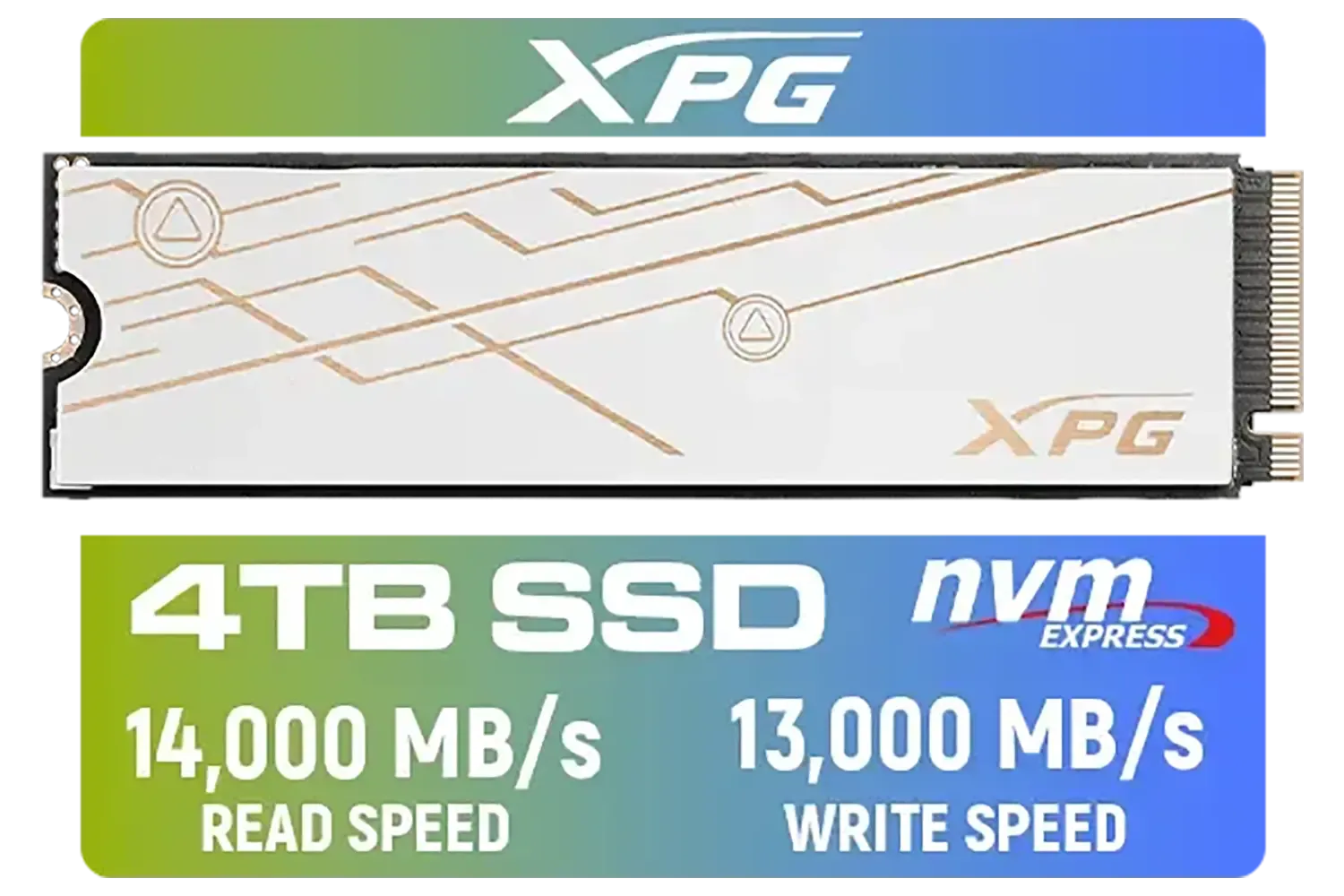
ADATA XPG Mars 980 Blade 4TB NVMe 5.0 Internal Solid State Drive / Up to 14,000MB/s Read Speed and Up to 13,000MB/s Write Speed / SMAR-980B-4TCS
R7999.00In Stock

ADATA SD810 2000G USB-C 2TB External Solid State Drive - Black / IP68 Water Resistance / Up to 2000 MB/s Read/Write Speeds / USB 3.2 Gen 2 for iPhone 15/Pro/Max, Android / SD810-2000G-CBK
R3199.00In Stock

Corsair MP700 PRO 1TB with Air Cooler PCIe Gen5 x4 NVMe 2.0 M.2 SSD / Up to 11,700MB/s Sequential Read / Up to 9,600MB/s Sequential Write / M.2 2280 Form Factor / CSSD-F1000GBMP700PRO
R4199.00In Stock

Kingston Fury Renegade 4TB NVMe SSD / M.2 2280 Form Factor / PCIe Gen5.0 / Up to 14,800MB/s Read / Up to 14,000MB/s Write / SFYR2S/4T0
R9999.00In Stock
ADATA XPG GAMMIX S55 2TB NVMe PCIe Gen4 x 4 M.2 / Read & Write Speed up to 5,000 & 3,700MB/s / Internal Solid State Drive Great for Steam Deck, Microsoft Surface and Gaming Consoles / SGAMMIXS55-2T-C
R3999.00In Stock
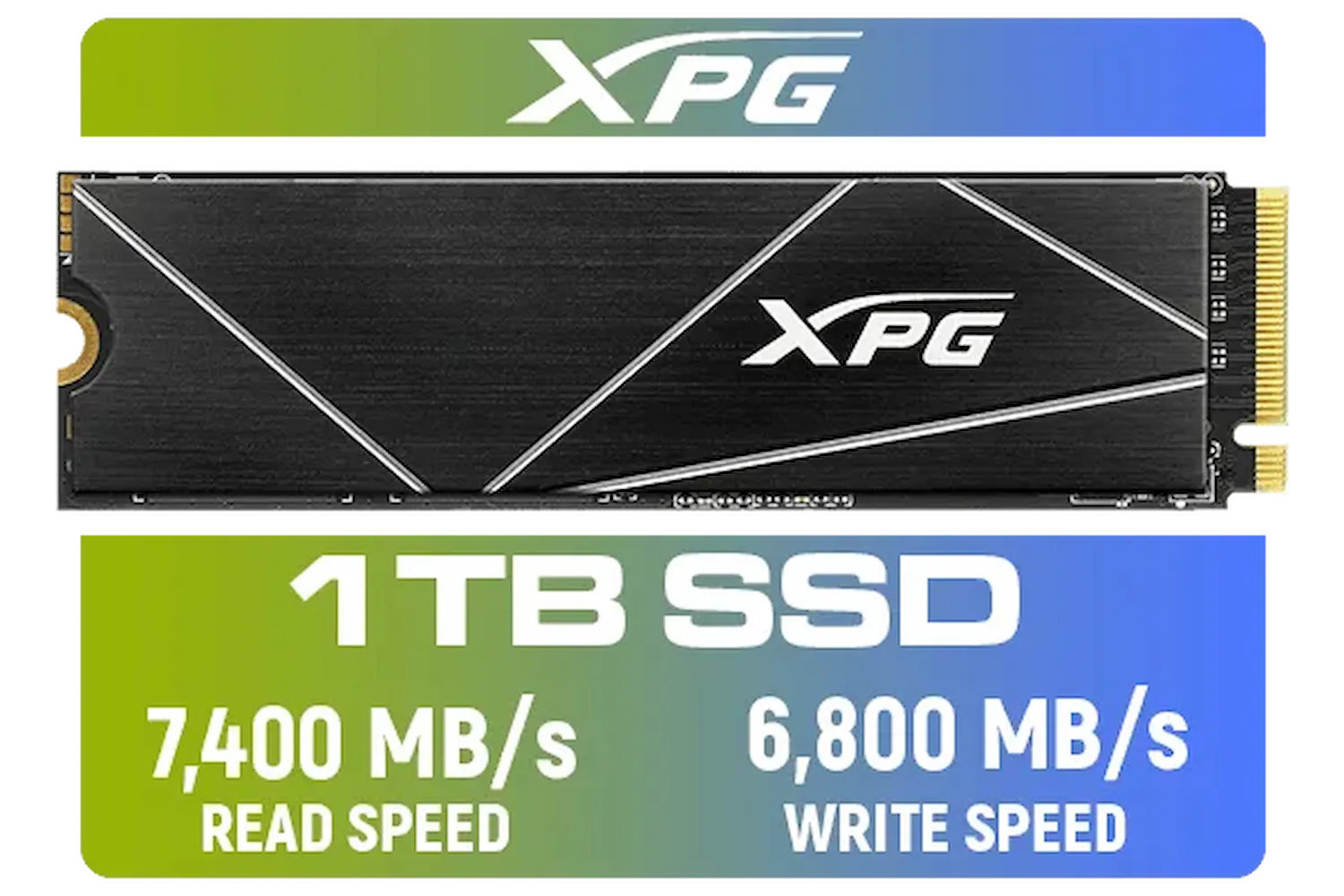
ADATA XPG 1TB GAMMIX S70 Blade - Works with Playstation 5, PCIe Gen4 M.2 2280 Internal Gaming SSD Up to 7,400 MB/s / AGAMMIXS70B-1T-CS
R2599.00In Stock
2. Manage Windows Write-Caching
Windows has a feature called "write-caching" to make your SSD feel faster. It uses your PC's super-fast RAM as a temporary buffer before writing data to the SSD. The risk? If loadshedding hits before the data is flushed from RAM to the SSD, it's gone forever.
- With a UPS: You can safely leave write-caching enabled for maximum performance.
- Without a UPS: Consider disabling it for maximum data safety, though you may notice a slight performance dip.
TIP FOR YOU
Check Your Write-Cache Settings 🔧
You can easily check this in Windows. Right-click the Start button, go to Device Manager > Disk drives. Right-click your WD SN8100 SSD, select Properties, and go to the Policies tab. Here you can enable or disable write-caching. Remember, only enable it if you have a reliable UPS!
Beyond the SN8100: Exploring Upgrade Paths
The WD SN8100 is a capable drive, but the tech world moves fast. If you're building a new rig or considering an upgrade, it's worth looking at what newer drives offer. Some modern drives provide better performance and efficiency, which can be a welcome bonus.

Orico X7000 4TB NVMe Internal Solid State Drive SSD / Versatile storage for multiple platforms / PCIe Gen 4.0, M.2 2280 / Up to 7100MB/s Read Speed / Up to 6500MB/s Write Speed / ORICO-X7000-4TB-RD-BP
R6199.00In Stock
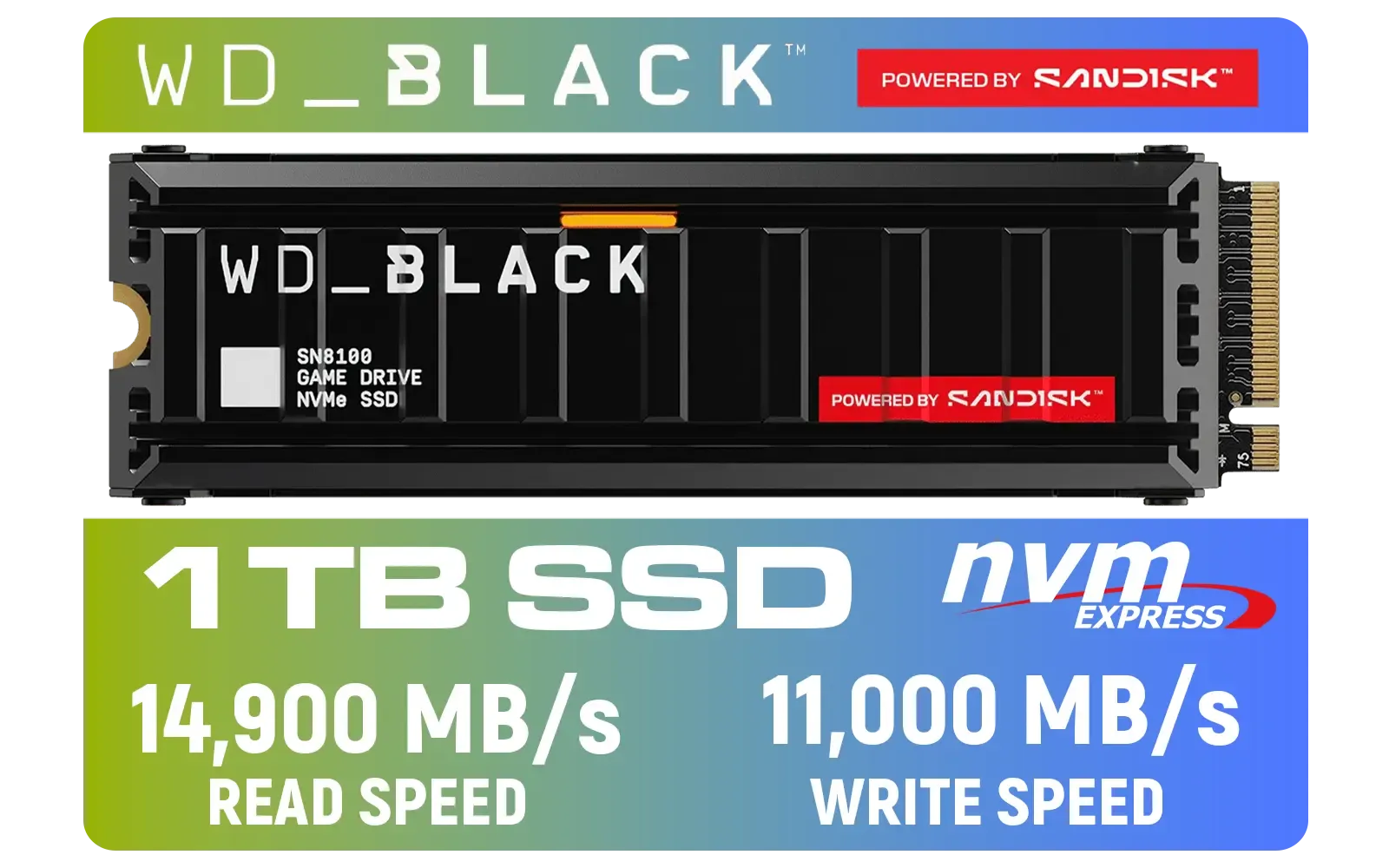
Western Digital SN8100 1TB NVMe Internal Solid State Drive with Heatsink / Read Speeds up to 14,900 MB/s / Write Speeds up to 11,000 MB/s / TCG Opal Security Encryption / nCache™ 4.0, Game Mode, and Adaptive Cooling / Includes SanDisk Dashboard & Acronis® True Image™ Software / WDS100T1XHM
R3,399In Stock

Kingston XS1000 1TB SSD | Pocket-Sized | USB 3.2 Gen 2 | External Solid State Drive | Up to 1050MB/s | SXS1000/1000G
R1799.00In Stock

ADATA XPG GAMMIX S55 1TB NVMe PCIe Gen4 x 4 M.2, R/W Speed up to 5,000/3,700MB/s, Internal Solid State Drive Great for Steam Deck, Microsoft Surface and Gaming Consoles / SGAMMIXS55-1T-C
R2499.00In Stock
Crucial P310 2TB NVMe Internal Solid State Drive SSD / Sequential read/write speeds up to 7,100/6,000MB/s / Integrated power loss immunity / Error correction code (ECC) / CT2000P310SSD8
R3799.00In Stock
ADATA XPG GAMMIX S55 2TB NVMe PCIe Gen4 x 4 M.2 / Read & Write Speed up to 5,000 & 3,700MB/s / Internal Solid State Drive Great for Steam Deck, Microsoft Surface and Gaming Consoles / SGAMMIXS55-2T-C
R3999.00In Stock
For example, drives like the Klevv Cras C925G 1TB Gen4 NVMe SSD offer compelling performance for their price point. As you plan your next upgrade, exploring what brands like Klevv in South Africa are bringing to the market can reveal some fantastic value. If you want to compare a wide variety of options, browsing our full range of SSDs is the best way to find the perfect fit for your needs and budget. ✨
Ready to Make Your PC Loadshedding-Proof? Don't let unpredictable power ruin your hardware or your data. A reliable SSD and a quality UPS are the best investments a South African PC owner can make. Explore our massive range of SSDs and build a rig that's ready for anything.
Related Products
ADATA SE920 1TB External Solid State Drive / Up to 2000 MB/s Read Speed / Up to 3,700 MB/s Write Speed(3,200 MB/s with Thunderbolt 4) / USB4 USB-C Interface (Backwards Compatible with USB 3.2/2.0) / SE920-1TCBK
R2999.00In Stock
ADATA SD810 2000G USB-C 2TB External Solid State Drive - Black / IP68 Water Resistance / Up to 2000 MB/s Read/Write Speeds / USB 3.2 Gen 2 for iPhone 15/Pro/Max, Android / SD810-2000G-CBK
R3199.00In Stock

Kingston Fury Renegade 1TB PCIe Gen 5.0 NVMe M.2 Internal SSD / Maximum Read Speed 14,200 MB/s / Maximum Write Speed 11,000 MB/s / Advanced thermal design / SFYR2S/1T0
R4199.00In Stock

Kingston KC3000 PCIe 4.0 NVMe M.2 512GB SSD - High-Performance Storage for Desktop and Laptop PCs / 7,000MB/s Read, 3,900MB/s Write / Includes Acronis cloning software / SKC3000S/512G
R1399.00In Stock
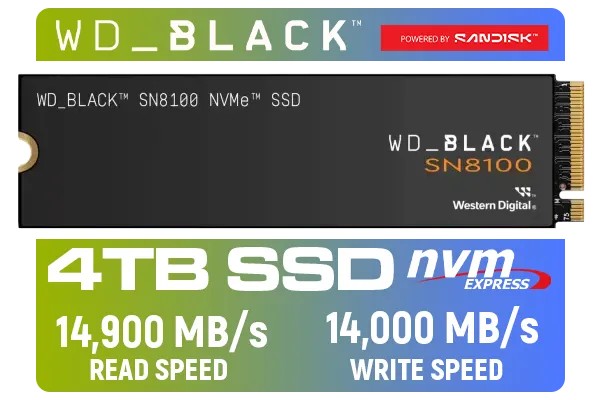
Western Digital SN8100 NVMe Internal Solid State Drive - 4TB / Sequential Read, Write Performance - 14900MB/s, 14000MB/s / PCIe Gen 5 / WDS400T1X0M
R10499.00In Stock

Teamgroup CX2 2TB SATA Internal Solid State Drive / Up to 540 Read Speed / Up to 490 Write Speed / Advanced SLC Caching technology / T253X6002T0C101
R2199.00In Stock
Yes, sudden power loss can cause data corruption or controller failure. Using a UPS and proper shutdown procedures is vital for SSD loadshedding protection.
Install the Western Digital Dashboard software to scan for and apply the latest firmware, which often includes improved power management protocols.
Consumer drives like the SN8100 rely on firmware logic rather than hardware capacitors. A dedicated UPS is recommended to prevent SSD data corruption.
Disabling write caching can reduce data loss risks during outages, though it may slightly impact speed. Ensure your NVMe power settings are balanced.
Use the S.M.A.R.T. status feature within the Western Digital Dashboard to monitor drive longevity and identify any errors caused by power interruptions.
No, a surge protector only stops voltage spikes. To optimize Western Digital SN8100 SSD safety, you need a UPS to provide battery backup for a safe shutdown.











