



PCIe Gen 5: Future-Proof Your Build with 12VHPWR Cables
PCIe Gen 5 future-proofs performance and power — learn when and how to use 12VHPWR cables to secure GPU compatibility, PSU choices, and safety checks 🔧⚡
|
Loading tags...

Building a new PC in South Africa is a serious thrill. You’ve saved up, picked out that beastly new GPU... but then the worry creeps in. Is this rig truly ready for what's next? With graphics cards demanding more power than ever, the conversation has shifted. It’s no longer just about the CPU or GPU; it's about the foundation. At the heart of that foundation is the powerful duo: PCIe Gen 5 and the 12VHPWR cable.

Promate 8k CrystalClarity™ UCB-C to HDMI Cable / 8K UHD Resolution @ 60Hz / Aluminum Shell / 48Gbps Max Link Bandwidth / 1.8m Cable / MEDIACORD-8K
R499.00In Stock
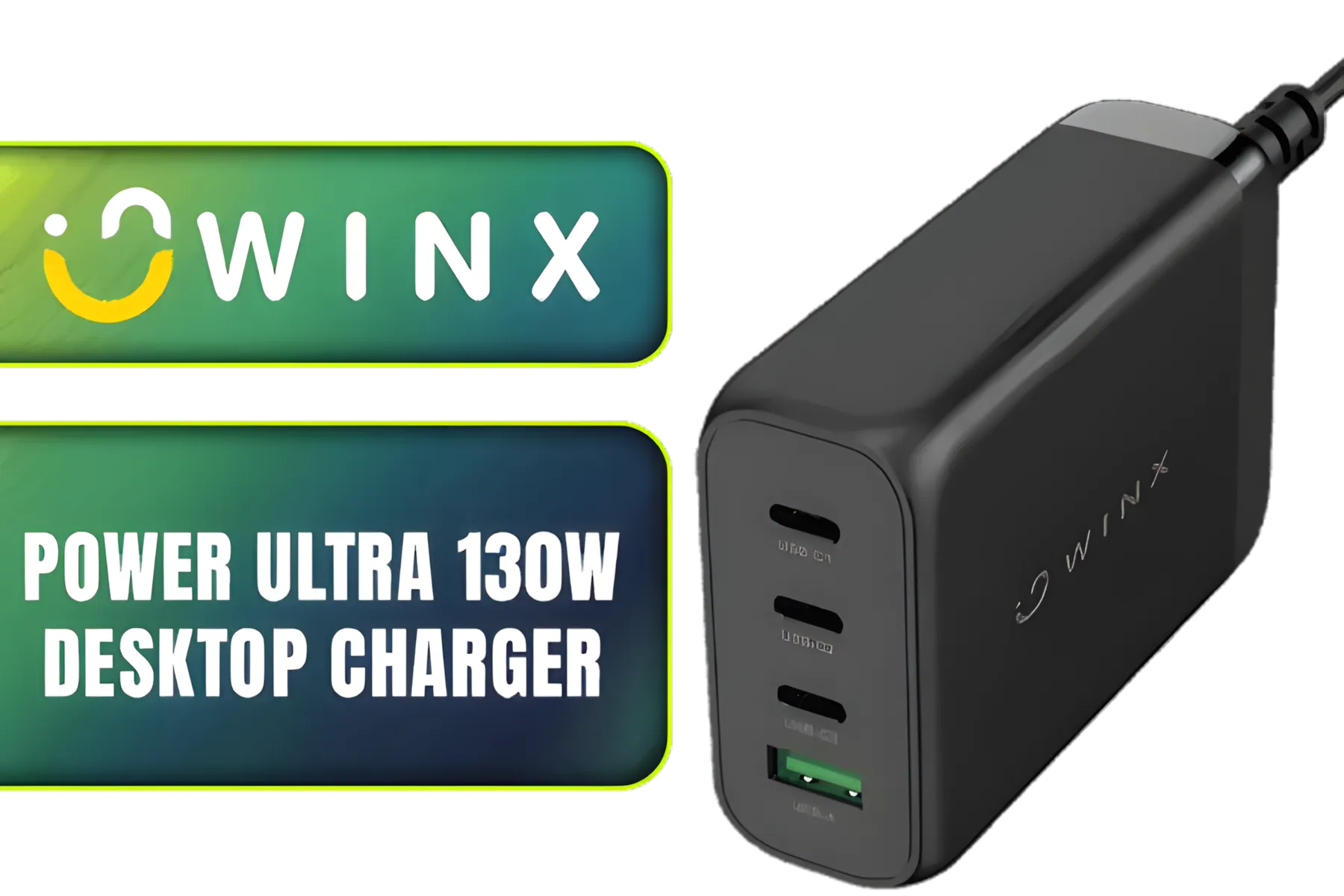
Winx Power Ultra 130W Desktop Charger / Ultra-compact, space-saving design/ Charge your notebooks, tablets, mobile phones, & handheld gaming devices / WX-DC102
R849.00In Stock
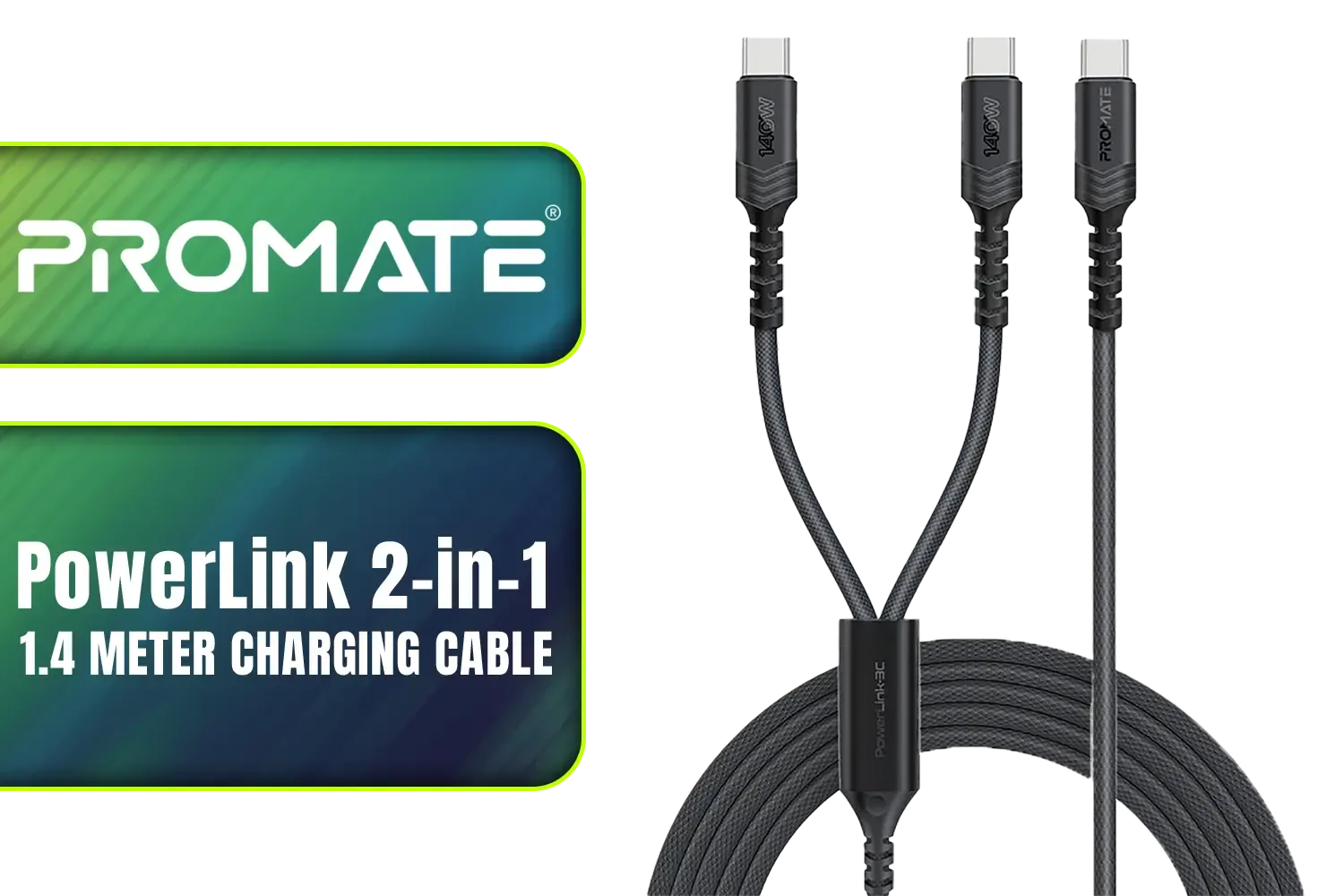
Promate PowerLink 2-in-1 High-Speed Charging Cable - 1.4 Meter / 140W Power Delivery / High Tensile Strength Cable / PD2.0 / PD3.0 / PD3.1 Support / 480Mbps Data Transfer / 1.4m Cable Length / Durable Fabric-Braided Cable / PowerLink-3C.Black
R399.00In Stock
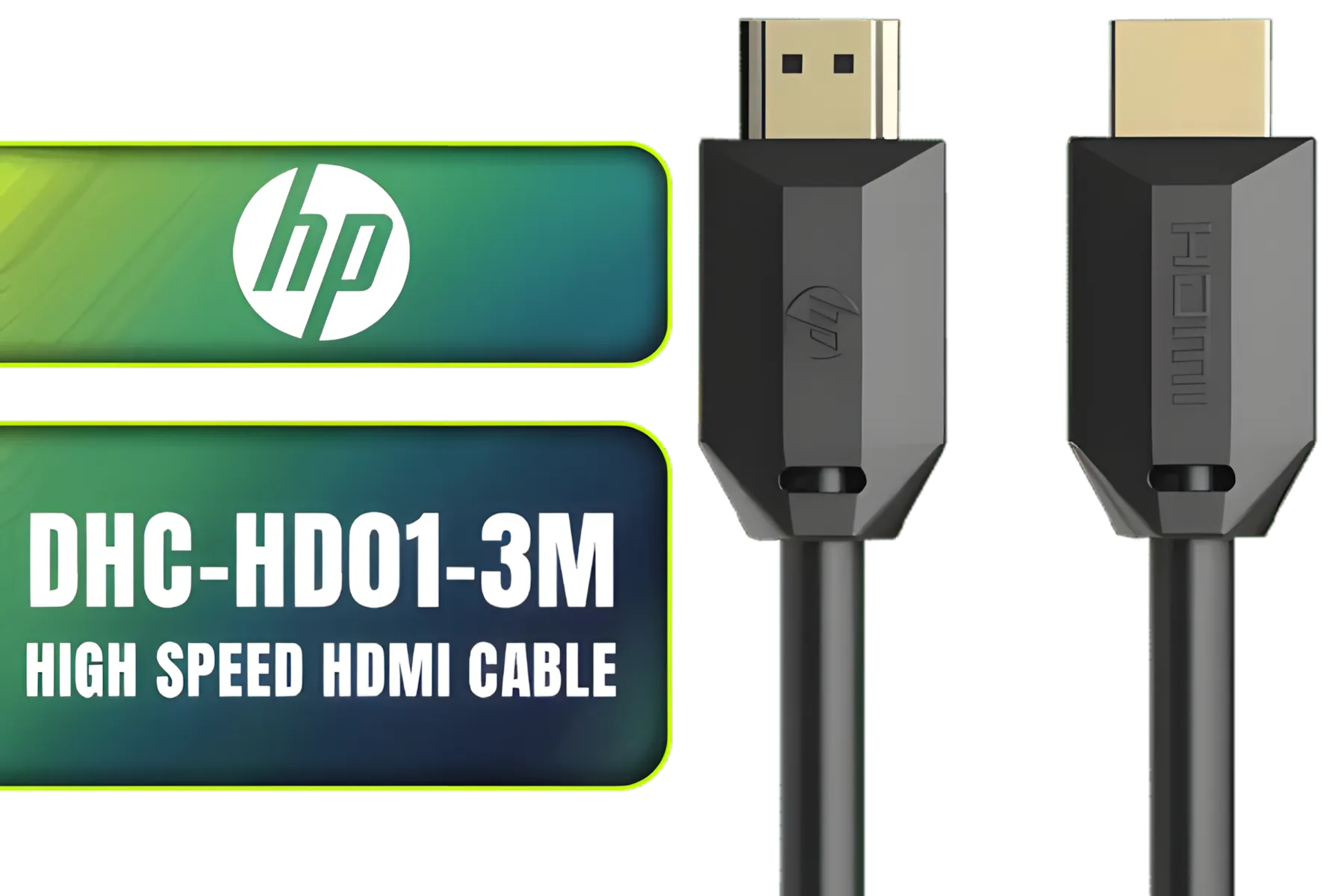
HP DHC-HD01-3M High Speed HDMI Cable / Supports 4K/60Hz High Resolution / Clear and Delicate Picture Quality / Transmission Rate up to 18Gbps / Corrosion Resistant & Rust Free / High Fidelity Transmission Signal / DHC-HD01-3M
R149.00In Stock

HP USB C to RJ45 Adapter - Cable Interface/Gender Adapter (USB-C, RJ45, Male Connector/Female Connector, Black) / DHC-CT208
R499.00In Stock
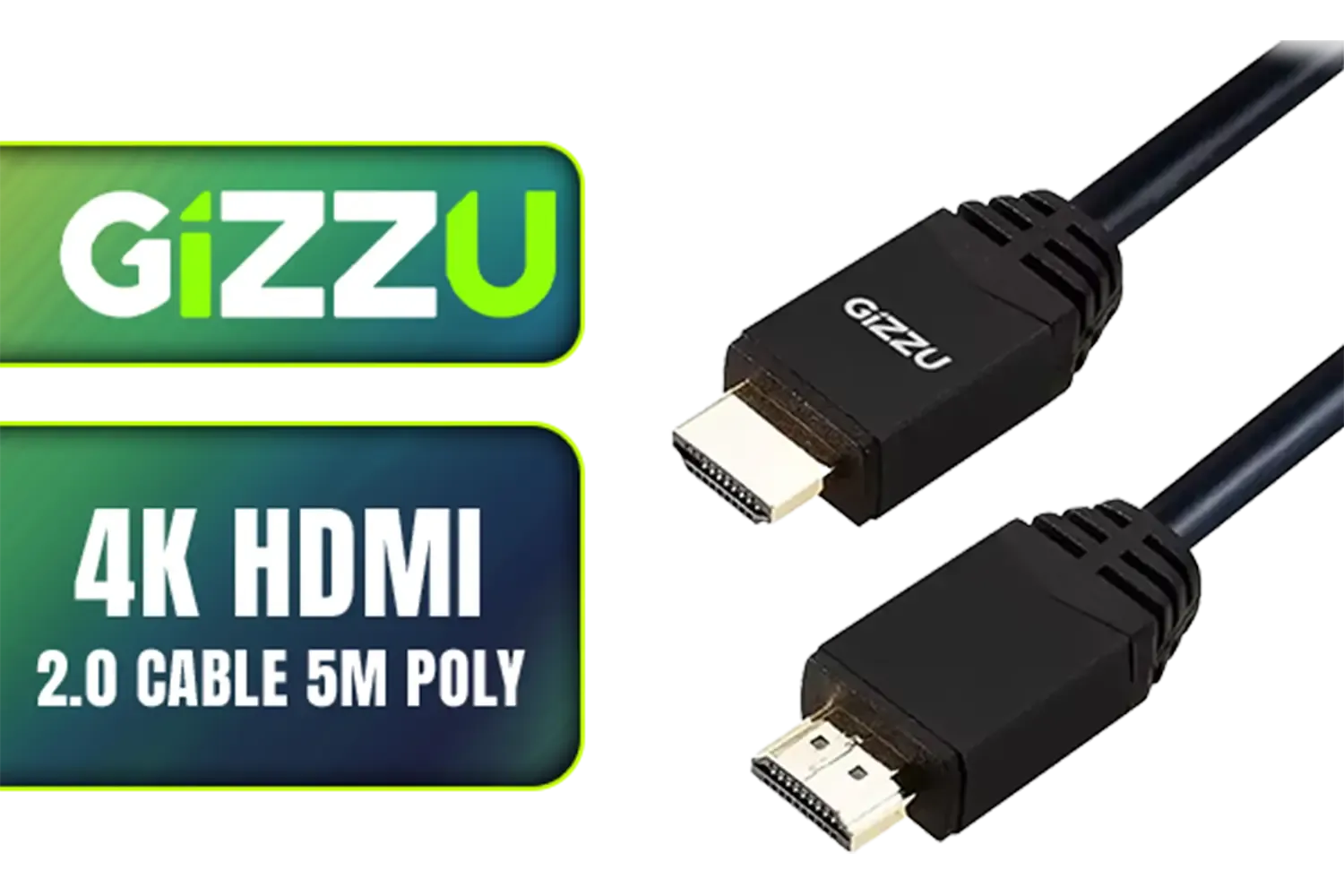
Gizzu 4K HDMI 2.0 Cable 5m Poly / Supports 4K at 60Hz Resolution / Up to 18Gbps Bandwidth / 3D and HDR for Vivid Colors / GCPHH5
R199.00In Stock
Understanding the PCIe Gen 5 Leap
So, what’s all the fuss about PCIe Gen 5? Think of it as upgrading from a two-lane road to a massive multi-lane highway for your data. This new standard doubles the bandwidth of its predecessor, PCIe 4.0. For you, the gamer or creator, this means your super-fast NVMe SSDs and next-generation graphics cards can communicate with your motherboard at blistering speeds. 🚀
This isn't just a number on a spec sheet. It translates to:
- Faster Game Loading: Less time staring at loading screens.
- Smoother Asset Streaming: In open-world games, textures and models load in seamlessly.
- Enhanced Creative Workflows: Massive video files and complex projects handle like a dream.
Essentially, adopting PCIe Gen 5 prepares your system for the future of gaming and content creation.
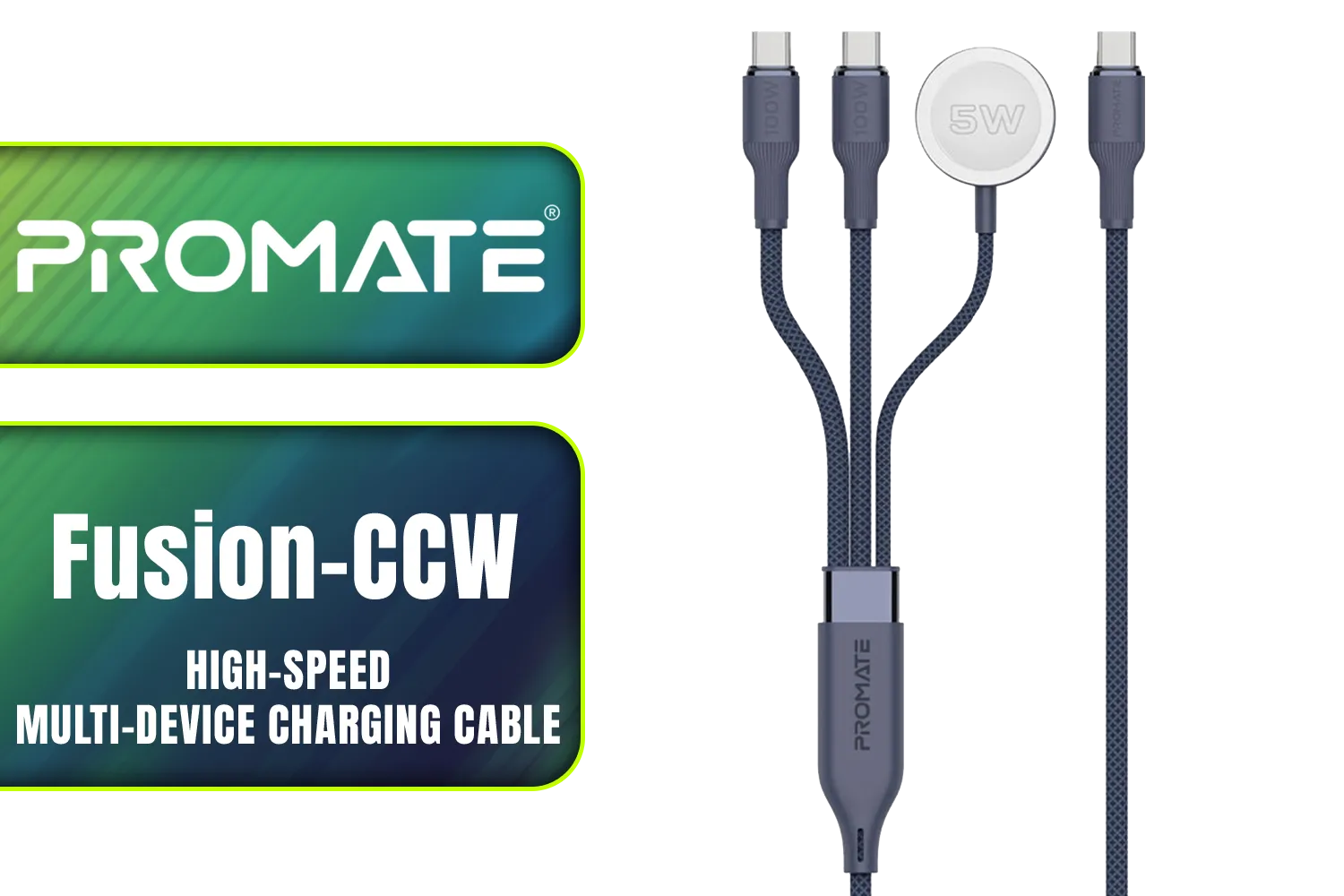
Promate Fusion-CCW High-Speed Nylon Braided Multi-Device Charging Cable - Blue / Rapid 100W Multi-Device Charging / Apple Watch Charger / 480Mbps Data Transfer / Reinforced Nylon-Braided Durable Design / Fusion-CCW.Blue
R449.00In Stock
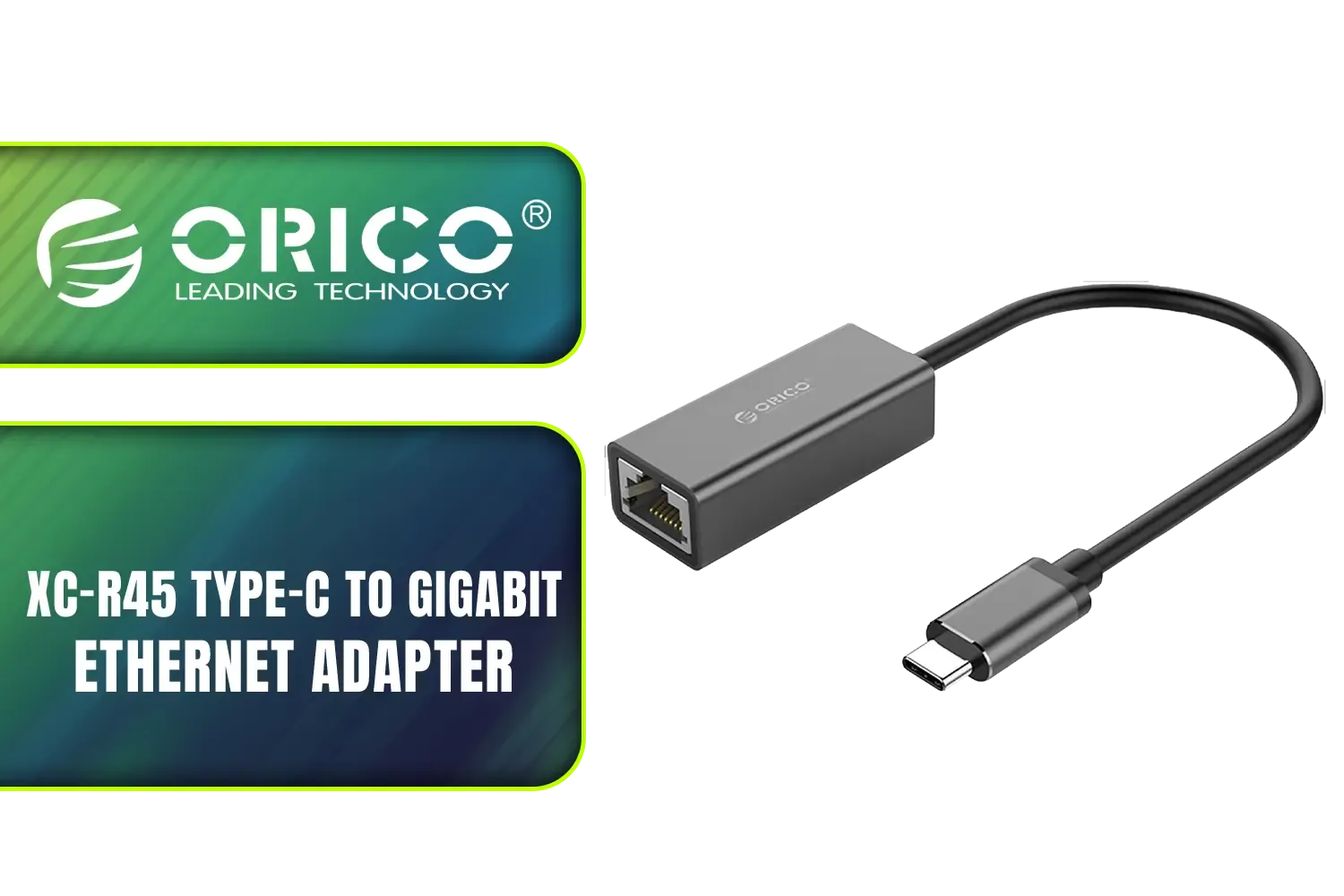
Orico XC-R45 Type-C to Gigabit Ethernet Adapter / 1000 Gbps Transfer Speed / Driver-Free on Windows 8/10 Systems / Compatible with MacBook / ORICO-XC-R45-V1-BK-BP
R299.00In Stock
HP USB C to RJ45 Adapter - Cable Interface/Gender Adapter (USB-C, RJ45, Male Connector/Female Connector, Black) / DHC-CT208
R499.00In Stock
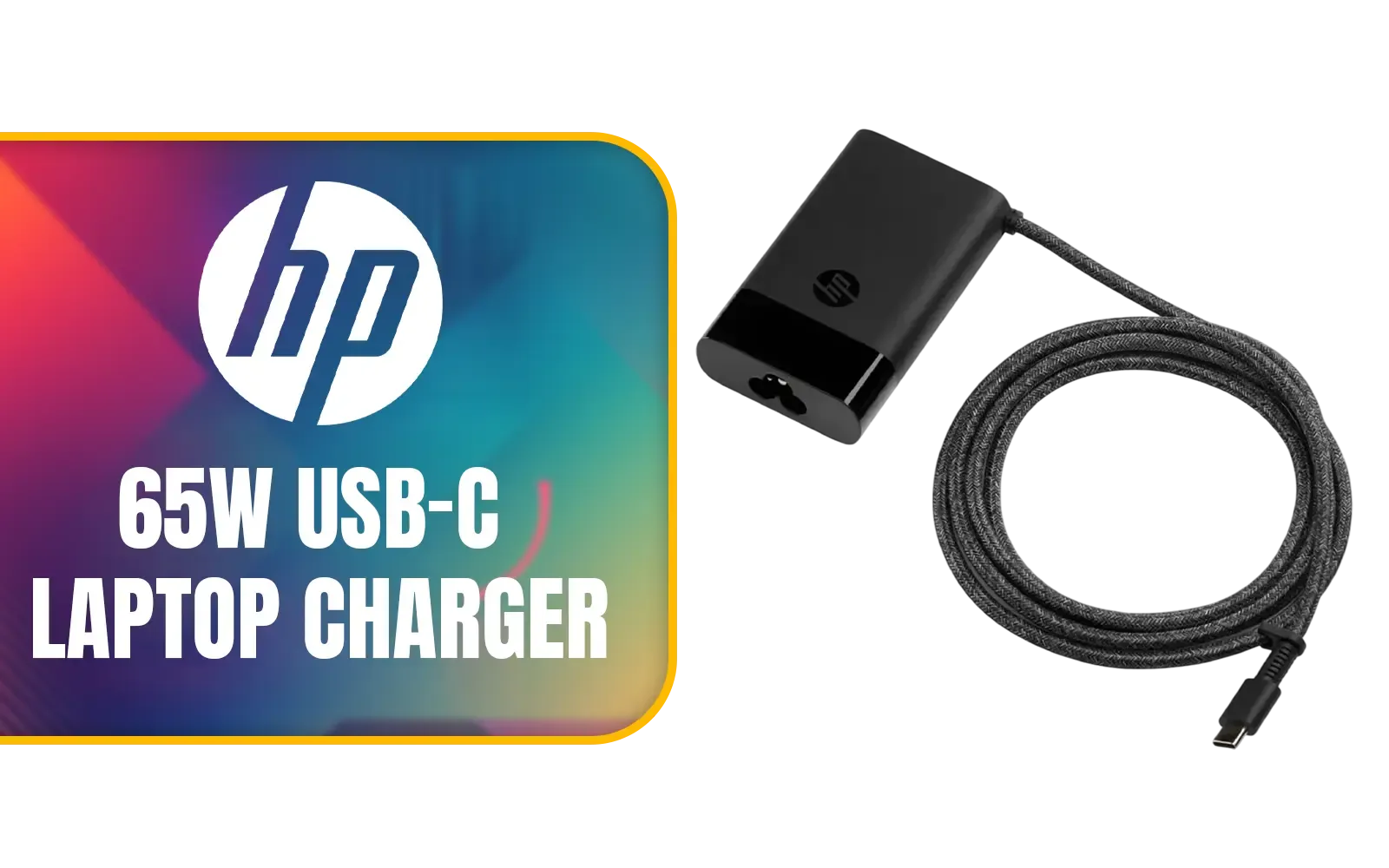
HP 65W USB-C Laptop Charger / AC power adapter USB Type-C cable / 671R2AA
R699.00In Stock
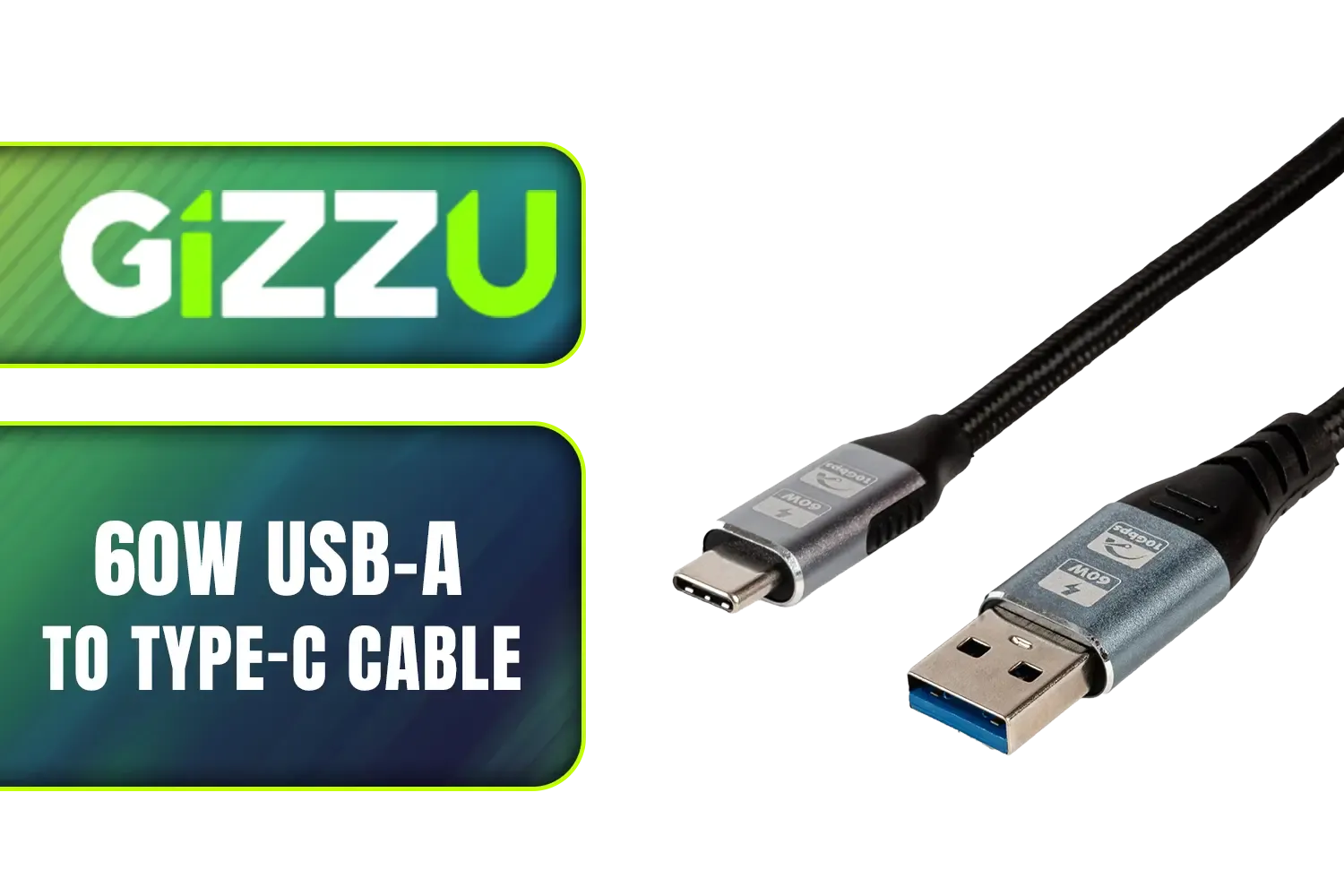
Gizzu 60W USB-A to Type-C Cable - 2m / 60W Fast Charging / Up to 10Gbps Transmission Rate / GCPU3C06010G-02
R199.00In Stock
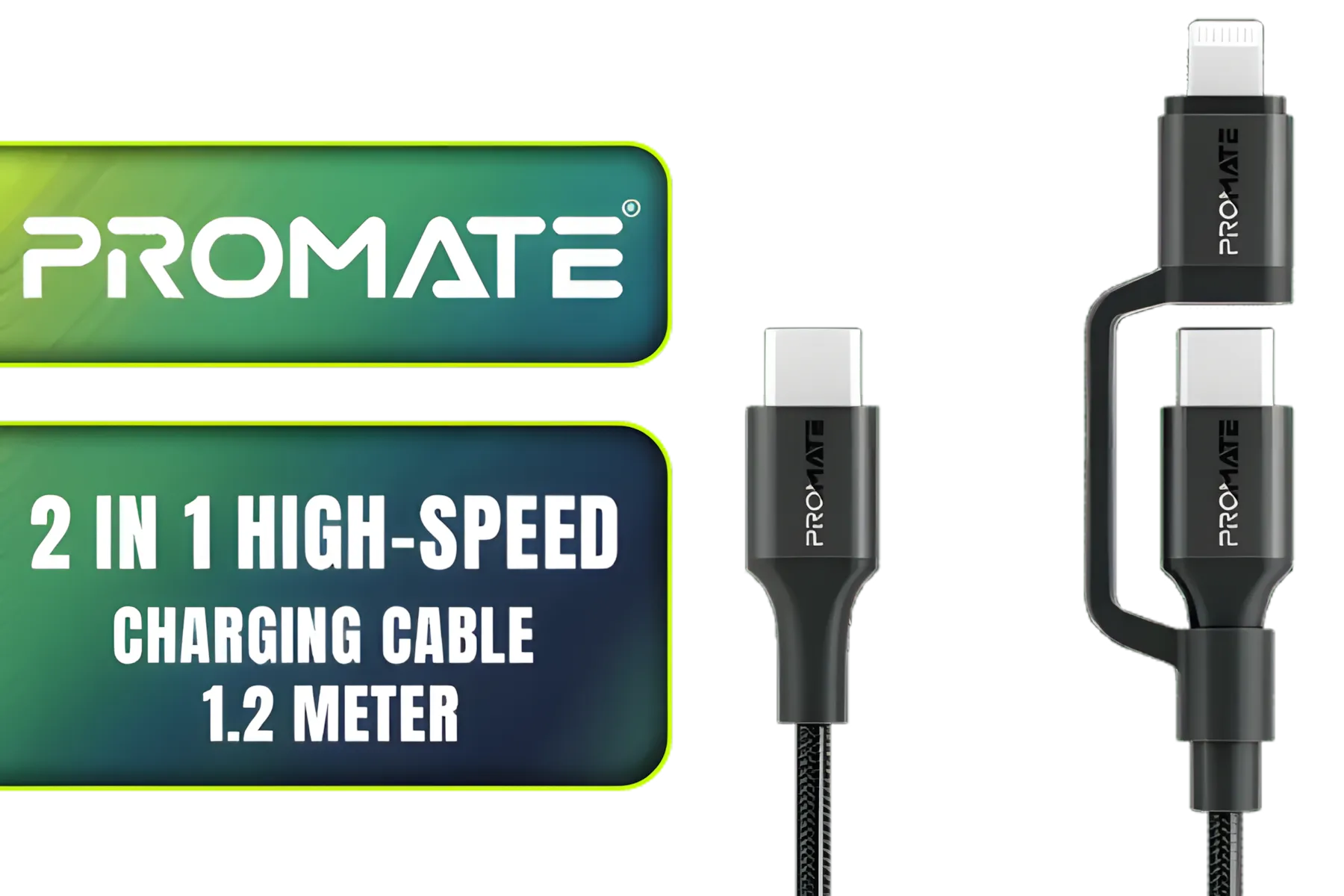
Promate 2 in 1 High-Speed Charging Cable - 1.2 Meter / 60W Power Delivery / High Tensile Strength Cable / MFi Certified / Data and Charge / 1.2 Meter Cable Length / 25000+ Bend Tested / PowerLink-CCi.Black
R249.00In Stock
Meet the 12VHPWR Cable: Taming the Power Beast
With great power comes... the need for a great power connector. Modern GPUs, especially NVIDIA's RTX 40-series, are incredibly thirsty for electricity. The old way of daisy-chaining multiple 8-pin connectors was becoming messy and inefficient.
Enter the 12VHPWR (12-Volt High Power) connector. This single, robust cable is designed to deliver up to 600 watts of stable power directly to your graphics card. It’s a cleaner, safer, and more direct way to fuel the most demanding component in your build. By simplifying your cable management, you also improve airflow inside your case—a win-win. For those who want reliability and a clean aesthetic, investing in high-quality sleeved premium cables is a no-brainer.
TIP FOR YOU
Cable Seating Check 🔧
When installing a 12VHPWR cable, ensure it's fully and firmly seated in the GPU socket. You should hear a distinct 'click'. A partial connection was the primary cause of early issues. Also, avoid bending the cable too sharply right at the connector; give it about 3-4cm of straight clearance before you curve it.
Why Your Build Needs a Quality 12VHPWR Solution
Now that we've established the 'what', let's talk about the 'why'. Choosing the right 12VHPWR cable is crucial for system stability and longevity. A cheap, poorly made cable can not only bottleneck your expensive GPU's performance but also pose a genuine safety risk.
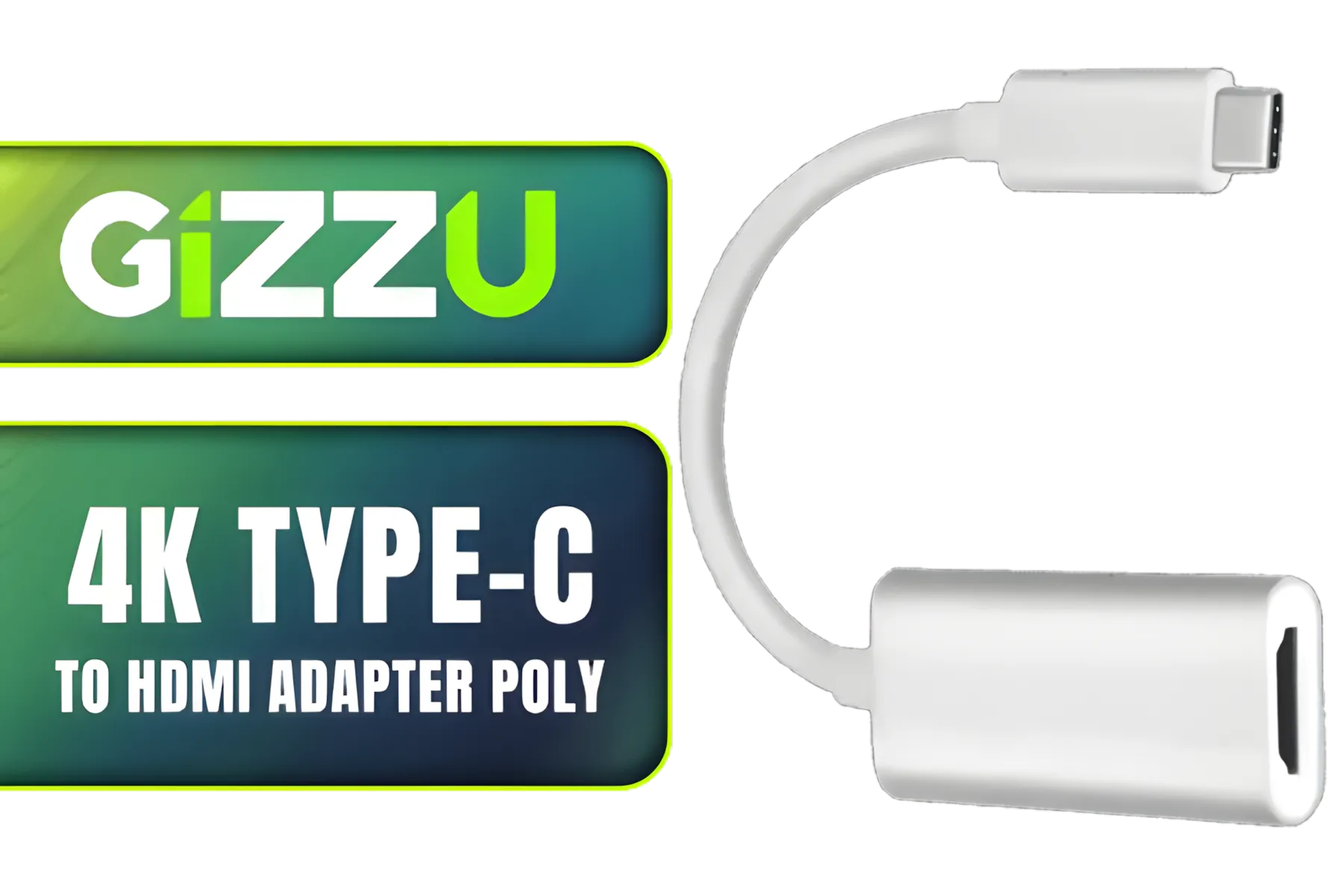
Gizzu 4K Type-C to HDMI Adapter Poly / GAPCH
R299.00In Stock
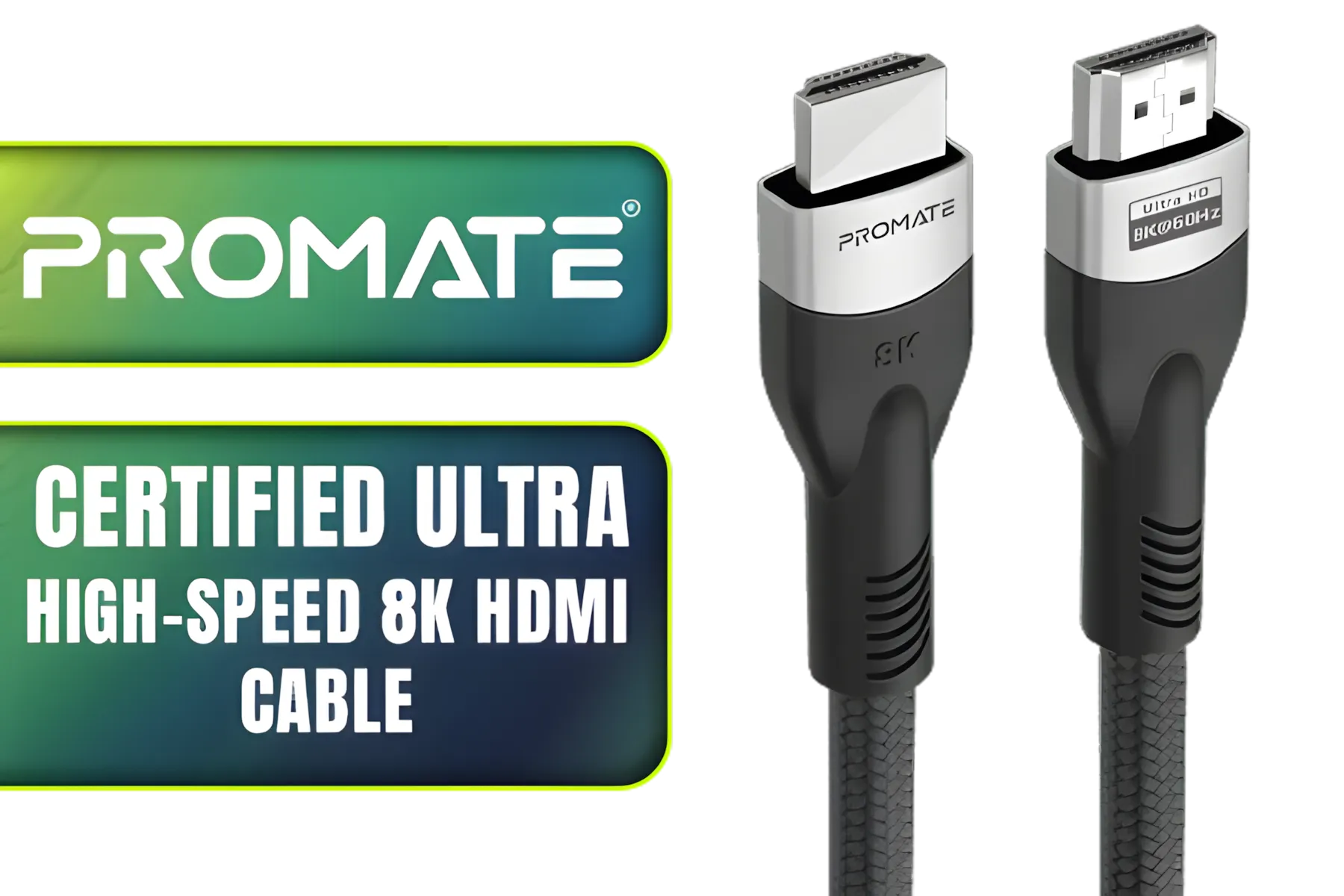
Promate Certified Ultra-High-Speed 8K HDMI® Cable / 8k @ 60Hz HDMI / 5M Cable / 48Gbps Transfer Rate / PRIMELINK8K-500
R349.00In Stock
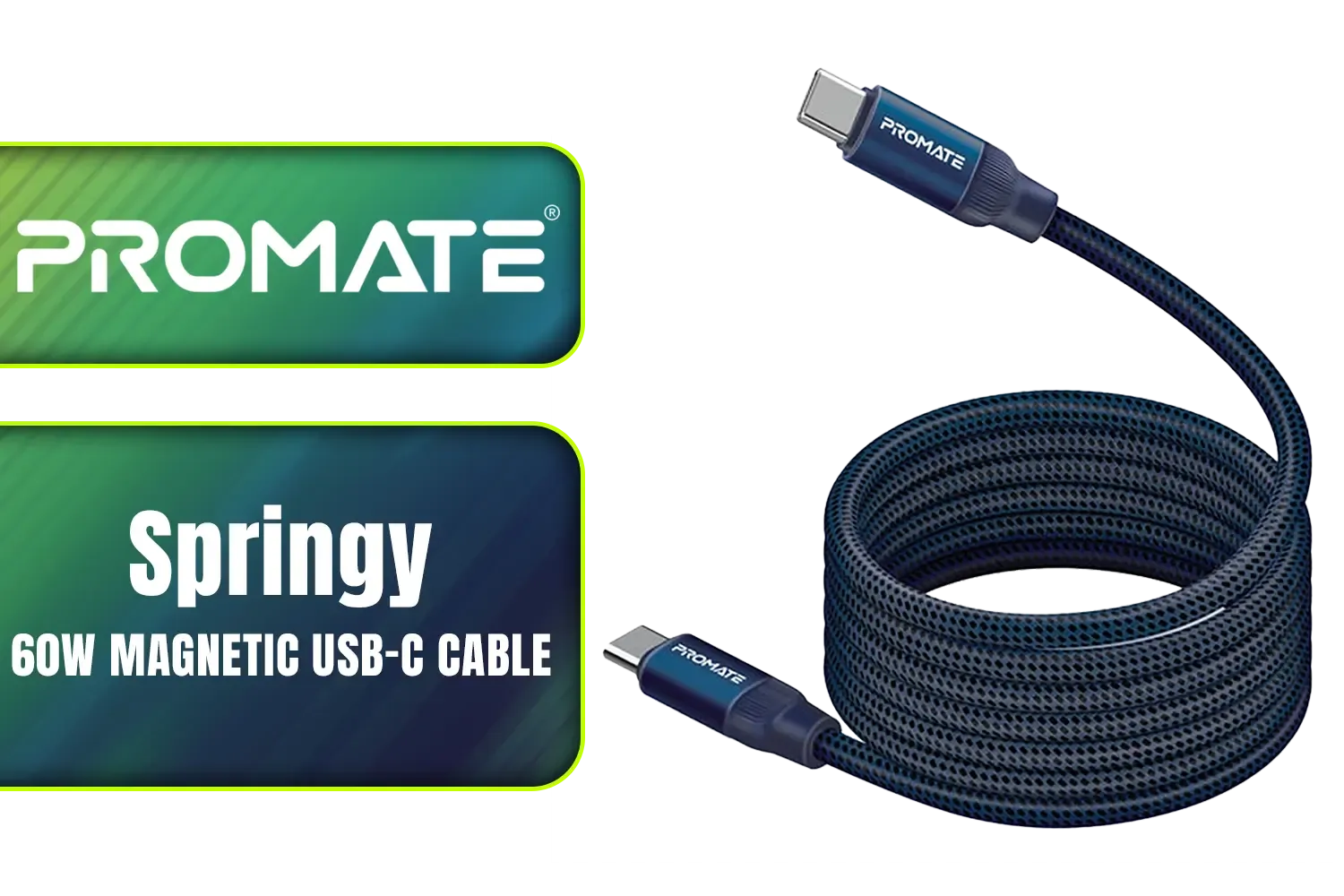
Promate Springy 60W Self-Organizing Magnetic USB-C Cable - Blue / Durable nylon braided thick copper core /480Mbps Data sync and charge / Springy.Blue
R199.00In Stock

HP DHC-CT201 USB-C to VGA 1080P Adapter - Stable picture Quality Without Flickering - notebook Connection Tv, Projector And More Display Device - Aluminum Finish / DHC-CT201
R499.00In Stock

HP DHC-CT202 USB-C 3.1 to HDMI Adapter - Stable Picture Quality No Splash Screen - Notebook Connection Tv, Projector And More Display Device - Support 4K Resolution - Clear And Realistic Picture / DHC-CT202HP
R399.00In Stock
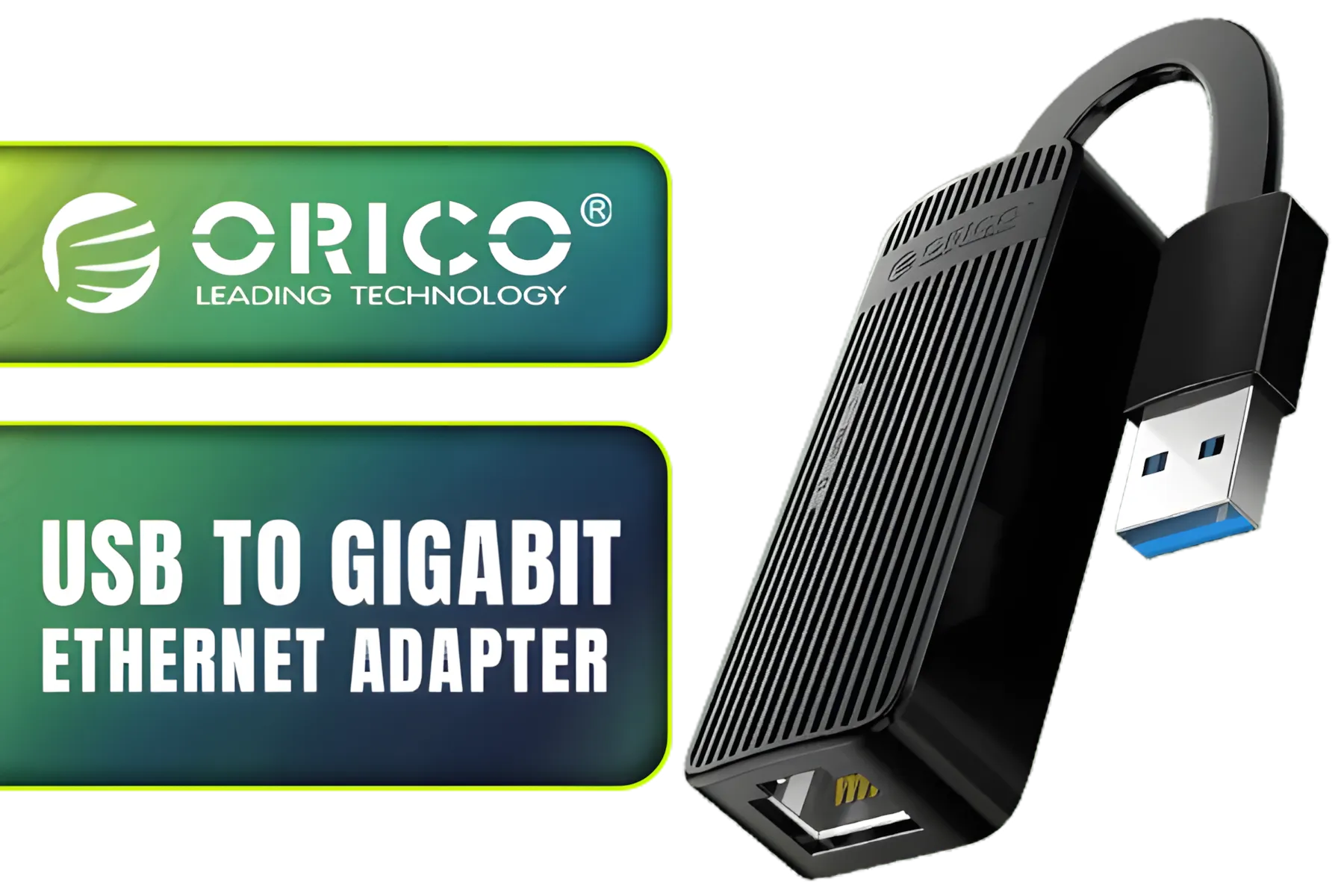
Orico USB to Gigabit Ethernet Adapter / USB3.0 To Rj45 / 1000Mbps Transmission Speed / Compatible With Multiple Systems / ORICO-UTK-U3-BK-BP
R399.00In Stock
Future-proofing your build means investing in a solid power delivery system. This starts with a good quality ATX 3.0 power supply that includes a native 12VHPWR port, but it doesn't end there. The cable itself matters. Whether you're looking for a direct replacement or want to add some flair with an ARGB extension, prioritising quality is key. ✨ It ensures your components get the clean, consistent power they need to perform at their peak for years to come.
Getting your power delivery right with a proper PCIe Gen 5 12VHPWR setup is one of the smartest investments you can make in your new PC. It’s the unsung hero that lets your R30,000+ graphics card actually perform like one.
Ready to Power Up Your Next-Gen Build? The leap to PCIe Gen 5 is exciting, but it demands the right foundation. Don't let a simple cable bottleneck your brand-new GPU. Browse our full range of high-quality PC cables and components and build a rig that's truly ready for the future.
Related Products
Winx Power Ultra 130W Desktop Charger / Ultra-compact, space-saving design/ Charge your notebooks, tablets, mobile phones, & handheld gaming devices / WX-DC102
R849.00In Stock
HP DHC-CT201 USB-C to VGA 1080P Adapter - Stable picture Quality Without Flickering - notebook Connection Tv, Projector And More Display Device - Aluminum Finish / DHC-CT201
R499.00In Stock
HP DHC-CT202 USB-C 3.1 to HDMI Adapter - Stable Picture Quality No Splash Screen - Notebook Connection Tv, Projector And More Display Device - Support 4K Resolution - Clear And Realistic Picture / DHC-CT202HP
R399.00In Stock
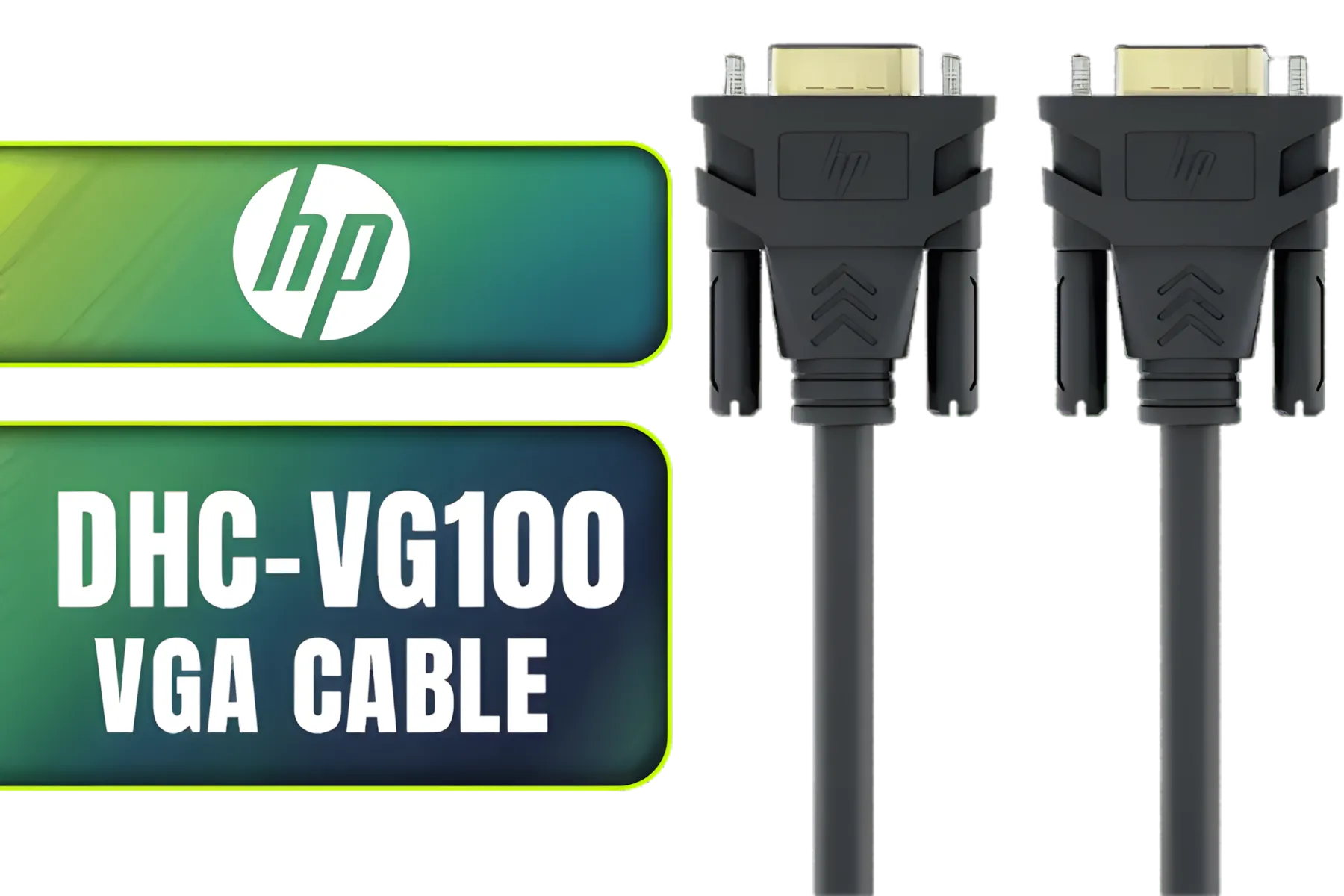
HP DHC-VG100 VGA Cable Black 2 Meters SVGA BK - monitor, Smart TV, 1080p resolution / DHC-VG100-2M
R199.00In Stock

ORICO USB 3.0 to VGA Adapter Black / UTV-BK-BP
R399.00In Stock
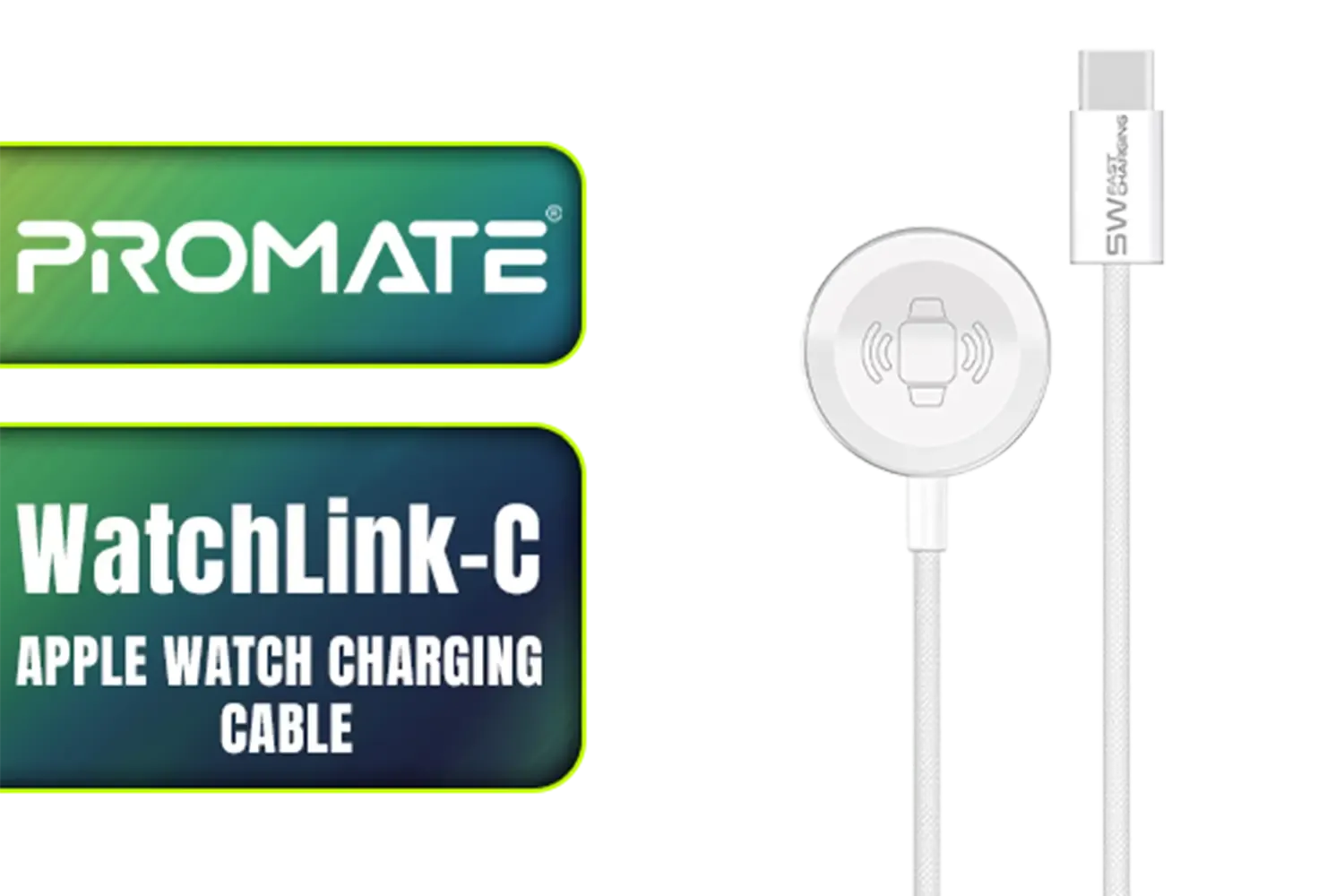
Promate WatchLink-C Fabric Braided Apple Watch Charging Cable / Fast 5W magnetic charging power / 1.2m cable length / Flexible fabric braided exterior / Durable aluminum and plastic build / WatchLink-C
R249.00In Stock
PCIe Gen 5 doubles bandwidth over Gen4, enabling next-gen GPUs and NVMe. It matters for a future-proof GPU build PCIe gen5 and high-speed peripherals.
Many Gen 5 GPUs require 12VHPWR for higher wattage. Check your GPU spec and 12-pin 12VHPWR adapter guide before upgrading.
Pick a PSU with native 12VHPWR or validated adapters. Look for PCIe Gen 5 compatible PSU specs and reliable connectors.
Yes—improper adapters or damaged pins cause heat. Follow 12VHPWR cable safety guidance and use certified cables to avoid risks.
Adapters work if rated correctly, but follow the 12-pin 12VHPWR adapter guide and PSU wattage limits to avoid instability.
Inspect cables regularly and replace if pins, sleeves, or connectors show wear. See 12VHPWR cable replacement tips for safe swaps.
Most Gen5 GPUs use the same x16 slot but need BIOS and lane support. Check PCIe Gen 5 motherboard support and firmware updates.











