



PCIe Gen 5 NVMe SSD performance: Optimize Your PC
PCIe Gen 5 NVMe SSD performance guide: boost real-world speeds with BIOS tuning, correct M.2 slot use, cooling, drivers, and benchmarks 🚀💾
|
Loading tags...

Tired of watching loading bars crawl across your screen while your mates are already dropping in? That frustrating wait is a dead giveaway that your storage can't keep up. For serious gamers and creators in South Africa, the leap to PCIe Gen 5 NVMe SSD performance isn't just a minor upgrade... it's like swapping a go-kart for a rocket ship. Let's look at how to properly optimise your PC to unleash this incredible new speed. 🚀

Kingston IronKey Vault Privacy 80 960GB External SSD | FIPS 197 | XTS-AES 256GB Encrypted | Touch Screen PIN | Secure Data Protection | IKVP80ES/960G
R5599.00In Stock

Corsair MP600 PRO NH 4TB PCIe Gen4 x4 NVMe M.2 SSD – High-Density TLC NAND – M.2 2280 – DirectStorage Compatible - Up to 7,000MB/sec - No Heatsink - Black / CSSD-F4000GBMP600PNH
R7499.00In Stock

Kingston Fury Renegade 1TB PCIe Gen 4.0 NVMe M.2 Internal Gaming SSD with Heat Sink | PS5 Ready | Up to 7300MB/s / SFYRSK/1000G
R2999.00In Stock
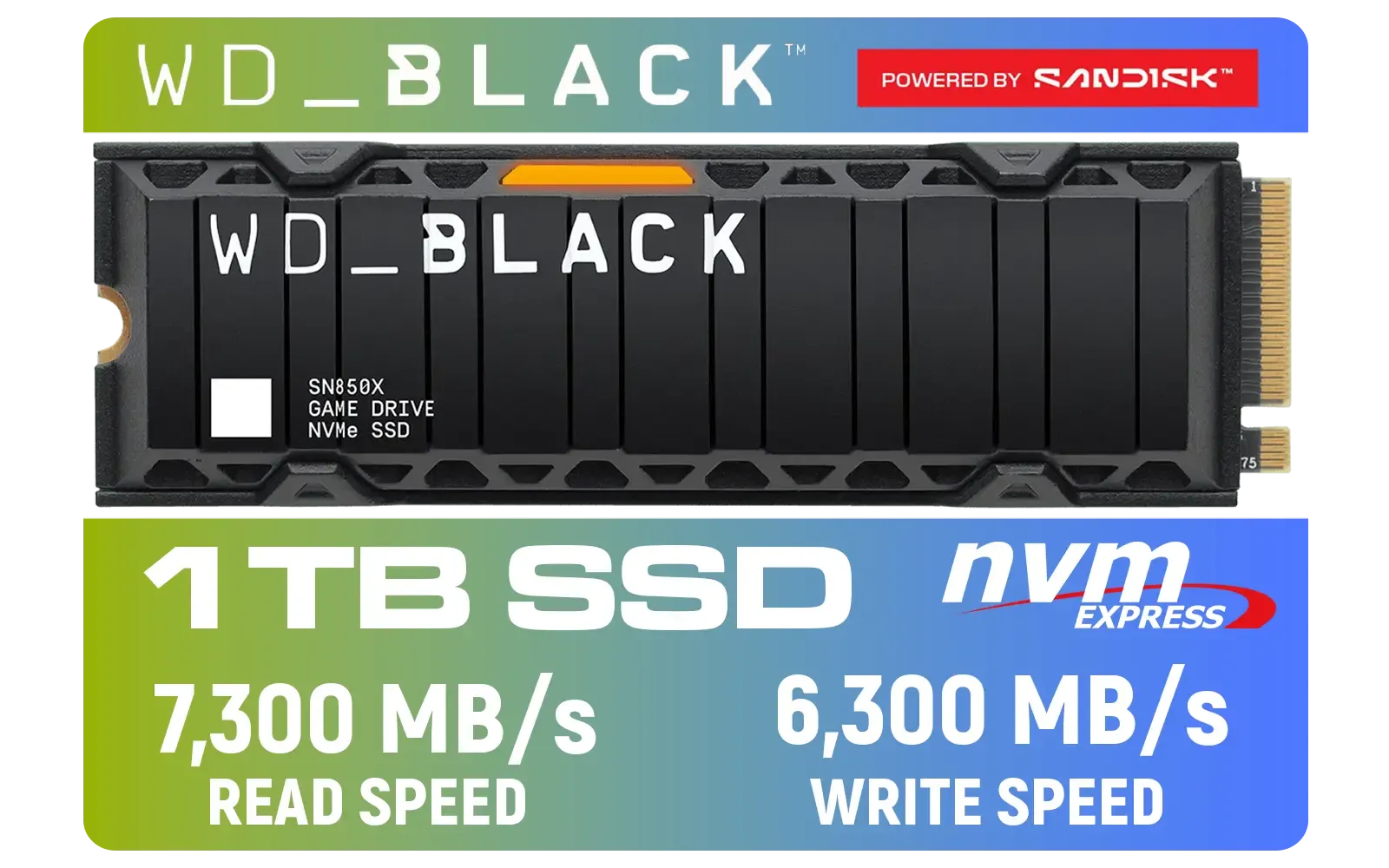
Western Digital SN850X 1TB NVMe Internal Solid State Drive with Heatsink / Heatsink for Peak Thermal Performance / Overhead Balancing / Adaptive Thermal Management / Up to 7300MB/s Read Speed / Up to 6300MB/s Write Speed / PCIe Gen 4 / WDS100T2XHE
R2,499In Stock

KLEVV CRAS C930 2TB M.2 NVMe PCIe Gen4x4 Internal Gaming SSD with Heatsink, Compatible with PS5, up to 7400MB/s with DRAM Cash / K02TBM2SP0-C93
R3999.00In Stock
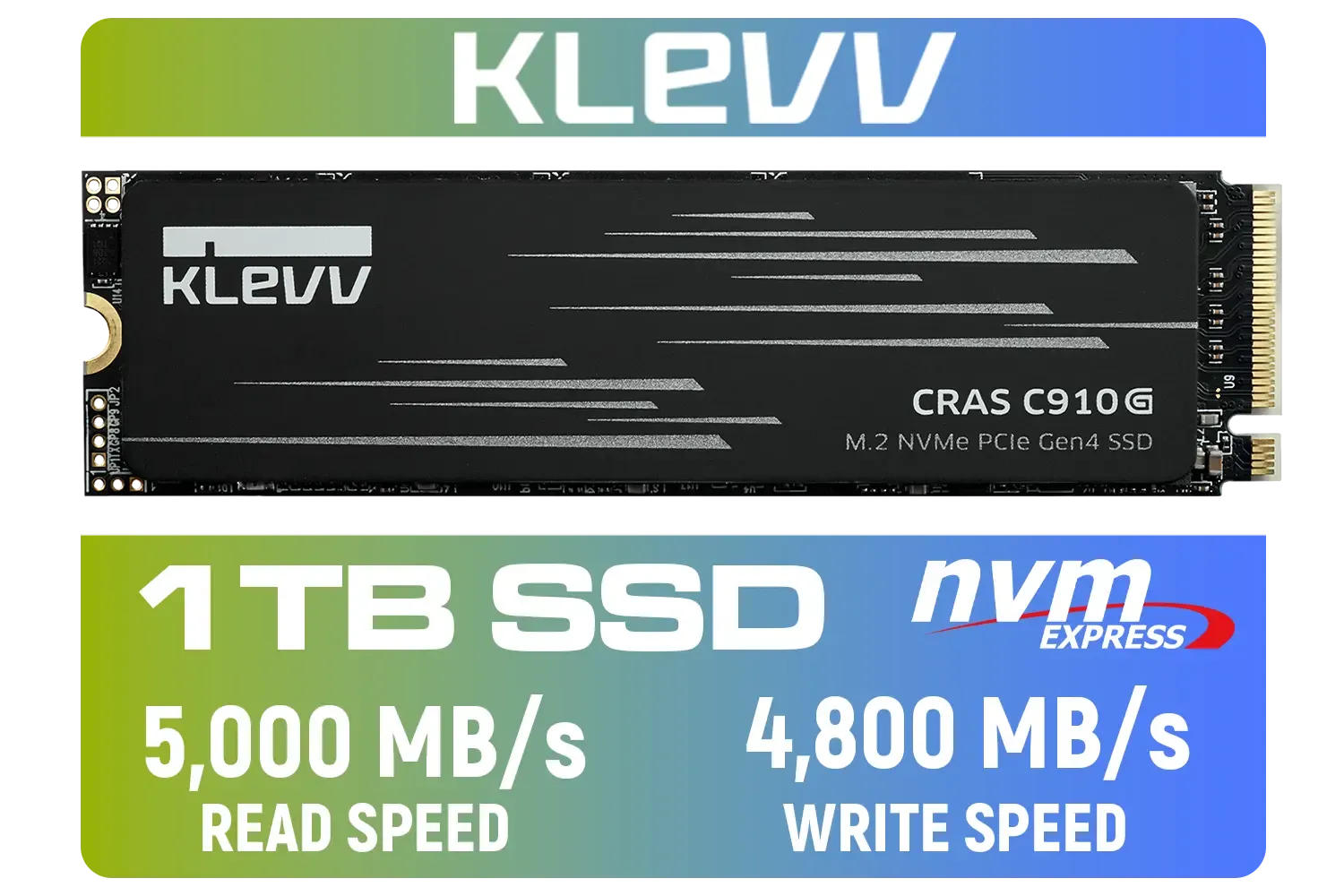
KLEVV CRAS C910G 1TB M.2 NVMe PCIe Gen4x4 Internal SSD / Up to 5000MB/s Read Speed / Up to 4800MB/s Write Speed / Graphene-copper heatsink for stable cooling / S.M.A.R.T. monitors drive condition / LDPC ECC extends SSD lifespan / K01TBM2SP0-10G
R1899.00In Stock
Unpacking Blistering Gen 5 SSD Performance
So, what’s all the fuss about? It comes down to raw data transfer speed. While traditional hard drives and even older 2.5-inch SATA SSDs were massive improvements, they operate on older, slower interfaces. NVMe (Non-Volatile Memory Express) technology changed the game by allowing storage to communicate directly with your CPU over the super-fast PCIe bus.
Each PCIe generation roughly doubles the potential speed.
- PCIe Gen 3: Speeds around 3,500 MB/s.
- PCIe Gen 4: Speeds around 7,000 MB/s.
- PCIe Gen 5: Speeds can blast past 12,000 MB/s and beyond.
This generational leap means games that support technologies like Microsoft's DirectStorage can load assets almost instantly, eliminating stutter and texture pop-in. It's a tangible difference that makes your entire system, from booting up to loading massive project files, feel incredibly responsive. The entire landscape of modern SSDs is shifting towards this new standard.
How to Truly Optimise Your PC for a Gen 5 Drive
Just plugging in one of these drives won't guarantee you'll get its advertised speeds. To achieve maximum PCIe Gen 5 NVMe SSD performance, your whole system needs to be ready.
Check Your Rig's Foundation
You can't put a jet engine in a bakkie and expect it to fly. Gen 5 speeds require a modern motherboard and CPU that support the PCIe 5.0 standard. For Team Red, this means an AMD AM5 platform (e.g., X670 or B650 motherboards). For Team Blue, you'll need an Intel 12th Gen CPU or newer with a compatible motherboard (e.g., Z690, Z790). Without this foundation, your new drive will simply run at the slower speed of your motherboard's slot, leaving a ton of performance on the table. It's a crucial first step for anyone looking at NVMe SSDs.
TIP FOR YOU
Installation Pro Tip 🔧
For maximum PCIe Gen 5 NVMe SSD performance, always install your drive in the M.2 slot closest to the CPU. This slot usually has the most direct PCIe lanes, bypassing the chipset and avoiding potential bottlenecks. Check your motherboard manual to confirm the primary slot.
Don't Let It Sweat 🥵
With great speed comes great heat. Gen 5 SSDs run hotter than their predecessors due to the sheer amount of data they're processing. Most will thermal throttle—intentionally slow down—to prevent damage if they get too hot. That's why nearly all of the latest Gen 5 NVMe drives come with substantial heatsinks, and some even feature active fan cooling. Ensure your case has good airflow to help dissipate that heat effectively.

Teamgroup T-Force G70 PRO 2TB NVMe Internal Solid State Drive / Up to 7,400 Read Speed / Up to 6,800 Write Speed / Multiple Caching Systems Available / Patented Graphene Heatsink Technology / TM8FFH002T0C129
R3799.00In Stock
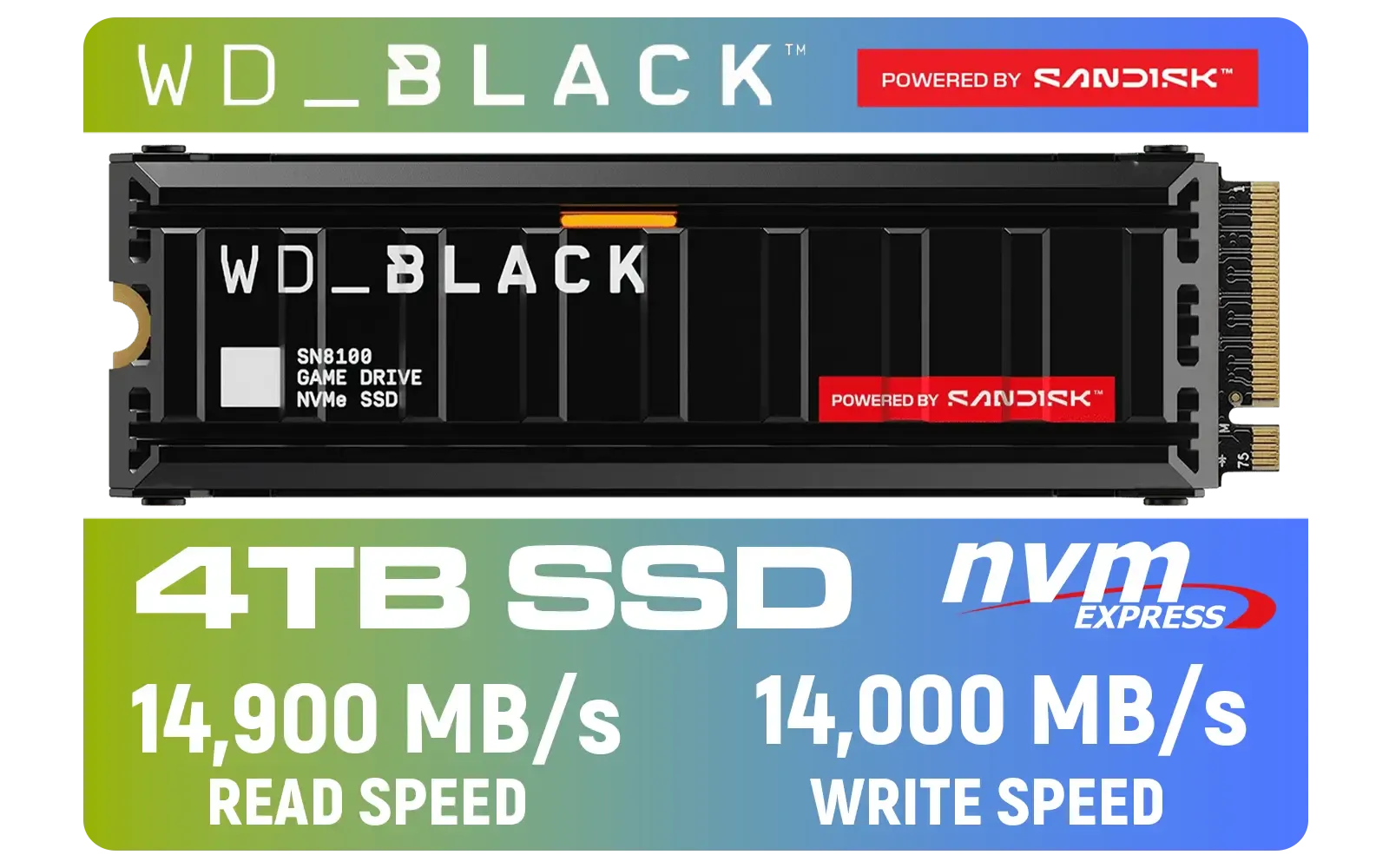
Western Digital SN8100 4TB NVMe Internal Solid State Drive with Heatsink / Read Speeds up to 14,900 MB/s / Write Speeds up to 14,000 MB/s / TCG Opal Security Encryption / nCache™ 4.0, Game Mode, and Adaptive Cooling / Includes SanDisk Dashboard & Acronis® True Image™ Software / WDS400T1XHM
R10499.00In Stock
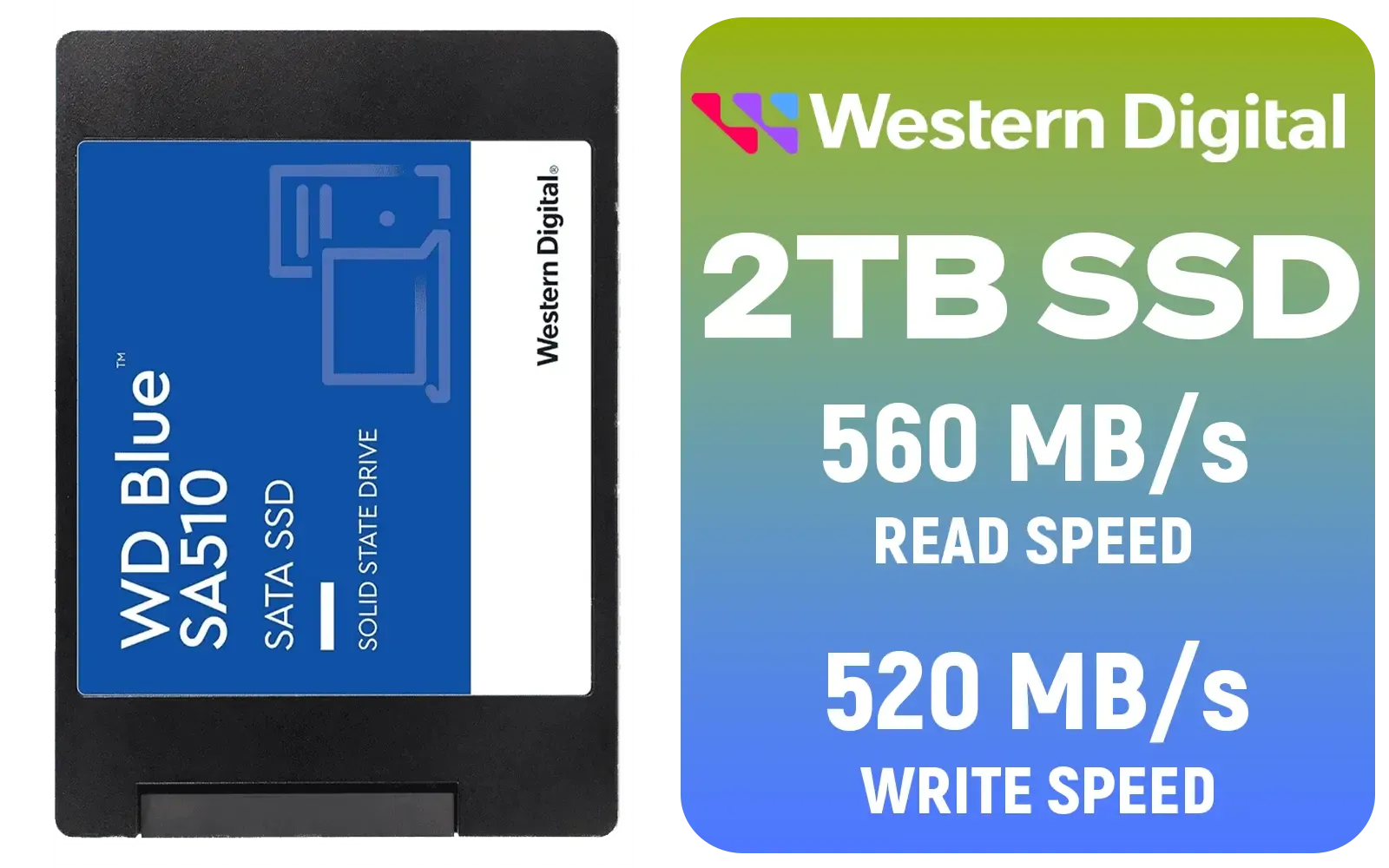
Western Digital Blue SA510 2TB 2.5" Solid State Drive (SSD) / Superior Performance / Multitasking / WD F.I.T. Lab Certified / WDS200T3B0A
R2499.00In Stock
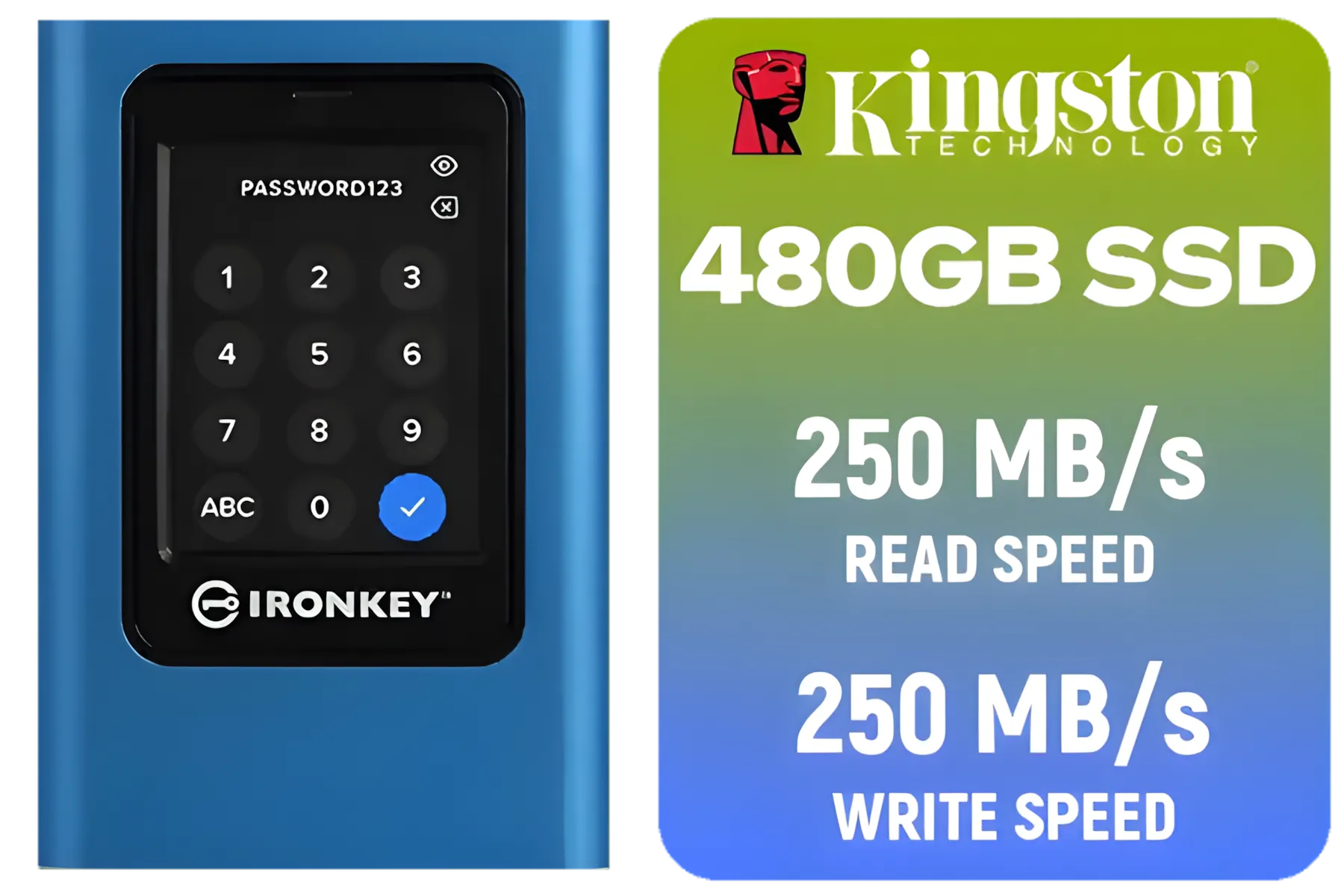
Kingston IronKey Vault Privacy 80 480GB External SSD | FIPS 197 | XTS-AES 256GB Encrypted | Touch Screen PIN | Secure Data Protection | IKVP80ES/480G
R4199.00In Stock

Kingston KC3000 PCIe 4.0 NVMe M.2 512GB SSD - High-Performance Storage for Desktop and Laptop PCs / 7,000MB/s Read, 3,900MB/s Write / Includes Acronis cloning software / SKC3000S/512G
R1399.00In Stock
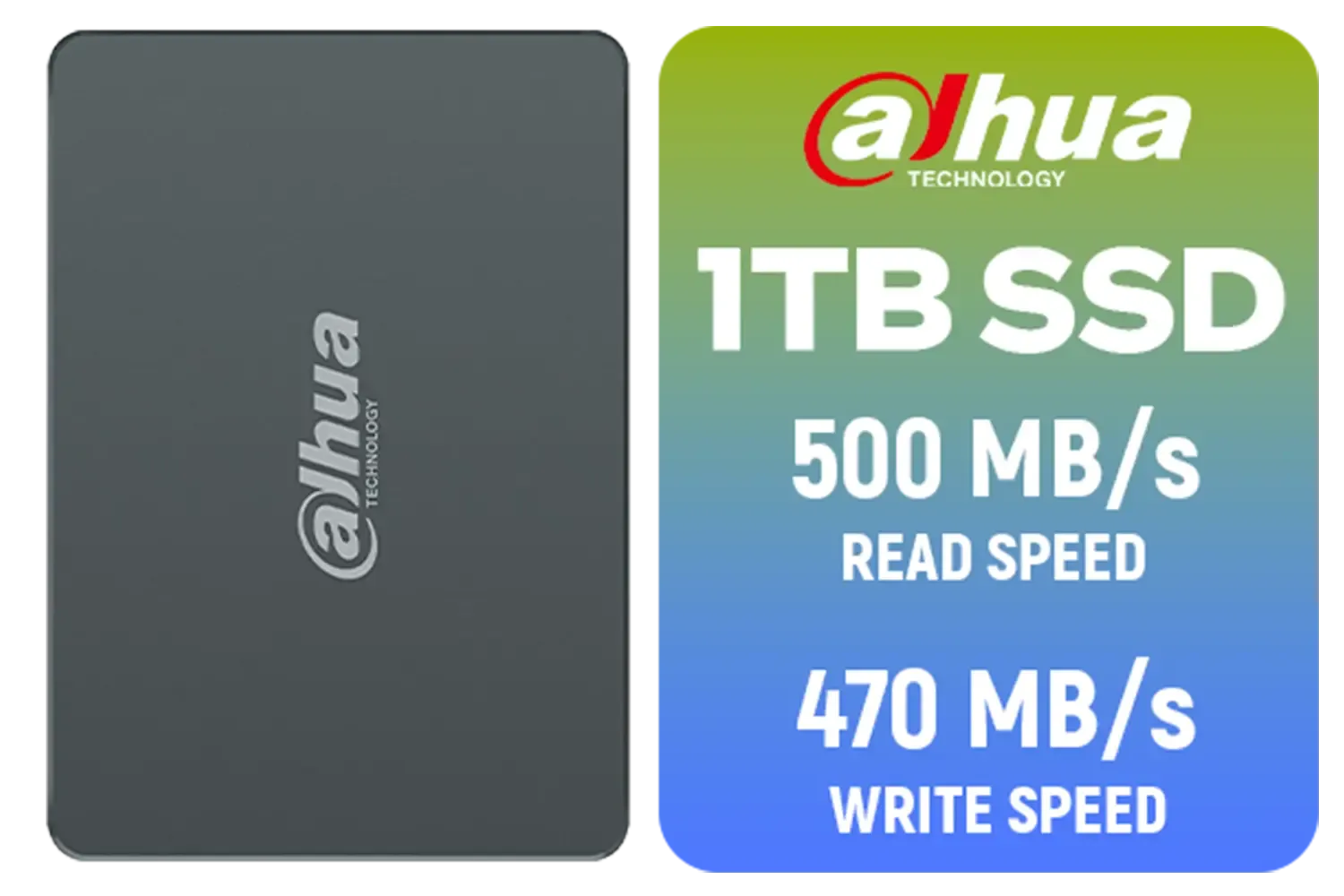
Dahua C800A 1TB 2.5" SATA 3.0 6 Gb/s 3D NAND Solid State Drive (SSD) / Read Speed Up to 500 MB/s / Write Speed Up to 470 MB/s / DHI-SSD-C800AS1TB
R1299.00In Stock
Is a Gen 5 Drive the Right Upgrade for You?
Let's be honest... is this groundbreaking speed necessary for everyone?
If you're a competitive gamer, a 4K video editor, or a creative professional working with huge datasets, the answer is a resounding yes. The time saved on loading screens and file transfers translates directly into more time creating or playing. As game sizes continue to balloon, having a drive like a high-capacity 2TB Gen 5 model becomes less of a luxury and more of a necessity.
For the average user or casual gamer, a quality Gen 4 drive still offers fantastic value. But if you're building a top-tier rig today and want to be ready for the next five years of tech, investing in Gen 5 is the smartest way to future-proof your machine. ✨
Ready to Feel the Speed? Upgrading your storage can feel complex, but for jaw-dropping load times and a truly future-proof rig, nothing beats the raw speed of Gen 5. Explore the best SSD deals in South Africa and find the perfect drive to unleash your PC's true potential.
Related Products
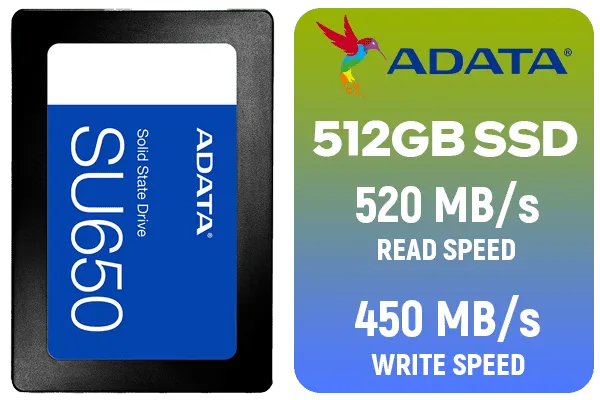
ADATA SU650 512GB 3D-NAND SATA 2.5 inch Internal SSD / ASU650SS-512GT-R
R799.00In Stock
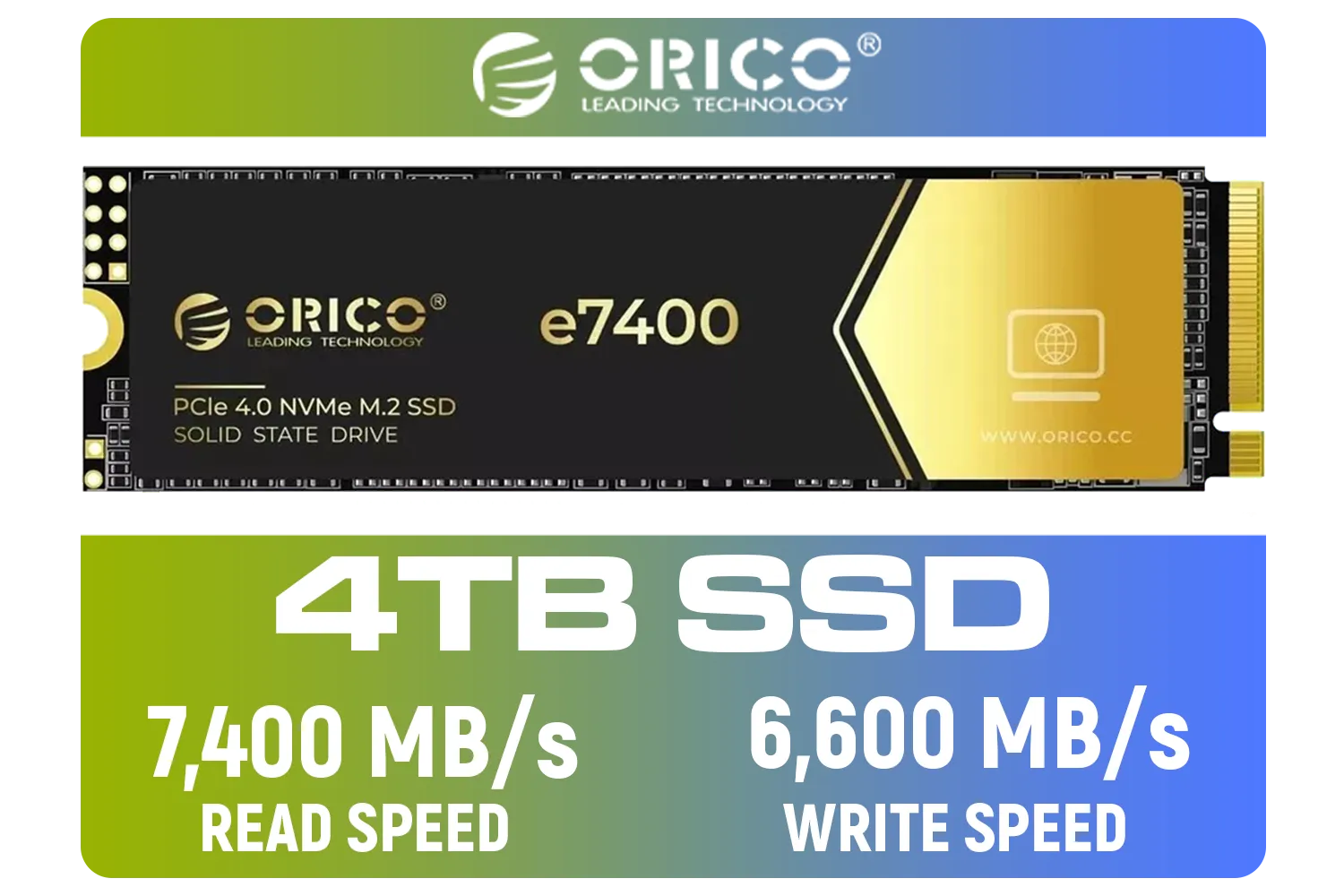
ORICO e7400 M.2 NVMe SSD - 4TB / PS5 Compatible / PCIe Gen4.0 x4 / Up to 7,400MB/s Read and 6,600MB/s Write Speeds / ORICO-e7400-4TB-GD-BP
R5949.00In Stock
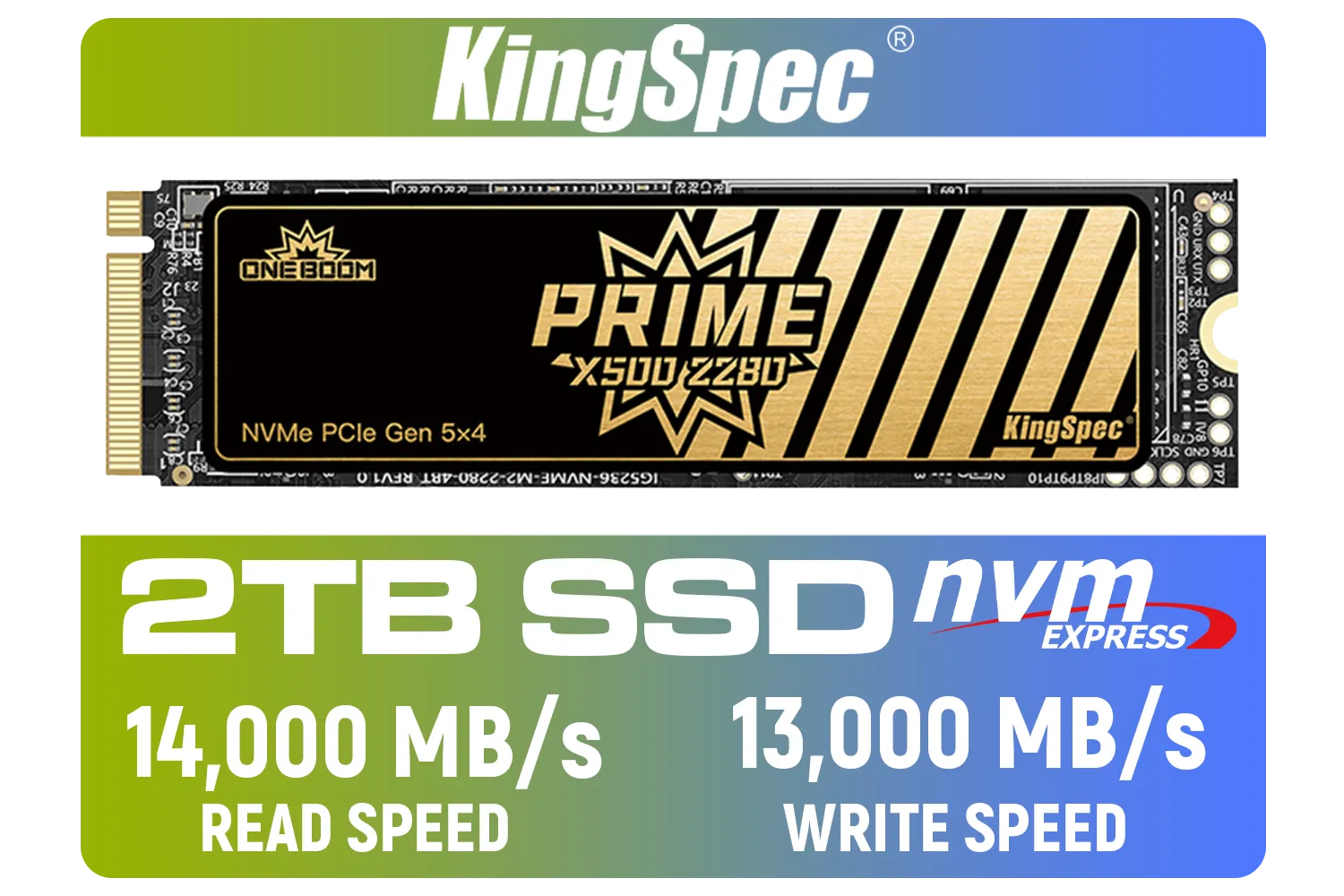
KingSpec X500 2TB NVMe Internal Solid State Drive / 3D NAND Flash Memory / PCIe Gen 5.0, M.2 2280, Up to 14 00MB/s/13 000MB/s Read/Write Speeds / X500-2280-2TB
R4499.00In Stock
![[OEM] Dahua V800 512GB 2.5" SATA 3.0 6 Gb/s 3D NAND Solid State Drive / Read Speed Up to 530 MB/s / Write Speed Up to 320 MB/s / High-Quality Wafer-Level Chip / TRIM & NCQ Performance Boost / Low Power Consumption / Safe & Reliable Data Transfer / Stable 24/7 Read-Write for XVR (No Frame Loss) / DHI-SSD-V800S512G](https://img.evetech.co.za/repository/ProductImages/dahua-v800-512gb-oem-sata-ssd-1600px-v1-001.webp)
[OEM] Dahua V800 512GB 2.5" SATA 3.0 6 Gb/s 3D NAND Solid State Drive / Read Speed Up to 530 MB/s / Write Speed Up to 320 MB/s / High-Quality Wafer-Level Chip / TRIM & NCQ Performance Boost / Low Power Consumption / Safe & Reliable Data Transfer / Stable 24/7 Read-Write for XVR (No Frame Loss) / DHI-SSD-V800S512G
R999.00In Stock
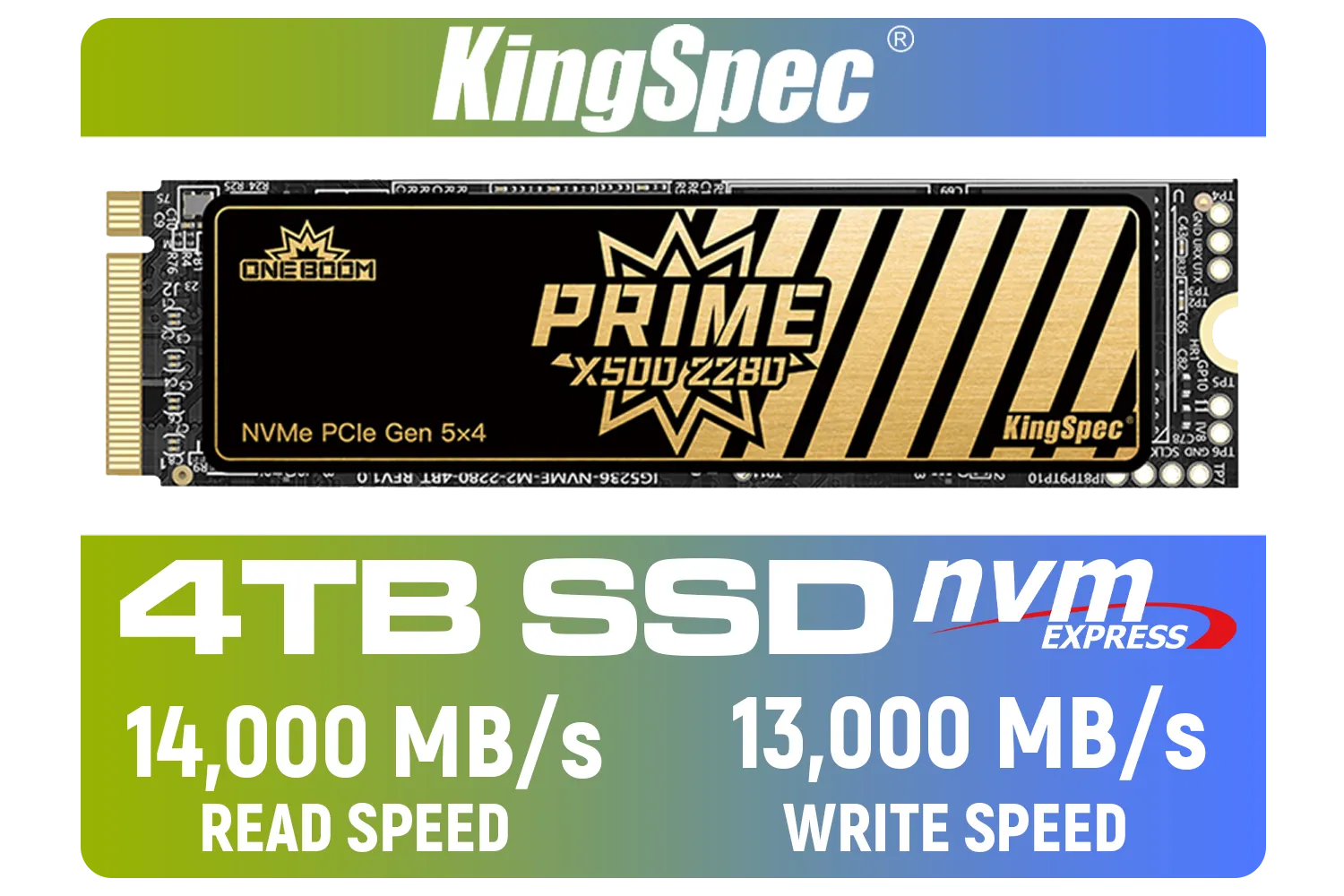
KingSpec X500 4TB NVMe Internal Solid State Drive / 3D NAND Flash Memory / PCIe Gen 5.0, M.2 2280, Up to 14 00MB/s/13 000MB/s Read/Write Speeds / X500-2280-4TB
R7899.00In Stock
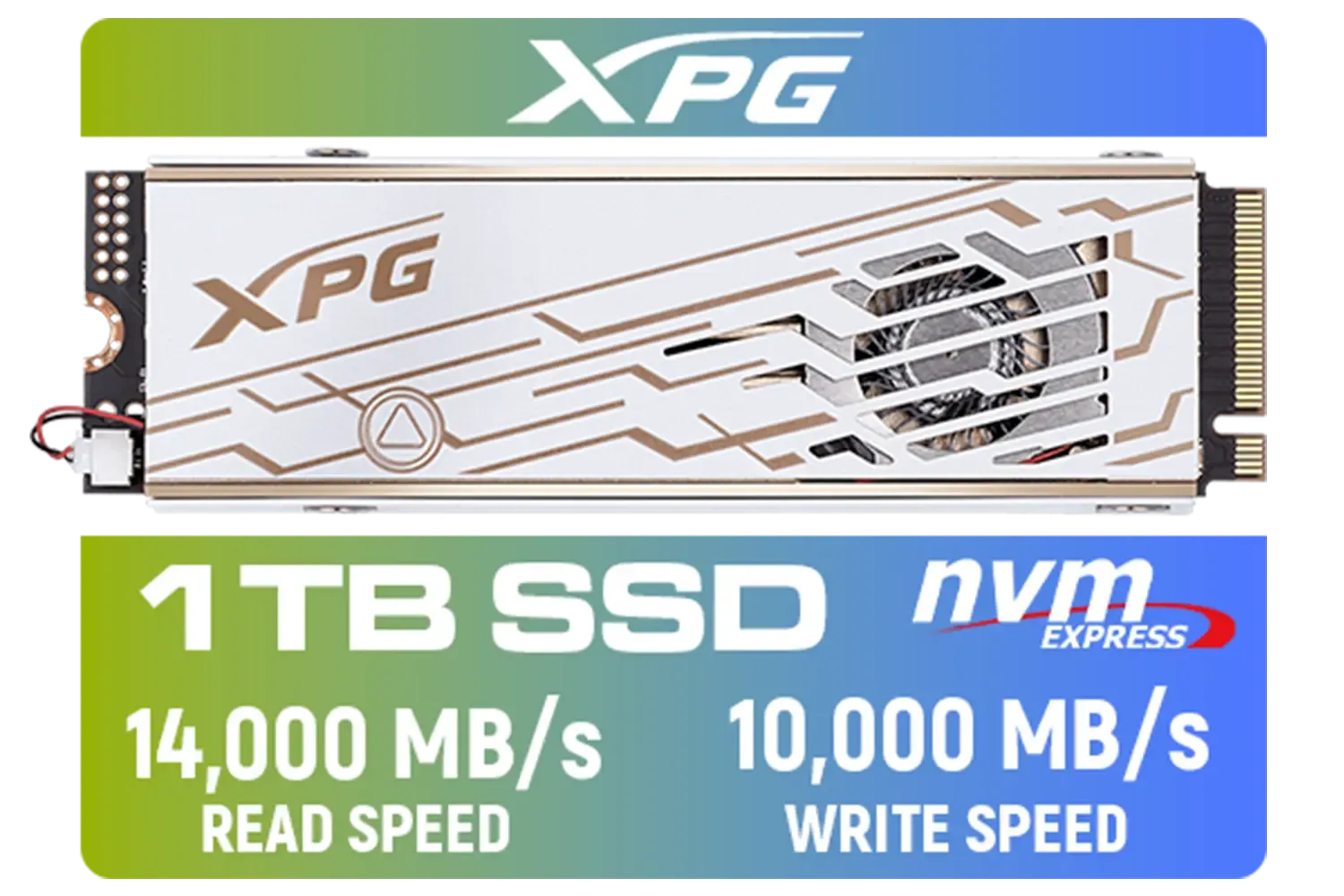
ADATA XPG Mars 980 Pro 1TB NVMe 5.0 Internal Solid State Drive / Up to 14,000MB/s Read Speed and Up to 10,000MB/s Write Speed / SMAR-980P-1TCI
R2999.00In Stock
Update BIOS, use a native PCIe 5.0 M.2 slot wired to the CPU, enable x4 lanes, update NVMe firmware and ensure strong cooling.
Check motherboard specs for PCIe 5.0 M.2 slots, CPU lane support and vendor compatibility lists before buying.
Yes. Gen5 NVMe SSDs generate heat—use heatsinks, directed airflow or active cooling to avoid thermal throttling.
Install the SSD in the primary M.2 PCIe 5.0 slot linked to the CPU and avoid slots that share lanes with GPUs or SATA.
Update NVMe drivers, disable aggressive link power management and set power profiles to prioritize performance.
Yes, they are backward compatible but will operate at the lower slot generation and be bandwidth limited.
Use CrystalDiskMark, real file transfer tests and game load benchmarks to measure sequential and random performance.











