



Power Supply for Deepcool CH510: How to Choose
• Check wattage & connectors; • Verify form factor and clearance; • Balance efficiency, noise, and budget. Power supply for Deepcool CH510: clear guidance to match wattage, connectors, and efficiency for a safe, quiet build ⚡🔧
|
Loading tags...
So, you’ve picked up the awesome Deepcool CH510 case for your next PC build in South Africa. Great choice! It’s a sleek, high-airflow chassis that’s a fantastic foundation for a powerful rig. But now comes the big question: what’s the best power supply for your Deepcool CH510? Don’t just grab any old box off the shelf. The PSU is the heart of your PC, and choosing the right one ensures stability, efficiency, and future-proofing. ⚡
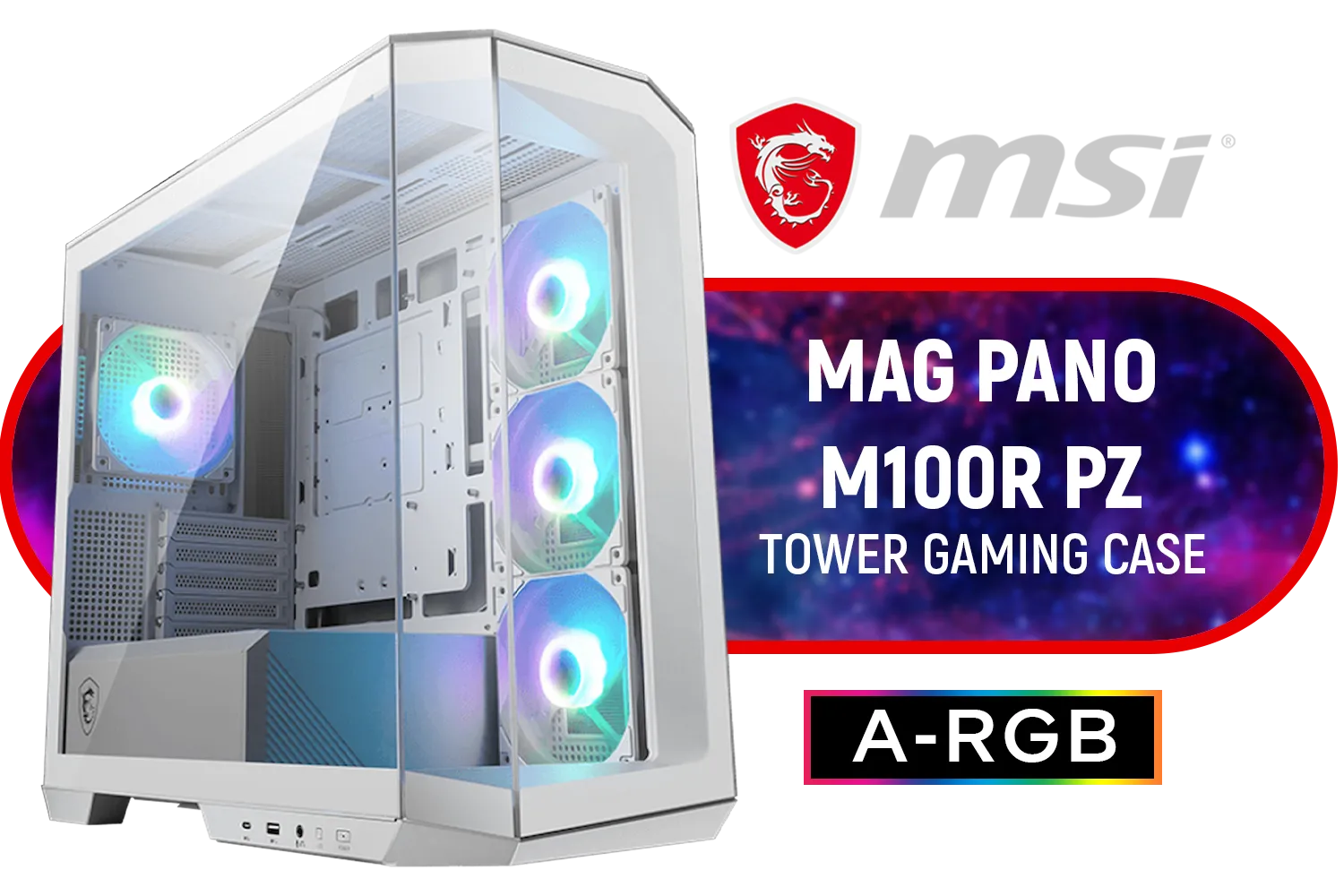
MSI MAG PANO M100R PZ Gaming Case - White / Micro-ATX Tower Case Form Factor / M-ATX (Back-connect supported), ITX / Pre-installed 3x 120mm (Reverse-blade), 1x 120mm ARGB Fans / Tempered Glass / 306-7G24W28-HH9
R1999.00In Stock
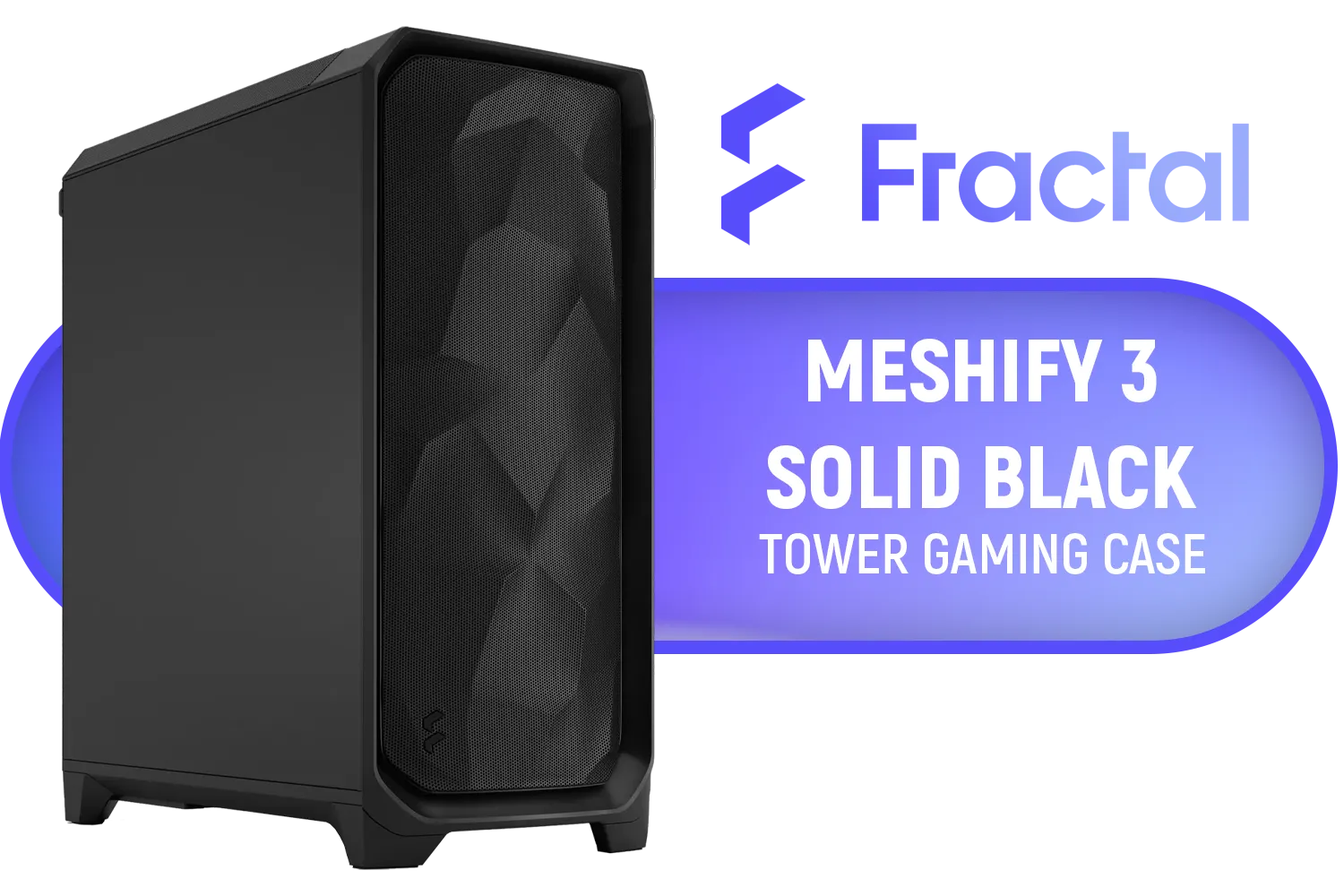
Fractal Design Meshify 3 Dark, E-ATX Mid-Tower Gaming Case, 3X Dynamic X2 GP-14 Fans, Black / FD-C-MES3A-01
R2599.00In Stock
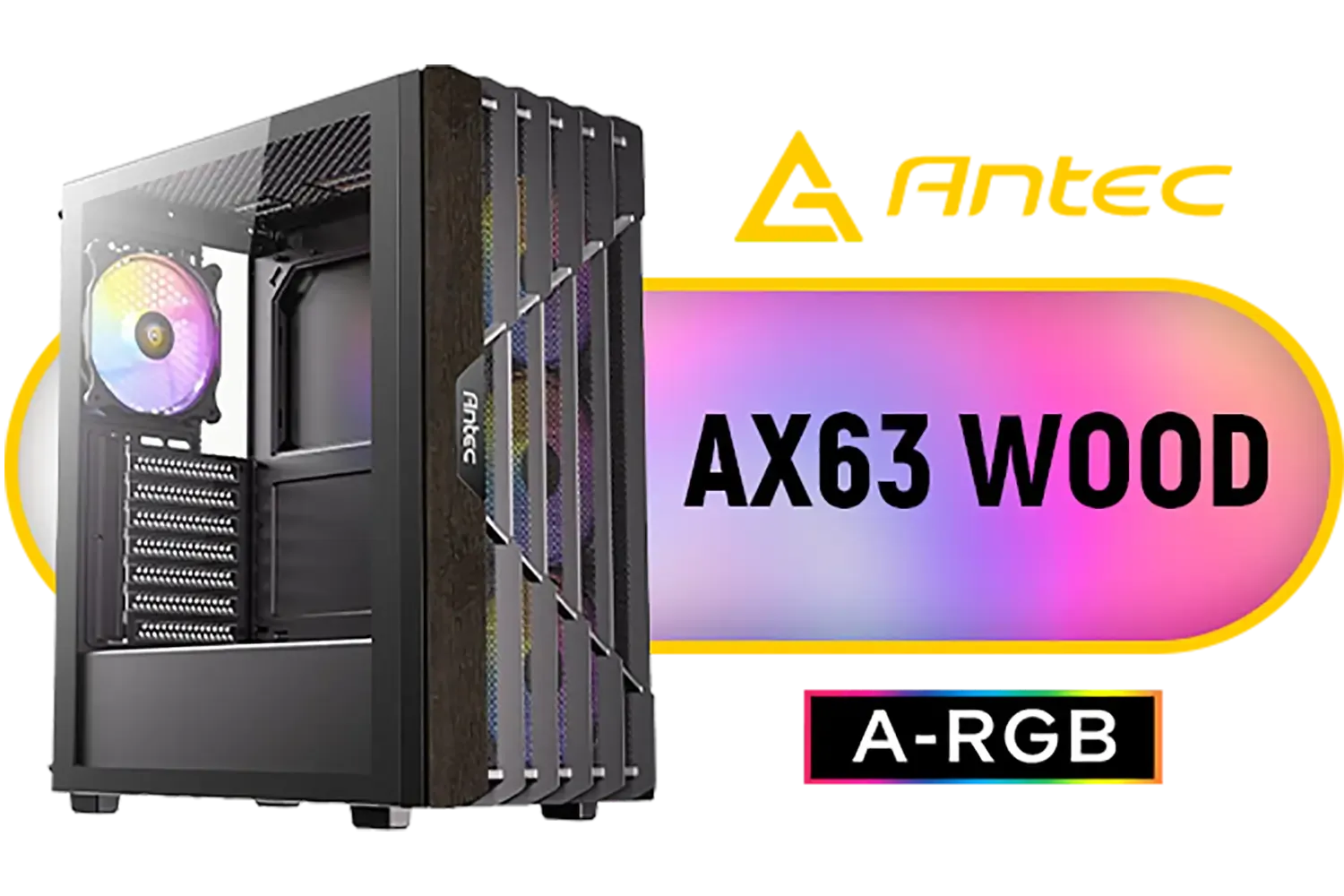
Antec AX63 Wood ARGB Gaming Case - Black / Geometric Wood Front Panel / Tempered Glass Side Panel / ATX, Micro-ATX, Mini-ITX Support / 4 ARGB Fans Pre-Installed / 0-761345-10172-1
R1299.00In Stock

DeepCool CG580 4F ATX Mid Tower Gaming Case - Black / Tempered Glass Side Panel / CPU Cooler Support Up to 160mm / Radiator Support Up to 360mm / Partial mesh for better airflow / 4 x Pre-Installed Fans Included / CG580-4F
R1799.00In Stock

Xigmatek Endorphin WD Mid Tower Gaming Case - Black / Supports Motherboards up to E-ATX / 4 x Pre-Installed ARGB Fans Included / EN42201
R2299.00In Stock

Xigmatek Aqua V Arctic Mid Tower Gaming Case - White / Supports Motherboards up to ATX / 7 x Pre-Installed ARGB Fans Included / EN45813
R1999.00In Stock
Understanding Your PC's Power Demands
Before picking a PSU, you need a rough idea of how much power your components will actually use. Your graphics card (GPU) and processor (CPU) are the thirstiest parts of your build. A mid-range setup with a modern GPU might be happy with 650W, while a high-end rig with a top-tier card could push past 850W or more.
The key is to calculate your total estimated wattage and add about 20-30% headroom. This ensures your PSU isn't constantly running at its maximum limit, which improves efficiency and lifespan. It also gives you breathing room for future upgrades without needing a whole new power supply. While the CH510 is a spacious mid-tower, power planning is just as crucial as in a compact Mini-Tower case where every component choice is critical.
Key Factors for a Deepcool CH510 PSU
Choosing the right power supply for the Deepcool CH510 isn't just about wattage. You need to consider physical fit, cable management, and efficiency to get the perfect match for your build.
Physical Size and Compatibility
The Deepcool CH510 supports standard ATX power supplies up to 170mm in length. While most PSUs will fit comfortably, some extremely high-wattage models can be longer. Always double-check the spec sheet of the PSU you’re considering to avoid any nasty surprises. A well-fitting PSU makes the entire building process smoother, a principle that applies to all quality builds, including those in popular Cooler Master cases.

Fractal Design Era 2 Silver, 2 x 120 mm or 2 x 140, GPU max length of 326mm, ITX Motherboard Compatible / 1 x Pre-Installed Fan Included / FD-C-ERA2N-01
R1799.00In Stock

Gamemax Hype-A ATX Mid-Tower Gaming Case - White / Tempered Glass Side Panels / Support 10×120mm or 4×120mm + 4x140mm Fan Mounts / 4 Pre-installed 120mm ARGB Fans / ATX, M-ATX, Mini-ITX Motherboard Support / ATX PSU Support / HYPE-A-WH
R1699.00In Stock
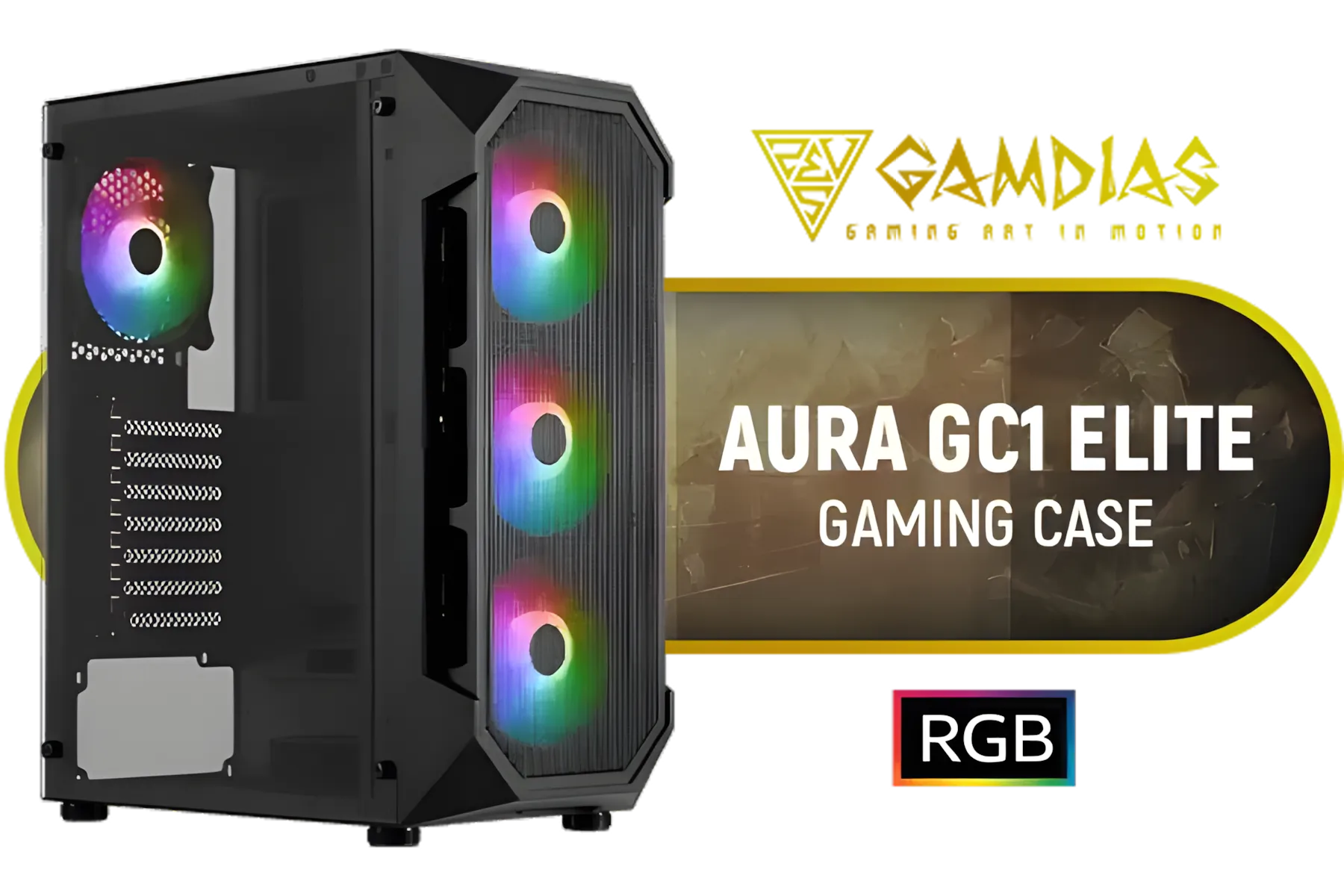
GAMDIAS AURA-GC1-ELITE ATX Mid Tower PC Gaming Case with Side Tempered Glass / 4 Built-in 120mm Fixed RGB Fans / Supports Motherboards up to ATX / Compatible with 340mm GPU / AURA-GC1-ELITE
R999.00In Stock

Fractal Design Torrent Compact White - Clear Tint Tempered Glass Side Panel - Open Grille for Maximum air Intake - Two 180mm PWM Fans Included - Type C - ATX Airflow Mid Tower PC Gaming Case - FD-C-TOR1C-03
R2999.00In Stock
CORSAIR 9000D RGB AIRFLOW Super Full-Tower PC Case - White / InfiniRail™ fan mounting system / iCUE LINK System Hub Included / Supports up to 18x 120mm fans / No Fans Included / CC-9011274-WW
R8299.00In Stock

Xigmatek Alphard Arctic Mid Tower Gaming Case - White / Supports Motherboards up to E-ATX / 6 x Pre-Installed Fans Included / EN43833
R1599.00In Stock
Modularity and Cable Management
A clean build is a cool build. The CH510 has good cable management options, but a modular PSU can make your life much easier.
- Fully Modular: You only attach the cables you need. This is the best for minimising clutter and maximising airflow. ✨
- Semi-Modular: The essential motherboard and CPU cables are attached, but peripheral cables (for GPU, drives, etc.) are detachable.
- Non-Modular: All cables are permanently attached, making it trickier to hide the unused ones.
For the CH510, a semi-modular or fully modular PSU is highly recommended for a tidy, professional-looking result.
TIP FOR YOU
PSU Efficiency Explained 💡
Look for an '80 Plus' rating. This sticker tells you how efficient the power supply is at converting AC power from your wall socket into DC power for your components. '80 Plus Bronze' is a great starting point, while 'Gold' or 'Platinum' offer even better efficiency, saving you a bit on your electricity bill and generating less waste heat over time.
Protecting Your Rig in South Africa
Let’s be real… load shedding and power surges are a part of life here. A cheap, unrated power supply is the last thing you want protecting your expensive components from unstable electricity. A quality PSU from a reputable brand includes crucial safety features like Over Voltage Protection (OVP) and Short Circuit Protection (SCP). This is non-negotiable for any serious PC builder, whether you're putting together budget builds featuring Gamemax cases or a high-end custom loop. Investing a few hundred ZAR more in a reliable PSU is cheap insurance for your entire system. 🛡️

DEEPCOOL CC560 MESH V2 Mid-Tower Case - Black That Supports - Mini-ITX / Micro-ATX / ATX With Pre-Installed 3 x 120mm Fans in Front and 1 x 120mm Fan in Rear / CC560-MESH-V2
R1399.00In Stock

GAMDIAS ATHENA M3 E-ATX Mid Tower PC Case, 4 x 120mm ARGB PWM Fan w/Hub, Supports Motherboards up to E-ATX, Front Airflow Mesh, Tool-Free Tempered Glass Side Panel, MB Sync Ready, Black / ATHENA-M3
R1299.00In Stock

CoolerMaster Silencio S400 with TG side panel Mini-ATX Tower Gaming Case / Silencio Design / Silencio Technology / Supports Motherboards up to Mini-ITX, Micro-ATX / Sound Dampening Material / Seamless Tempered Glass / Reversible Steel Door / 2 x Pre-Installed Fans Included / MCS-S400-KG5N-S00
R1999.00In Stock

Xigmatek Meta Arctic Mid Tower Gaming Case - White / Supports Motherboards up to E-ATX / 4 x Pre-Installed ARGB Fans Included / EN45073
R1999.00In Stock

Xigmatek Gaming X Black Medium Tower PC Case ATX / Supports Motherboards up to ATX / 4 x Pre Installed RGB Fans / EN46621
R1299.00In Stock
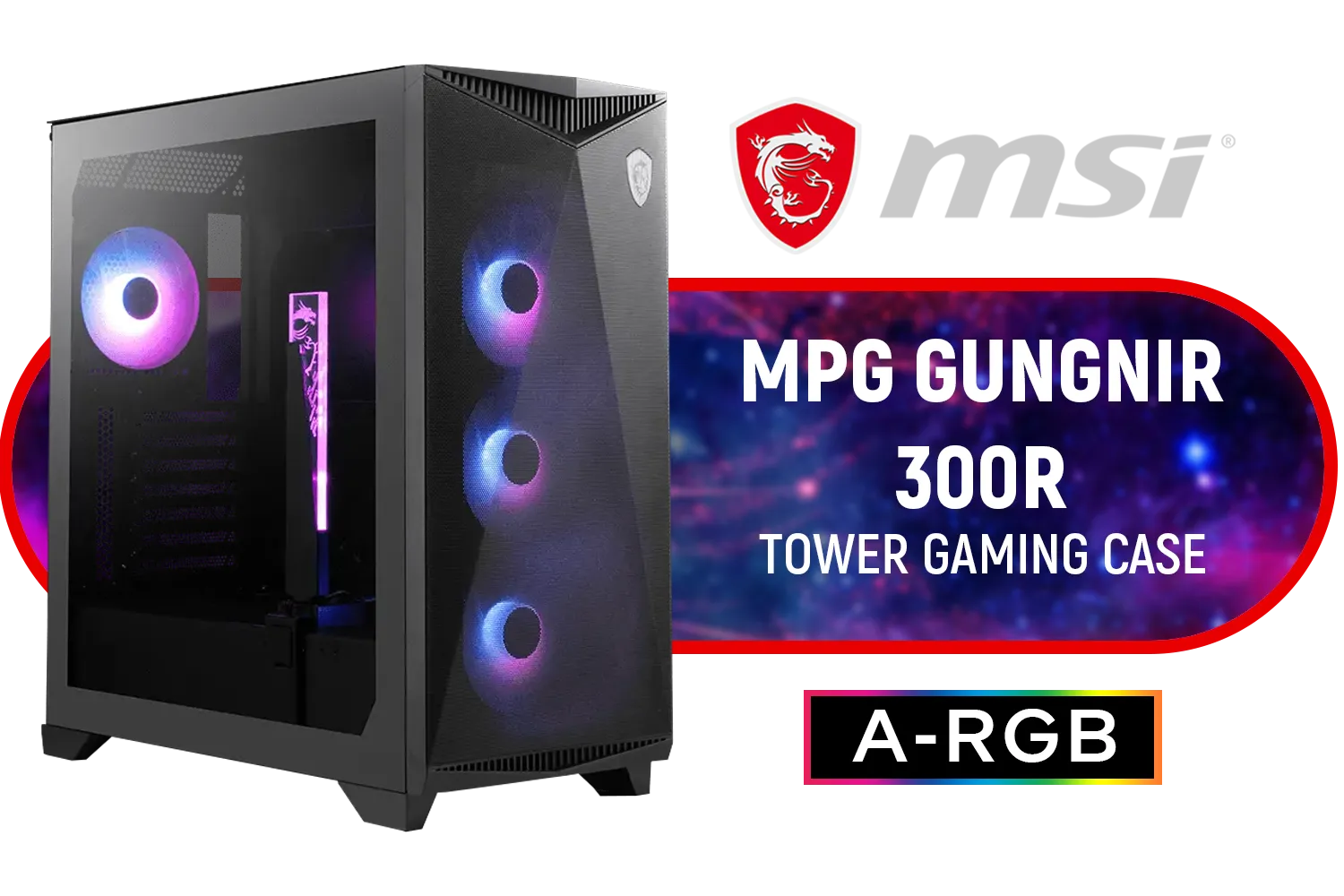
MSI MPG GUNGNIR 300R Airflow Gaming Case / Mid-Tower Case Form Factor / EATX, ATX, M-ATX, ITX / Pre-installed 4x 120mm ARGB Fans / Tempered Glass / 306-7G21R21-W57
R2999.00In Stock
Future-Proofing Your Choice
Your PC is an investment. The Deepcool CH510 PSU you choose today should ideally last you through your next GPU or CPU upgrade. If you’re building a solid mid-range system now but dream of a top-tier graphics card in a year or two, consider getting a slightly higher-wattage PSU (e.g., 850W instead of 750W). This foresight can save you money and the hassle of rebuilding your PC down the line. A good power supply can easily outlast other components, making it a smart part of your long-term PC building strategy when you browse our full selection of PC cases.
Ready to Power Up Your Rig? The Deepcool CH510 deserves a reliable, efficient power supply. Don't let a poor choice bottleneck your performance or risk your components. Explore our massive range of Power Supplies and find the perfect heart for your new build today.
Related Products
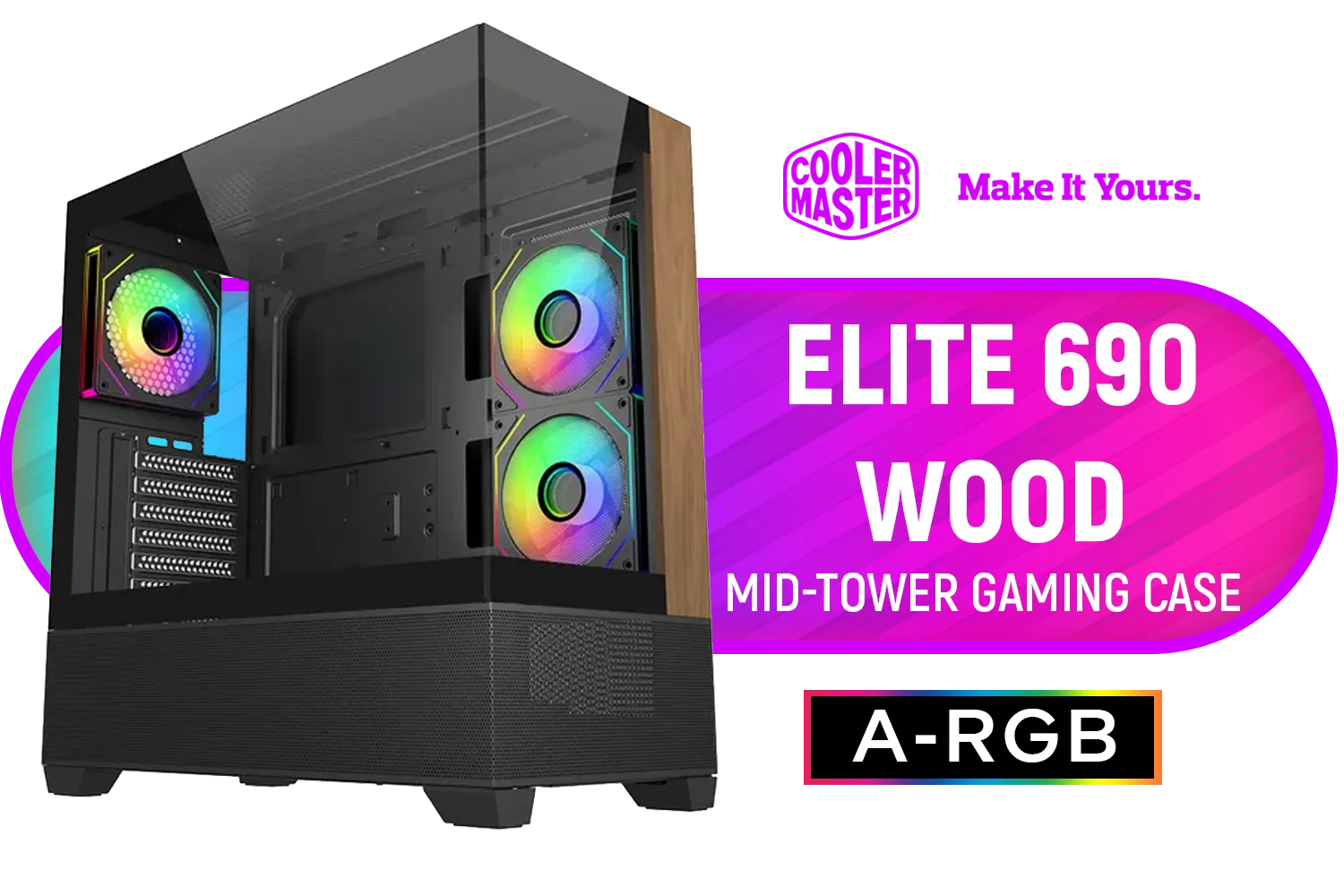
Cooler Master Elite 690 Wood Mid-Tower Gaming Case - Black / ITX, Micro-ATX, ATX Motherboard Support / Up to 9 Case Fans / Pre-installed 3x 120mm ARGB Fans / E690-KHNN-S00
R1799.00In Stock
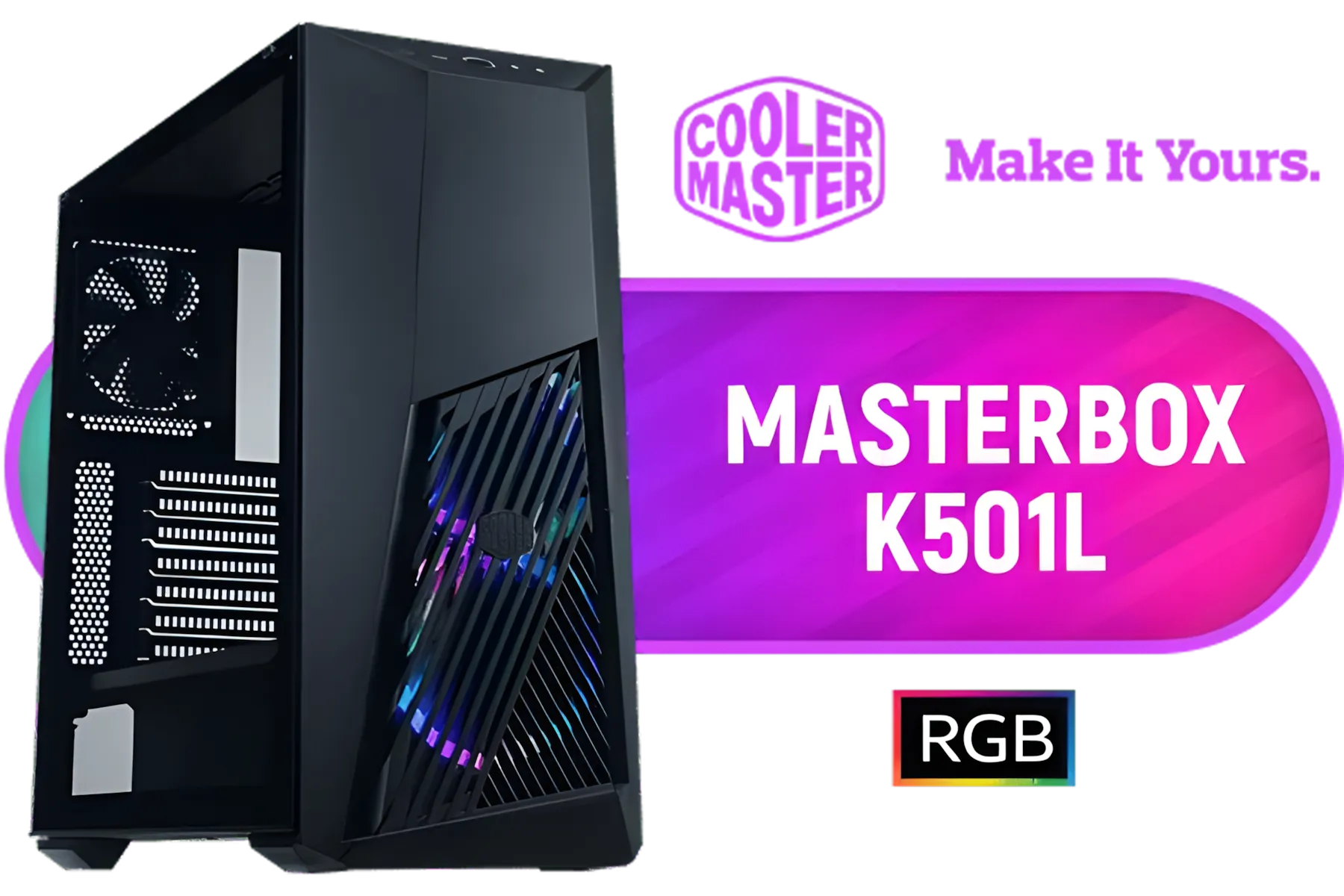
Cooler Master MasterBox K501L ARGB Mid Tower ATX Gaming Case with Pre-Installed Two ARGB Fans, PSU Shroud and Tempered Glass Side Panel / MCB-K501L-KGNN-SR3
R1499.00In Stock
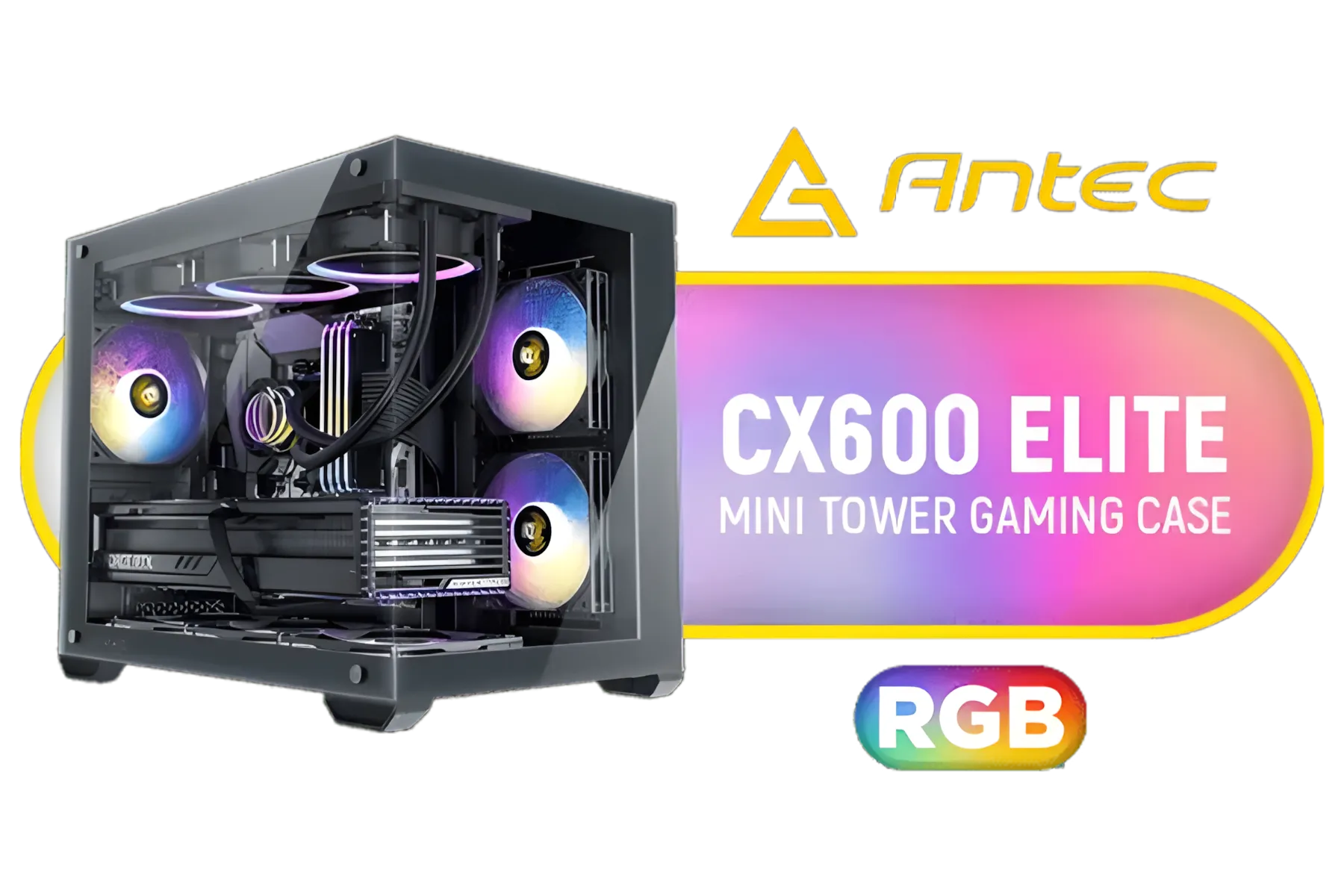
Antec CX600M RGB Gaming Case - Micro-ATX & ITX Motherboard Support - Support 2x Water Cooler - Dual Chamber - Panoramic 270° View, 3 x Pre-Installed Fans Included / 0-761345-10118-9
R1299.00In Stock

Gamemax Infinity Plus ATX Mid-Tower Gaming Case - White / Three Sided Tempered Glass / Support 8×120mm or 5×120mm + 2x140mm Fan Mounts / ATX, M-ATX, ITX Motherboard Support / Support BTF Motherboards / ATX PSU Support / No Fans Included / Infinity-Plus-WH
R1299.00In Stock
Fractal Design Meshify 3 Dark, E-ATX Mid-Tower Gaming Case, 3X Dynamic X2 GP-14 Fans, Black / FD-C-MES3A-01
R2599.00In Stock

Fractal Design North Charcoal Black TG Dark - ATX, mATX, ITX. Compatibility - Quick-release panels - Elegant, modern design crafted with Wood and Alloy - Fits GPU Up to 355mm - No Fans Included - FD-C-NOR1C-02
R2449.00In Stock
Most Deepcool CH510 builds need 550–750W. High-end GPU systems should target 750W+ for safe headroom and stability.
CH510 supports standard ATX power supplies. Check PSU clearance and cable routing before buying to ensure proper fit.
Modular PSUs simplify cable management in the CH510, improving airflow and aesthetics—recommended for cleaner builds.
Aim for 80 Plus Gold for a balance of efficiency and cost. Higher efficiency reduces heat and can lower noise in your CH510.
Count your GPU's PCIe connectors (6/8-pin). Use a PSU with native connectors rather than adapters for reliability.
Look for hybrid or zero RPM fan modes and reputable silent models. A quiet PSU improves overall noise for CH510 builds.
Budget PSUs can work for low-power builds but choose units with good reviews and 80 Plus certification to avoid failures.











