



Reduce Soundbar Audio Latency: Tips for Gaming & Streaming
Reduce soundbar audio latency with proven tweaks for gaming and streaming — enable low-latency mode, use HDMI eARC, adjust audio delay, and pick the right cables. ⚡🎧

You’ve lined up the perfect shot. You click… and the crack of your sniper rifle echoes from your soundbar a split-second too late. That tiny delay, known as audio latency, can be the difference between a clutch win and a frustrating loss. For South African gamers and movie streamers, nothing kills immersion faster than sound that doesn’t match the action. Don't stress, we've got the fix. Let's dive in and show you how to reduce soundbar audio latency.

Monster Superstar S110 Wireless Bluetooth Speaker - Black / Portable Bluetooth Speakers 5.0 with TWS Pairing for 360° Louder Stereo Sound, Built-in Mic, Portable Wireless Speaker for Home or Indoor Use, IPX5 Water Resistance Wireless Speaker / MS11901
R499.00In Stock

Monster Superstar S310 Wireless Bluetooth Speaker - Black / Portable Bluetooth Speakers 5.0 with TWS Pairing Deliver Rich Bass, Dynamic Stereo Sound, Built-in Mic, Wireless Speakers for Home or Outdoor Use, IPX5 Water Resistance Wireless speaker / MS11902
R799.00In Stock

Promate Magnetic Bluetooth Speaker, 3W TWS Small Bluetooth Speaker with HD Sound, 40mm Dynamic Drivers, Long-Lasting 12H Playtime, and Bluetooth V5.3 for Magsafe Compatible Devices / PUNCH.BLACK
R199.00In Stock

Promate Portable Bluetooth Speaker, High-Definition True Wireless Speaker and Headphone Stand with USB-C and Dual USB-A Hub, Colorful RGB Lighting, Ergonomic Futuristic Design, Fast Charging / Alpha-X
R499.00In Stock

MARVO SG-118 2.0 Stereo LED Gaming Speakers / 3.5mm Audio Jack / 14-Color Lighting With Rainbow Effects / Volume Control / 2x 3W Speakers / SG-118
R199.00In Stock

Promate LumiSound™ HD 40W True Wireless Speaker with RGB Lights / 6Hrs Playback / AUX, USB & TF Card Playback / 9 RGB Modes / IPX5 Rating / TWS Compatible / Strike-40
R1199.00In Stock
Understanding the Cause of Soundbar Lag
Before we fix the problem, let's quickly understand it. Audio latency is the delay between your screen showing an action and your soundbar playing the corresponding sound. This delay is measured in milliseconds (ms) and is often caused by one of three things:
- Signal Processing: Your TV, console, or the soundbar itself takes time to process the audio signal (like decoding Dolby Atmos).
- Connection Type: How the audio gets from the source to the speaker matters… a lot.
- Wireless Interference: Bluetooth is convenient, but it compresses audio and is susceptible to lag.
The goal is to minimise the processing and travel time for the sound signal. A snappy, synchronised audio experience is crucial, whether you're listening for footsteps in Apex Legends or watching the latest blockbuster on Showmax.
Your Toolkit to Reduce Soundbar Audio Latency 🔧
Fixing that annoying audio delay doesn't require a degree in sound engineering. It's about making smart choices with your connections and settings. By following these tips, you can dramatically improve your gaming and streaming experience.
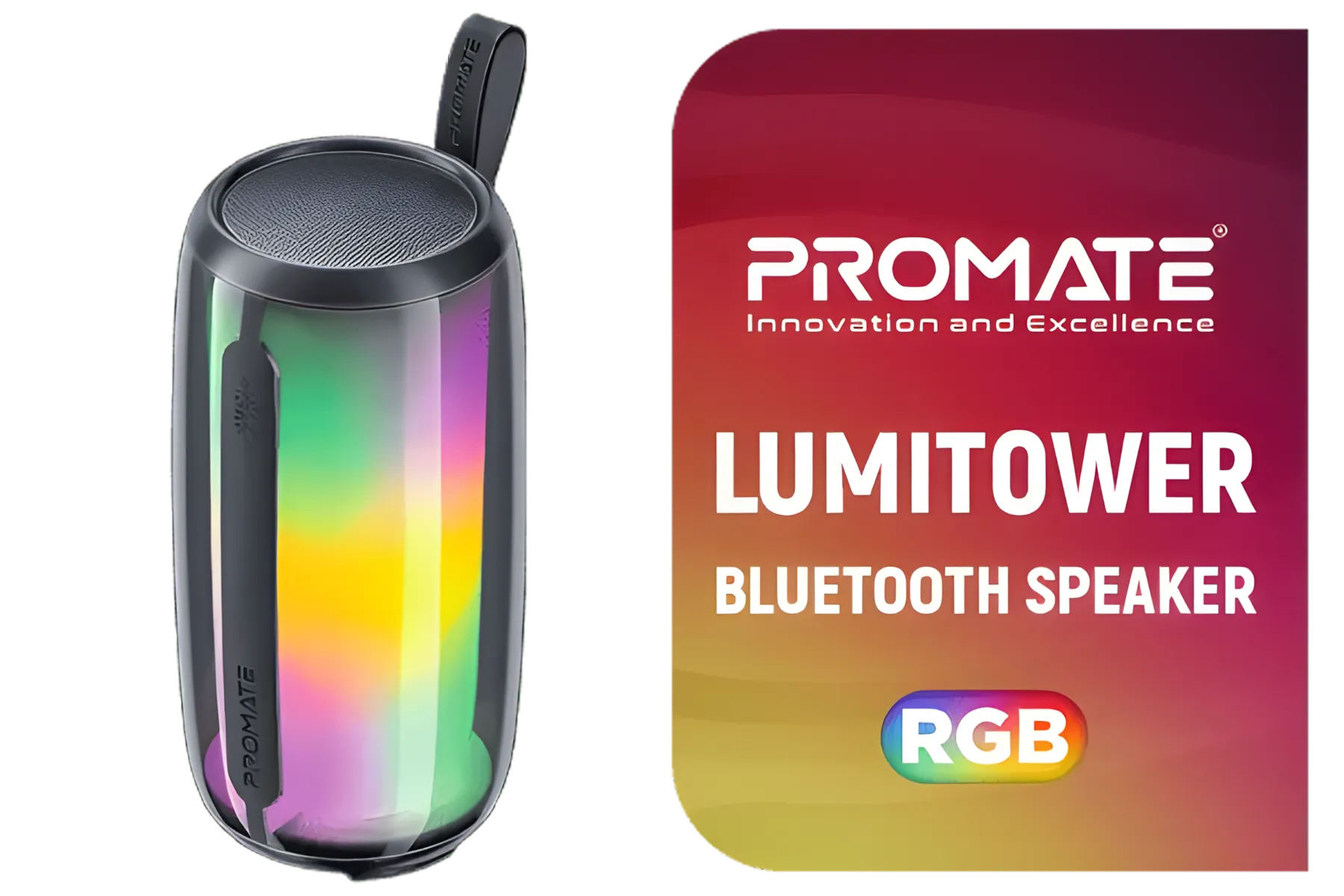
Promate Bluetooth Speaker, 8W True Wireless Portable HD Speaker with RGB Lights, Bluetooth v5.3, Long Playtime, Quick Music Navigation, Water-Resistance, USB Port and TF Card Slot for iPhone / LumiTower
R499.00In Stock
Monster Superstar S110 Wireless Bluetooth Speaker - Black / Portable Bluetooth Speakers 5.0 with TWS Pairing for 360° Louder Stereo Sound, Built-in Mic, Portable Wireless Speaker for Home or Indoor Use, IPX5 Water Resistance Wireless Speaker / MS11901
R499.00In Stock
MARVO SG-118 2.0 Stereo LED Gaming Speakers / 3.5mm Audio Jack / 14-Color Lighting With Rainbow Effects / Volume Control / 2x 3W Speakers / SG-118
R199.00In Stock

Promate Bluetooth Speaker, 20W True Wireless Portable HD Speaker with RGB Lights, IPX5 Water-Resistance, Long Playtime, Quick Music Navigation, USB Port, TF Card Slot and Top Handle / Spectro-20
R699.00In Stock

Razer Leviathan V2 X: PC Soundbar with Full-Range Drivers / Compact Design / Chroma RGB / USB Type C Power and Audio Delivery / Bluetooth 5.0 / Supports PC, Laptop, Smartphones, Tablets & Nintendo Switch / RZ05-04280100-R3M1
R1999.00In Stock

Logitech Multimedia Speakers Z150 with Stereo Sound for Multiple Devices, Black / 980-000814
R599.00In Stock
Tip 1: Your Connection is Everything
The single biggest impact you can have on latency is your connection method. While a clean, cable-free setup looks great, performance is king.
- Best Choice (Lowest Latency): A direct wired connection using an HDMI ARC/eARC or Optical cable is your champion. These cables transmit a pure digital signal with minimal processing delay. If you're serious about competitive gaming, exploring a solid range of wired speakers is a non-negotiable first step.
- Convenient but Compromised: Wireless soundbars and Bluetooth speakers are fantastic for casual music listening, but even the best ones introduce a small amount of latency due to signal compression and potential interference. It might be unnoticeable for movies, but it's often a deal-breaker for fast-paced gaming.
TIP FOR YOU
Check Your Settings First! ⚡
Before you buy new cables, dive into your TV and soundbar menus. Look for a setting called 'AV Sync Adjust' or 'Audio Delay'. Sometimes, the fix is as simple as sliding a setting down to 0ms to ensure the device isn't adding a delay on purpose to compensate for video processing.
Tip 2: Optimise Your Device Settings
Your hardware often has built-in features to help. You just need to know where to look.
- Enable "Game Mode": Most modern TVs have a "Game Mode" picture setting. This does more than just boost colours; it significantly reduces video processing, which in turn helps your audio stay in sync.
- Switch to PCM: In your console or PC's audio output settings, you'll often see choices like Bitstream, Dolby, or PCM (Pulse-Code Modulation). PCM is an uncompressed signal that requires less processing from your soundbar, often resulting in lower latency. While you might lose some surround sound features, the responsiveness is worth it for gaming.
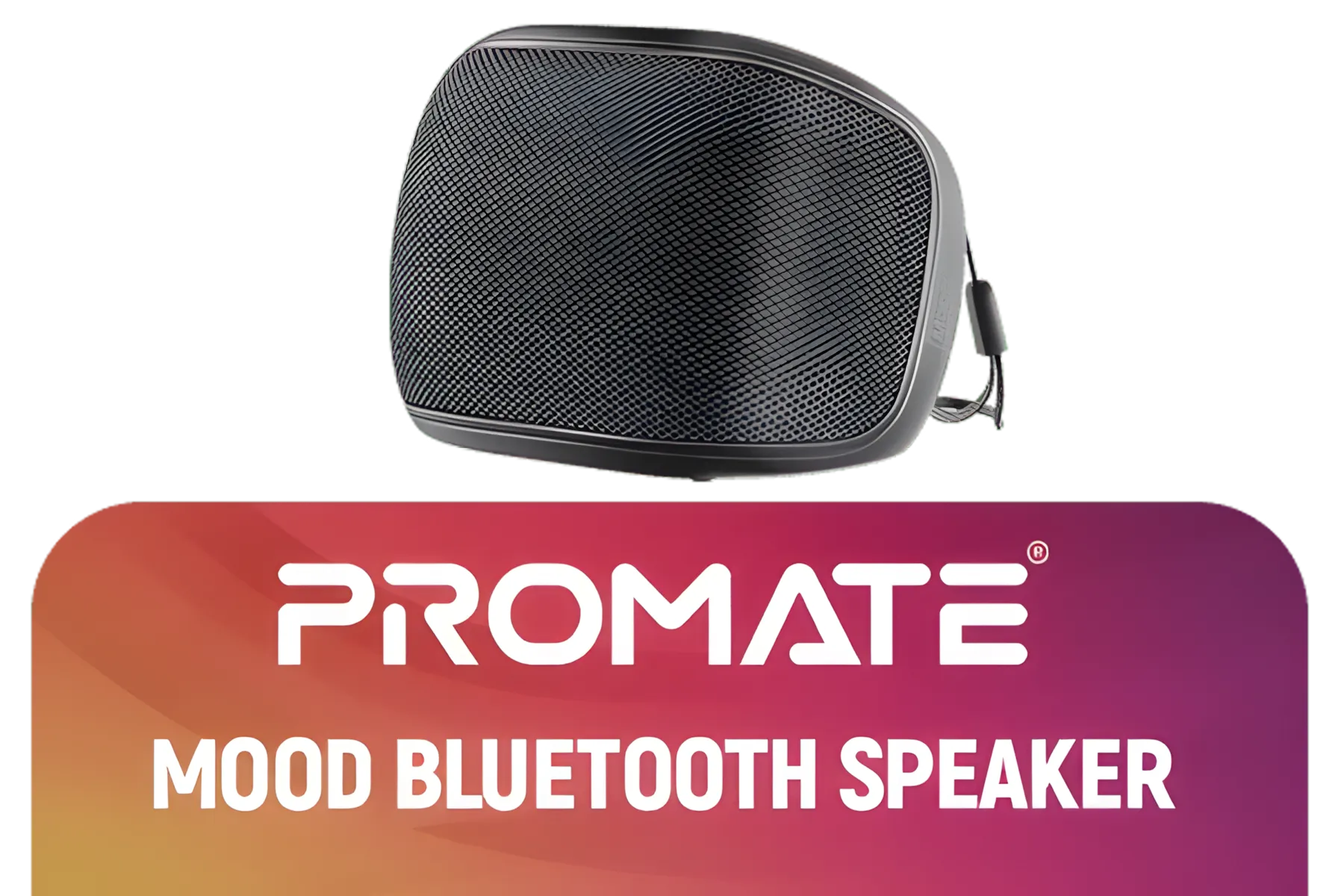
Promate Bluetooth Speaker, 5W True Wireless IPX4 Water Resistant Portable Speaker, HD Sound, Long 24H Playtime, USB Flash Port, AUX, TF Card Slot for iPhone 15, iPad Air, Galaxy S23 / MOOD.BLACK
R149.00In Stock
Promate LumiSound™ HD 40W True Wireless Speaker with RGB Lights / 6Hrs Playback / AUX, USB & TF Card Playback / 9 RGB Modes / IPX5 Rating / TWS Compatible / Strike-40
R1199.00In Stock
Promate Bluetooth Speaker, 8W True Wireless Portable HD Speaker with RGB Lights, Bluetooth v5.3, Long Playtime, Quick Music Navigation, Water-Resistance, USB Port and TF Card Slot for iPhone / LumiTower
R499.00In Stock
Logitech Multimedia Speakers Z150 with Stereo Sound for Multiple Devices, Black / 980-000814
R599.00In Stock
Monster Superstar S110 Wireless Bluetooth Speaker - Black / Portable Bluetooth Speakers 5.0 with TWS Pairing for 360° Louder Stereo Sound, Built-in Mic, Portable Wireless Speaker for Home or Indoor Use, IPX5 Water Resistance Wireless Speaker / MS11901
R499.00In Stock
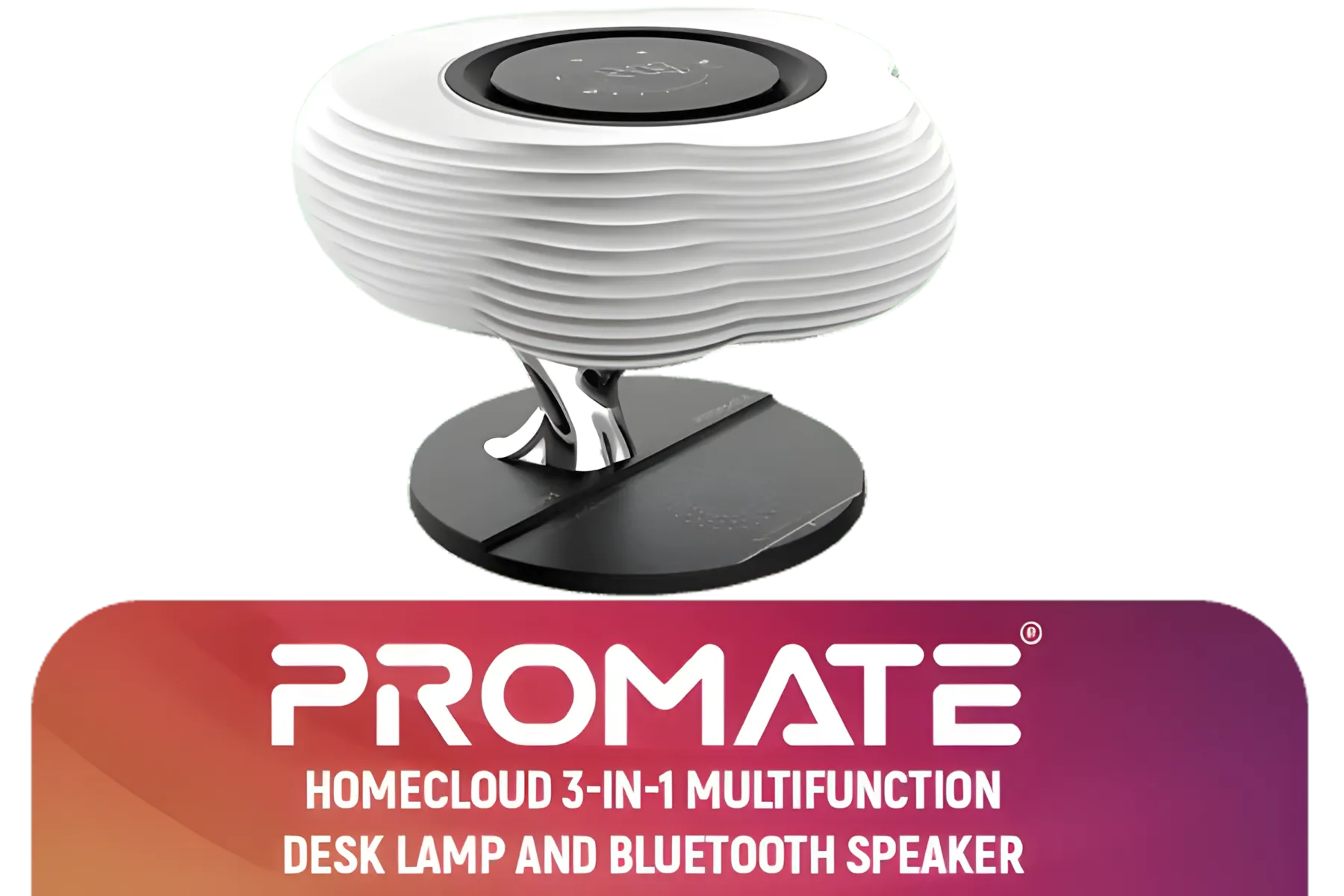
Promate 3-in-1 Cloud Design Bluetooth Speaker with LED Nightlight / Qi Charger / 10W Wireless Speaker / Auto-Time Sync / Touch Control Brightnes / HOMECLOUD.UNI
R999.00In Stock
Tip 3: The Right Soundbar for the Job
Not all soundbars are created equal. Some are built for cinematic soundscapes, while others are designed with low-latency performance in mind. When browsing for new speakers and sound systems, consider the configuration. A simple but high-quality 2.0 stereo setup can offer incredible clarity and responsiveness. For more cinematic punch, a 2.1 system adds a subwoofer for those deep, rumbly explosions without necessarily adding lag. Brands like Promate offer excellent value, providing clear audio that won't break the bank.
Ultimately, eliminating audio sync issues ensures that what you see is exactly what you hear, when you hear it. Taking these steps to reduce soundbar audio latency will make your entertainment more immersive, responsive, and enjoyable. 🚀
Ready for Lag-Free Audio? The right gear makes all the difference. Stop letting audio delay ruin your immersion. Explore our massive range of PC speakers and soundbars and find the perfect audio solution to conquer your world.
Related Products
Promate Bluetooth Speaker, 20W True Wireless Portable HD Speaker with RGB Lights, IPX5 Water-Resistance, Long Playtime, Quick Music Navigation, USB Port, TF Card Slot and Top Handle / Spectro-20
R699.00In Stock
MARVO SG-118 2.0 Stereo LED Gaming Speakers / 3.5mm Audio Jack / 14-Color Lighting With Rainbow Effects / Volume Control / 2x 3W Speakers / SG-118
R199.00In Stock
Promate LumiSound™ HD 40W True Wireless Speaker with RGB Lights / 6Hrs Playback / AUX, USB & TF Card Playback / 9 RGB Modes / IPX5 Rating / TWS Compatible / Strike-40
R1199.00In Stock
Monster Superstar S310 Wireless Bluetooth Speaker - Black / Portable Bluetooth Speakers 5.0 with TWS Pairing Deliver Rich Bass, Dynamic Stereo Sound, Built-in Mic, Wireless Speakers for Home or Outdoor Use, IPX5 Water Resistance Wireless speaker / MS11902
R799.00In Stock
Promate Portable Bluetooth Speaker, High-Definition True Wireless Speaker and Headphone Stand with USB-C and Dual USB-A Hub, Colorful RGB Lighting, Ergonomic Futuristic Design, Fast Charging / Alpha-X
R499.00In Stock

Promate Magnetic Bluetooth Speaker, 3W TWS Small Bluetooth Speaker with HD Sound, 40mm Dynamic Drivers, Long-Lasting 12H Playtime, and Bluetooth V5.3 for Magsafe Compatible Devices / PUNCH.PINK
R299.00In Stock
Latency comes from processing delay, wireless transmission, TV passthrough, codecs and using optical or Bluetooth instead of HDMI eARC.
Enable game or low-latency mode, use HDMI eARC or wired HDMI, disable extra DSP, and tweak the TV audio delay/lip-sync.
Yes. HDMI eARC typically delivers lower latency and better lip sync than optical, making it preferable for gaming and streaming.
Often yes. Firmware can improve processing and sync. Check your manufacturer's updates to reduce soundbar audio latency.
Bluetooth usually adds noticeable delay. Use wired HDMI or low-latency codecs, or connect the source directly to the TV via eARC.
Use low-latency or game mode, disable advanced audio effects, and manually adjust the audio delay or lip-sync setting.
Choose models that advertise low-latency or gaming modes, include HDMI eARC, and show measured lag in reviews.











