



RTX 40 Series Case Clearance: Will It Fit Your PC?
Worried about your RTX 40 series case clearance? 📏 Don't let a massive GPU ruin your build. We break down dimensions, slot width, and how to measure your chassis for the perfect fit. Upgrade with confidence! 🚀
|
Loading tags...
So, you’ve finally got your hands on a beastly NVIDIA RTX 40 series GPU. The excitement is real! You open your PC, ready for the upgrade... and then it hits you. This new graphics card is massive. Will it even fit? It’s a moment of panic many South African gamers face. Before you get the Dremel out, let’s talk about a simpler solution: finding the perfect RTX 40 Series case without breaking the bank.

Corsair FRAME 4000D RS ARGB Modular Mid-Tower Gaming E-ATX PC Case - White / InfiniRail™ Fan Mounting System / Dual 360mm radiator support / GPU anti-sag stabilization arm / Supports Motherboards up to E-ATX / Compatible with reverse connector motherboards / 4 x Pre-Installed ARGB Fans Included / CC-9011297-WW
R2299.00In Stock

DeepCool MORPHEUS WH ATX+ Modular Airflow case, Single and Dual Chamber Configurations, Dual Status Display, Trinity 140mm ARGB Fans, Magnetic Mesh Filters, Type-C, 4x USB 3.0, White / MORPHEUS-WH
R3799.00In Stock

Cooler Master HAF 500 High Airflow ATX Mid-Tower, Mesh Front Panel, Dual 200mm Customizable ARG Lighting Fans, Rotatable GPU Fan, USB 3.2 Gen 2 Type C and Tempered Glass / H500-KGNN-S00
R2499.00In Stock

Antec C7 , 3 x 120mm ARGB PWM Reverse fans + 1 x 140mm ARGB PWM Fan, RTX 40 Compatible Type-C, 360mm Radiator Support, Seamless Tempered Glass Front & Side Panels, Mid-Tower E-ATX Gaming Case / 0-761345-10135-6
R2399.00In Stock

Antec Performance Series P20C White, Massive Metal Mesh Front Panel, 3 x 120mm PWM White Fans, Type-C 3.2 Gen2 Ready, 2 x 360 mm Radiator Simultaneously, GPU Bracket, Mid-Tower E-ATX PC Case - 0-761345-80108-9
R1799.00In Stock

Fractal Design Pop XL Silent Black Tempered Glass Clear Tint - Supports E-ATX, ATX, mATX, ITX - Four HDDs, six SSDs Storage Options - Two 5.25” bays with storage drawer - 4 x Pre-Installed Fans Included / FD-C-POS1X-02
R2499.00In Stock
Why Your Old Case Might Choke Your New GPU
Today's graphics cards, especially the RTX 4080 and 4090, are not just longer; they're thicker and wider too. Your trusty old mid-tower from a few years ago might not have the clearance, leading to some serious problems.
Firstly, there's physical space. The card might bump into your front fans, drive cages, or even the side panel. Secondly, there's airflow. 🌬️ Cramming a powerful, heat-generating component into a tight space is a recipe for thermal throttling, which means you're leaving performance on the table. Modern designs, like many of the TRYX Gaming Cases, are built specifically to handle the size and cooling needs of these new-generation cards.
The 3-Step Guide to Ensure Your New Card Fits
Before you browse our PC case clearance, grab a measuring tape. A few minutes of measuring can save you a massive headache. Here’s how to check if your current setup is ready for an RTX 40 series GPU.
1. Measure Maximum GPU Length
This is the most common issue. Measure the distance from the rear PCIe expansion slots on your case to the first obstruction at the front, which is usually the front intake fans or a hard drive cage. Compare this number to the official length of the specific RTX 40 series model you're buying. Always leave a few extra centimetres for cables and airflow!

Gamdias ARGUS E2 Elite Tempered Glass ATX Mid-Tower Gaming Case / Clean Futuristic Lighting / Hyper-Efficient I/O Ports / Supports Motherboards up to ATX / Panoramic Tempered Glass / Magnetic Dust Filter / 3 Slot Vertical VGA Slot / 1 x 120mm Fan Included / ARGUS-E2-Elite
R699.00In Stock

DEEPCOOL CG530 Black ATX Mid Tower Gaming Case / Tempered Glass / 4x 120mm ARGB Fans Pre-installed / CPU Cooler Support Up to 160mm / GPU Support Upto 410mm / 7x PCI Slot, 360mm Radiator Supported / Front I/O: 2x USB / 1x Type C / HD Audio / CG530-4F
R1299.00In Stock
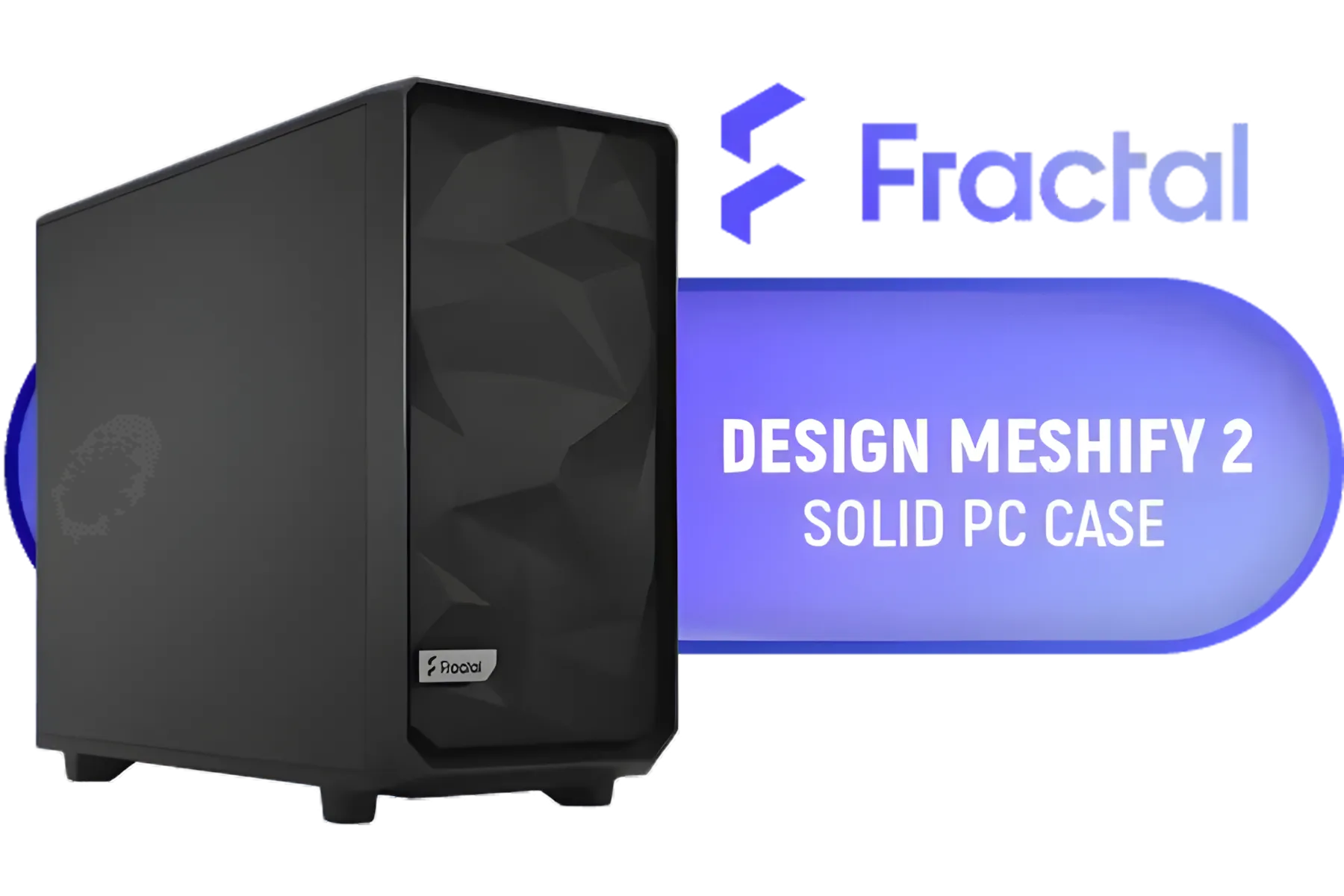
Fractal Design Meshify 2 Black ATX Flexible Mid Tower Computer Case - Stealth-inspired filtered airflow - Fits up to 285mm E-ATX - Fits Radiators Up to 420mm top - 2 x Pre-Installed Fans Included - FD-C-MES2A-01
R2499.00In Stock
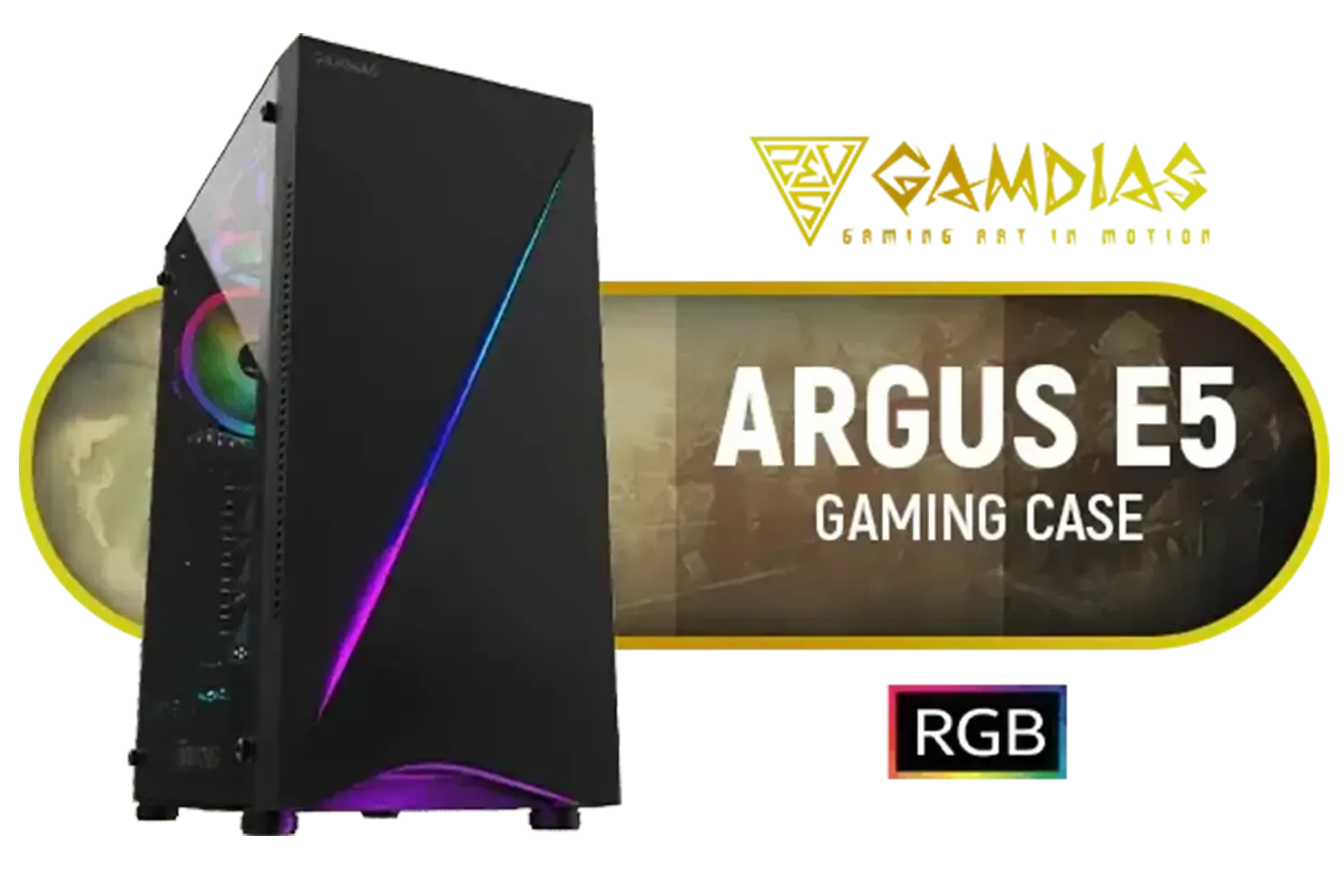
Gamdias ARGUS E5 ATX Gaming Case / Panoramic Tempered Glass / Supports Motherboards up to ATX / Sync with 5V ARGB Motherboard / Vibrant RGB Underglow Design / Magnetic Dust Filter / 1x Built-in 120mm ARGB Rear Fan / ARGUS-E5
R699.00In Stock

CORSAIR 3000D RGB AIRFLOW Mid-Tower ATX PC Case – 3x AR120 RGB Fans – Three-Slot GPU Support – Supports Motherboards up to ATX – Fits up to 8x 120mm Fans – High-Airflow Design – Black - CC-9011255-WW
R2099.00In Stock

Antec Dark League DP505 White, High-Airflow Mesh Front Panel, 3 x 120mm ARGB Fans, ARGB & PWM Hub, 8 x Rubber Grommets & 3 x Cable Ties, Type-C 3.2 Gen2, GPU Bracket, Mid-Tower E-ATX Gaming Case / 0-761345-81076-0
R649.00In Stock
2. Check Card Height and Width (Slot Count)
Modern GPUs are tall. Measure from the top of your motherboard's PCIe slot to the side panel. Ensure there's enough room for the card itself and its bulky power connectors without pressing against the glass or metal. Also, check the slot count. A "3-slot card" will occupy three of the horizontal expansion slots on the back of your case.
TIP FOR YOU
Pro Tip: Check the Specs Online 📏
Before you buy a card or a case, check the manufacturer's official product page. It will list the exact dimensions (Length x Height x Width) for the GPU and the maximum GPU clearance for the case. This is the most reliable way to guarantee a perfect fit and avoid any unwelcome surprises.
3. Plan for Airflow
Just because a card fits doesn't mean it will thrive. A case needs good ventilation, with clear paths for intake and exhaust fans to work effectively. If your new GPU is going to be sandwiched between other components with minimal breathing room, its performance will suffer. Value-focused brands like GameMax often include multiple pre-installed fans and mesh front panels to optimise cooling.
Fractal Design Meshify 2 Black ATX Flexible Mid Tower Computer Case - Stealth-inspired filtered airflow - Fits up to 285mm E-ATX - Fits Radiators Up to 420mm top - 2 x Pre-Installed Fans Included - FD-C-MES2A-01
R2499.00In Stock

Cooler Master MasterBox Q500L - ATX Mini Tower Case with Full Side Panel Display, Clean Routing, and Multiple Cooling Options, 1 x Pre-Installed Fans Included / MCB-Q500L-KANN-S00
R999.00In Stock

Antec NX410 ATX Mid-Tower Tempered Glass Gaming Case - Supports up to 6 Fans - CPU Cooler Support: Up To 168 mm - PSU Support: Up To 165 mm - LED Control Button - 3 x Include ARGB LED Fans — White / 0-761345-81042-5
R1199.00In Stock

ASUS TUF Gaming GT301 ATX Mid-tower Tempered Glass Gaming Case / honeycomb front panel / 120mm AURA Addressable RGB fan / 360mm radiator support / Extensive storage options / 4 x Pre-Installed Fans Included / 90DC0040-B49020 / 90DC0040-B49000
R1599.00In Stock

Fractal Design Define 7 Compact Black Brushed Aluminum/Steel ATX Compact Silent Tempered Glass Window Mid Tower Computer Case - 2 x Pre-Installed Fans Included - FD-C-DEF7C-03
R2299.00In Stock
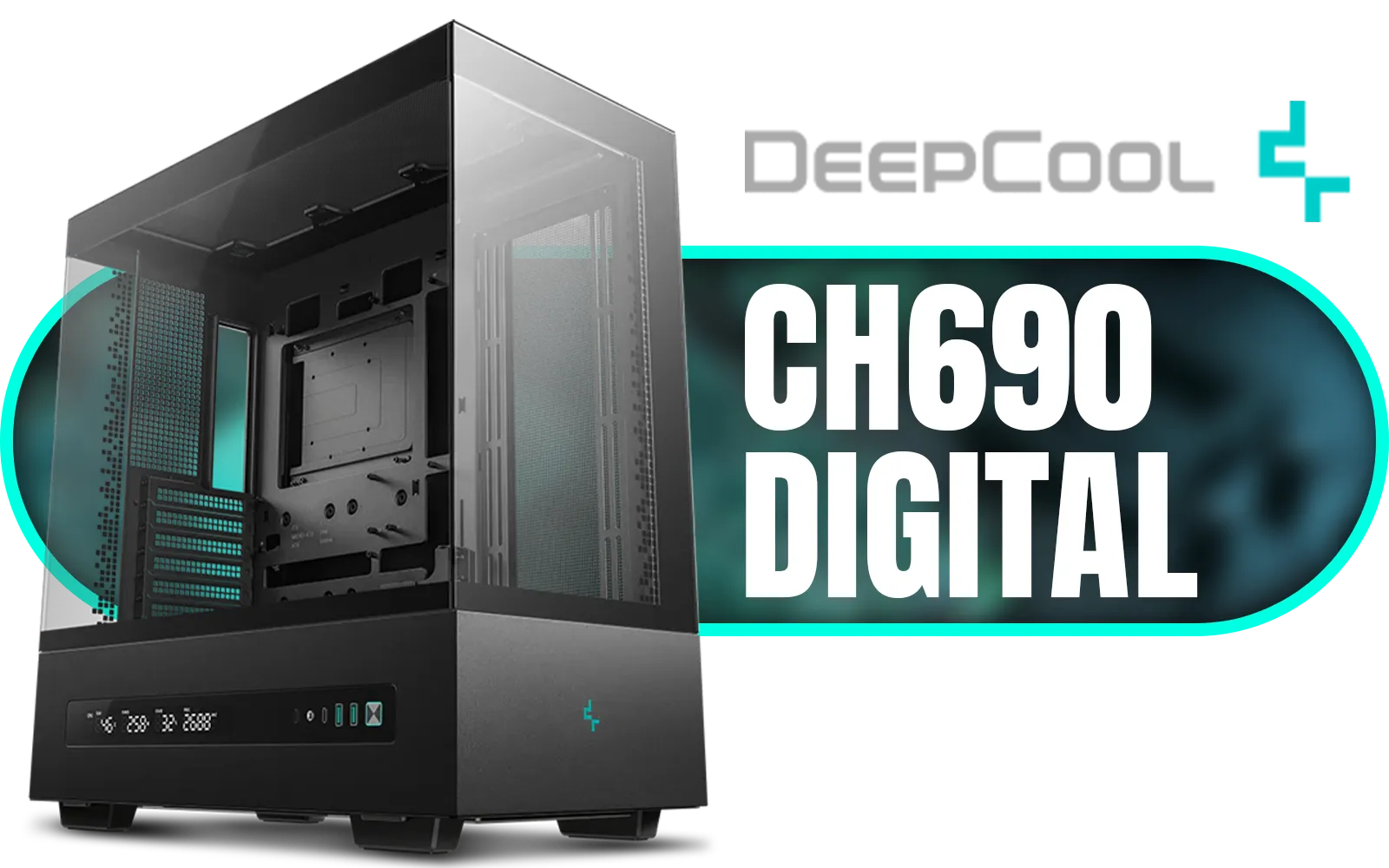
DeepCool CH690 DIGITAL PC Case – Black / Semi-Glass Panel Design / DIY Rear Mesh & Fan Bracket Support / Integrated Light Strip Slot / Supports Mini-ITX, Micro-ATX, ATX / 420mm Radiator Support / Digital Display / No Fans Included / CH690-DIGITAL
R1799.00In Stock
Finding the Perfect Home in Our Case Clearance
If you've done the measurements and realised your old chassis isn't up to the task, don't stress. Upgrading your PC case is one of the easiest and most satisfying parts of a build. It’s a chance to improve aesthetics, cooling, and cable management all at once. Even a compact option like the Cooler Master E301 is designed with modern hardware in mind.
Whether you need a spacious full-tower from Cooler Master's full range or a stylish mid-tower with excellent airflow, the right case for an RTX 40 series GPU is waiting for you. A new case is a small investment to protect your powerful new graphics card and ensure you get every drop of performance you paid for. ✨ Explore our extensive PC case clearance to find incredible deals on top brands.
Ready to Give Your New GPU a Proper Home? Don't let an old, cramped case bottleneck your brand-new RTX 40 Series card. A proper case is a smart investment in performance and longevity. Explore our massive range of PC cases and find the perfect fit to conquer your world.
Related Products
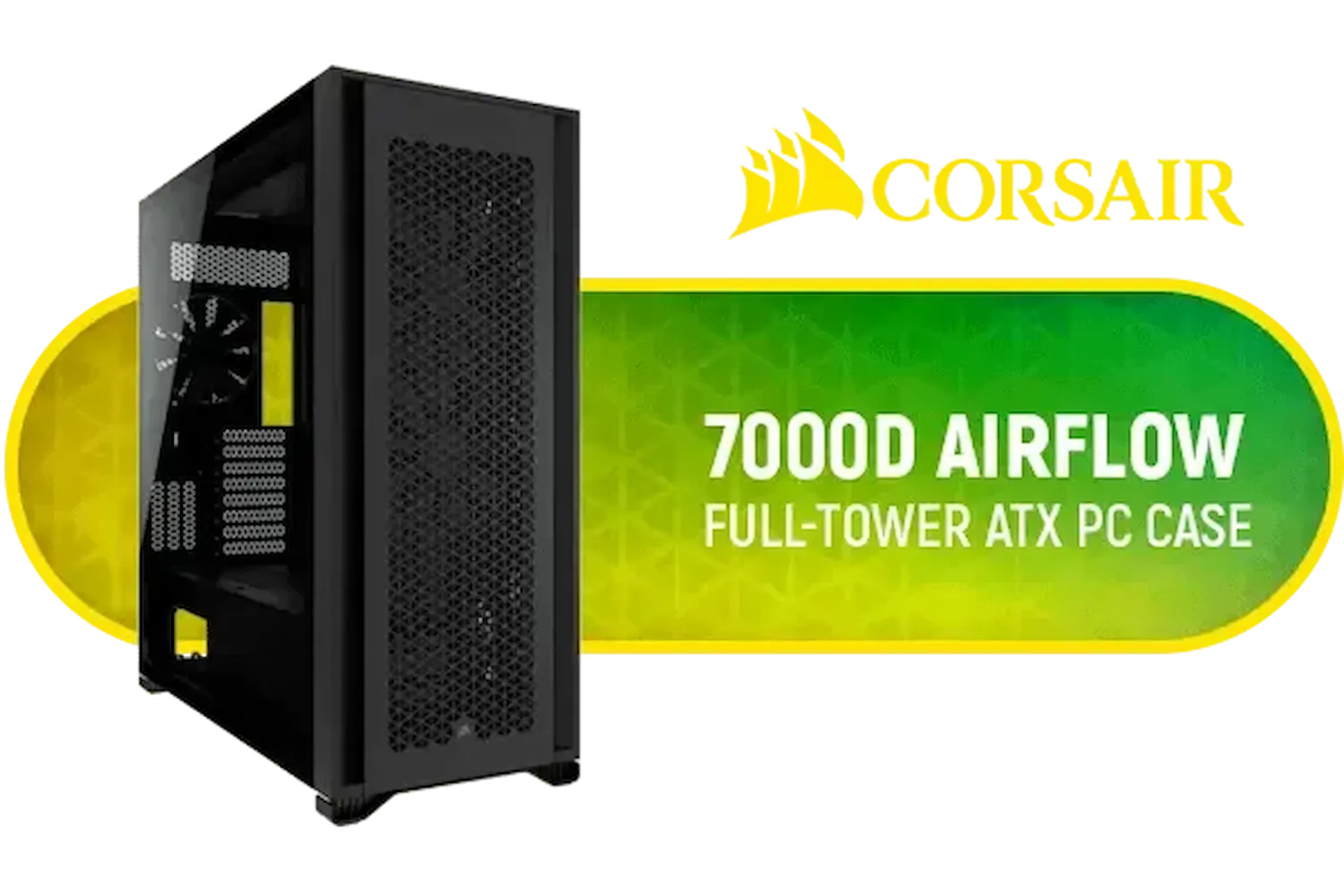
Corsair 7000D AIRFLOW Full-Tower Gaming E-ATX PC Case - Black / Tempered Glass Side Panel / USB 3.1 Type-C port / Corsair rapid route cable management / Supports Motherboards up to E-ATX / Supports up to 480mm Radiator / 3 x Pre-Installed Fan Included / CC-9011218-WW
R4499.00In Stock
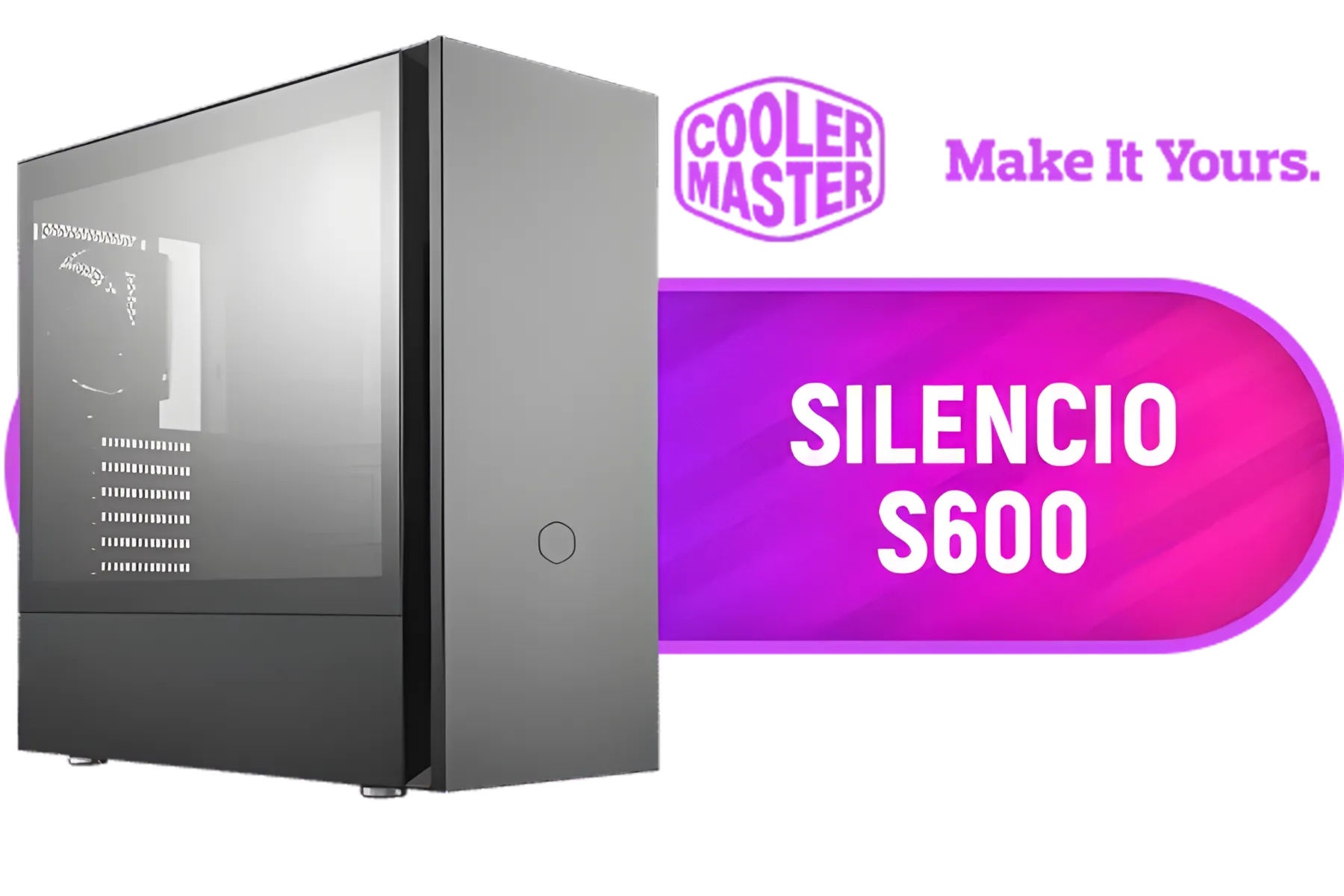
Cooler Master Silencio S600 ATX Gaming Case, Silencio Design, Two Silencio FP 120mm PWM fans, 2x USB 3.2 Gen 1,Sound Dampering Material / MCS-S600-KG5N-S00
R1999.00In Stock

Corsair 7000D AIRFLOW Full-Tower Gaming E-ATX PC Case - White / Tempered Glass Side Panel / USB 3.1 Type-C port / Corsair rapid route cable management / Supports Motherboards up to E-ATX / Supports up to 480mm Radiator / 3 x Pre-Installed Fan Included / CC-9011219-WW
R4399.00In Stock
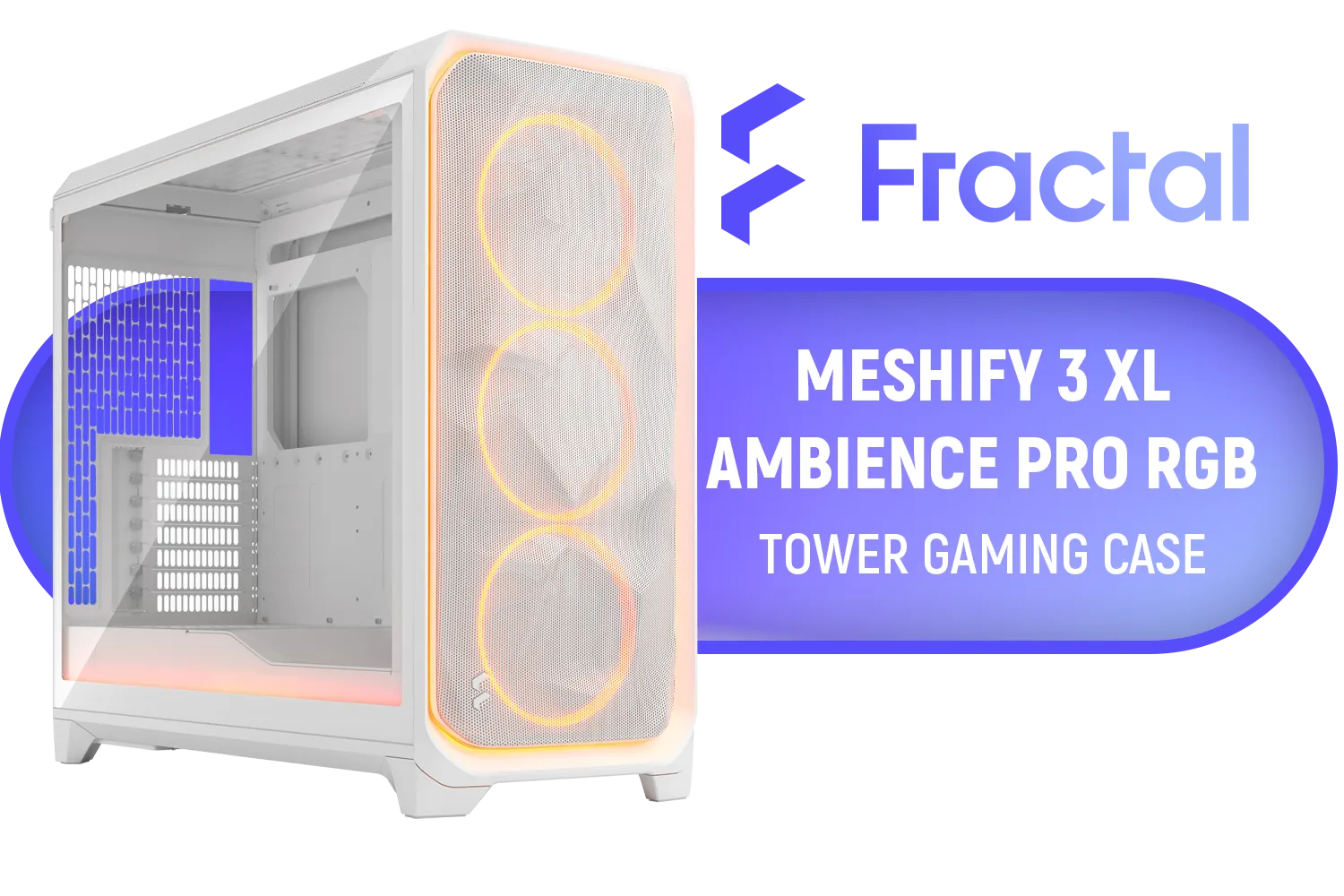
Fractal Design Meshify 3 XL White RGB Tempered Glass Light Tint - High Airflow PC Gaming Case - Mesh Front Panel - Three ARGB Momentum 14 Gen 2 Fans Included - Spacious Interior - GPU up to 512mm / FD-C-MES3X-05
R4499.00In Stock

DEEPCOOL CC560 MESH V2 Mid-Tower Case - White That Supports - Mini-ITX / Micro-ATX / ATX With Pre-Installed 3 x 120mm Fans in Front and 1 x 120mm Fan in Rear / CC560-MESH-WH-V2
R1199.00In Stock

Xigmatek Anubis Pro Mid Tower Gaming Case - Black / Supports Motherboards up to E-ATX / 4 x Pre Installed ARGB Fans / 420mm VGA Support / EN40788
R1699.00In Stock
Most RTX 4090 models range from 304mm to 358mm in length. Always verify the specific manufacturer specs to ensure proper RTX 40 series case clearance.
Measure from the rear PCIe expansion slots to the front intake fans or radiator. Ensure you have enough width for the power connector to avoid tight bends.
Many modern mid-tower cases support the RTX 4080, but you must verify the chassis maximum GPU length limit against the card's specific dimensions.
Yes. The adapter requires about 3-4cm of clearance between the GPU and side panel. Ensure your case is wide enough to prevent dangerous cable bending.
A triple-slot GPU occupies three vertical expansion slots on your case. Most RTX 40 series cards are quite thick, requiring ample space below the PCIe slot.
Due to their weight, a support bracket is highly recommended to prevent sag. Ensure your case has space to accommodate the bracket underneath the card.











