



RTX 5070 Ti Setup Guide: Get the Most from Your GPU
RTX 5070 Ti setup guide: Step-by-step tips to install drivers, optimize settings, and boost gaming performance and stability 🎮⚡
|
Loading tags...

The hype is real. NVIDIA's next-gen Blackwell GPUs are on the horizon, and for many South African gamers, the RTX 5070 Ti is the one to watch. But just unboxing that beast won't unlock its full power. This essential RTX 5070 Ti setup guide will walk you through the hardware and software prep you need to do right now, ensuring you're ready to dominate from day one. Let's get your rig prepped for the next generation of graphics cards. 🚀

MSI GeForce RTX 5060 Ti 8G GAMING OC Graphics Card / 4608 Cuda Cores / 28Gbps Memory Speed / 8GB GDDR7 / 128-bit Memory Bus / 912-V536-026
R9499.00In Stock

XFX Mercury AMD Radeon RX 9070 XT OC Magnetic Air Edition Graphics Card / 4096 Stream Processors / 256-bit Memory Interface / Boost Clock : 3100 MHz / AMD RDNA™ 4 Architecture / RX-97TMARGB9
R16299.00In Stock

Palit GeForce RTX 5060 Dual 8GB Graphics Card / 8GB GDDR7 / 3840 Cuda Cores / 128-bit Memory Interface / Boost Clock : 2497 MHz / PCI Express® Gen 5 / NE75060019P1-GB2063D
R8299.00In Stock

MSI Geforce RTX 5060 Ventus 2X 8G OC Graphics Card - White / 8GB GDDR7 / 3840 Cuda Cores / 128-bit Memory Interface / Boost Clock : 2527 MHz / PCI Express® Gen 5 / 912-V537-018
R7999.00In Stock

Leadtek NVIDIA RTX A400 4GB GDDR6 Workstation Graphics Card / 768 Nvidia CUDA Cores / 96GB/s Memory Bandwidth / Nvidia Ampere Architecture / 126W7000100
R3699.00In Stock

MSI Geforce RTX 5060 Ventus 2X 8G OC Graphics Card / 8GB GDDR7 / 3840 Cuda Cores / 128-bit Memory Interface / Boost Clock : 2527 MHz / PCI Express® Gen 5 / 912-V537-017
R7699.00In Stock
Pre-Installation Checklist for Your RTX 5070 Ti Setup
Before that shiny new GPU even arrives, your PC needs a health check. Getting your hardware in order is the most crucial part of a successful RTX 5070 Ti setup. Skipping these steps can lead to bottlenecks, crashes, or even damage.
### Power Supply (PSU): The Heart of Your Rig ⚡
Next-gen GPUs are power-hungry. While final specs aren't confirmed, it's safe to assume the RTX 5070 Ti will require a high-quality Power Supply Unit (PSU) of at least 750W, likely with the latest 12V-2x6 power connector. Don't cheap out here. A weak or old PSU can cause instability and is a risk to your entire system. A reliable power source is the foundation for getting the most from your GPU.
### Case & Airflow: Give It Room to Breathe
Will it even fit? High-performance GPUs are getting larger with every generation. Measure your case's internal clearance before you even think of buying. Equally important is airflow. You'll need excellent ventilation to keep temperatures in check, especially with powerful custom models from partners like MSI which often feature beefy cooling solutions. Ensure you have a clear path for air to move from front to back or bottom to top.
The Day-One Software Setup Guide 🔧
Once the hardware is sorted, it's time to handle the software. A clean software environment is non-negotiable for a stable and optimised experience. This is where your RTX 5070 Ti setup guide becomes critical for unlocking performance.

Leadtek NVIDIA RTX A1000 8GB GDDR6 Workstation Graphics Card / 2304 Nvidia CUDA Cores / 192GB/s Memory Bandwidth / Nvidia Ampere Architecture / 126W8000100
R10999.00In Stock
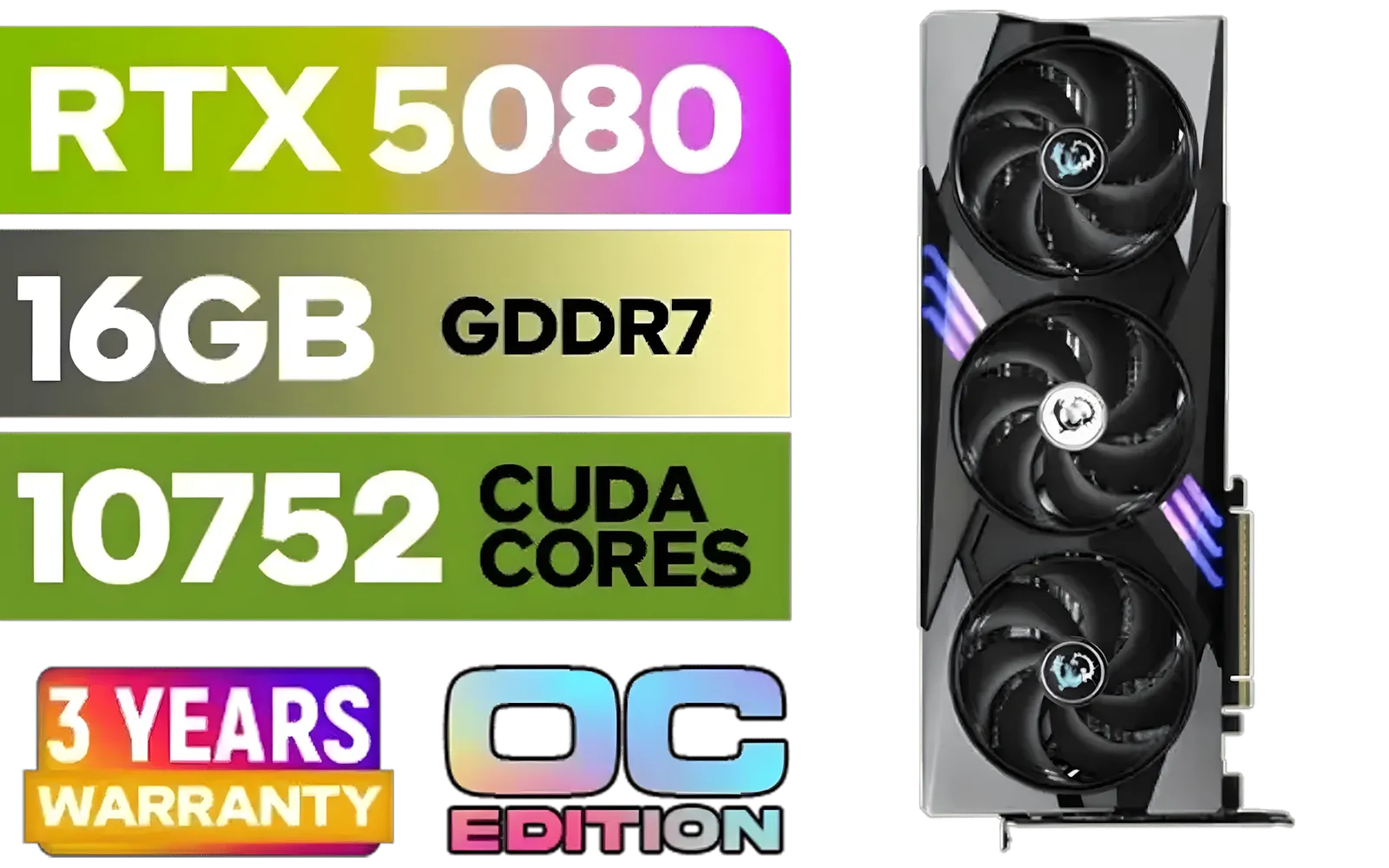
MSI GeForce RTX 5080 16G Gaming Trio OC Graphics Card - Precision Airflow Control - Nickel-Plated Copper Base - Metal Backplate - 16GB GDDR7 - 30Gbps Memory Speed - PCI Express® Gen 5 / 912-V531-026
R29499.00In Stock

XFX Swift AMD Radeon RX 9070 OC Graphics Card - White / 3584 Stream Processors / 256-bit Memory Interface / Boost Clock :2700 MHz / AMD RDNA™ 4 Architecture / RX-97SWFB3W9
R13499.00In Stock

XFX SWIFT AMD Radeon RX 9060 XT OC 16GB Graphics Card - Black / 16GB GDDR6 / 2048 Stream Processors / 128-bit Memory Interface / Boost Clock : 3320 MHz / RX-96TS316B7
R8499.00In Stock

Palit GeForce RTX 5080 GamingPro 16GB GDDR7 / 30Gbps Memory Speed / PCI Express® Gen 5 / NE75080019T2-GB2031A
R24199.00In Stock
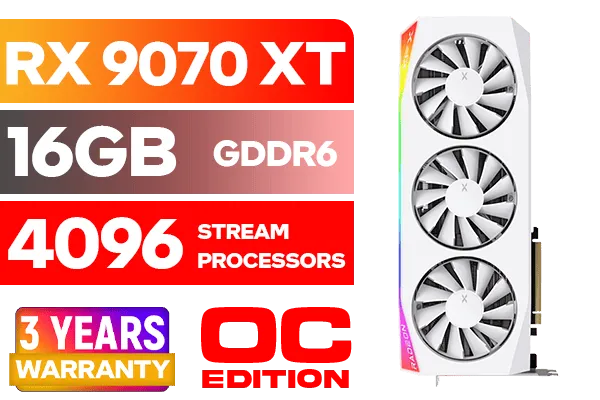
XFX Mercury AMD Radeon RX 9070 XT OC Magnetic Air Edition Graphics Card - White / 4096 Stream Processors / 256-bit Memory Interface / Boost Clock : 3100 MHz / AMD RDNA™ 4 Architecture / RX-97TMARGW9
R16299.00In Stock
### Start with a Clean Slate: Driver Removal
Whether you're upgrading from older NVIDIA GeForce cards or switching teams from one of the current AMD Radeon GPUs, you must start fresh. Leftover driver files can cause conflicts, bugs, and performance issues.
Use a tool called Display Driver Uninstaller (DDU) in Windows Safe Mode to completely wipe all traces of your old graphics drivers. This ensures your new RTX 5070 Ti drivers install perfectly, giving you a rock-solid foundation.
TIP FOR YOU
NVIDIA Control Panel Pro Tip ✨
Once your drivers are installed, right-click your desktop and open the NVIDIA Control Panel. Navigate to 'Manage 3D settings' > 'Global Settings'. Find the 'Power management mode' and change it from 'Normal' to 'Prefer maximum performance'. This ensures your GPU stays at its highest clock speed during gaming for consistent frame rates.
### Key Settings to Tweak

ASRock Intel ARC B580 Steel Legend OC Graphics Card / 12Gb 192-bit GDDR6 / DirectX 12 Ultimate / 2560 Cores / 2800MHz Engine Clock / 90-GA5CZZ-00UANF
R6999.00In Stock
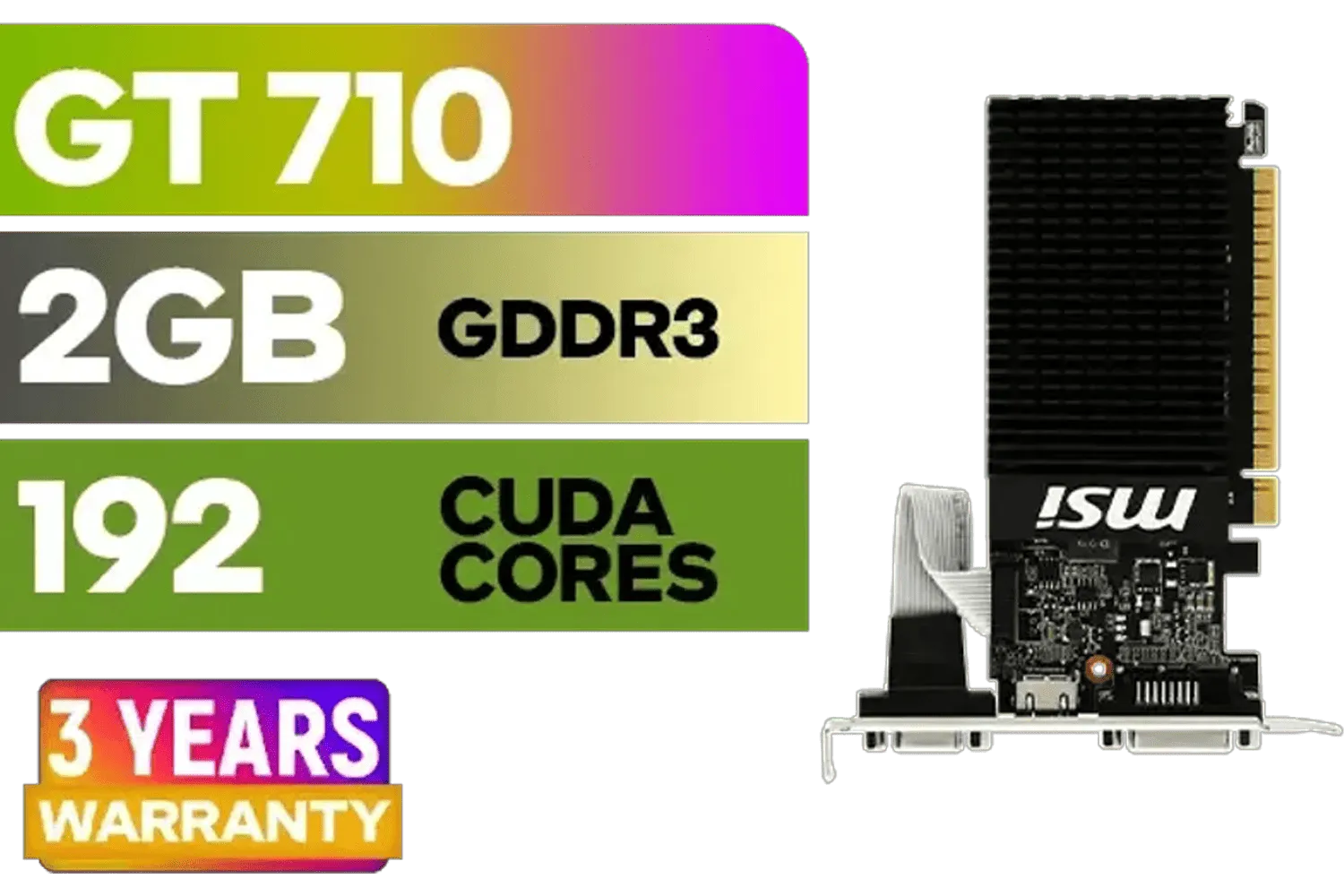
MSI GeForce GT 710 2GD3H LP 2GB DDR3 Graphics Card / 192 CUDA CORES / 64-bit Memory / 1x HDMI / 1x Dual-link DVI-D / 1x D-Sub / 912-V809-4217
R1099.00In Stock

MSI GeForce RTX 5080 16G VENTUS 3X OC Plus Graphics Card / PCI Express Gen 5 / 10752 Cuda Cores / 16GB GDDR7 / Nickel-plated Copper Baseplate / 912-V531-293
R27999.00In Stock
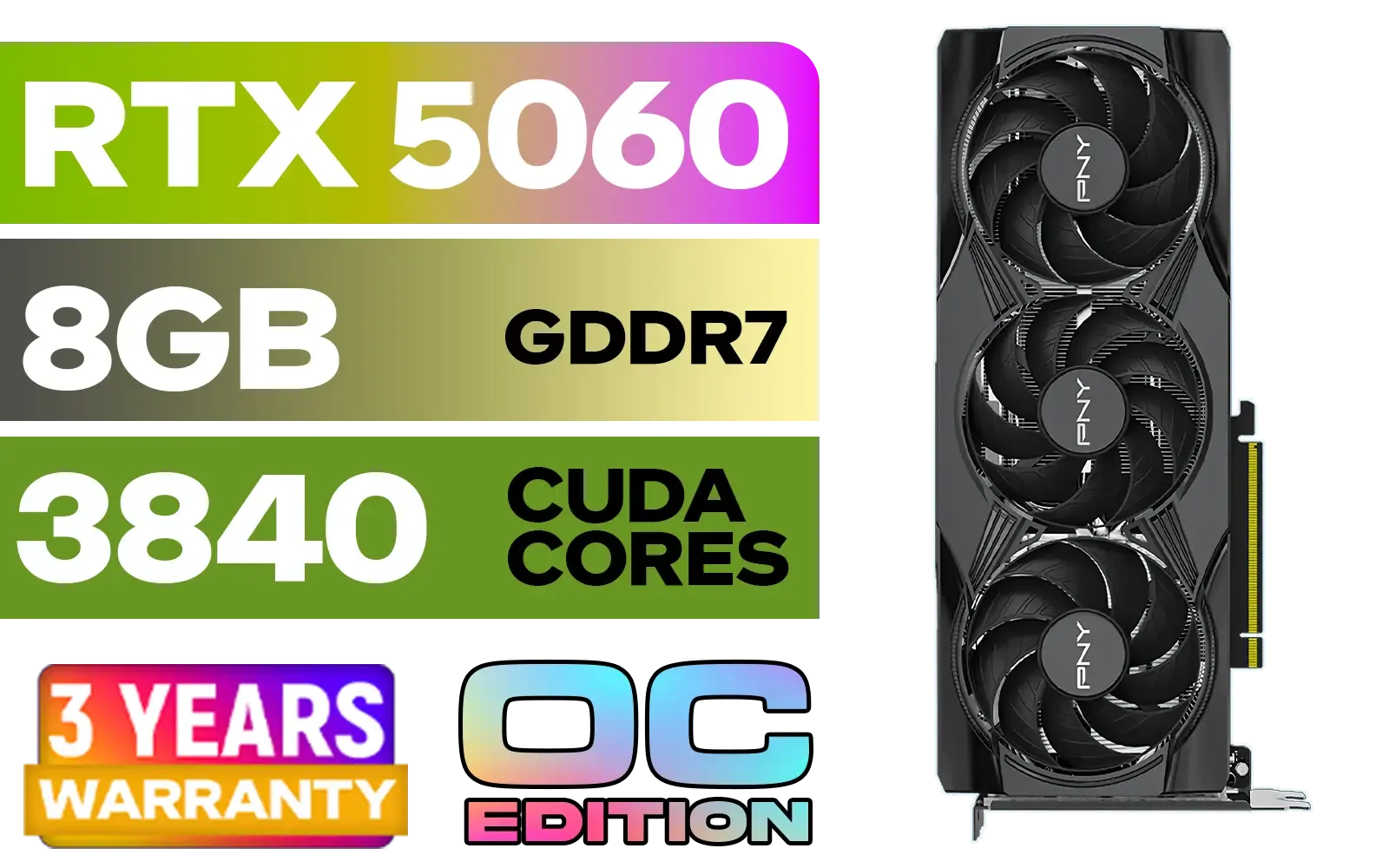
PNY GeForce RTX 5060 EPIC-X 8GB OC Graphics Card / 8GB GDDR7 / 3840 Cuda Cores / 128-bit Memory Interface / Boost Clock: 2580 MHz / 28 Gbps Memory Speed / DisplayPort 2.1b (x3), HDMI® 2.1b / PCI-Express 5.0 x8 / 9VCG50608TFXXPB1-O
R7499.00In Stock
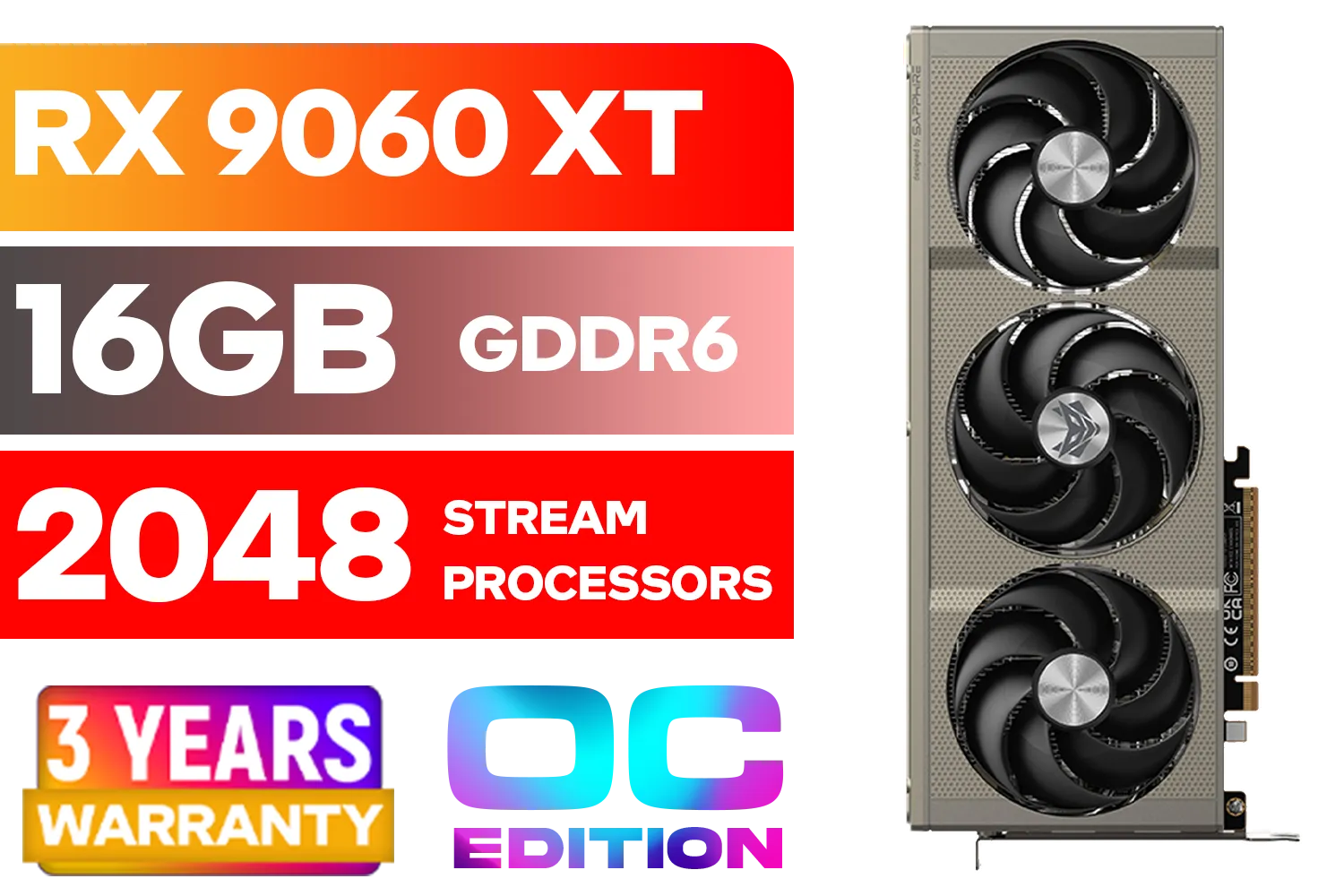
SAPPHIRE NITRO+ RX 9060 XT OC 16GB Graphics Card / 16GB GDDR6 Memory / 2048 Stream Processors / 128-bit Memory Interface / Boost Clock : 3320 MHz / AMD RDNA™ 4 Architecture / 32 Ray Accelerators / 11350-01-20G
R8899.00In Stock
MSI Geforce RTX 5060 Ventus 2X 8G OC Graphics Card - White / 8GB GDDR7 / 3840 Cuda Cores / 128-bit Memory Interface / Boost Clock : 2527 MHz / PCI Express® Gen 5 / 912-V537-018
R7999.00In Stock
After installing the latest Game Ready Driver from NVIDIA's website, dive into the Control Panel. Here are two quick things to check:
- Set up G-SYNC: If you have a compatible monitor, enable G-SYNC for smooth, tear-free gaming.
- Adjust Digital Vibrance: Under 'Adjust desktop colour settings', bumping the Digital Vibrance up to 55-60% can make games look more vivid and alive without oversaturating them.
Following these steps will ensure your rig is not just ready but fully optimised for whatever the RTX 5070 Ti throws at it. A proper setup is the difference between a good gaming experience... and a great one.
Ready to Build Your Ultimate Rig? The RTX 5070 Ti is on the horizon, but a powerful PC is more than just one part. For the best performance, choice, and value in South Africa, a well-balanced system is key. Explore our massive range of PC components and get your rig ready for the next generation of gaming.
Related Products
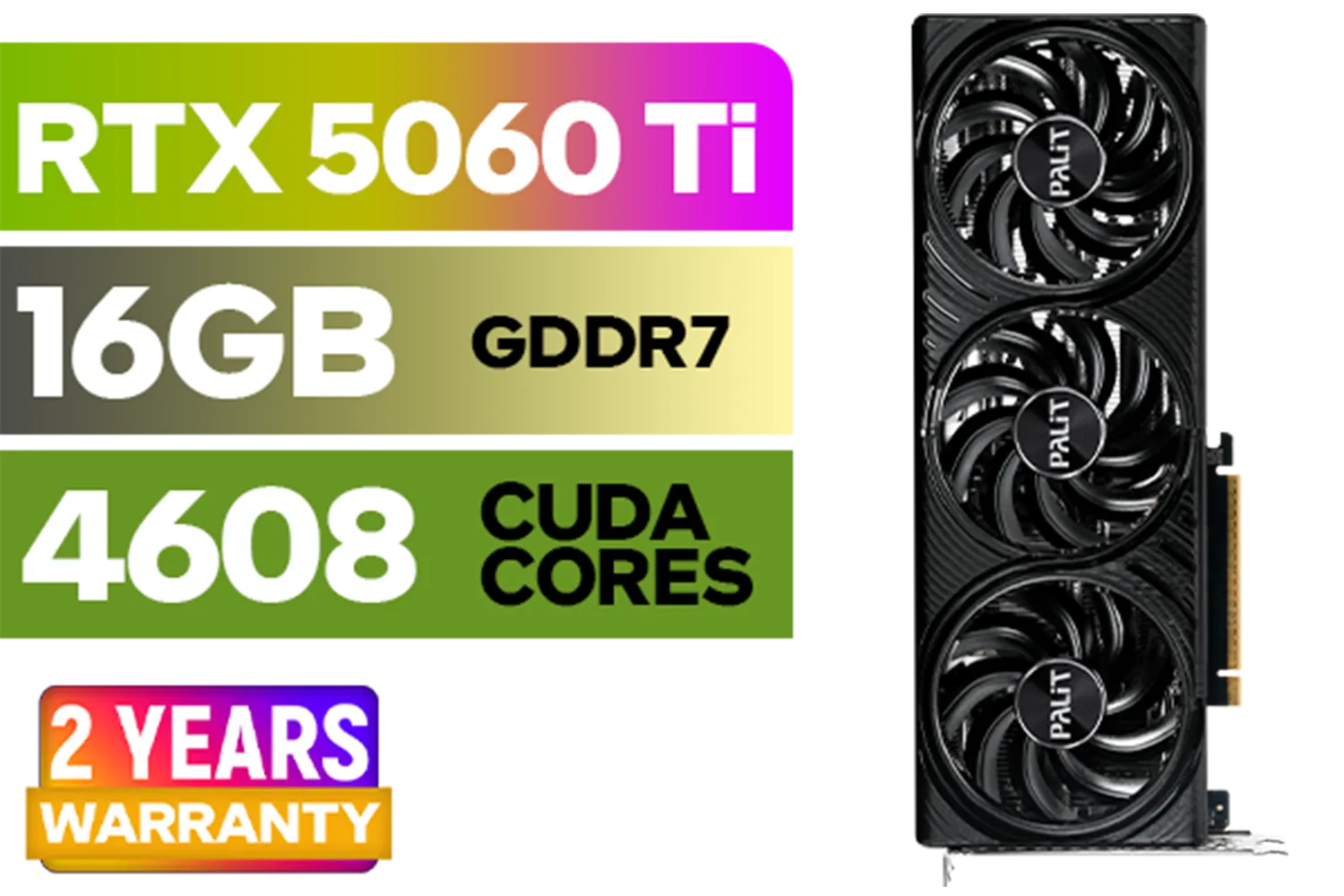
Palit GeForce RTX 5060 Ti Infinity 16GB Graphics Card / 16GB GDDR7 / 4608 Cuda Cores / 128-bit Memory Interface / Boost Clock : 2572 MHz / 28Gbps Memory Speed / PCI Express® Gen 5 / NE7506T019T1-GB2061S
R9799.00In Stock
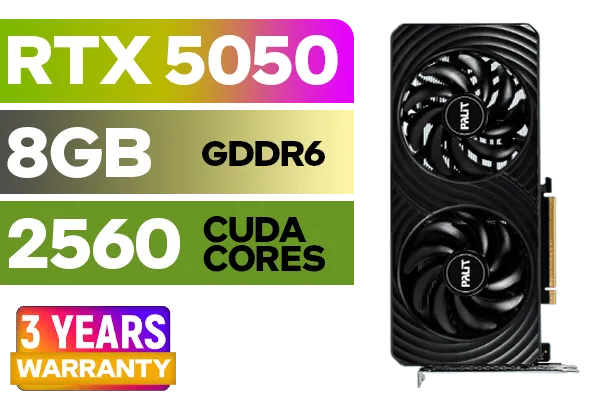
Palit GeForce RTX™ 5050 DUAL Graphics Card / 8GB GDDR6 / 2560 Cuda Cores / 128-bit Memory Interface / Boost Clock : 2572 MHz / PCI Express® Gen 5 / NE65050019P1-GB2070D
R5699.00In Stock
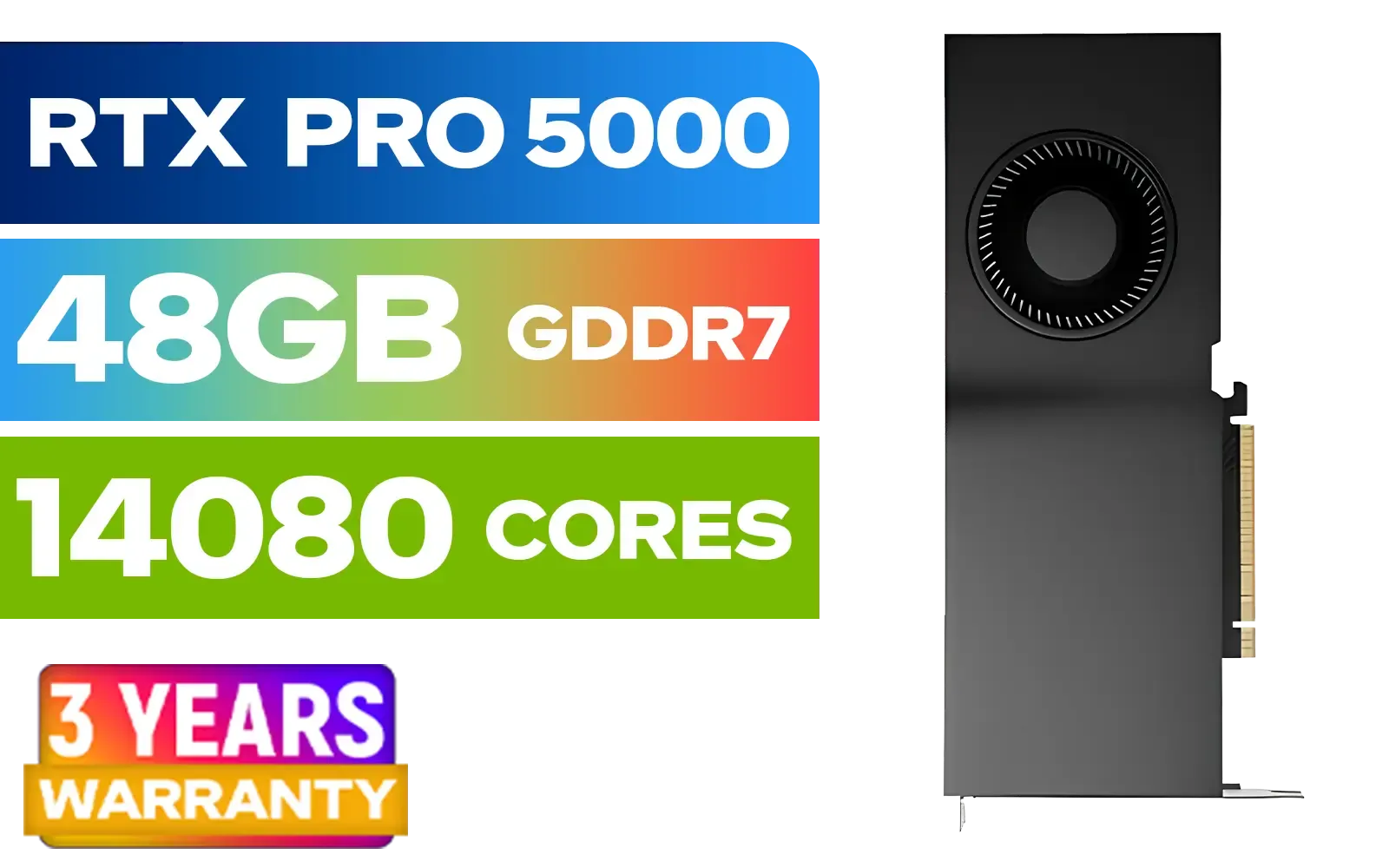
LEADTEK NVIDIA RTX PRO 5000 Blackwell 48GB GDDR7 Workstation Graphics Card / 14,080 Nvidia CUDA Cores / 1,344GB/s Memory Bandwidth / NVIDIA Blackwell Architecture / 126X2000100
R93999.00In Stock

XFX SWIFT AMD Radeon RX 9060 XT OC Triple Fan 16GB GDDR6 GPU - White / AMD RDNA 4 Architecture / 3rd Gen Radeon Raytracing Accelerators/ AMD Fidelity FX Super Resolution 4.0 Upscaling Technology / RX-96TS316W7
R8499.00In Stock
PNY GeForce RTX 5060 EPIC-X 8GB OC Graphics Card / 8GB GDDR7 / 3840 Cuda Cores / 128-bit Memory Interface / Boost Clock: 2580 MHz / 28 Gbps Memory Speed / DisplayPort 2.1b (x3), HDMI® 2.1b / PCI-Express 5.0 x8 / 9VCG50608TFXXPB1-O
R7499.00In Stock
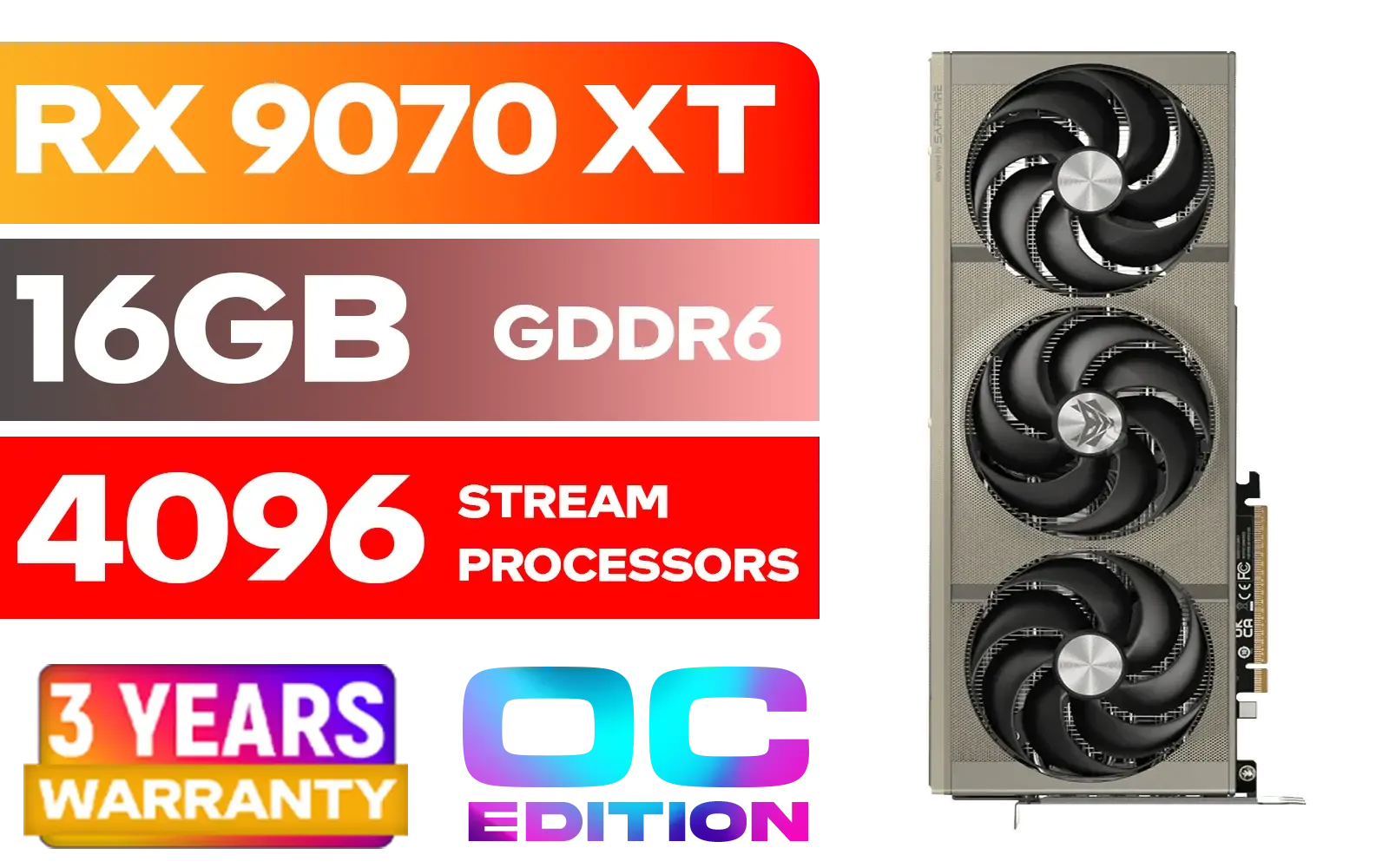
SAPPHIRE NITRO+ RX 9070 XT Gaming OC 16GB Graphics Card / 16GB GDDR6 Memory / 4096 Stream Processors / 256-bit Memory Interface / Boost Clock : 3060 MHz / AMD RDNA™ 4 Architecture / 64 Ray Accelerators / 11348-01-20G
R14999.00In Stock
Power down, slot the RTX 5070 Ti into the PCIe x16 slot, connect the required power cables, then boot and install NVIDIA drivers and GeForce Experience.
Update to the latest NVIDIA drivers, enable G-SYNC/DLSS where available, and set Power Management to 'Prefer maximum performance' in the control panel.
Use DLSS Quality, keep ray tracing at medium, max textures, and tweak in-game options while monitoring temps for consistent FPS.
Yes—raise core/memory clocks incrementally, test stability with benchmarks, monitor temps, and keep power limits conservative using MSI Afterburner.
Aim for a quality 650W+ PSU with the correct 8-pin connectors; check the card's TDP and headroom for overclocking and peripherals.
Improve case airflow, set an aggressive fan curve, reapply thermal paste if old, and avoid sustained high-power overclocks to reduce temps.
Yes—enable DLSS in supported games to increase FPS and turn on ray tracing selectively for visual gains without severe performance loss.











