



Silent 140mm Fan Configuration: Ultimate Cooling Guide
Master your silent 140mm fan configuration with our expert guide. Discover intake vs exhaust setups and PWM curves to keep your rig cool and quiet. 🤫 Achieve maximum airflow with minimal noise today! 💨
|
Loading tags...

Is your gaming PC starting to sound like a jet engine during a heated Apex Legends match? That distracting whirring noise is the enemy of immersion. The secret to a powerful yet whisper-quiet rig isn't complicated… it's about smart cooling. This guide will walk you through the ultimate silent 140mm fan configuration, proving that top-tier performance doesn't have to be loud. Let's build a PC that you can hear yourself think in. 🤫
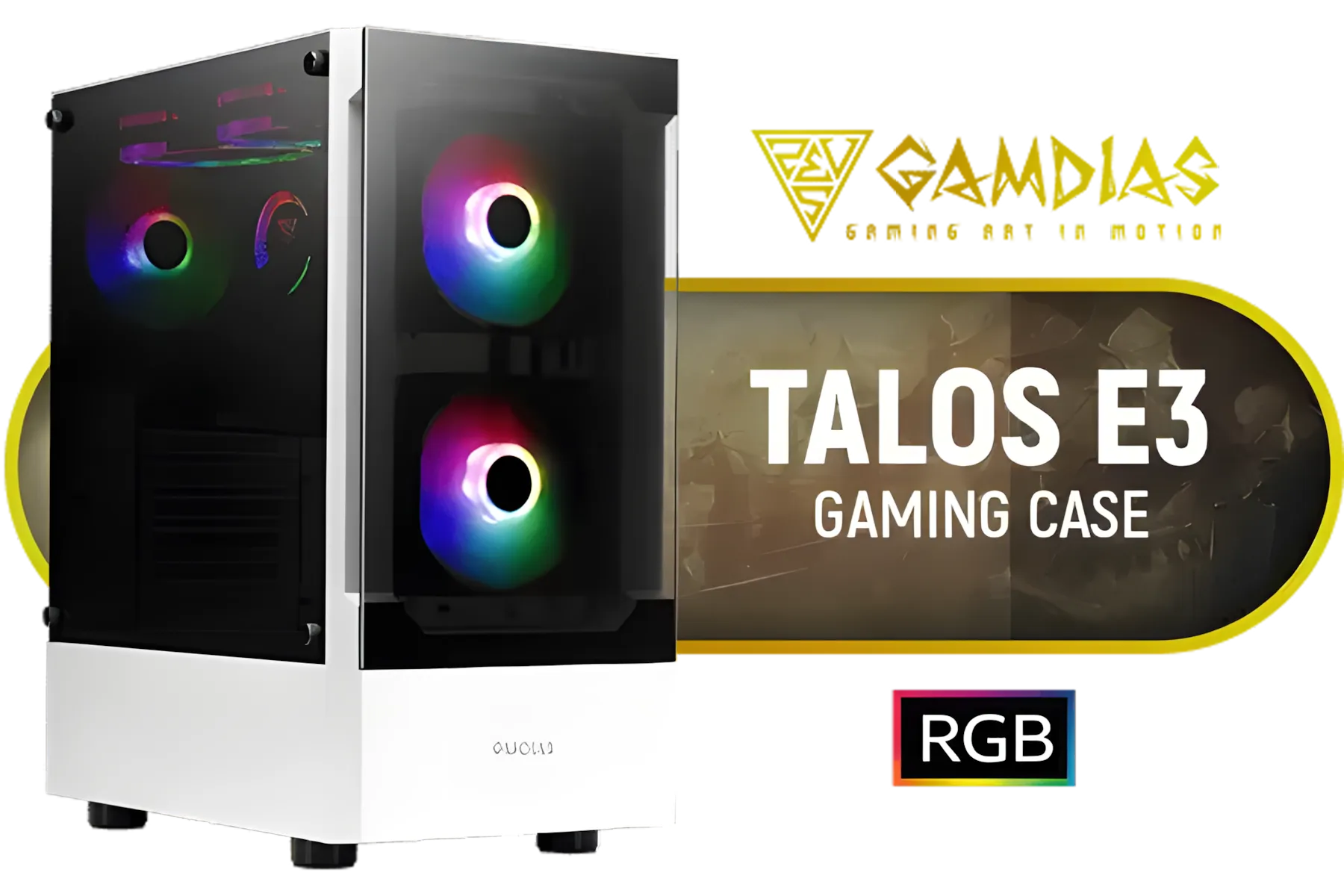
Gamdias TALOS E3 Tempered Glass ATX Gaming Case - White / 3 Built-in 120mm ARGB Fans / Supports Motherboards up to ATX / Magnetic Dust Filter / Support Sync with 5V ARGB Motherboard / TALOS-E3-WHITE
R999.00In Stock

Antec C7 , 3 x 120mm ARGB PWM Reverse fans + 1 x 140mm ARGB PWM Fan, RTX 40 Compatible Type-C, 360mm Radiator Support, Seamless Tempered Glass Front & Side Panels, Mid-Tower E-ATX Gaming Case / 0-761345-10135-6
R2399.00In Stock

Fractal Design Meshify 2 Lite RGB White ATX Flexible Light Tinted Tempered Glass Window Mid Tower Computer Case / 4 x Pre-Installed ARGB Fans Included / FD-C-MES2A-08
R2999.00In Stock
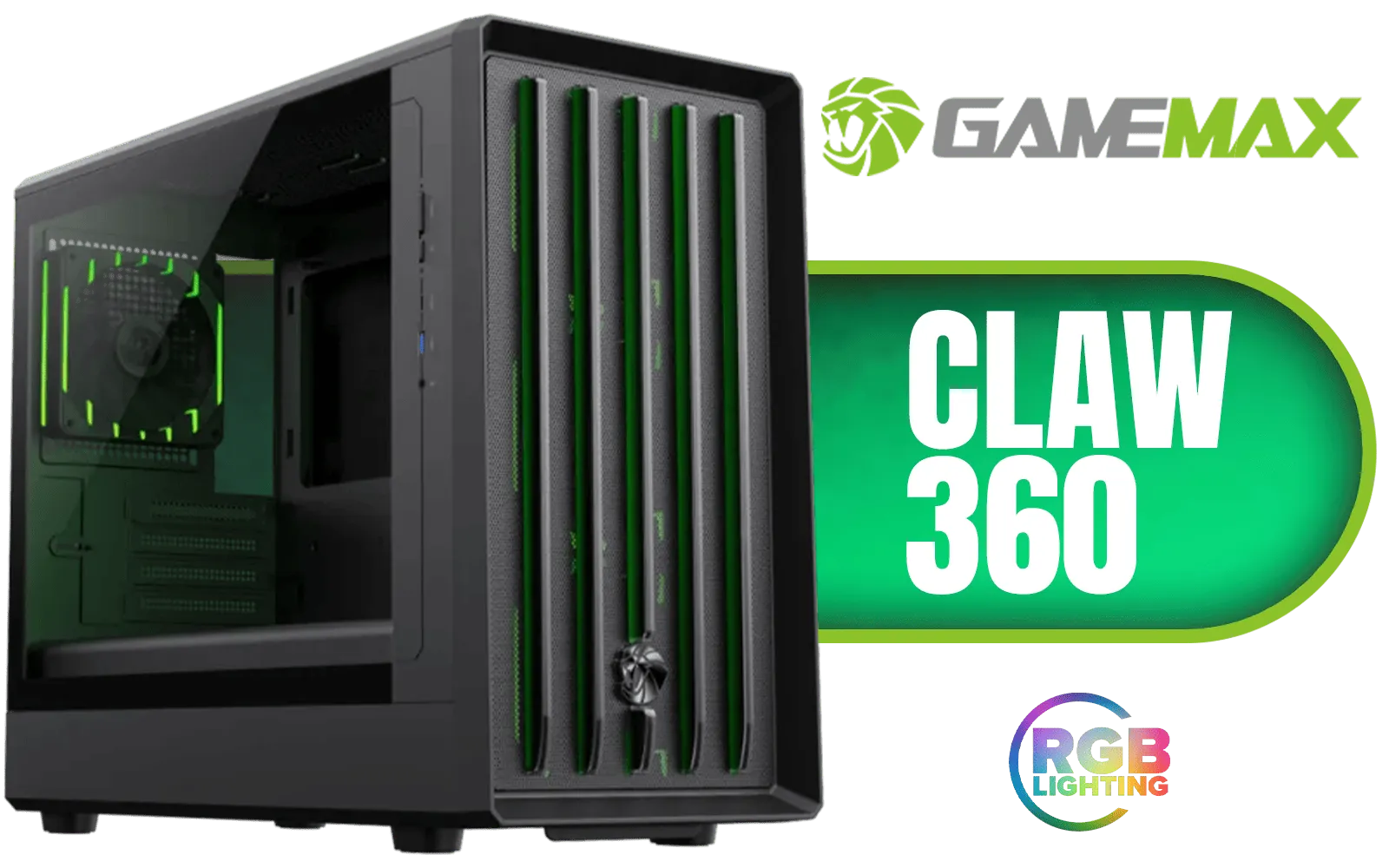
Gamemax CLAW 360 Micro-ATX Gaming Case - Black / Supports M-ATX & ITX Motherboards / Tool-Free Glass Side Panel / Supports up to 12x 120mm Fans / 4x 120mm ARGB Fans Pre-Installed / Integrated GPU Support Bracket / CLAW-360-BK
R1199.00In Stock

Gamemax Infinity Plus ATX Mid-Tower Gaming Case - Black / Three Sided Tempered Glass / Support 8×120mm or 5×120mm + 2x140mm Fan Mounts / No Fans Included / ATX, M-ATX, ITX Motherboard Support / Support BTF Motherboards / ATX PSU Support / Infinity-Plus-BK
R1199.00In Stock
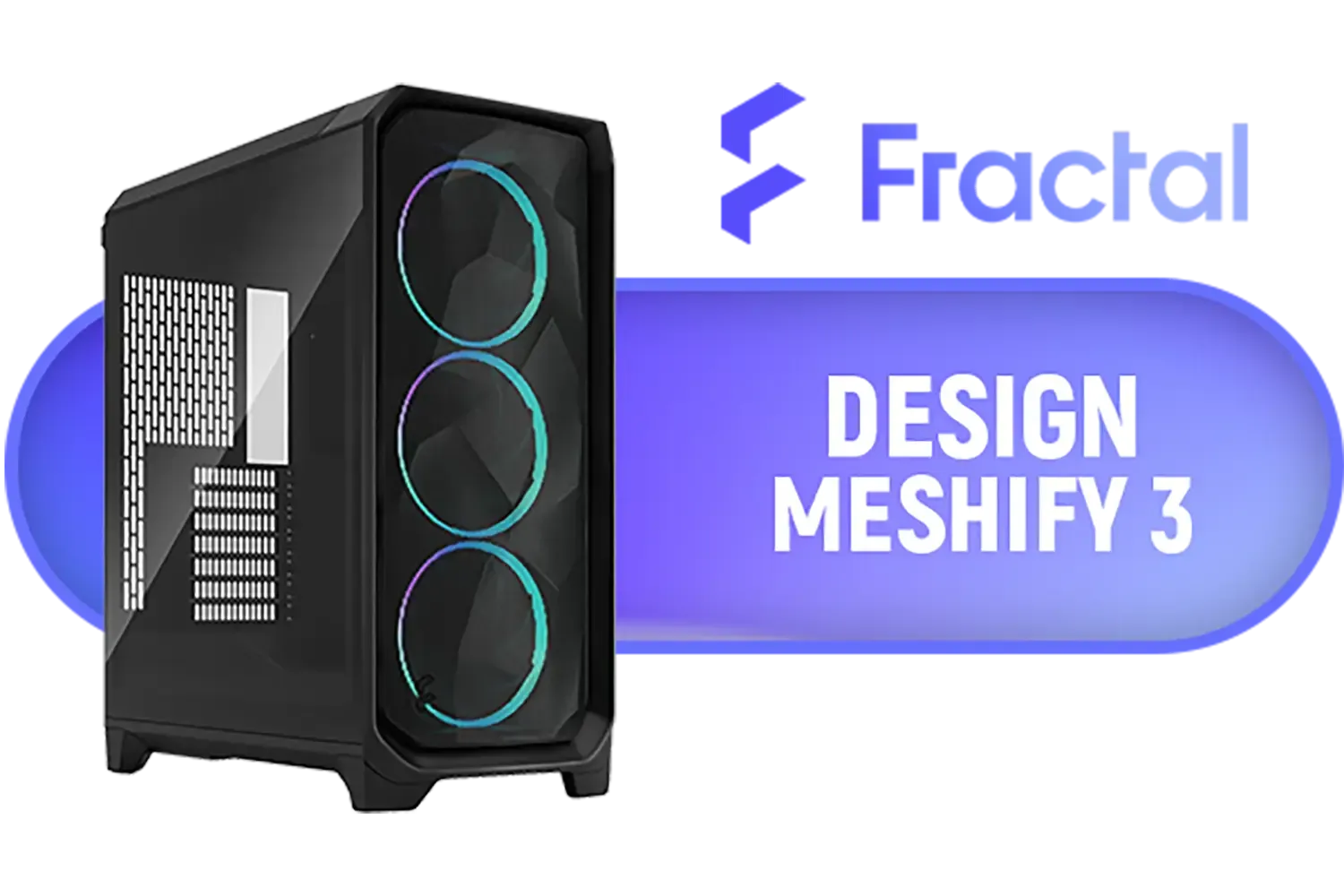
Fractal Design Meshify 3 Tempered Glass Light Tint E-ATX Mid-Tower Gaming Cabinet Case with Three Pre-Installed GP-14 Fans and Detachable Front & Top Filter - Black / FD-C-MES3A-02
R2799.00In Stock
Why 140mm Fans are the Kings of Quiet Cooling
Before we get into placement, let's talk physics. Why are 140mm fans the gold standard for quiet builds? It’s simple: size matters. A larger fan blade can move a significant volume of air at a much lower speed (RPM) compared to its smaller 120mm cousins.
Lower RPMs result in two key benefits:
- Less Motor Noise: The fan's motor doesn't have to work as hard, generating less audible hum.
- Less Turbulence: Slower-moving blades cut through the air more gently, reducing that annoying "whoosh" sound.
Essentially, you get superior airflow with a fraction of the noise, making a silent 140mm fan setup the most effective starting point for any quiet PC build.
The Blueprint for a Silent 140mm Fan Configuration
A truly silent 140mm fan configuration is more than just buying big fans; it's about creating a strategic and balanced airflow path. The goal is to efficiently bring cool air in and exhaust hot air with minimal effort and noise.
Positive vs. Negative Air Pressure
First, a quick lesson. Air pressure inside your case can be positive, negative, or neutral.
- Positive Pressure: More air is being pushed in (intake) than pulled out (exhaust). This is ideal for most silent builds as it helps reduce dust buildup by forcing air out of unfiltered cracks and vents.
- Negative Pressure: More air is being pulled out than pushed in. This can sometimes offer slightly better raw cooling but tends to suck dust in through every opening.
For a quiet and clean rig, we're aiming for slightly positive pressure.

GAMDIAS ATLAS E1 WH Gaming ATX Mid Tower Computer PC Case, Customized Monitor w/Software, 3 x 120mm ARGB Fans(2 Reverse), Supports Motherboards up to ATX, Panoramic Tempered Glass Display, Perforated Airflow Vent PSU Chamber, White / ATLAS-E1-WH
R1399.00In Stock

Fractal Design Torrent Compact White - Clear Tint Tempered Glass Side Panel - Open Grille for Maximum air Intake - Two 180mm PWM Fans Included - Type C - ATX Airflow Mid Tower PC Gaming Case - FD-C-TOR1C-03
R2999.00In Stock

Fractal Design Define 7 White Brushed Aluminum/Steel E-ATX Silent Modular Tempered Glass Window Mid Tower Computer Case - 3 x Pre-Installed Fans Included - FD-C-DEF7A-06
R2999.00In Stock

Corsair iCUE LINK 2500X RGB Micro ATX Dual Chamber PC Case - White / Compatible with reverse connector motherboards / Supports Motherboards up to Mini-ITX, Micro-ATX / iCUE LINK Fan Bundle included / Showcase glass panels / 4 horizontal Expansion slots / 2 x Pre-Installed Fans Included / CC-9011268-WW
R1899.00In Stock

Fractal Design Meshify 2 - Lite Black / E-ATX, ATX, mATX, Mini-ITX / Light Tinted Tempered Glass Window / Mid Tower Computer Case / 3 x Pre-Installed Fans Included / FD-C-MEL2A-03
R2299.00In Stock
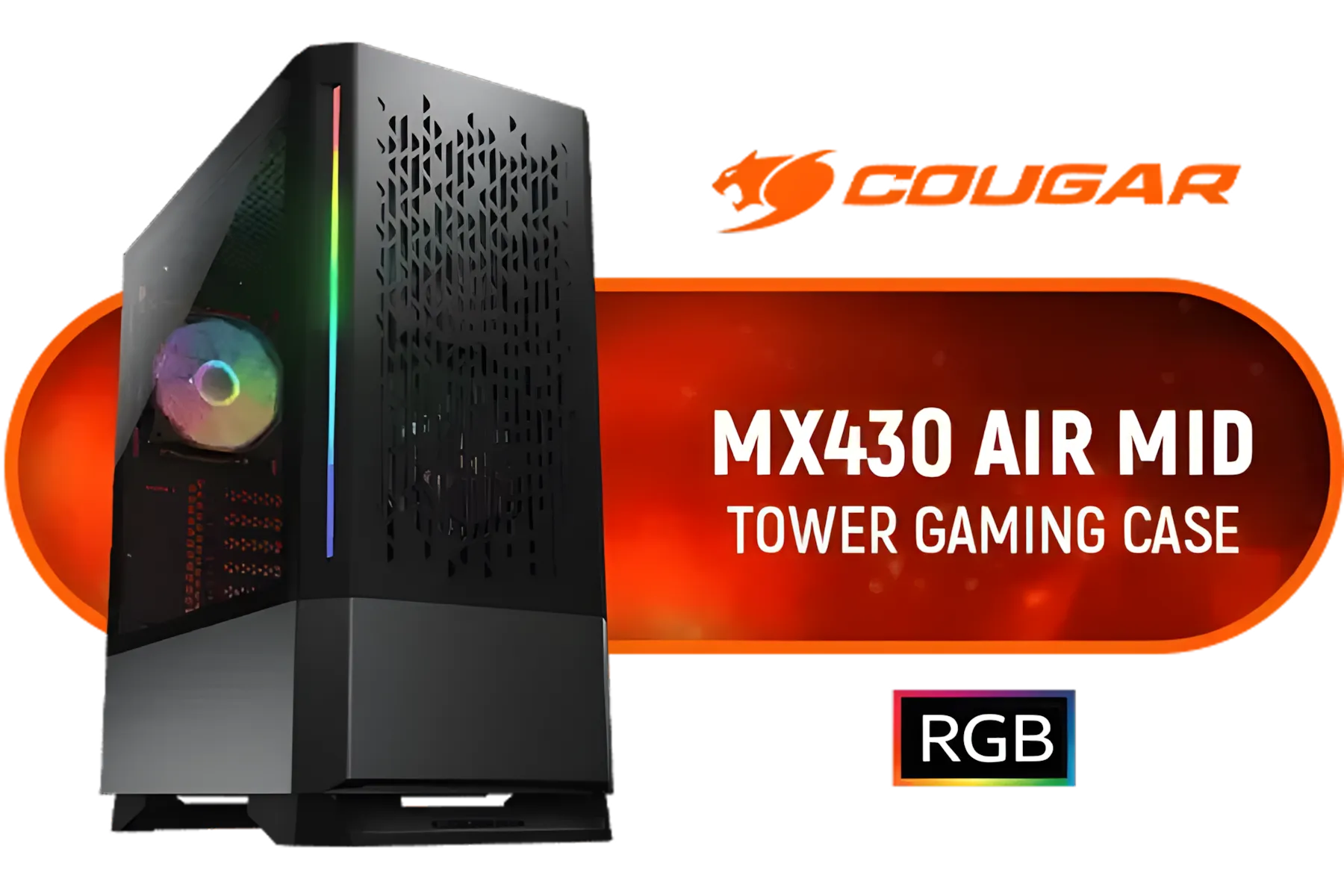
Cougar MX430 Air RGB Black Mini ITX/Micro ATX/ATX Mid Tower Case w/Window / 3 x Pre-Installed ARGB Fans Included / 3851C60.0001
R1499.00In Stock
A Classic Layout for Optimal Airflow 🔧
The most effective and common setup for a silent PC involves a simple, logical path.
- Intake: Place two 140mm fans at the front of your case, pulling cool, fresh air in from the room.
- Exhaust: Place one 140mm fan at the rear of the case, expelling the hot air pushed over your CPU and GPU.
This creates a smooth front-to-back wind tunnel that cools all your critical components efficiently. Many modern cases are designed specifically for this kind of airflow, and even a compact case like the Cooler Master E301 Mini Tower can accommodate this powerful yet quiet setup.
TIP FOR YOU
Master Your Fan Curves ⚡
For ultimate silence, dive into your motherboard's BIOS or use software like Fan Control. Create a custom fan curve that keeps your 140mm fans at a near-inaudible RPM (around 30-40%) during idle and light tasks. Let them ramp up gently only when your CPU or GPU temperatures climb during intense gaming. This simple tweak makes a massive difference!
Choosing the Right Case is Half the Battle
Your fan configuration can only be as good as the chassis it's in. A well-designed case is the foundation of a silent build. Look for features like mesh front panels for unrestricted intake, ample room for cable management to avoid obstructing airflow, and solid build quality that prevents rattling. The right case makes achieving the perfect silent 140mm fan configuration a breeze. ✨

COUGAR DUOFACE RGB Mid Tower ATX Case with Two Distinctive Front Panels: Mesh & RGB, Brilliant Lighting Scenery and Excellent Cooling Performance, 3 x Pre-Installed ARGB Fans Included (385ZD10.0001)
R1399.00In Stock

Gamemax Infinity Pro ATX Gaming Case - Black / Supports ATX, M-ATX & ITX Motherboards / Supports BTF Motherboards / Supports up to 8x Fans (2x 120mm Included) / Panoramic Tempered Glass Design / Infinity-Pro-BK
R1799.00In Stock

Xigmatek Aqua V Arctic Mid Tower Gaming Case - White / Supports Motherboards up to ATX / 7 x Pre-Installed ARGB Fans Included / EN45813
R1999.00In Stock

DEEPCOOL CG530 - White / ITX, Micro-ATX, ATX - Mid Tower / Tempered Glass / 4x 120mm ARGB Fans Pre-installed / CPU Cooler Support up to 160mm, GPU Support up to 410mm / 7x PCI Slot / 360mm Radiator Supported / Front I/O: 2x USB, 1x Type C, HD Audio / CG530-4F-WH
R1299.00In Stock

Fractal Design Pop XL Silent Black Tempered Glass Clear Tint - Supports E-ATX, ATX, mATX, ITX - Four HDDs, six SSDs Storage Options - Two 5.25” bays with storage drawer - 4 x Pre-Installed Fans Included / FD-C-POS1X-02
R2499.00In Stock
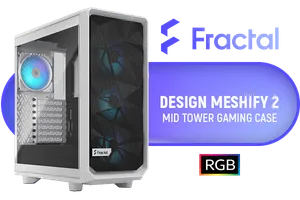
Fractal Design Meshify 2 Compact Lite White ATX Flexible Tempered Glass Clear tint Window Mid Tower Computer Case / 4 x Pre-Installed ARGB Fans Included / FD-C-MES2C-08
R2599.00In Stock
When you're ready to upgrade, exploring our full range of computer cases is a great place to start. You'll find everything from top-tier Cooler Master cases known for their excellent engineering, to great value options from Gamemax that don't compromise on airflow. For those who want aesthetics to match performance, the latest stylish and functional TRYX Gaming Cases offer incredible platforms for a quiet build.
Ready to Build Your Silent Rig? A quiet PC transforms your gaming experience. Armed with this knowledge, you can build a machine that's powerful, cool, and beautifully silent. Explore our massive range of PC cases and components and find the perfect parts to conquer your world without the noise.
Related Products

GAMDIAS ATHENA M3 WH Gaming E-ATX Mid Tower Computer PC Case, High Airflow Mesh Front, 4x120mm PWM ARGB Fans w/Hub, Supports Motherboards up to E-ATX, Tool-Free Tempered Glass Side Panel, Support Dual 360 & Gen 2 Type-C, MB Sync, White / ATHENA-M3-WH
R1299.00In Stock
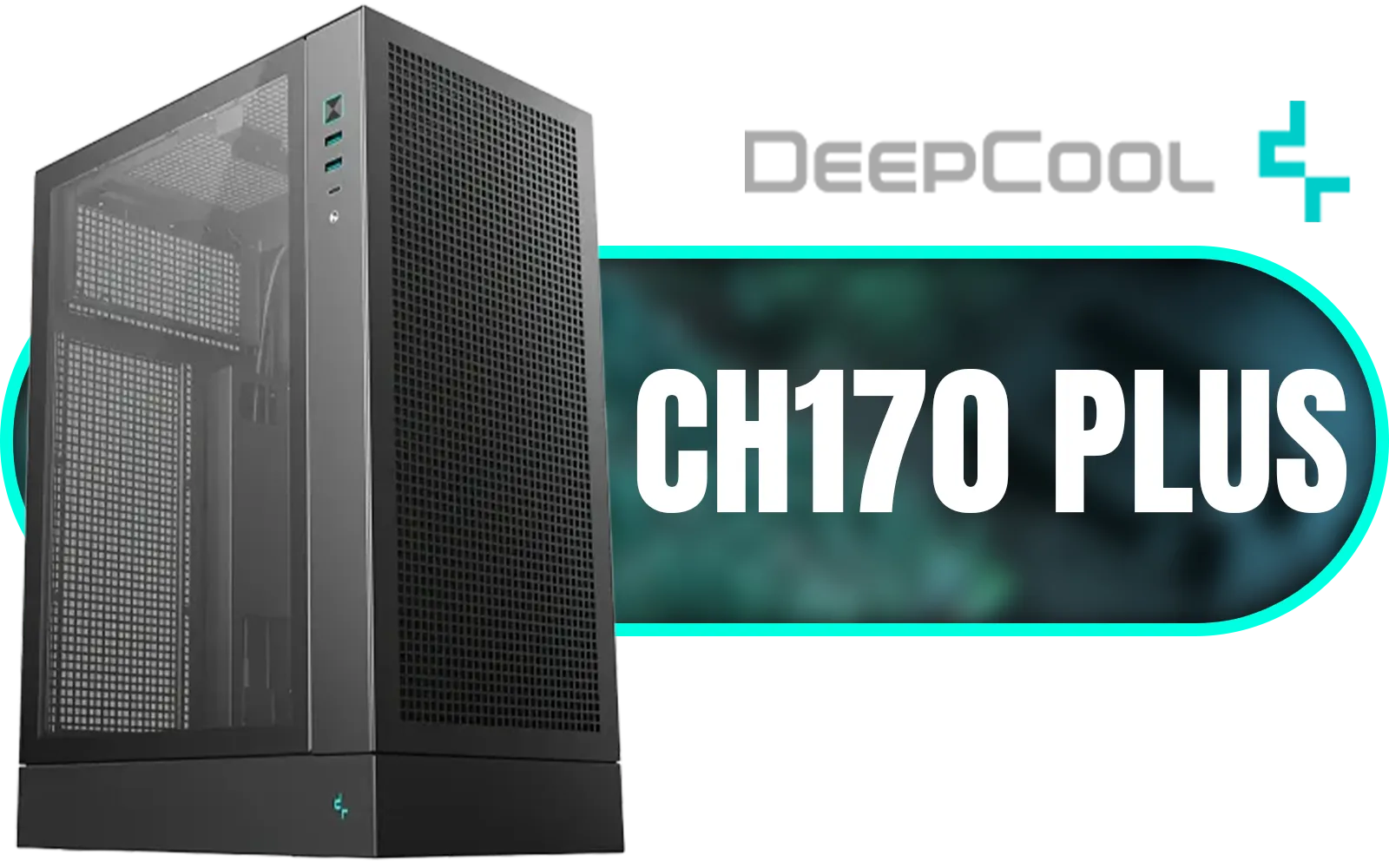
DeepCool CH170 PLUS Vertical Mid-Tower Case – Black / Supports Mini-ITX, Micro-ATX / High-Airflow Design with Mesh Panels / Transparent Tempered Glass / 240mm Radiator Support / USB 3.0 / Type-C / No Fans Included / CH170 PLUS
R1399.00In Stock

Xigmatek Aqua Ultra Air Mid Tower Gaming Case - White / Supports Motherboards up to E-ATX / 430mm VGA Support / 7 x Pre-Installed ARGB Fans Included / EN41914
R2499.00In Stock
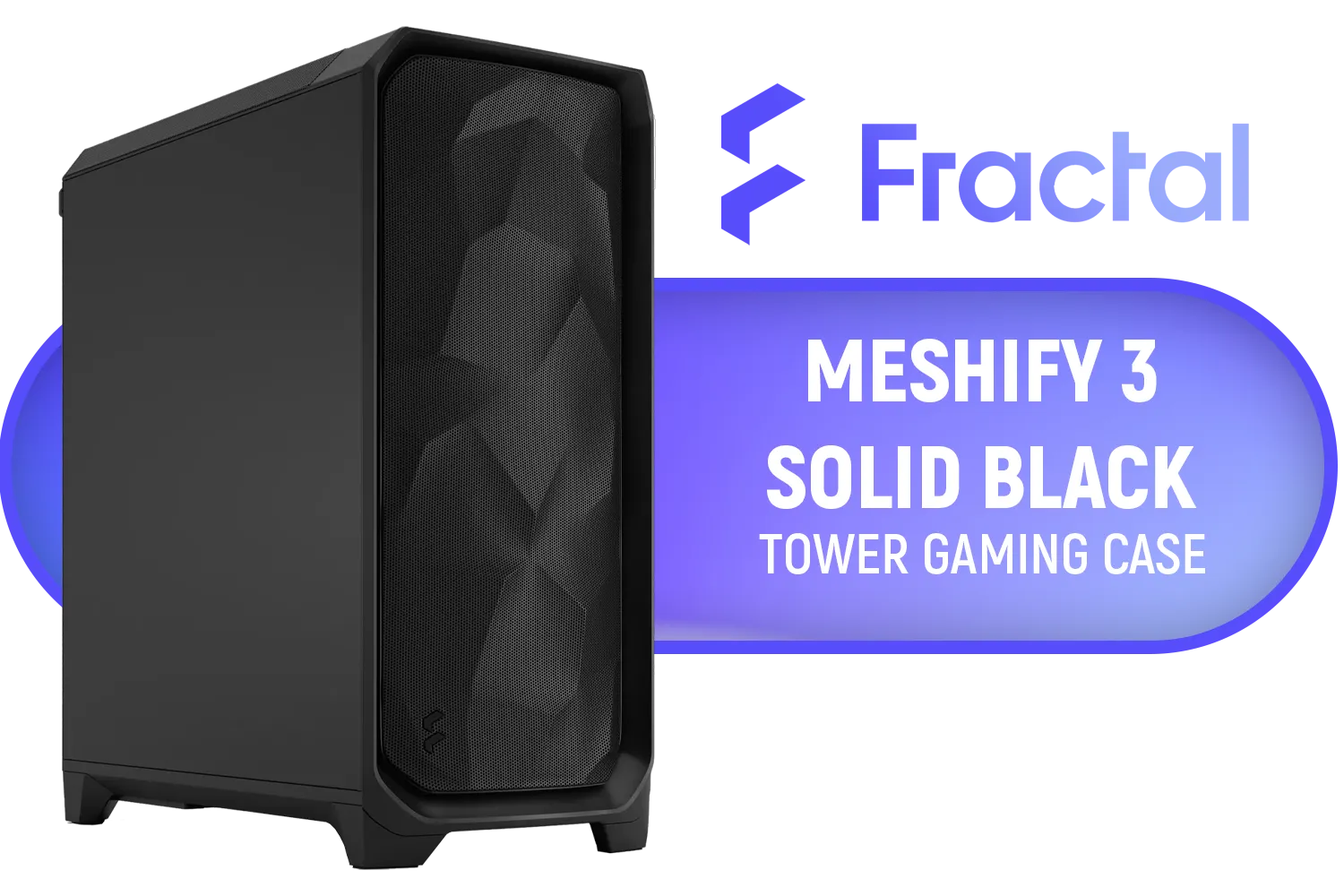
Fractal Design Meshify 3 Dark, E-ATX Mid-Tower Gaming Case, 3X Dynamic X2 GP-14 Fans, Black / FD-C-MES3A-01
R2599.00In Stock
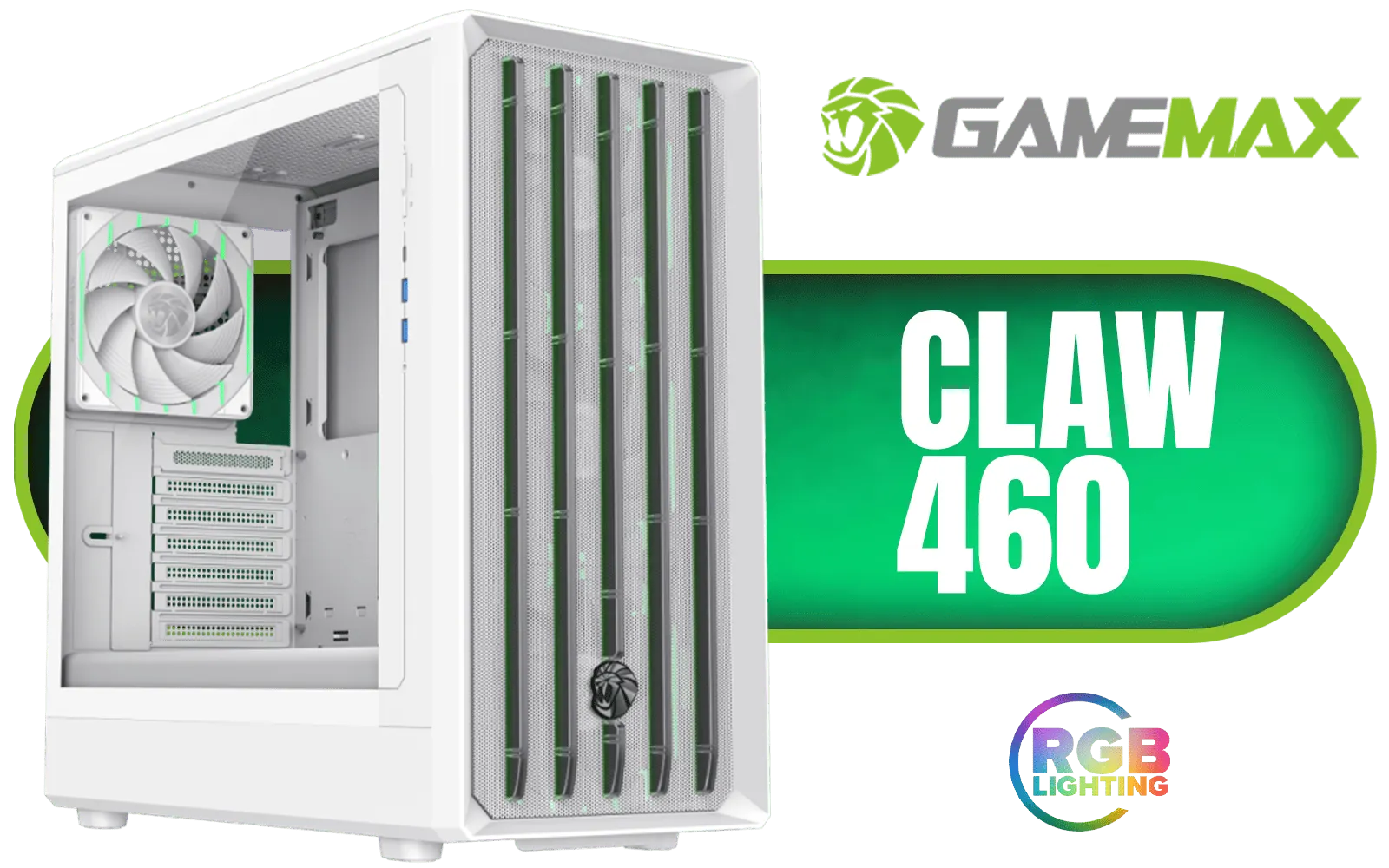
Gamemax CLAW 460 MId-Tower Gaming Case - White / Supports M-ATX & ITX Motherboards / Tool-Free Glass Side Panel / Supports up to 4x 120mm Fans / 4x 120mm ARGB Fans Pre-Installed / CLAW-460-WH
R1499.00In Stock

Xigmatek Duke RGB ATX Mid Tower Gaming PC Case (Black) / 4 x Pre Installed ARGB Fans / EN49158
R1199.00In Stock
Yes, generally. A 140mm fan configuration pushes more air at lower RPMs compared to 120mm fans, resulting in significantly reduced noise levels.
For optimal airflow, mount 140mm fans as front intakes to push cool air in and use rear or top fans as exhaust to expel heat efficiently.
Positive air pressure, created by having more intake than exhaust, prevents dust buildup and forces air out of gaps, often leading to a cleaner, quieter system.
Use airflow fans for open mesh intakes and exhausts. Use high static pressure fans if mounting against radiators or restrictive drive cages.
Custom PWM fan curves allow your fans to spin slowly at idle for silence and ramp up only when temperatures rise, balancing noise and cooling.
No, you must check your case specifications. While many mid-tower and full-tower cases support 140mm mounts, smaller cases may only fit 120mm units.











