



Smart LED Projector Audio Tips: Improve Sound Quality
- smart LED projector audio tips: tune settings and EQ - Fix room echo and speaker placement - Recommend cable and speaker upgrades smart LED projector audio tips: quick, practical steps to get clearer, fuller sound with setting tweaks and budget accessories 🎧🔊
|
Loading tags...

You've just unboxed your shiny new smart LED projector, and the picture is incredible. That 100-inch screen makes your favourite game or the latest blockbuster feel epic... until the sound kicks in. Suddenly, that explosive action scene sounds like it’s coming from a cheap smartphone speaker. Sound familiar? Don't worry, you're not alone. Getting amazing visuals is only half the battle. These smart LED projector audio tips will help you unlock sound quality that truly matches the massive picture. 🔊
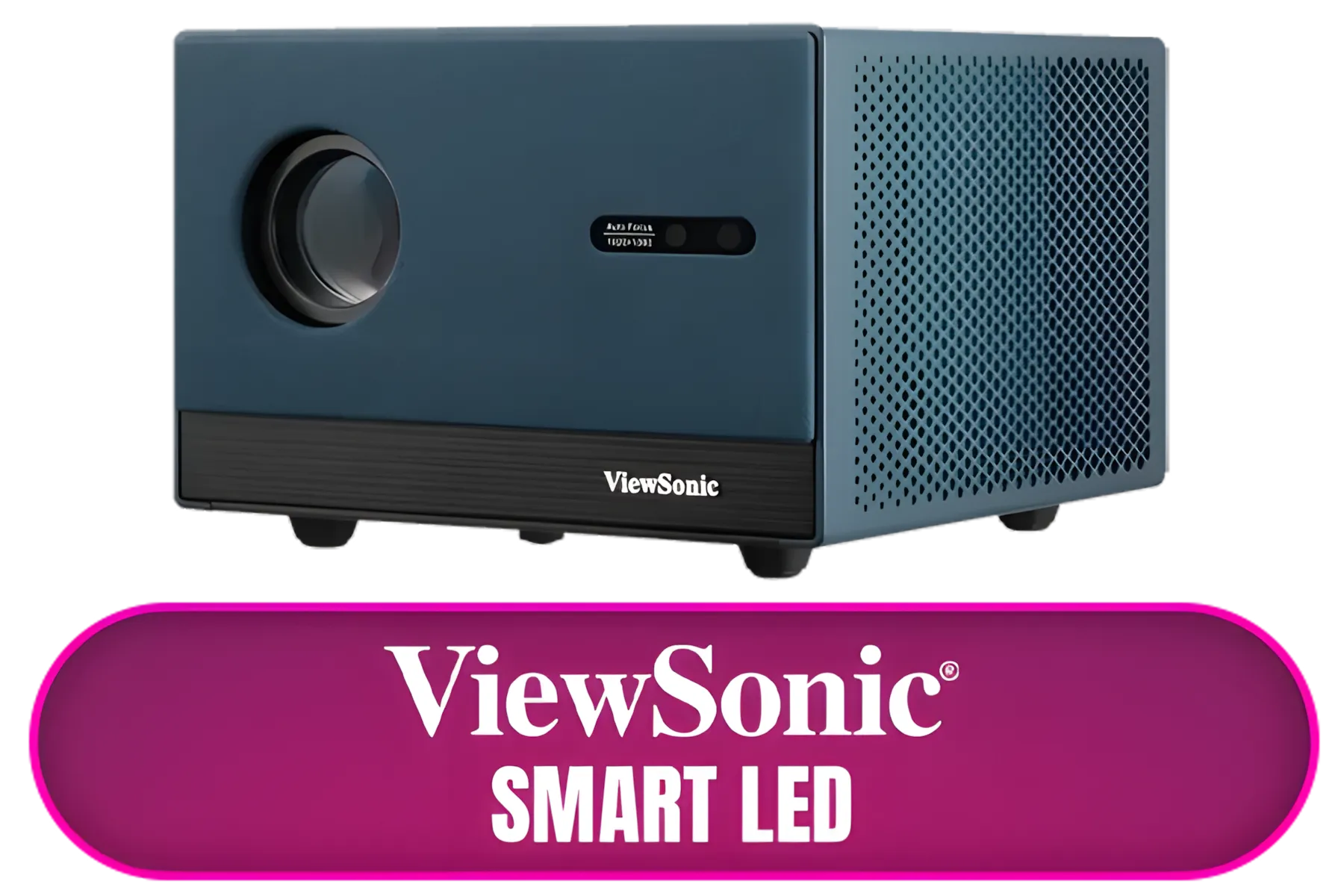
ViewSonic Smart LED Projector / Built in Google TV / Full HD 1080p Resolution / Up to 140" Screen Size / LX60HD
R6999.00In Stock
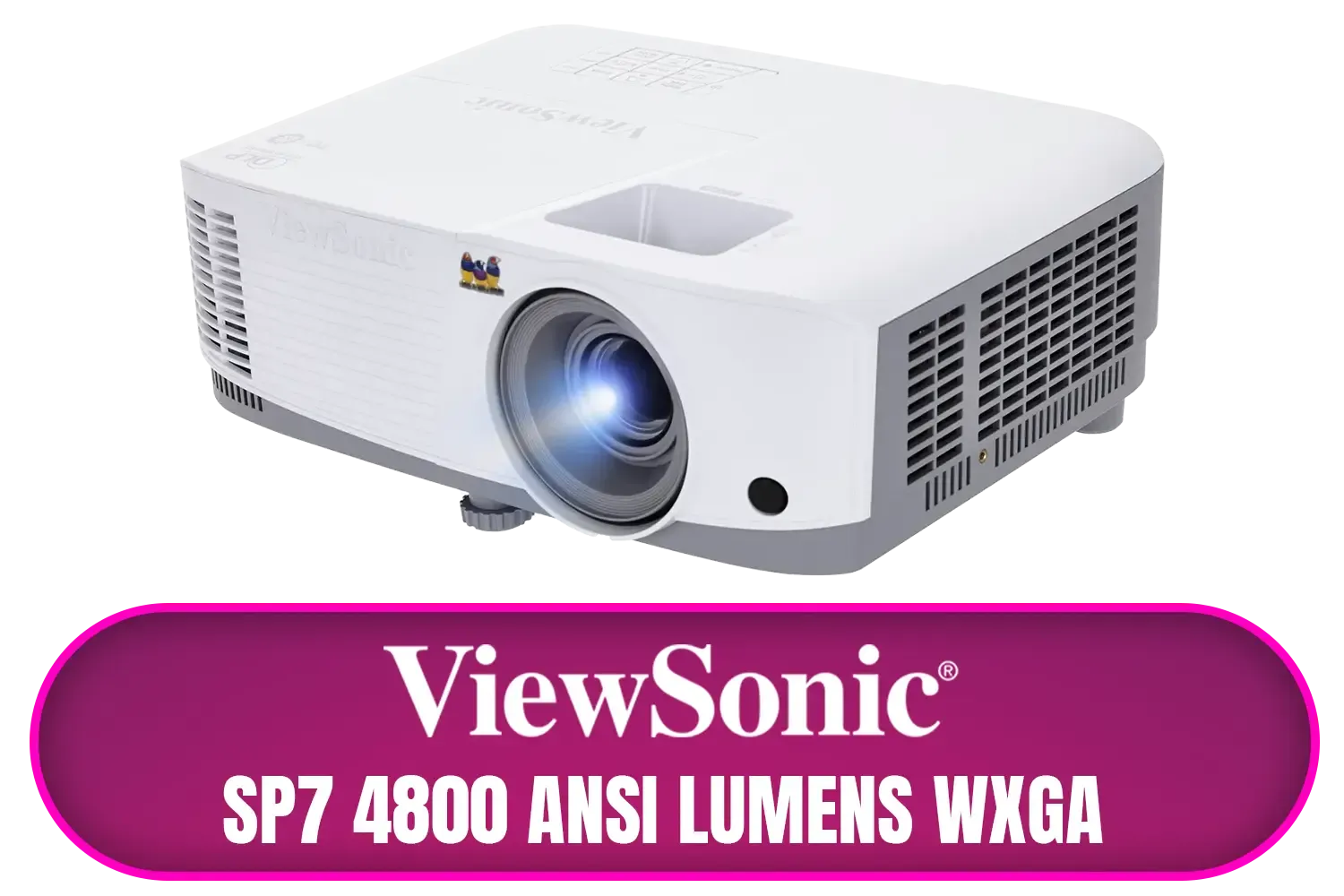
ViewSonic SP7 4800 ANSI Lumens WXGA Business Projector / Native Resolution: 1280 x 800 / SuperColor™ Technology / SP7
R7699.00In Stock

Viewsonic Smart LED Portable Projector / Built in Harman Kardon Speaker / Full HD 1080p Resolution / 3-in-1 smart stand for 360° projection / Up to 4 hours of battery life / M1X
R7999.00In Stock
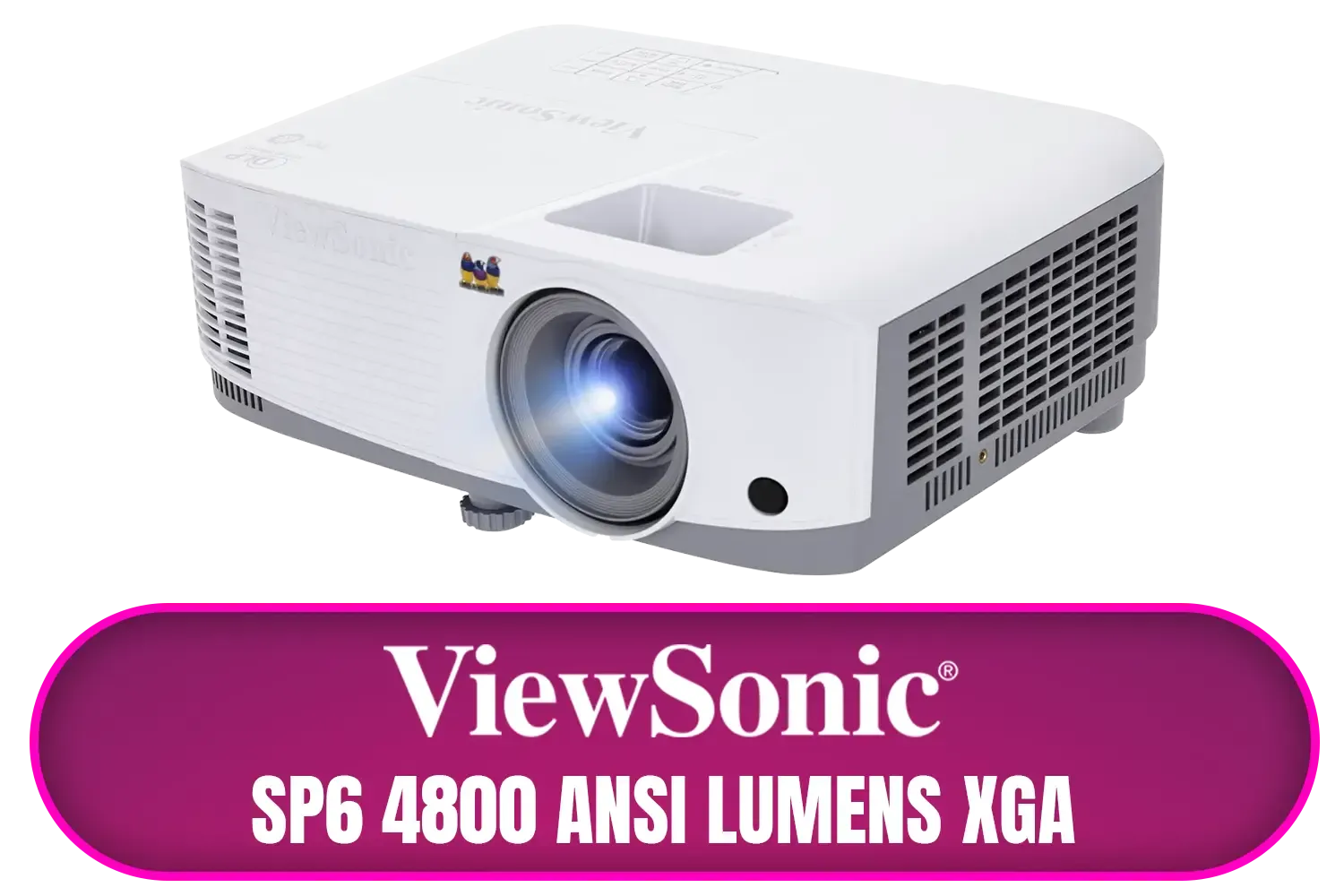
ViewSonic SP6 4800 ANSI Lumens XGA Business Projector / Native Resolution: 1024x768 / SuperColor™ Technology / SP6
R8699.00In Stock
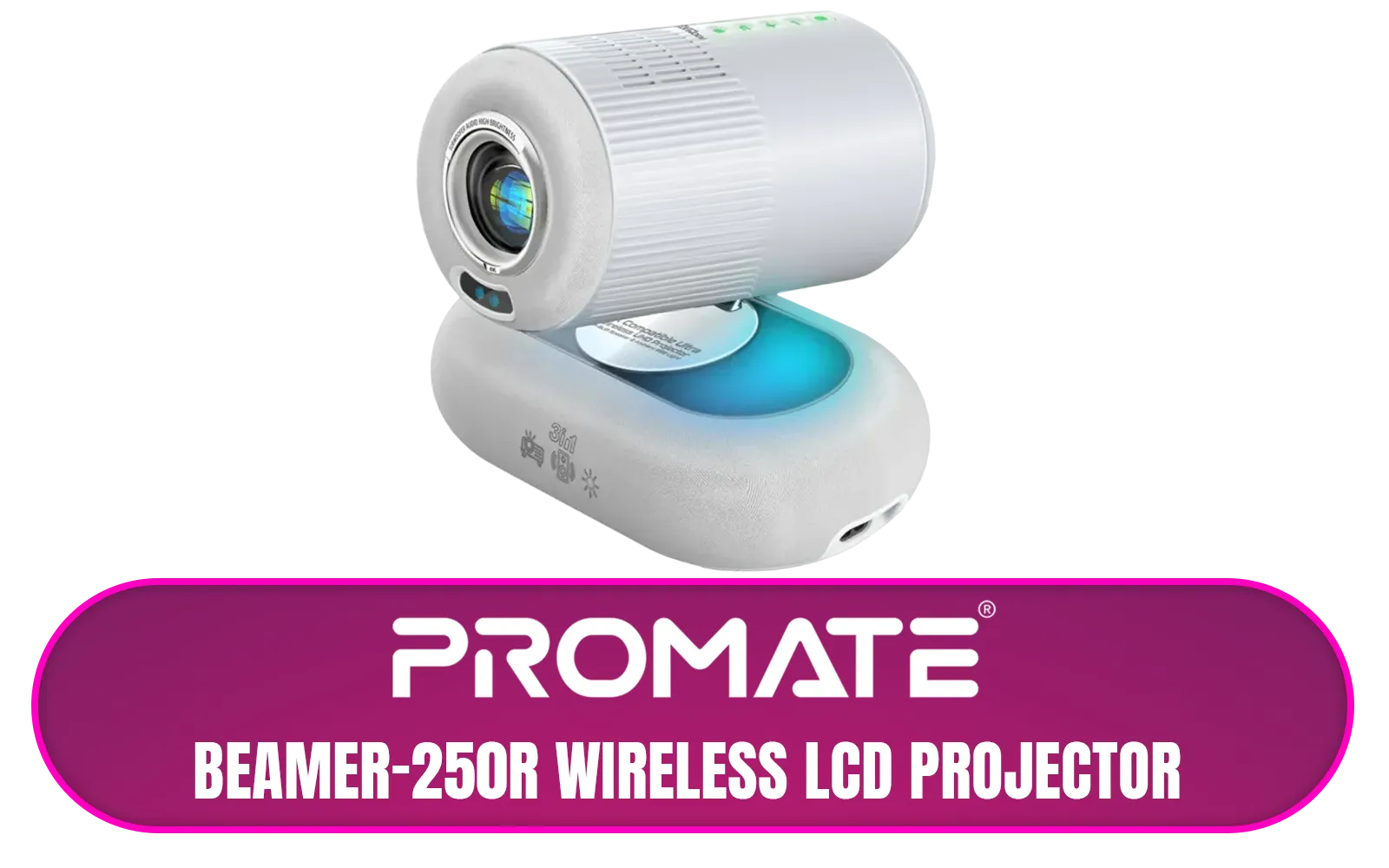
Promate Beamer-250R Wireless LCD Projector / 4K Compatible / Built-In Speaker / Ambient RGB light / LCD 3.0" LVDS Technology / 250 ANSI Lumens Brightness / Integrated Wi-Fi, Bluetooth 5.4, HDMI, and USB / Beamer-250R.EU
R2499.00In Stock
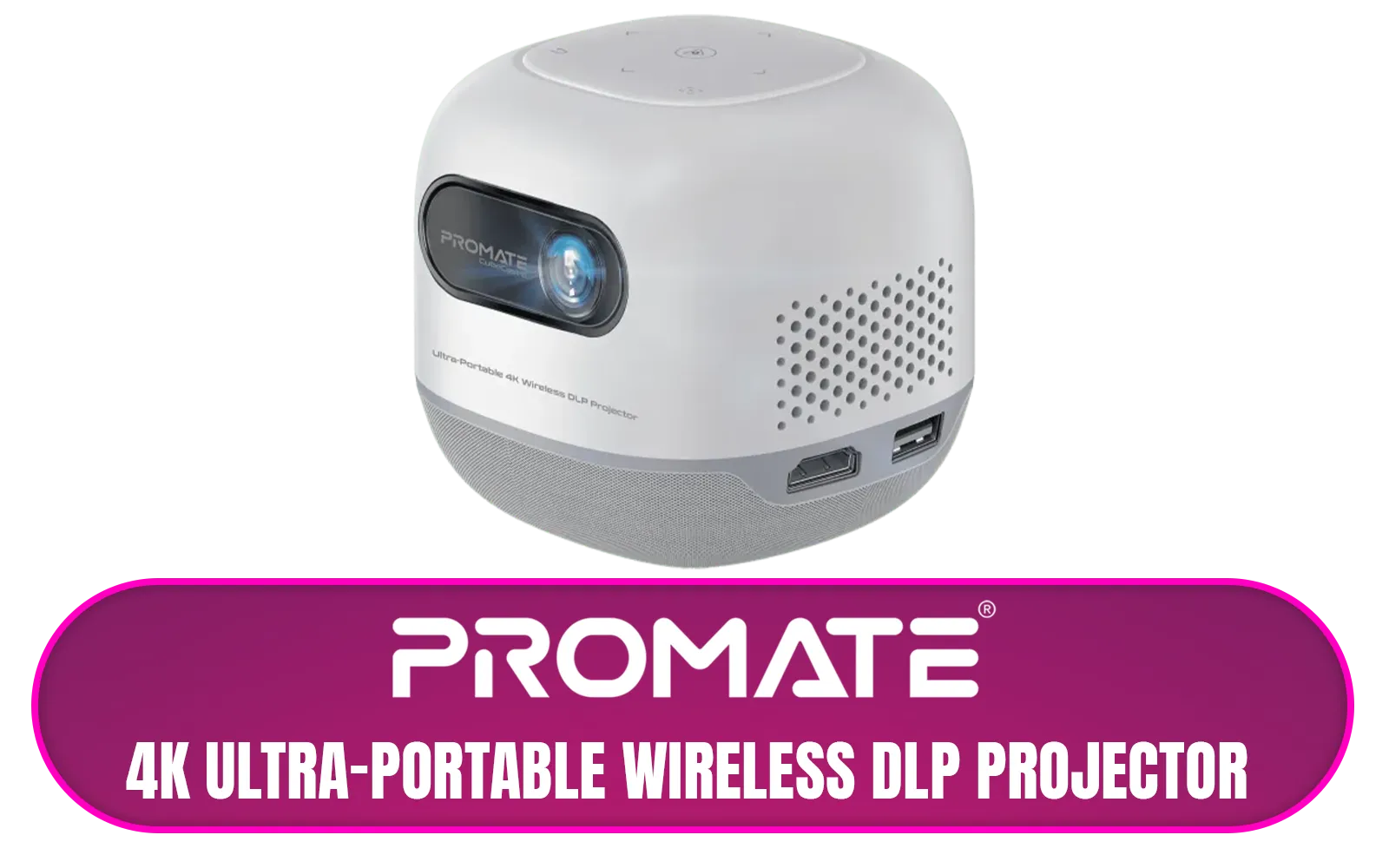
Promate 4K Ultra-Portable Wireless DLP Projector with touch controls / DLP Technology / 100 ANSi Brigthness / Touch Control Support / Built-in Rechargle Battery / Supports upto 4K@60Hz / Auto Keystone / Built-In Speaker / Remote Control Included / CubeCast-2
R6399.00In Stock
Why Your Projector's Built-in Audio is Lacking
Let's be honest, the speakers crammed into most projectors are an afterthought. Engineers have to balance image quality, cooling, and size within a compact chassis. This leaves very little room for decent audio hardware. The result? Tinny, flat sound that lacks the bass and clarity needed for an immersive experience.
While many modern smart LED projectors offer impressive features, their audio is designed for convenience, not performance. To truly feel the rumble of an explosion or the subtle details in a movie's score, you need an external audio solution.
Simple Ways to Improve Projector Sound Quality
Upgrading your audio doesn't have to be complicated or expensive. You can dramatically improve your projector's sound quality with gear you might already own.
The Classic Headphone Jack (3.5mm)
The simplest fix is often the best. Most projectors, including many great affordable projectors under R7000, come equipped with a standard 3.5mm audio-out port. This little port is your gateway to better sound. You can connect:
- A good pair of PC speakers with a subwoofer.
- An older stereo system or Hi-Fi.
- A pair of wired headphones for a personal, late-night gaming session.
It’s a plug-and-play solution that provides an instant, noticeable upgrade.
ViewSonic Smart LED Projector / Built in Google TV / Full HD 1080p Resolution / Up to 140" Screen Size / LX60HD
R6999.00In Stock
Viewsonic Smart LED Portable Projector / Built in Harman Kardon Speaker / Full HD 1080p Resolution / 3-in-1 smart stand for 360° projection / Up to 4 hours of battery life / M1X
R7999.00In Stock
Promate 4K Ultra-Portable Wireless DLP Projector with touch controls / DLP Technology / 100 ANSi Brigthness / Touch Control Support / Built-in Rechargle Battery / Supports upto 4K@60Hz / Auto Keystone / Built-In Speaker / Remote Control Included / CubeCast-2
R6399.00In Stock
Promate Beamer-250R Wireless LCD Projector / 4K Compatible / Built-In Speaker / Ambient RGB light / LCD 3.0" LVDS Technology / 250 ANSI Lumens Brightness / Integrated Wi-Fi, Bluetooth 5.4, HDMI, and USB / Beamer-250R.EU
R2499.00In Stock
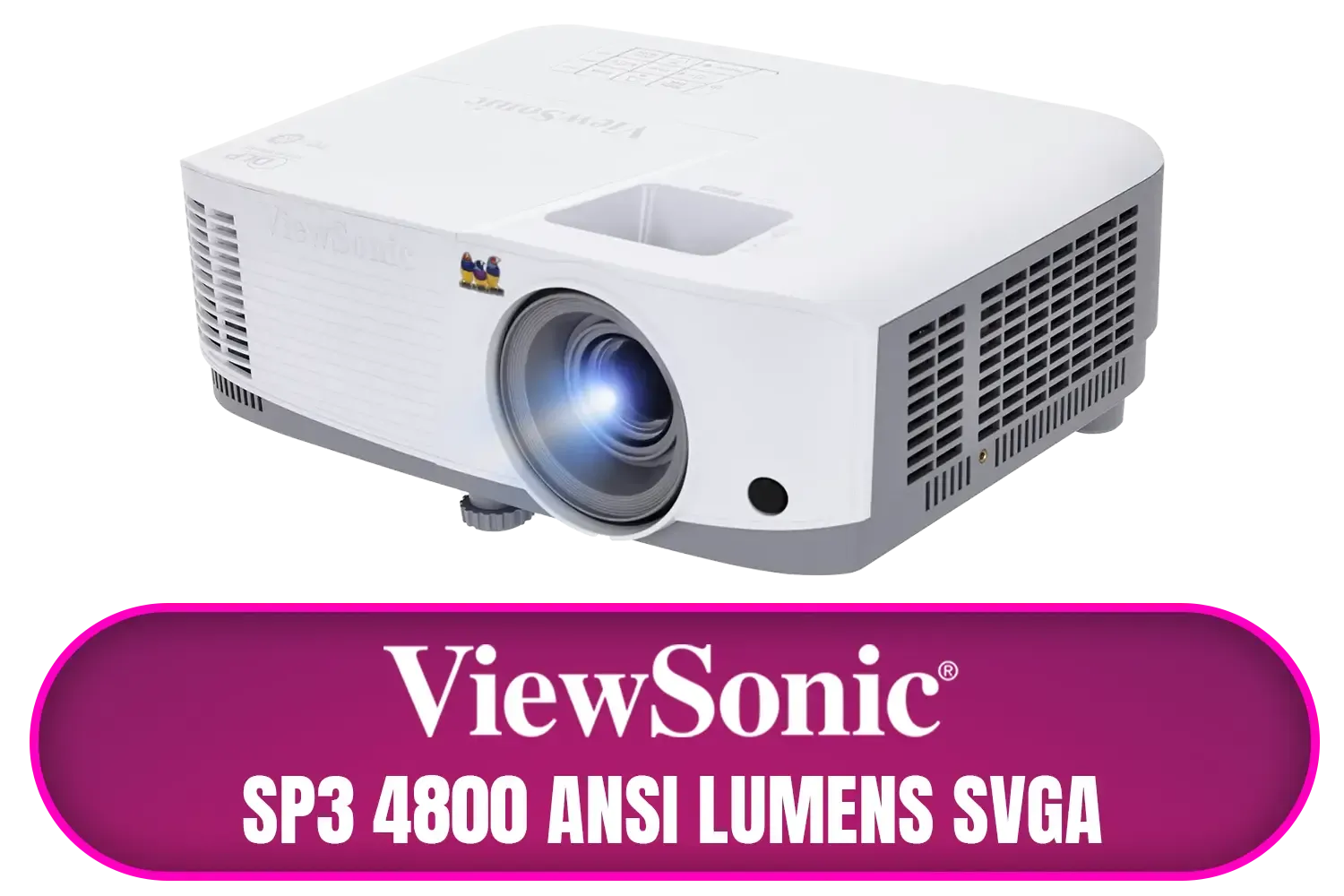
ViewSonic SP3 4800 ANSI Lumens SVGA Business Projector / Native Resolution: 800x600 / SuperColor™ Technology / SP3
R6799.00In Stock
ViewSonic SP6 4800 ANSI Lumens XGA Business Projector / Native Resolution: 1024x768 / SuperColor™ Technology / SP6
R8699.00In Stock
Go Wireless with Bluetooth 🎧
Tired of cables? Most smart projectors today have built-in Bluetooth. This lets you wirelessly connect to a huge range of devices, from portable speakers to high-end soundbars. Many innovative tech brands like Promate offer excellent projectors with solid Bluetooth connectivity. This is perfect for a clean, minimalist setup without cables trailing across the room.
TIP FOR YOU
Beat the Lag! ⚡
If you're using Bluetooth for gaming, audio lag (latency) can be an issue. Check if your projector and speaker both support the aptX Low Latency codec. This technology significantly reduces the delay between what you see and what you hear, keeping your audio perfectly synchronised with the on-screen action.
Creating the Ultimate Home Cinema Sound
Ready to take things to the next level? A dedicated sound system will transform your living room into a proper home cinema.
The Soundbar Solution
A soundbar is the most popular choice for a reason. It offers a massive audio upgrade in a single, sleek package that sits neatly under your screen. Look for a soundbar with an HDMI ARC (Audio Return Channel) port. This allows you to control the volume with your projector's remote, simplifying your setup. When you invest in premium models from top brands like Viewsonic, pairing them with a quality soundbar creates a truly cinematic combination.
ViewSonic SP6 4800 ANSI Lumens XGA Business Projector / Native Resolution: 1024x768 / SuperColor™ Technology / SP6
R8699.00In Stock
ViewSonic SP3 4800 ANSI Lumens SVGA Business Projector / Native Resolution: 800x600 / SuperColor™ Technology / SP3
R6799.00In Stock
Promate Beamer-250R Wireless LCD Projector / 4K Compatible / Built-In Speaker / Ambient RGB light / LCD 3.0" LVDS Technology / 250 ANSI Lumens Brightness / Integrated Wi-Fi, Bluetooth 5.4, HDMI, and USB / Beamer-250R.EU
R2499.00In Stock
ViewSonic SP7 4800 ANSI Lumens WXGA Business Projector / Native Resolution: 1280 x 800 / SuperColor™ Technology / SP7
R7699.00In Stock
Promate 4K Ultra-Portable Wireless DLP Projector with touch controls / DLP Technology / 100 ANSi Brigthness / Touch Control Support / Built-in Rechargle Battery / Supports upto 4K@60Hz / Auto Keystone / Built-In Speaker / Remote Control Included / CubeCast-2
R6399.00In Stock
Viewsonic Smart LED Portable Projector / Built in Harman Kardon Speaker / Full HD 1080p Resolution / 3-in-1 smart stand for 360° projection / Up to 4 hours of battery life / M1X
R7999.00In Stock
Full Surround Sound
For the ultimate audio purist, nothing beats a full surround sound system with an AV receiver and multiple speakers. This setup places you right in the middle of the action, with sound coming from all directions. While it requires more setup and investment, the payoff is an unparalleled, room-filling audio experience that built-in speakers could never hope to achieve. ✨
Ready to Build Your Dream Setup? An incredible picture deserves incredible sound. A smart LED projector is the heart of any modern home cinema or gaming den. Explore our massive range of projectors and find the perfect foundation for your ultimate entertainment experience.
Related Products
ViewSonic SP7 4800 ANSI Lumens WXGA Business Projector / Native Resolution: 1280 x 800 / SuperColor™ Technology / SP7
R7699.00In Stock
Promate 4K Ultra-Portable Wireless DLP Projector with touch controls / DLP Technology / 100 ANSi Brigthness / Touch Control Support / Built-in Rechargle Battery / Supports upto 4K@60Hz / Auto Keystone / Built-In Speaker / Remote Control Included / CubeCast-2
R6399.00In Stock
Promate Beamer-250R Wireless LCD Projector / 4K Compatible / Built-In Speaker / Ambient RGB light / LCD 3.0" LVDS Technology / 250 ANSI Lumens Brightness / Integrated Wi-Fi, Bluetooth 5.4, HDMI, and USB / Beamer-250R.EU
R2499.00In Stock
ViewSonic SP6 4800 ANSI Lumens XGA Business Projector / Native Resolution: 1024x768 / SuperColor™ Technology / SP6
R8699.00In Stock
ViewSonic SP3 4800 ANSI Lumens SVGA Business Projector / Native Resolution: 800x600 / SuperColor™ Technology / SP3
R6799.00In Stock
Viewsonic Smart LED Portable Projector / Built in Harman Kardon Speaker / Full HD 1080p Resolution / 3-in-1 smart stand for 360° projection / Up to 4 hours of battery life / M1X
R7999.00In Stock
Adjust projector audio settings, enable EQ, use external speakers, update firmware, and choose quality cables for improved projector sound quality.
Yes. Many projectors support Bluetooth, AUX, optical, or HDMI ARC to use external speakers for LED projector audio and better clarity.
Bluetooth is convenient but may introduce latency and compression. Use aptX or low-latency codecs for better projector Bluetooth audio setup.
Use HDMI ARC or optical/TOSLINK for the cleanest digital audio. High-quality RCA or 3.5mm can work but check projector audio cable recommendations.
Add rugs, curtains, wall panels, and move speakers away from reflective surfaces to reduce echo and improve room acoustics.
Yes. A soundbar or compact speaker system often outperforms built-in projector speakers and is one of the best speakers for projector setups.
Start flat, raise mid frequencies for clarity, cut harsh highs, and test at normal listening volume. Follow projector audio settings optimization tips.











