



Spatial Audio for Gaming: Set Up for Immersive Sound
Spatial audio for gaming transforms soundstage and directionality. This guide shows how to set up on PC, PS5, Xbox, and headsets, plus tweaks and troubleshooting 🎧🔥

Been there? You’re creeping through Verdansk, Rands down on a win, when suddenly… you’re eliminated. The kill-cam shows a player sprinting up behind you, completely unheard. It’s infuriating. But what if you could hear not just left or right, but exactly where that enemy was? That’s the power of spatial audio for gaming, a technology that creates a 3D sound bubble around you for ultimate battlefield awareness. Let’s get it set up.

PDP Phantom Air Dual-Mode Wireless Gaming Headset (PS5) - White / 50mm Audio Drivers / 35-Hour Battery Life / Noise-Cancelling Microphone / Official PlayStation License / 052-026-WH
R999.00In Stock

Logitech G733 Lightspeed Wireless RGB Gaming Headset - White / Lightsync RGB lighting / Fully Customizable / Blue VO!CE Technology / 40mm PRO-G Audio Drivers / DTS Headphone:X 2.0 Surround Sound / USB-C Charging Port / 20m Wireless Range / 981-000882/83
R2799.00In Stock

Razer Kaira Pro Wireless Gaming Headset for Xbox Series X/ TriForce Titanium 50mm Drivers / HyperClear Supercardioid Mic / Flowknit Memory Foam / EQ / Xbox Pairing Button / Auto-adjusting Headband / RZ04-03470100-R3M1
R3499.00In Stock

Logitech Zone Vibe 100 Lightweight Wireless Over Ear Headphones with Noise Canceling Microphone, Advanced Multipoint Bluetooth Headset, Works with Teams, Google Meet, Zoom, Mac/PC - Off White / 981-001219
R1889.00In Stock

Logitech H390 Wired Headset - Black / Noise-Cancelling Microphone / USB / In-Line Controls, PC/Mac/Laptop / 981-000406
R549.00In Stock
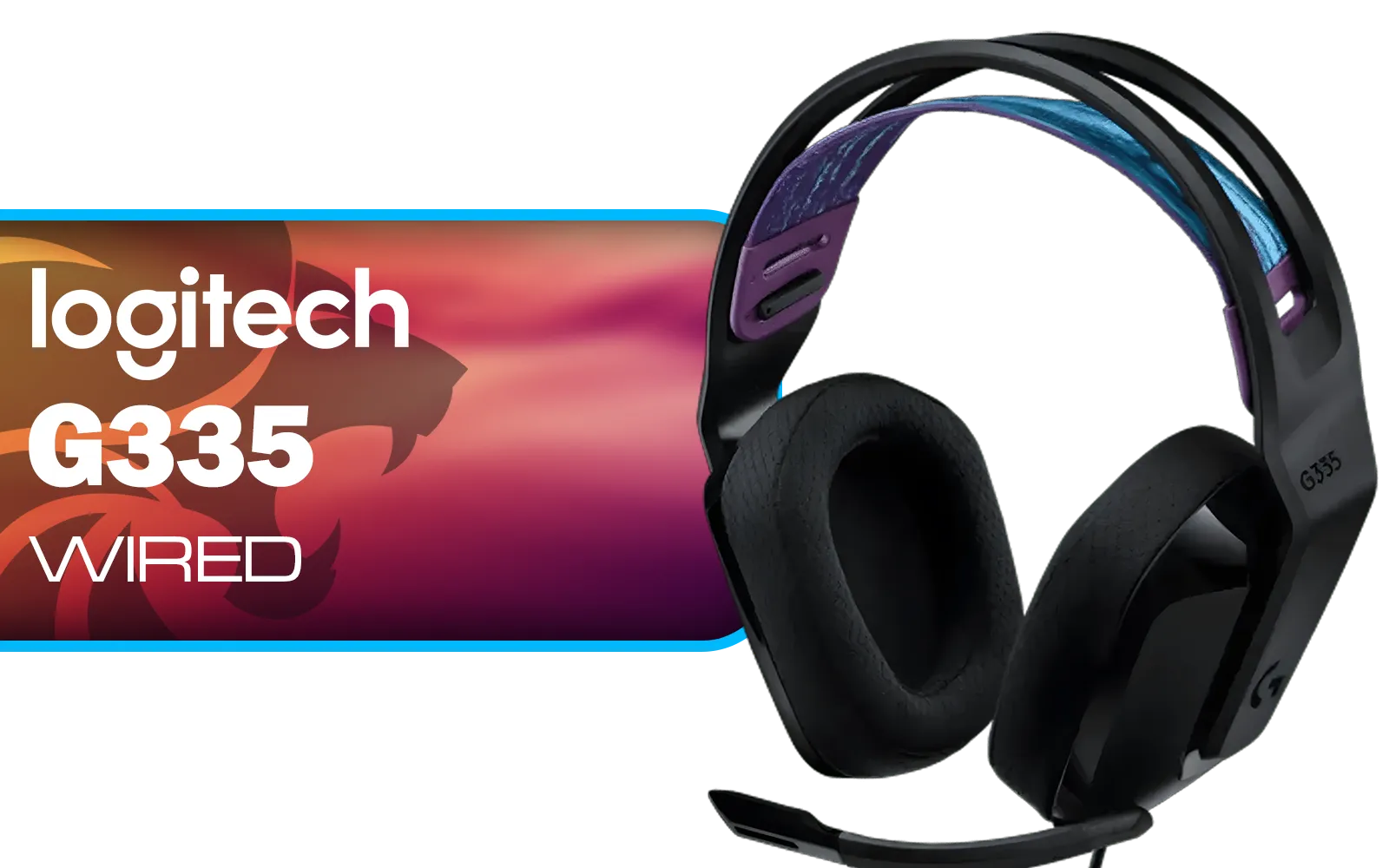
Logitech G335 Wired Gaming Headset - Black / Multi-platform Compatibility / Unidirectional Microphone / 40mm Neodymium Drivers / Crystal Clear Communication / 240 Grams Light Weight / 981-000978
R999.00In Stock
What Exactly is Spatial Audio for Gaming?
Forget traditional surround sound. While 7.1 systems are great, they operate on a fixed horizontal plane. Spatial audio for gaming is different. It uses sophisticated algorithms to place sounds in a virtual 3D space, creating a sphere of sound around your head. This means you can accurately perceive height—footsteps on the floor above, a chopper overhead, or a grenade landing at your feet. 🎧
This technology, often referred to as 3D audio, processes the sound from your game and transforms it for any pair of stereo headphones. It mimics how our ears naturally perceive sound direction, giving you a distinct competitive advantage and a deeply immersive experience.
How to Set Up Spatial Audio on Your Rig
Getting started with immersive sound is surprisingly straightforward on most platforms. You don't always need to spend a fortune to get a basic setup running, but the right hardware will make a world of difference.

Marvo HP1001 Office Headset / 40mm Speakers / Stereo Sound / HP1001
R299.00In Stock
Logitech H390 Wired Headset - Black / Noise-Cancelling Microphone / USB / In-Line Controls, PC/Mac/Laptop / 981-000406
R549.00In Stock

Promate Panda KidSafe Kawaii Style Wireless Kids Headset - Bubblegum / 1000mAh Battery / Up to 40 hours of Playtime / AUX Support / LED Illuminated Ears / PANDA.BUBBLEGUM
R399.00In Stock
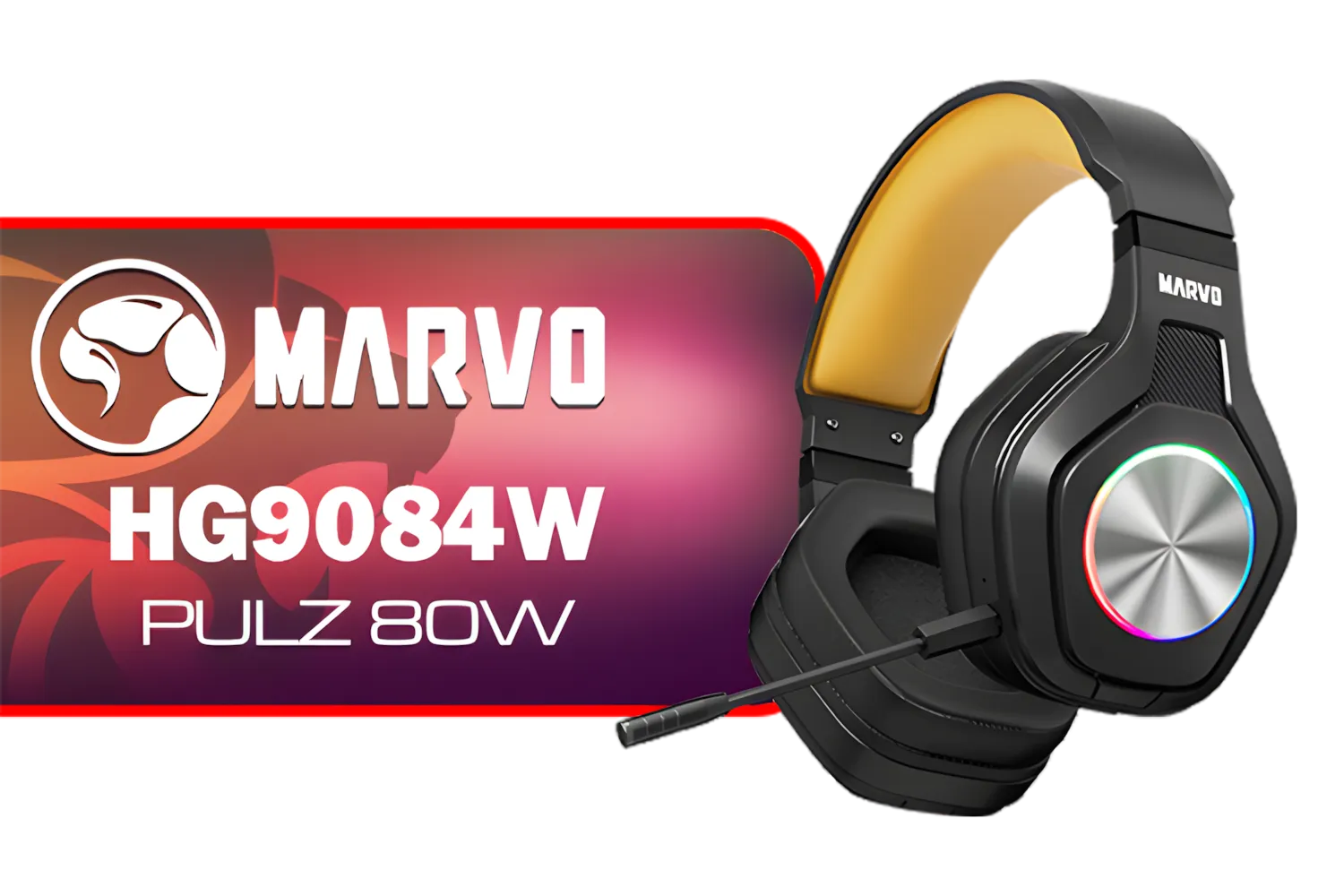
Marvo HG9084W PULZ 80W Wireless Gaming Headset / Stereo Sound / 50mm Speaker Drivers / Ergonomic Design / Static RGB Backlight / Up to 50 Hours of Playback Time / Detachable Microphone / HG9084W
R499.00In Stock

Logitech H340 USB Computer Headset - Black / Noise Canceling Mic / Digital Stereo Sound/ USB-A Connection / 981-000475
R499.00In Stock

SteelSeries Arctis Nova 7X Wireless Multi-Platform Gaming & Mobile Headset / Nova Acoustic System / Simultaneous Wireless 2.4GHz + Bluetooth / 38Hr Battery / USB-C / Xbox, PC, PS, Switch, Mobile / 61565
R2499.00In Stock
On Windows 10 & 11
Microsoft has integrated spatial sound directly into Windows. You have a few options:
- Windows Sonic for Headphones: This is the free, built-in solution. To activate it, right-click the speaker icon in your taskbar, hover over 'Spatial sound', and select 'Windows Sonic for Headphones'. It's a solid starting point for experiencing 3D audio.
- Dolby Atmos for Headphones & DTS Headphone:X: These are premium, paid options available from the Microsoft Store. They often provide more refined audio processing and have specific optimisations for a growing list of games. Many modern headsets, like the fantastic Razer Barracuda X, are designed to take full advantage of these advanced technologies.
TIP FOR YOU
Game-Specific Settings 🎯
to check your in-game audio settings! Many modern titles like Apex Legends or Call of Duty have their own audio profiles ('Headphones', 'Home Theatre', etc.). For the purest spatial audio experience, you should typically set the in-game audio to 'Stereo' or 'Headphones' to let Windows Sonic, Dolby Atmos, or DTS:X do all the processing.
On PlayStation 5 & Xbox
Console gamers are in luck. The PS5 features its own impressive Tempest 3D AudioTech, which is a core part of the experience. You can configure and test it directly in the system's sound settings. Similarly, the Xbox Series X|S has native support for both Dolby Atmos and DTS:X, giving you powerful options for immersive sound right out of the box.

Dell WH3024 Wired Headset / Built-in AI-based noise cancellation microphone / In-line control / Leatherette memory foam ear cushions / 520-BBDH
R1299.00In Stock

Promate Jewel HD Stereo KidSafe Wired Headset - Aqua / Safe Audio Levels / Adjustable Headband / 3.5mm Aux Connector / Audio Sharing / JEWEL.AQUA
R249.00In Stock

Razer BlackShark V2 X Wired Gaming Headset - Black / 7.1 Surround Sound Capable / Triforce 50mm Drivers / HyperClear Cardioid Mic / Memory Foam Cushion - for PC, PS4, Nintendo Switch - 3.5mm Headphone Jack / RZ04-03240100-R3M1
R999.00In Stock
Logitech G335 Wired Gaming Headset - Black / Multi-platform Compatibility / Unidirectional Microphone / 40mm Neodymium Drivers / Crystal Clear Communication / 240 Grams Light Weight / 981-000978
R999.00In Stock
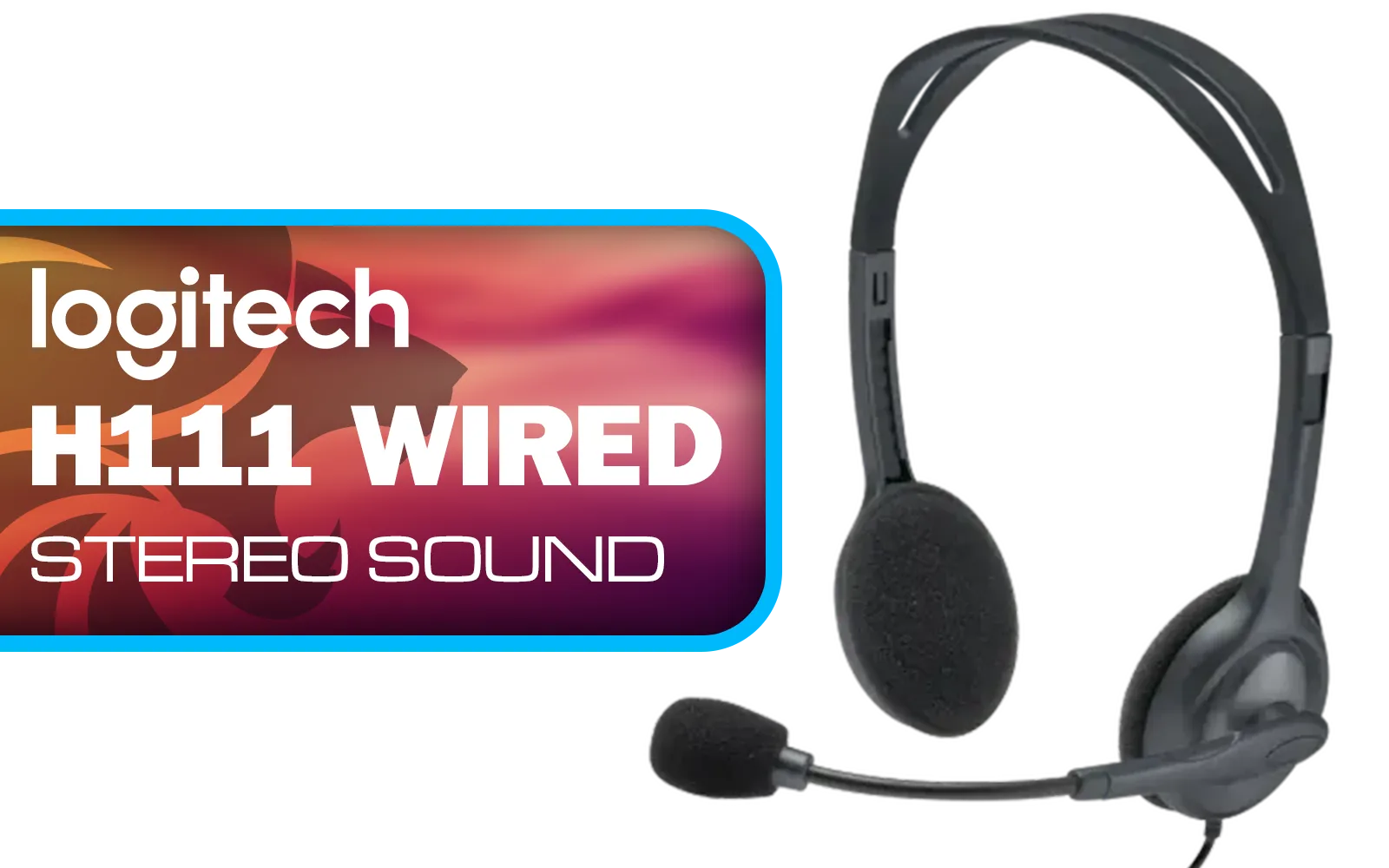
Logitech H111 Stereo Headset - Black / Stereo Sound / Rotating Microphone / Adjustable Headband / 3.5mm Audio Jack Connection / 981-000593
R169.00In Stock
Marvo HG9084W PULZ 80W Wireless Gaming Headset / Stereo Sound / 50mm Speaker Drivers / Ergonomic Design / Static RGB Backlight / Up to 50 Hours of Playback Time / Detachable Microphone / HG9084W
R499.00In Stock
Choosing the Right Gear for Immersive Sound
While spatial audio software works with almost any stereo headset, the quality of your hardware is crucial. A cheap, muddy-sounding headset will still sound muddy with 3D audio. You need clear drivers that can accurately reproduce the subtle audio cues the software is creating.
Look for headsets with a good frequency response and build quality. You want to hear the crisp reload of a rifle, not just a muffled click. Brands like Razer have perfected their audio engineering for competitive play, and their ecosystem of Razer headphones and headsets is built with this kind of audio precision in mind.
Ultimately, the goal is to find a comfortable and capable headset that fits your budget. Whether you prefer wired reliability or wireless freedom, exploring a wide range of gaming headphone headsets is the best way to find your perfect match. A good setup doesn't just help you play better; it pulls you deeper into the game world than ever before. ✨
Ready to Hear the Difference? Setting up spatial audio is the first step, but the right gear unlocks its true potential. Stop getting caught by surprise and start dominating the soundscape. Explore our massive range of gaming headsets and find the perfect pair to give you the winning edge.
Related Products
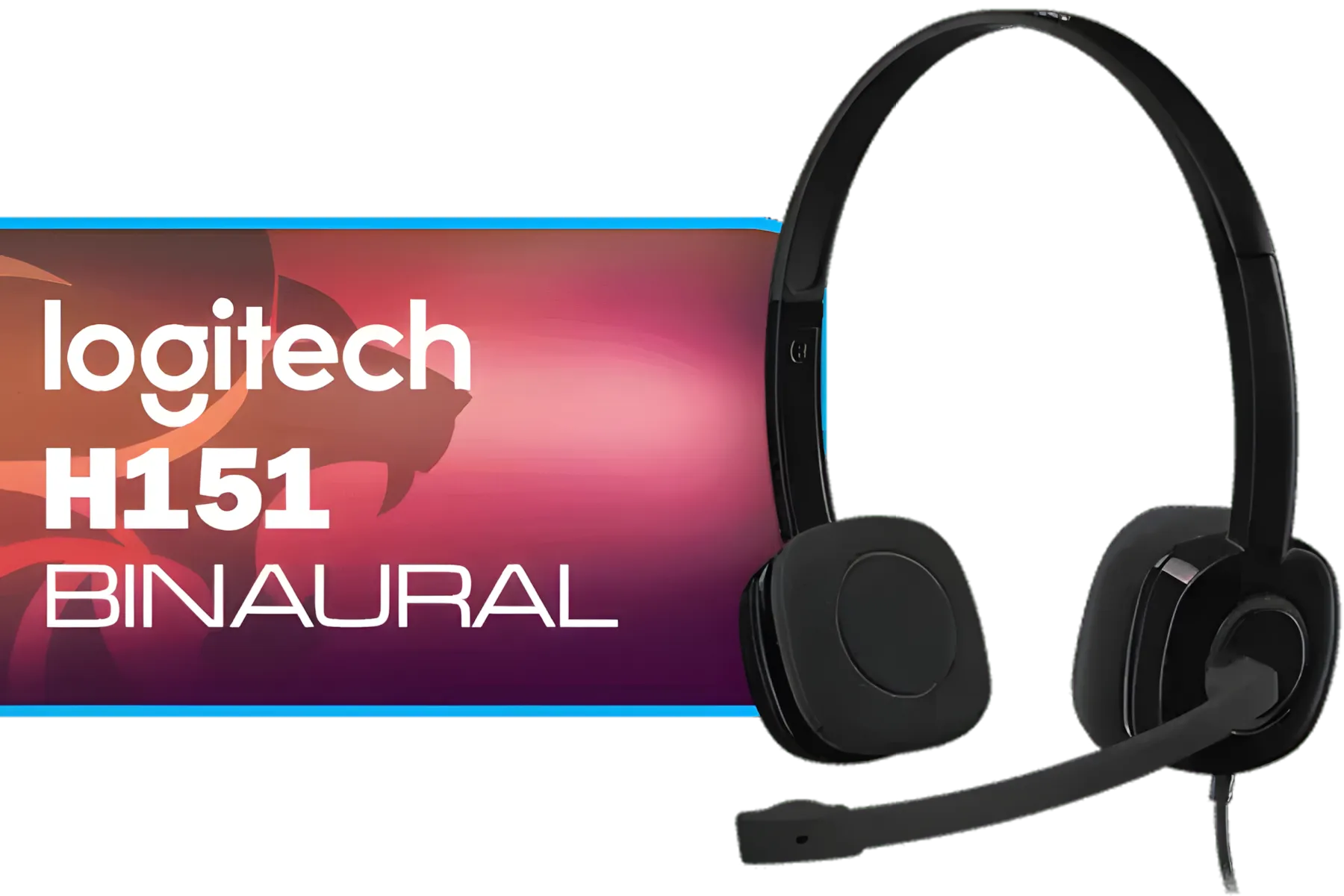
Logitech H151 Binaural Head-Band Headset, Black, (Headset, Black) / 981-000589
R429.00In Stock
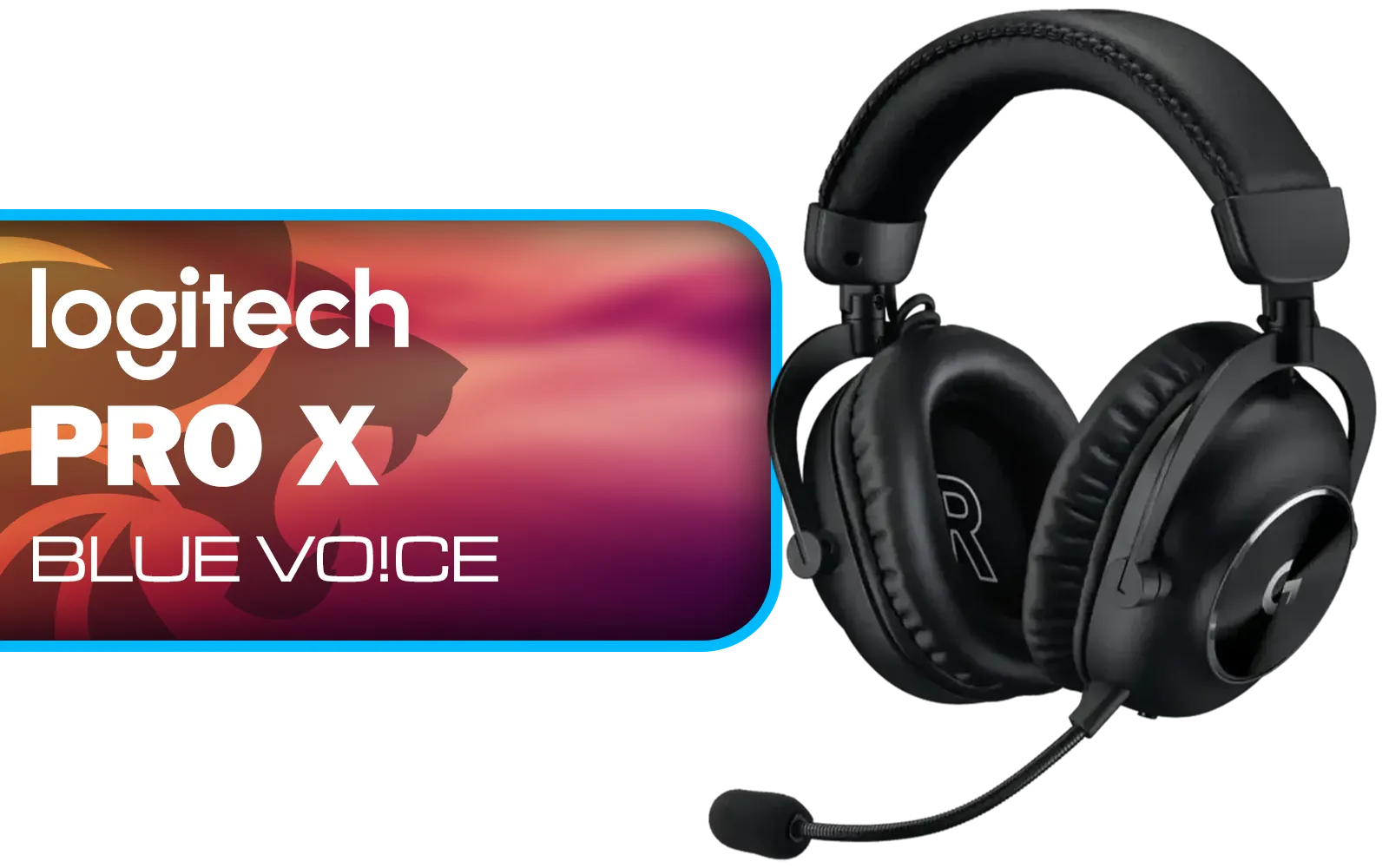
Logitech PRO X Gaming Headset With BLUE VO!CE Microphone Technology / USB External Sound Card / PRO-G 50 mm Audio Drivers / Detachable pro-grade Microphone / Comfortable Memory Foam Padding / Durable Steel and Aluminium Construction / 981-000818
R2299.00In Stock

IKON ALPHA Wireless Gaming Headset / Up To 17 Hours Battery Life / Detachable Clear Mic / Soft Sound Proofing Earmuffs / A Revolutionary Adjustment System / PC/PlayStation Compatible / 2.4G Wireless Connection / 3.5mm Connection / IKON-AlphaWireless
R999.00In Stock

SteelSeries Arctis Nova 1 Multi-System Gaming Headset — Hi-Fi Drivers — 360° Spatial Audio — Comfort Design — Durable — Ultra Lightweight — Noise-Cancelling Mic — PC, PS5/PS4, Switch, Xbox - Black / 61606
R1149.00In Stock
Marvo HG9084W PULZ 80W Wireless Gaming Headset / Stereo Sound / 50mm Speaker Drivers / Ergonomic Design / Static RGB Backlight / Up to 50 Hours of Playback Time / Detachable Microphone / HG9084W
R499.00In Stock
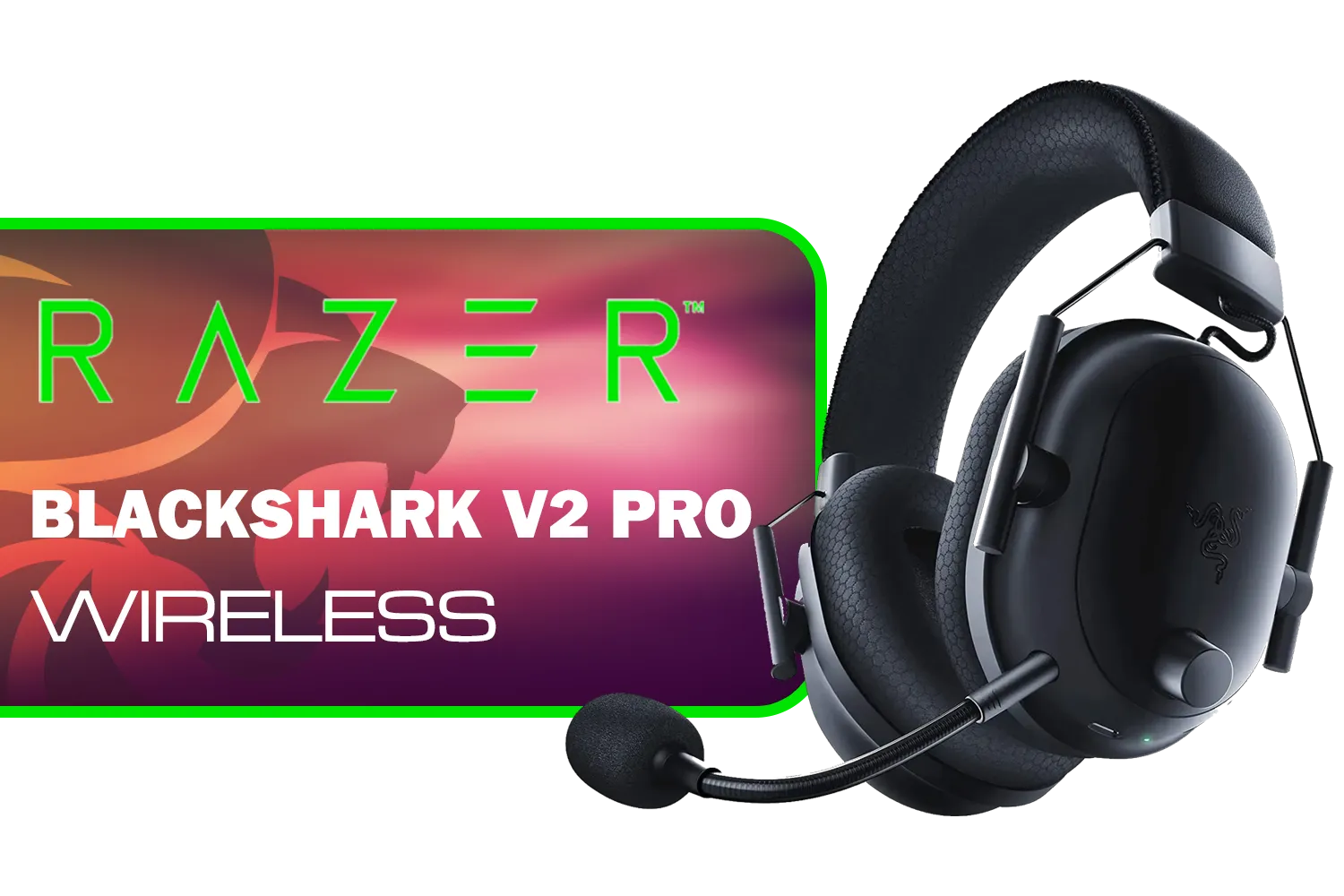
Razer BlackShark V3 Pro Wireless Gaming Headset - White / Detachable Mic / Pro-Tuned FPS Profiles / 50mm Drivers / Noise-Isolating Earcups w/Ultra-Soft Memory Foam / 70 Hr Battery Life / RZ04-05400200-R3M1
R6199.00In Stock
Spatial audio for gaming simulates 3D sound to place audio around you, improving directionality, immersion, and enemy detection in games.
Open Windows Sound Settings, select your output device, choose Spatial sound and pick Windows Sonic or Dolby Atmos. Test in a compatible game.
Yes. PS5 uses Tempest 3D AudioTech; enable 3D Audio in PS5 sound settings and use a compatible headset for positional audio.
Pick headsets with Dolby Atmos or DTS Headphone:X support, accurate drivers, and a wide soundstage for the best spatial audio gaming experience.
Install Dolby Access on PC or Xbox, enable Dolby Atmos for Headphones in the app, then select it under Windows spatial sound settings.
Check headset drivers, spatial audio renderer, in-game audio format, and calibration. Follow spatial audio troubleshooting steps to restore accuracy.
Yes — spatial audio for gaming improves situational awareness and immersion, especially in FPS and immersive single-player titles.











