



SSD Compatibility with Motherboard Guide: 2025 Edition
Confused about **SSD compatibility with motherboard** slots? 🛑 Don't buy the wrong drive! Our 2025 guide covers PCIe Gen 5, M.2 keys, and form factors to ensure a perfect fit for your PC build. 🚀
|
Loading tags...
So, you've decided to give your PC a serious speed boost with a new Solid State Drive (SSD). Awesome choice! But before you splash the cash, there's a crucial step many builders overlook: ensuring your SSD compatibility with your motherboard. Getting this wrong can turn your exciting upgrade into a massive headache. Don't worry, this 2025 guide will make sure your new drive and your motherboard are a perfect match. 🚀
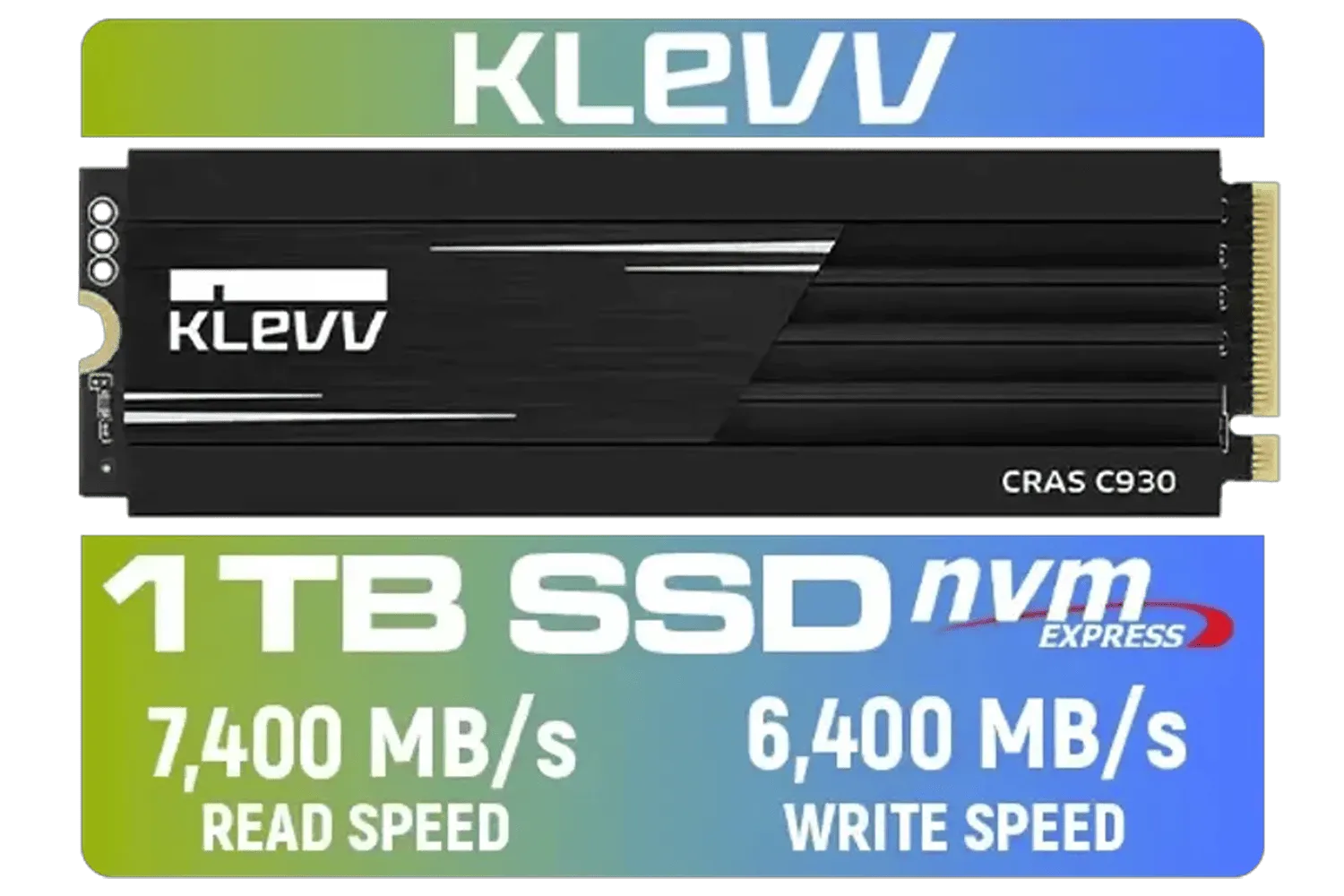
KLEVV CRAS C930 1TB M.2 NVMe PCIe Gen4x4 Internal Gaming SSD with Heatsink / Compatible with PS5 / up to 7400MB/s with DRAM Cash / K01TBM2SP0-C93
R2299.00In Stock

DAHUA M.2 PCIe Gen4x4 1TB NVMe SSD / PCIe Gen4.0x4 Supported / Read: Up to 6290 MB/s Write: Up to 5680 MB/s / DHI-SSD-C970VN1TB
R1949.00In Stock

ORICO e7400 M.2 NVMe SSD - 2TB / PS5 Compatible / PCIe Gen4.0 x4 / Up to 7,400MB/s Read and 6,600MB/s Write Speeds / ORICO-e7400-2TB-GD-BP
R3699.00In Stock

Kingston IronKey Vault Privacy 80 1.92TB External SSD | FIPS 197 | XTS-AES 256GB Encrypted | Touch Screen PIN | Secure Data Protection | IKVP80ES/1920G
R6999.00In Stock
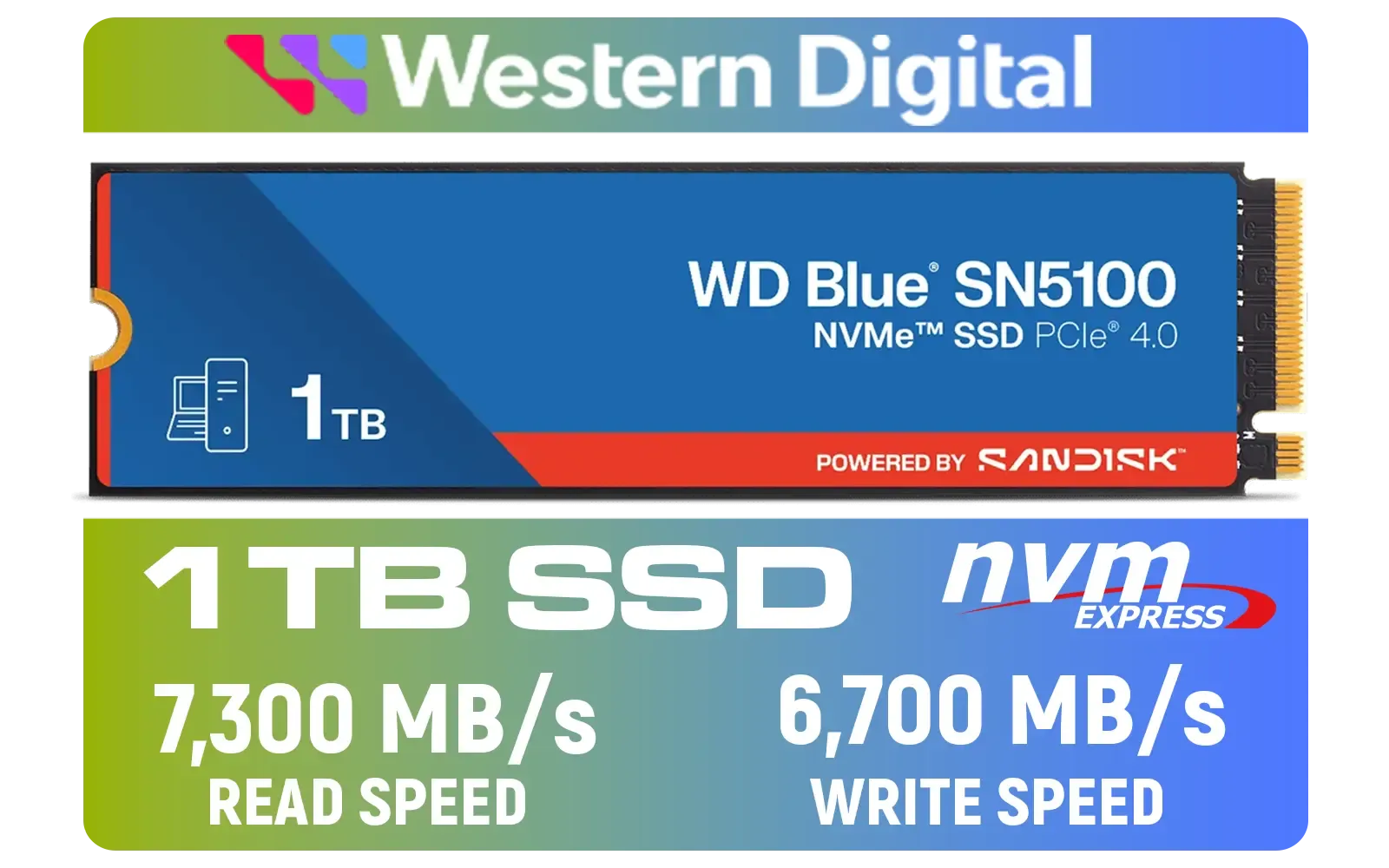
Western Digital 1TB WD Blue SN5100 NVMe Internal Solid State Drive / M.2 2280 Form Factor / Read Speeds up to 7100MB/s / Write Speeds up to 6700MB/s / PCIe Gen 4.0 Interface / nCache™ 4.0 Technology / 3D CBA NAND / Includes Acronis® True Image™ & SanDisk Dashboard Software / WDS100T5B0E
R2499.00In Stock

Corsair MP600 PRO NH 8TB PCIe Gen4 x4 NVMe M.2 SSD – High-Density TLC NAND – M.2 2280 – DirectStorage Compatible - Up to 7,000MB/sec - No Heatsink - Black / CSSD-F8000GBMP600PNH
R22999.00In Stock
Understanding the SSD Landscape: Form Factors
Before diving into the technical details, let's clear up the two main physical shapes, or "form factors," you'll find today. Getting the right shape is the first step in checking your motherboard and SSD compatibility.
2.5-Inch SATA SSDs
This is the classic SSD shape, looking like a small, thin hard drive. They connect to your motherboard using two cables: a SATA data cable and a SATA power cable from your power supply. Nearly every desktop motherboard from the last decade has SATA ports, making these drives incredibly versatile and a great choice for bulk game storage or as a boot drive in an older system.
M.2 SSDs
These are the new kids on the block. M.2 drives look like small sticks of RAM and plug directly into a dedicated M.2 slot on the motherboard—no extra cables needed! This makes for a much cleaner build. However, this is where compatibility gets tricky, because not all M.2 slots are created equal.

DAHUA M.2 PCIe Gen4x4 512GB NVMe SSD / PCIe Gen4.0x4 Supported / Read: Up to 7000 MB/s Write: Up to 4300 MB/s / DHI-SSD-C970VN512G
R1299.00In Stock
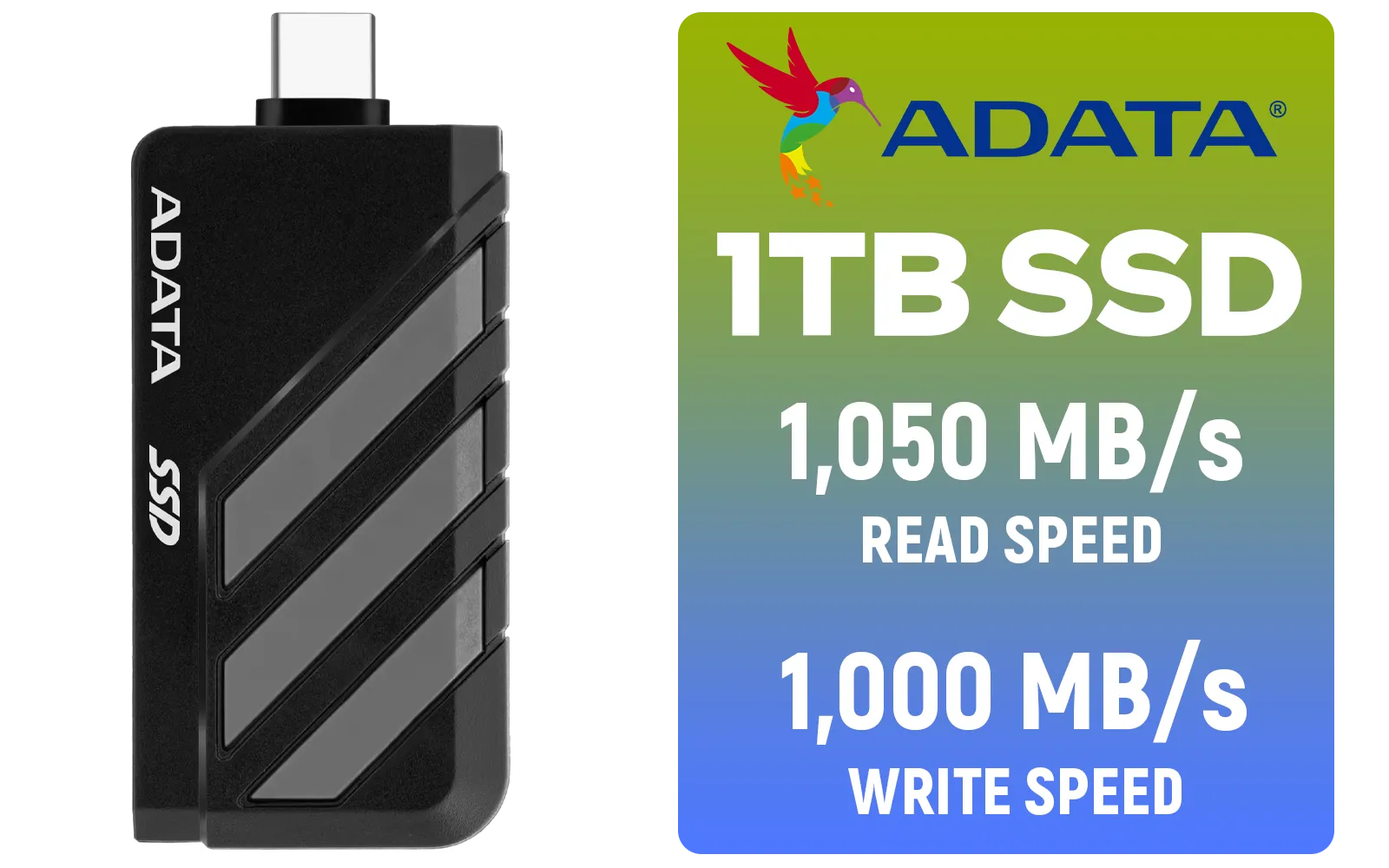
Adata SC735 1TB High-Performance External SSD with USB-C / 1,050MB/s Read & 1,000MB/s Write Speeds / Cable-Free Mobile Phone Compatibility / Gaming Handheld Compatible / Supports Latest Game Consoles / Multi-OS Support / SC735-1000G-CCBK/GY
R2199.00In Stock
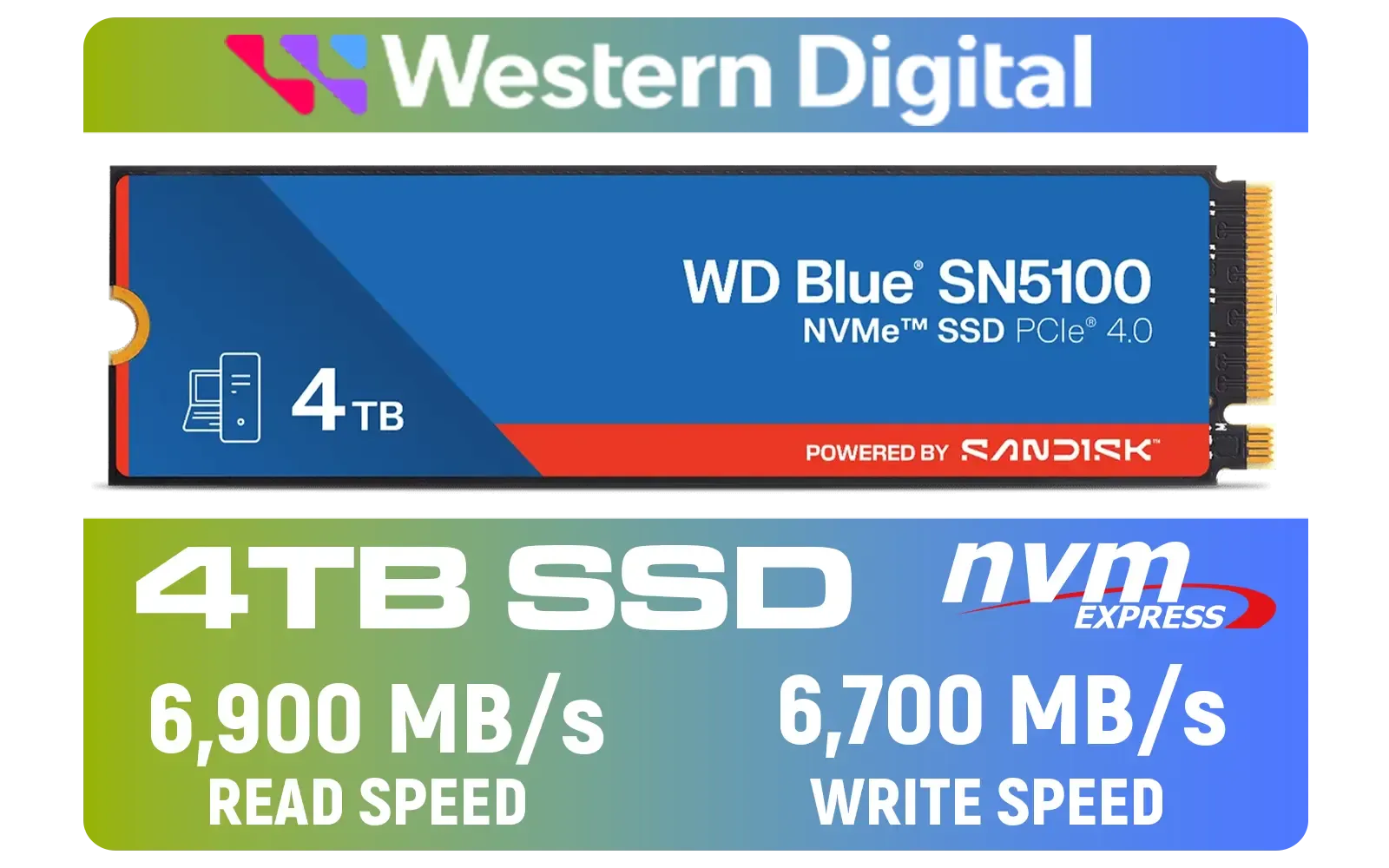
Western Digital 4TB WD Blue SN5100 NVMe Internal Solid State Drive / M.2 2280 Form Factor / Read Speeds up to 6900MB/s / Write Speeds up to 6700MB/s / PCIe Gen 4.0 Interface / nCache™ 4.0 Technology / 3D CBA NAND / Includes Acronis® True Image™ & SanDisk Dashboard Software / WDS400T5B0E
R6999.00In Stock
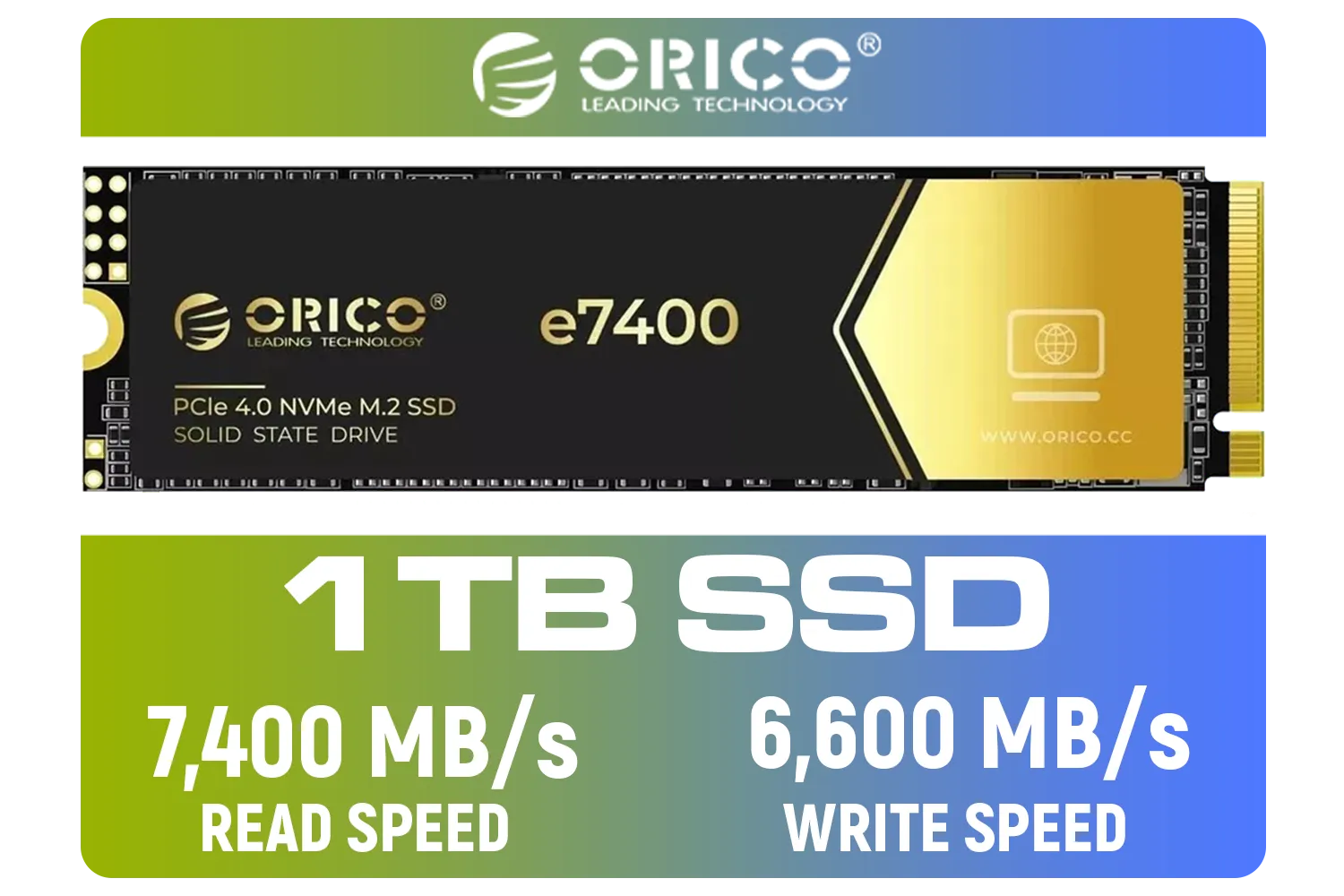
ORICO e7400 M.2 NVMe SSD - 1TB / PS5 Compatible / PCIe Gen4.0 x4 / Up to 7,400MB/s Read and 6,600MB/s Write Speeds / ORICO-e7400-1TB-GD-BP
R2299.00In Stock
Corsair MP600 PRO NH 8TB PCIe Gen4 x4 NVMe M.2 SSD – High-Density TLC NAND – M.2 2280 – DirectStorage Compatible - Up to 7,000MB/sec - No Heatsink - Black / CSSD-F8000GBMP600PNH
R22999.00In Stock

Kingston KC3000 PCIe 4.0 NVMe M.2 512GB SSD - High-Performance Storage for Desktop and Laptop PCs / 7,000MB/s Read, 3,900MB/s Write / Includes Acronis cloning software / SKC3000S/512G
R1399.00In Stock
The Protocol Puzzle: NVMe vs. SATA
This is where most people get confused. An M.2 slot can support two different "languages" or protocols: SATA and NVMe.
- SATA M.2: This is basically the 2.5-inch SSD technology packed into the smaller M.2 form factor. It uses the same SATA protocol, so speeds are capped at around 550MB/s.
- NVMe M.2: This is the one you want for mind-blowing speed. ⚡ NVMe (Non-Volatile Memory Express) was designed specifically for SSDs, allowing them to talk directly to your CPU via the PCIe bus. This unlocks speeds that are many times faster than SATA.
A blazing-fast Gen4 drive like the Klevv Cras C925G 1TB NVMe SSD can hit speeds over 7,000MB/s, making game load screens practically disappear.
TIP FOR YOU
Check Your Keys! 🔑
M.2 SSDs have different 'keys' or notches in their connectors. NVMe drives typically use an 'M' key, while SATA M.2 drives can use a 'B' key or an 'M+B' key. Most modern motherboards use 'M' key slots that support NVMe, but always check your motherboard manual to be 100% certain what it supports.
How to Check Your Motherboard's SSD Compatibility 🔧
Alright, let's get practical. Here’s how you confirm your SSD compatibility with your motherboard before spending a single Rand.
1. Identify Your Motherboard Model
The model name is usually printed directly on the board itself, often near the CPU socket or RAM slots (e.g., ASUS TUF GAMING B650-PLUS). If your PC is already running, you can use a free tool like CPU-Z to find the exact model under the "Mainboard" tab.
2. Find the Official Spec Sheet
Once you have the model name, a quick Google search for "[Your Motherboard Model] specs" will bring up the official product page. This page is your single source of truth. Navigate to the "Specifications" or "Details" section and look for "Storage" or "M.2 Slots".
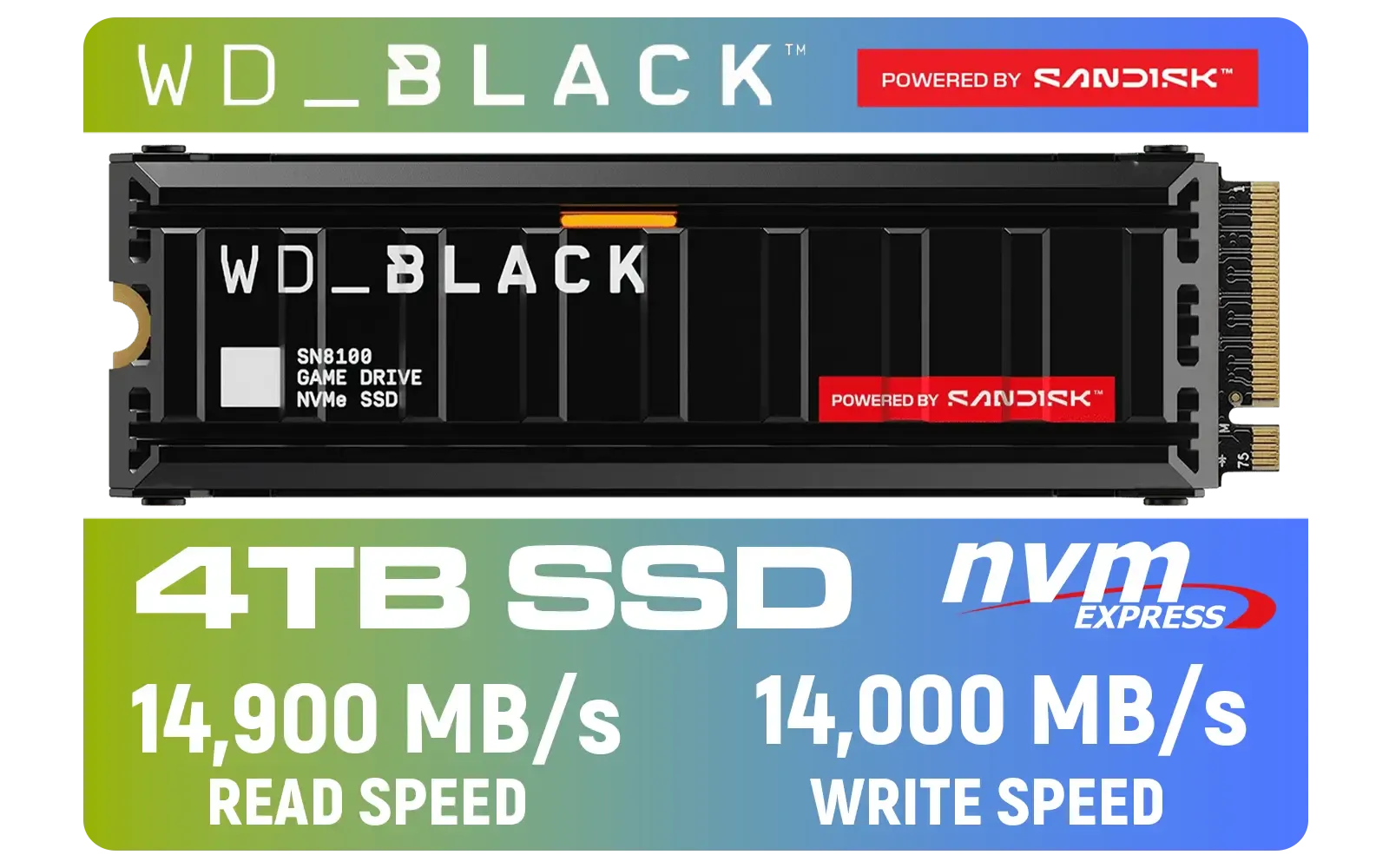
Western Digital SN8100 4TB NVMe Internal Solid State Drive with Heatsink / Read Speeds up to 14,900 MB/s / Write Speeds up to 14,000 MB/s / TCG Opal Security Encryption / nCache™ 4.0, Game Mode, and Adaptive Cooling / Includes SanDisk Dashboard & Acronis® True Image™ Software / WDS400T1XHM
R10499.00In Stock
Adata SC735 1TB High-Performance External SSD with USB-C / 1,050MB/s Read & 1,000MB/s Write Speeds / Cable-Free Mobile Phone Compatibility / Gaming Handheld Compatible / Supports Latest Game Consoles / Multi-OS Support / SC735-1000G-CCBK/GY
R2199.00In Stock
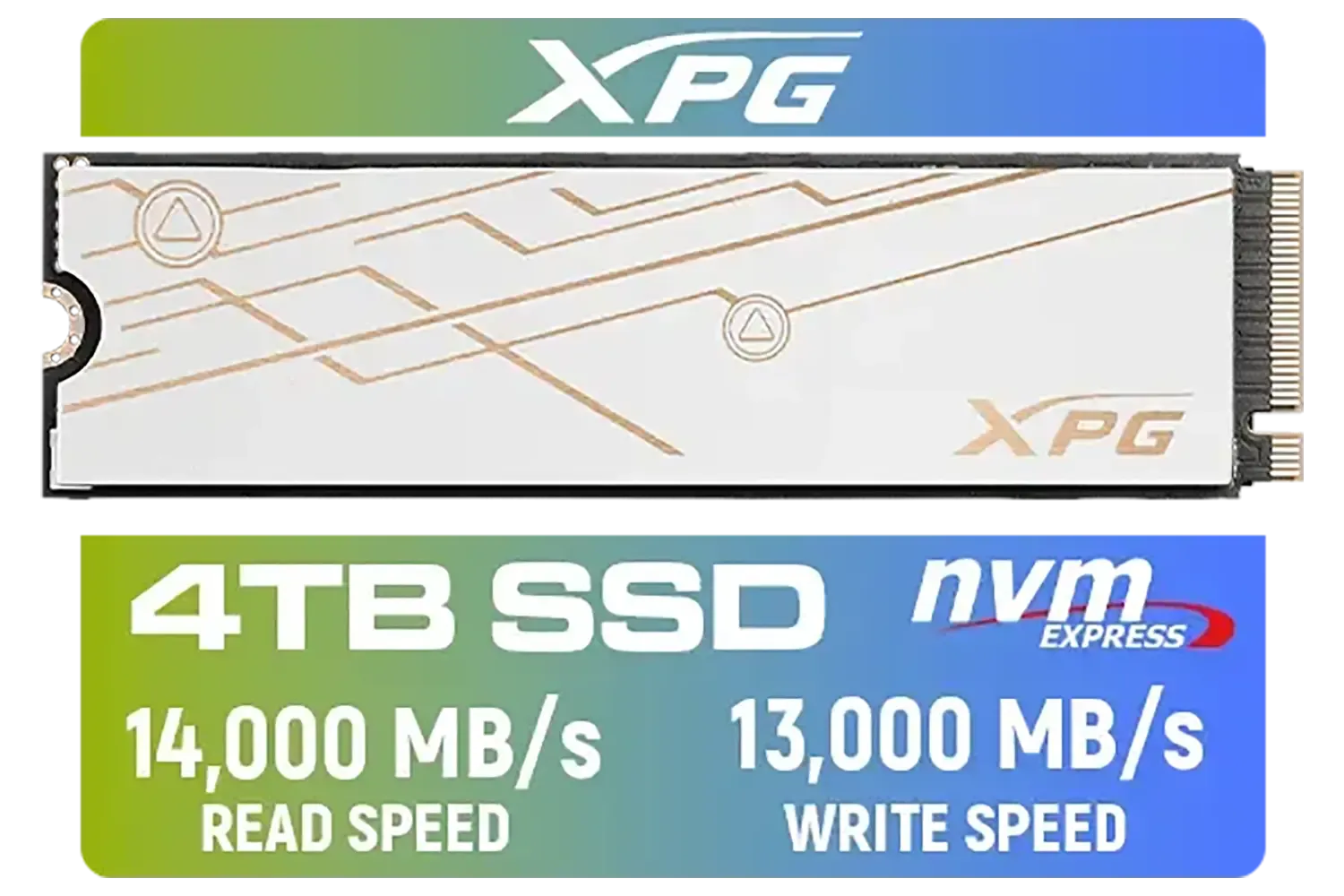
ADATA XPG Mars 980 Blade 4TB NVMe 5.0 Internal Solid State Drive / Up to 14,000MB/s Read Speed and Up to 13,000MB/s Write Speed / SMAR-980B-4TCS
R7999.00In Stock

ADATA SD810 1000G IP68 Water Resistance Up to 2000 MB/s USB 3.2 Gen 2 USB-C External Solid State Drive - Black for iPhone 15/Pro/Max, Android / SD810-1000G-CBK
R2399.00In Stock
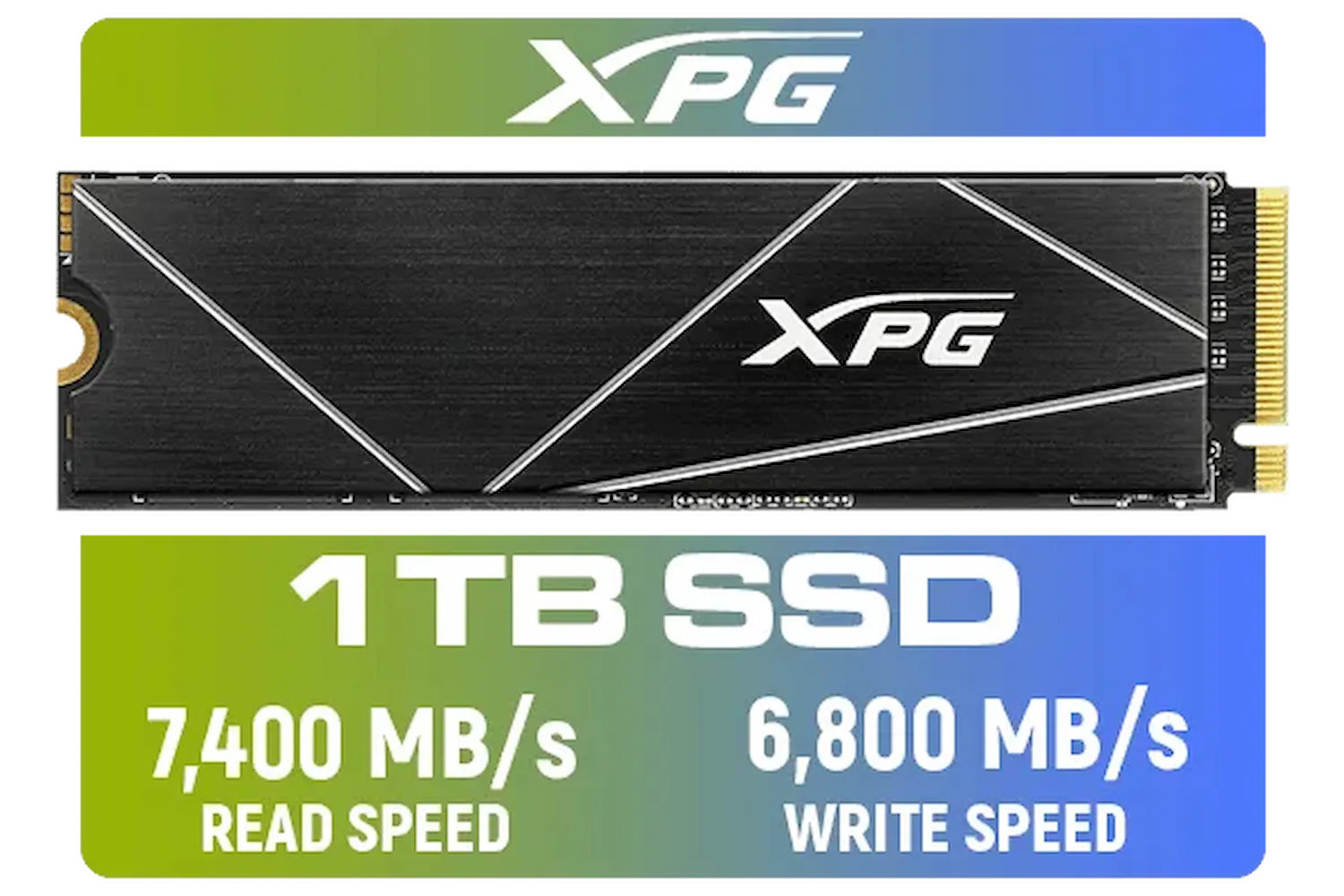
ADATA XPG 1TB GAMMIX S70 Blade - Works with Playstation 5, PCIe Gen4 M.2 2280 Internal Gaming SSD Up to 7,400 MB/s / AGAMMIXS70B-1T-CS
R2599.00In Stock
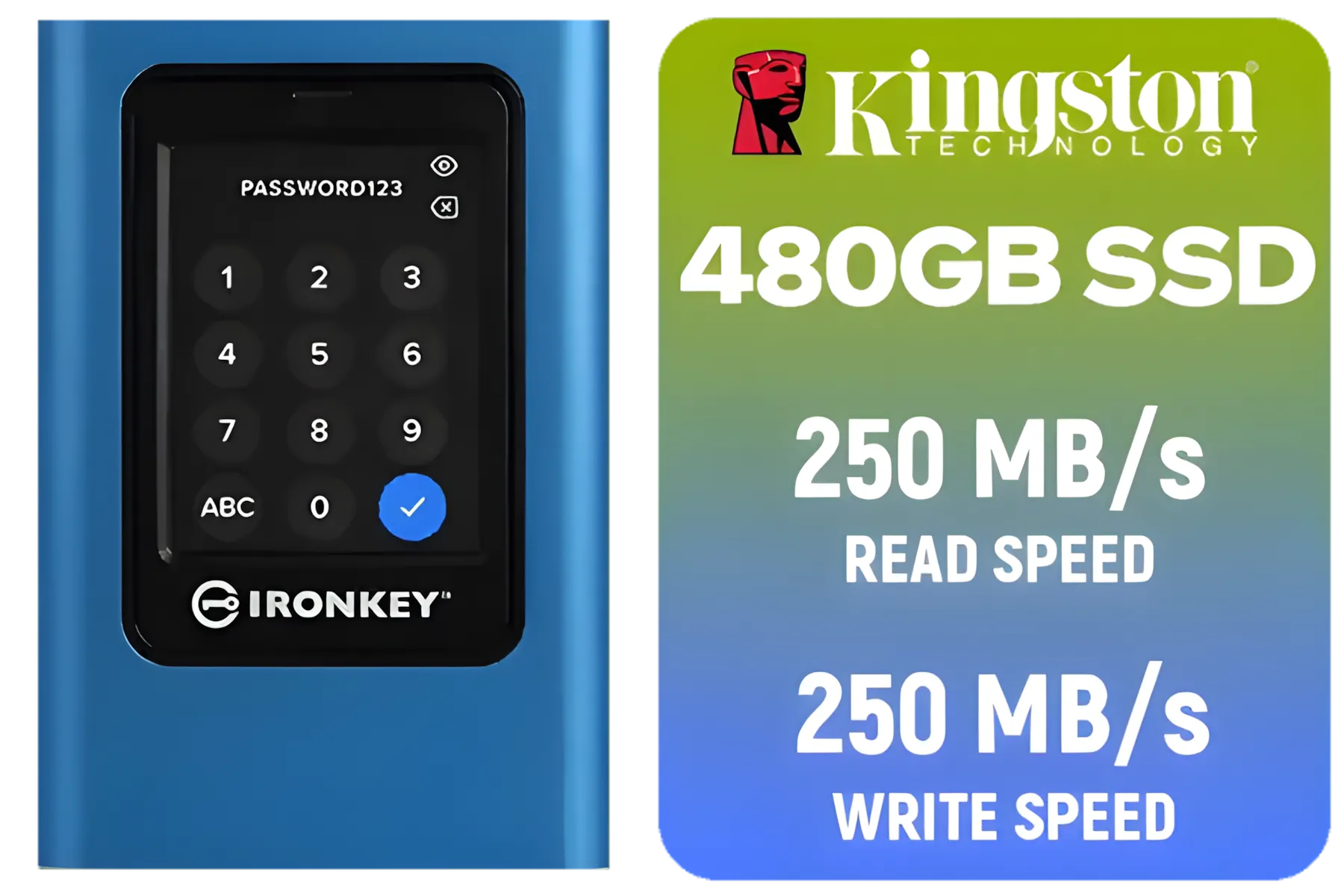
Kingston IronKey Vault Privacy 80 480GB External SSD | FIPS 197 | XTS-AES 256GB Encrypted | Touch Screen PIN | Secure Data Protection | IKVP80ES/480G
R4199.00In Stock
3. Decode the M.2 Slot Information
The spec sheet will tell you everything. It will list:
- How many M.2 slots you have.
- What protocols they support (e.g., "M.2_1 slot (Key M), type 2242/2260/2280 (supports PCIe 4.0 x4 & SATA modes)").
- The PCIe Generation: It will specify PCIe 3.0, 4.0, or even 5.0. This is vital for performance. You can plug a Gen4 SSD into a Gen3 slot, but it will only run at the slower Gen3 speeds. To get the maximum performance you paid for, you need to match the drive's generation to your motherboard's slot.
By following these steps, you can shop with confidence, knowing you're looking at compatible drives from top brands like Klevv that will work perfectly with your setup.
Upgrading your storage shouldn't be a gamble. By taking a few minutes to check your motherboard's specs, you guarantee a smooth installation and unlock the incredible performance modern SSDs offer. Whether you need a simple SATA drive for your media library or a top-tier NVMe for your operating system, taking the time to confirm your SSD compatibility with your motherboard is the smartest move you can make. When you're ready, you can browse our full range of SSDs to find the perfect fit. ✨
Ready to Unleash Ludicrous Speed? Now that you know how to check for compatibility, the fun part begins. A fast, reliable SSD is one of the best upgrades you can make for your PC. Explore our massive range of SSDs and find the perfect drive to slash your load times and conquer your world.
Related Products

Orico X7000 4TB NVMe Internal Solid State Drive SSD / Versatile storage for multiple platforms / PCIe Gen 4.0, M.2 2280 / Up to 7100MB/s Read Speed / Up to 6500MB/s Write Speed / ORICO-X7000-4TB-RD-BP
R6199.00In Stock
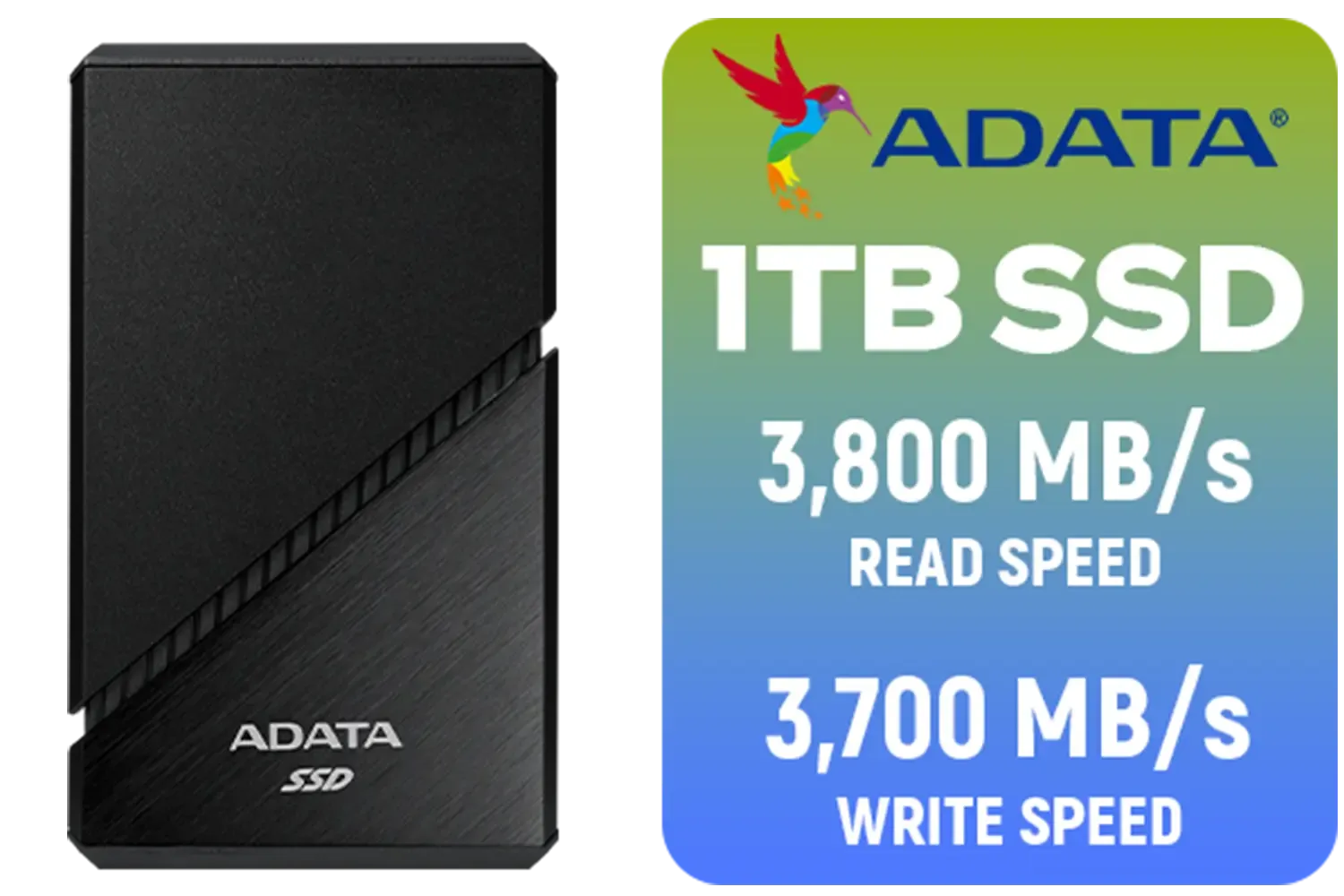
ADATA SE920 1TB External Solid State Drive / Up to 2000 MB/s Read Speed / Up to 3,700 MB/s Write Speed(3,200 MB/s with Thunderbolt 4) / USB4 USB-C Interface (Backwards Compatible with USB 3.2/2.0) / SE920-1TCBK
R2999.00In Stock
Western Digital 1TB WD Blue SN5100 NVMe Internal Solid State Drive / M.2 2280 Form Factor / Read Speeds up to 7100MB/s / Write Speeds up to 6700MB/s / PCIe Gen 4.0 Interface / nCache™ 4.0 Technology / 3D CBA NAND / Includes Acronis® True Image™ & SanDisk Dashboard Software / WDS100T5B0E
R2499.00In Stock
DAHUA M.2 PCIe Gen4x4 1TB NVMe SSD / PCIe Gen4.0x4 Supported / Read: Up to 6290 MB/s Write: Up to 5680 MB/s / DHI-SSD-C970VN1TB
R1949.00In Stock
ADATA XPG Mars 980 Blade 4TB NVMe 5.0 Internal Solid State Drive / Up to 14,000MB/s Read Speed and Up to 13,000MB/s Write Speed / SMAR-980B-4TCS
R7999.00In Stock
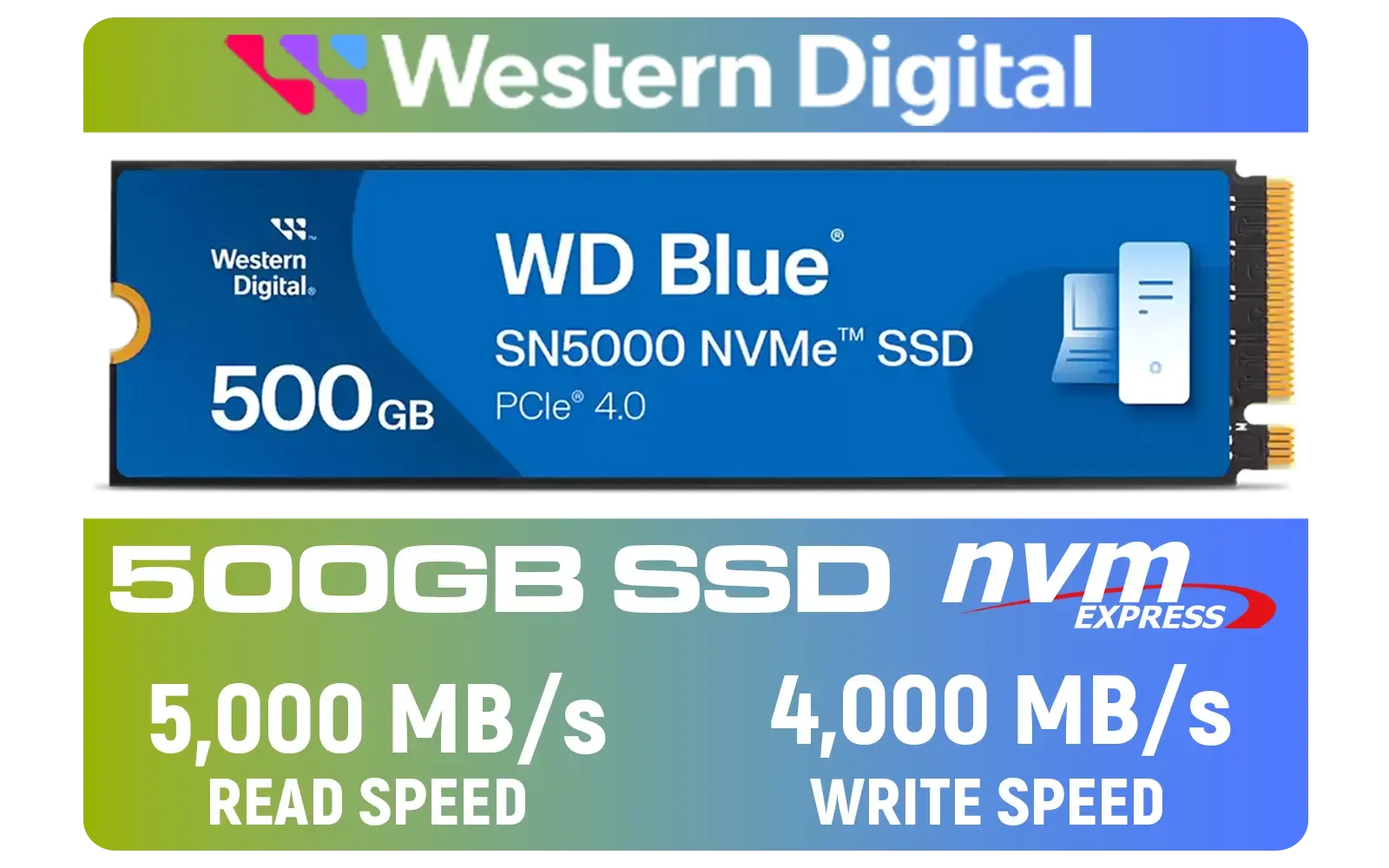
Western Digital 500GB WD Blue SN5000 NVMe Internal Solid State Drive SSD / PCIe Gen 4.0, M.2 2280 / Up to 5,000MB/s Read Speed / Up to 4,000MB/s Write Speed / WDS500G4B0E
R1299.00In Stock
Check your motherboard manual for an M.2 slot labeled 'PCIe' or 'NVMe.' If it only says SATA, NVMe drives won't work at full speed.
Yes, PCIe is backward compatible. A Gen 5 SSD will work in a Gen 4 slot but is limited to Gen 4 speeds.
M Key supports PCIe x4 for high speeds (NVMe), while B Key is often for SATA or PCIe x2. Most modern NVMe drives use M Key.
No, 2280 drives are longer (80mm). You must match the motherboard's standoff position (2230, 2242, 2260, or 2280) to secure the drive.
Yes, Gen 5 SSDs run hot. Ensure your motherboard has an integrated shield or buy a drive with a pre-installed heatsink to prevent throttling.
Use system scanner tools or look up your specific motherboard model on the manufacturer's website for the storage QVL list.











