



Streaming Security South Africa: Protect Your Setup & Stay Safe
Get the ultimate guide to streaming security in South Africa. Learn how to protect your setup from hackers, doxxing, and other online threats. We'll cover everything from securing your accounts to hiding your IP address, so you can stream with total confidence. 🛡️ Level up your safety!
|
Loading tags...
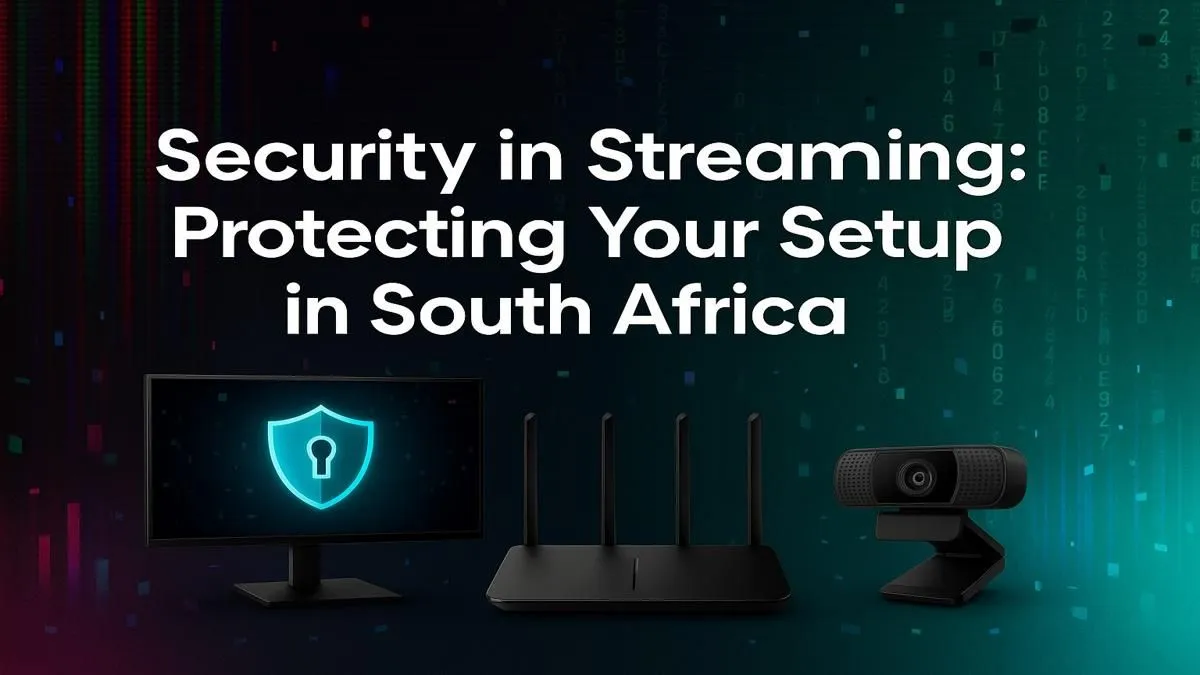
Howzit! You've spent countless hours building your stream, connecting with your community, and perfecting your gameplay. Imagine losing it all overnight to a hacker or a doxxing attack. It’s a harsh reality for many creators. Here in Mzansi, as streaming explodes in popularity, understanding streaming security in South Africa isn't just a "nice-to-have"... it's essential for protecting your passion, your privacy, and your PC. Let's get your digital fortress secured.
Intel Core Ultra 9 285K 5.7GHz RTX 5000 Ada 32GB DDR5 Workstation PC
R133349.00In Stock

RYZEN 5 8500G 5.0GHz with Vega Graphics DDR5 PC
R11024.00In Stock

Intel Core Ultra 5 225F 4.9GHz GT 710 2GB DDR5 PC
R11864.00In Stock

RYZEN 5 9600X 5.2GHz RX 9060 XT 16GB DDR5 Gaming PC
R22889.00In Stock

RYZEN 9 9900X 5.6GHz RTX PRO 6000 96GB DDR5 Next Gen Workstation PC
R210524.00In Stock
![[Pre Built] Intel Core Ultra 7 265K RTX 5070 Gaming PC](https://img.evetech.co.za/repository/ProductImages/intel-core-ultra-7-265-kf-rtx-5070-gaming-pc-pbs-main-1600px-v1.webp)
[Pre Built] Intel Core Ultra 7 265K RTX 5070 Gaming PC
R38114.00In Stock
Why Your Streaming Security in South Africa Matters
The South African streaming scene is buzzing. More creators are going live, and more viewers are tuning in than ever before. But with this growth comes bigger risks. We're not just talking about someone being rude in chat; we're talking about serious threats that can impact your real life:
- Doxxing: Maliciously broadcasting your private information online.
- Swatting: Making a fake emergency call to send armed police to your home.
- Account Takeovers: Hackers gaining control of your Twitch, YouTube, or social media accounts.
- DDoS Attacks: Overwhelming your internet connection to force you offline.
Protecting your stream isn't paranoia; it's professional.
Fortifying Your Digital Fortress: The Essentials 🔒
Getting the basics of your streaming security right is the most important step. Think of it as locking your front door. It won't stop a determined thief, but it deters most opportunistic troublemakers.
Your Accounts are Digital Gold
Your streaming and social accounts are your brand. Treat their security like you would your bank account.
- Use a Password Manager: Stop reusing "Password123!". A password manager creates and stores complex, unique passwords for every single site.
- Enable Two-Factor Authentication (2FA): This is non-negotiable. Use an app like Google Authenticator or Authy on all your important accounts. It adds a crucial second layer of defence, making it incredibly difficult for someone to get in, even if they have your password.
Protect Your Personal Information (Anti-Doxxing)
The goal here is to create a separation between your online persona and your real-life identity.
- Use a Stream-Only Email: Don't use your personal or work email for anything related to your stream.
- Check Your Background: Is there any mail with your address visible? A window showing a recognisable landmark? Be mindful of what your camera sees.
- Never Share Personal Details: It sounds obvious, but in the heat of a friendly stream, it's easy to mention your neighbourhood, your local hangout, or other identifying details.
TIP FOR YOU
Pro Tip: Use a VPN 🛡️
A Virtual Private Network (VPN) is a powerful tool for enhancing your streaming security in South Africa. It masks your IP address, which is directly linked to your physical location. This makes it much harder for attackers to find your location for doxxing or to target you with a DDoS attack. It's a small monthly investment for significant peace of mind.

AMD RYZEN 9 9950X 5.7GHz Quadro RTX 5000 Ada 32GB DDR5 Workstation PC
R128834.00In Stock
![[Pre Built] HP OMEN 35L B1ZR4EA Intel Core Ultra 7 265K RTX 4080 SUPER Gaming PC](https://img.evetech.co.za/repository/ProductImages/intel-core-ultra-7-265-k-rtx-4080-super-gaming-pc-pbs-main-1600px-v1.webp)
[Pre Built] HP OMEN 35L B1ZR4EA Intel Core Ultra 7 265K RTX 4080 SUPER Gaming PC
R49349.00In Stock

AMD RYZEN 5 3600 RTX 3050 Budget Gaming PC
R11024.00In Stock
RYZEN 5 8500G 5.0GHz with Vega Graphics DDR5 PC
R11024.00In Stock
![[Pre Built] AMD RYZEN 9 9900X RX 9070 XT Gaming PC](https://img.evetech.co.za/repository/ProductImages/ryzen-9-9900-x-rx-9070-xt-gaming-pc-pbs-main-1600px-v1.webp)
[Pre Built] AMD RYZEN 9 9900X RX 9070 XT Gaming PC
R42524.00In Stock
Intel Core Ultra 7 265K RTX Pro 2000 DDR5 Workstation PC
R39689.00In Stock
Secure Your PC and Network
Your gaming rig is the heart of your operation. If it's compromised, everything is.
- Update Everything: Keep your Windows OS, graphics drivers, and streaming software (like OBS) constantly updated. These updates often contain critical security patches.
- Use a Strong Wi-Fi Password: Make sure your home network is secured with a WPA2 or WPA3 password.
- Invest in a Solid Foundation: A slow, struggling PC can't effectively run antivirus software in the background while you're streaming. Ensuring your machine is up to the task is a core part of your security. A modern, reliable pre-built PC provides a stable platform to build your secure streaming empire on.
Advanced Security for Growing Streamers 🚀
Once you start gaining traction, you become a bigger target. It's time to level up your defences. A robust approach to your streaming security involves both software and hardware.
Your PC's processor is doing a lot of heavy lifting... encoding your stream, running the game, and handling Discord, all while your security software scans in the background. A CPU bottleneck can lead to dropped frames or, worse, turning off security features for performance. This is where choosing the right platform matters. Whether you opt for one of the powerful Intel-based systems known for their raw gaming performance, or one of the incredibly versatile AMD Ryzen rigs that excel at multitasking, a capable processor is a key security investment.
Creating Your "What If?" Recovery Plan

Intel Core Ultra 5 225F 4.9GHz RTX 3050 6GB DDR5 Gaming PC
R16274.00In Stock
RYZEN 5 9600X 5.2GHz RX 9060 XT 16GB DDR5 Gaming PC
R22889.00In Stock
RYZEN 9 9900X 5.6GHz RTX PRO 6000 96GB DDR5 Next Gen Workstation PC
R210524.00In Stock
![[Pre Built] AMD Ryzen 7 9800X3D RTX 5080 Gaming PC](https://img.evetech.co.za/repository/ProductImages/ryzen-7-9800-x-3-d-rtx-5080-gaming-pc-48-gb-main-1600px-v1.webp)
[Pre Built] AMD Ryzen 7 9800X3D RTX 5080 Gaming PC
R77699.00In Stock
[Pre Built] AMD RYZEN 9 9900X RX 9070 XT Gaming PC
R42524.00In Stock

Intel Core Ultra 9 285K 5.7GHz RTX 5090 32GB DDR5 Gaming PC
R80114.00In Stock
Sometimes, despite your best efforts, things go wrong. The key is to have a plan before you need it.
- Know Who to Contact: Bookmark the support pages for Twitch, YouTube, and your other platforms. Know the process for reporting a hacked account.
- Stay Calm: Panicking leads to mistakes. Take a deep breath, disconnect the affected machine from the internet, and start following your recovery steps from a different device.
- Plan Your Comeback: A security incident or hardware failure can feel devastating. But getting back on your feet doesn't have to cost a fortune. Having a plan to quickly source a replacement machine, like knowing there are great value gaming PCs under R20,000, can turn a crisis into a temporary setback.
Ready to Stream with Confidence? A secure streaming setup starts with a powerful, reliable foundation. Don't let an underpowered PC be the weakest link in your security chain. Explore Evetech's massive range of PC deals and find the perfect machine to broadcast your gameplay to the world... safely.
Related Products

RYZEN 7 9700X 5.5GHz RTX 5070 12GB DDR5 Gaming PC
R34334.00In Stock

Intel Core Ultra 5 245K 5.2GHz RTX 5060 8GB DDR5 Gaming PC
R30659.00In Stock
AMD RYZEN 7 9800X3D RTX Pro 4500 DDR5 Workstation PC
R78644.00In Stock
Ryzen 7 9700X 5.5GHz RTX 5060 Ti 16GB DDR5 Gaming PC
R29399.00In Stock
![[Pre Built] Intel Core Ultra 9 285K RTX 5080 Gaming PC](https://img.evetech.co.za/repository/ProductImages/intel-core-ultra-9-285-k-rtx-5080-gaming-pc-48-gb-main-1600px-v1.webp)
[Pre Built] Intel Core Ultra 9 285K RTX 5080 Gaming PC
R76649.00In Stock
![[Pre Built] AMD Ryzen 7 9800X3D RX 9070 XT Gaming PC](https://img.evetech.co.za/repository/ProductImages/ryzen-7-9800-x-3-d-rx-9070-xt-gaming-pc-48-gb-main-1600px-v1.webp)
[Pre Built] AMD Ryzen 7 9800X3D RX 9070 XT Gaming PC
R67199.00In Stock
Use strong, unique passwords with two-factor authentication (2FA) on all accounts. Keep your streaming software and antivirus updated to prevent known exploits.
Avoid sharing personal information like your full name or location. Use a VPN to hide your IP address and be cautious about what's visible in your background.
Only download OBS from the official website. Be cautious with third-party plugins; vet them carefully and keep them updated to avoid security vulnerabilities.
Yes, a VPN is highly recommended. It masks your real IP address, protecting you from DDoS attacks and helping prevent doxxing attempts while streaming.
Enable 2FA immediately. Regularly review who has access to your account via connections and use a strong, unique password you don't use anywhere else.
Use a separate email for your streaming accounts. Be mindful of on-screen notifications or reflections that might reveal personal details. Review VODs for accidental leaks.











