



Tactical Shooter PC Build: Parts, Settings & Performance
tactical shooter PC build checklist: • Define goals & budget; • Recommend CPU/GPU, RAM and peripherals; • Optimise for low latency and high FPS. Get a parts list and tuning steps to win 🎯⚡
|
Loading tags...
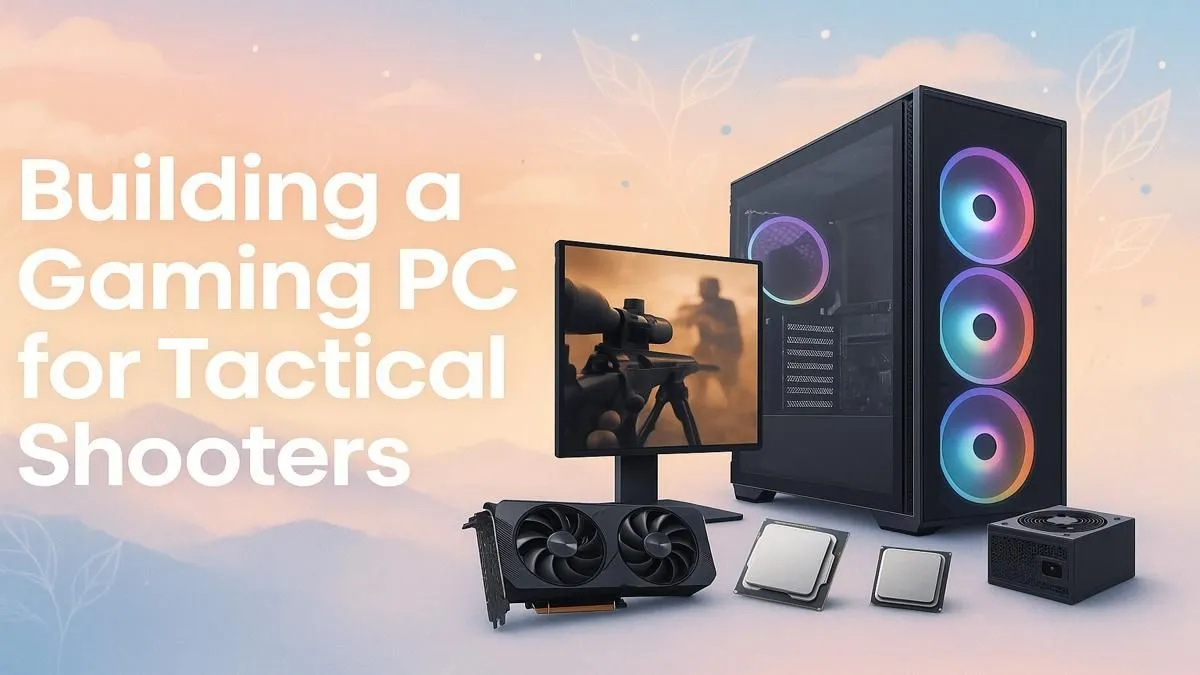
That crucial 1v3 clutch in Valorant... you peek, you line up the shot, and... your frames drop. It’s a story every South African gamer knows too well. A proper tactical shooter PC build isn't about fancy lights; it's about pure, consistent performance. It’s the difference between ranking up and raging. This guide breaks down the essential parts, settings, and performance tweaks you need to gain a competitive edge and start winning more gunfights. 🚀

RYZEN 5 9600X 5.2GHz RX 9060 XT 16GB DDR5 Gaming PC
R22889.00In Stock
![[Pre Built] Intel Core Ultra 9 285K RTX 5080 Gaming PC](https://img.evetech.co.za/repository/ProductImages/intel-core-ultra-9-285-k-rtx-5080-gaming-pc-48-gb-main-1600px-v1.webp)
[Pre Built] Intel Core Ultra 9 285K RTX 5080 Gaming PC
R76649.00In Stock

RYZEN 5 7500X3D RTX 5060 DDR5 Gaming PC
R21524.00In Stock

AMD RYZEN 9 9950X 5.7GHz Quadro RTX 5000 Ada 32GB DDR5 Workstation PC
R128834.00In Stock

AMD RYZEN 5 8400F 4.7GHz RTX 5060 8GB DDR5 Budget Gaming PC
R17534.00In Stock
RYZEN 5 9600X 5.4GHz A1000 8GB DDR5 Workstation PC
R25199.00In Stock
Core Components for Your Tactical Shooter PC Build
In games like CS2, Apex Legends, and Valorant, high FPS and low input lag are king. Your hardware choices should reflect that singular goal. Forget 4K ultra settings; we’re chasing raw speed and responsiveness.
### The CPU and GPU Combo
Tactical shooters are often CPU-bound, meaning they rely heavily on your processor's single-core speed to pump out frames. An Intel Core i5 or AMD Ryzen 5 from a recent generation is the sweet spot, providing incredible performance without breaking the bank. This is the engine of your tactical shooter PC build.
For the graphics card (GPU), you don't need a top-tier monster. The goal is to consistently exceed your monitor's refresh rate (e.g., 144+ FPS for a 144Hz screen). A card like the NVIDIA GeForce RTX 4060 or AMD Radeon RX 7600 offers phenomenal 1080p performance, ensuring your game is always buttery smooth. Pairing these components correctly is key, which is why many gamers start by looking at well-balanced budget gaming PCs to see what works.
### RAM and Storage: The Unsung Heroes
While CPU and GPU get the glory, RAM and storage are critical support players. 16GB of fast DDR4 (3200MHz+) or DDR5 RAM is the minimum standard. This prevents stuttering and ensures your frame times are stable, which is just as important as your average FPS.
For storage, a fast NVMe SSD is non-negotiable. It drastically cuts down on map loading times, getting you into the action faster, and makes your entire system feel snappier. A 1TB NVMe provides ample space for your OS, favourite shooters, and recording software. Getting these essentials right is possible even with builds under R20k, delivering a true competitive experience.
RYZEN 5 9600X 5.2GHz A400 4GB DDR5 Workstation PC
R18164.00In Stock

RYZEN 9 9950X 5.7GHz RTX 5090 32GB DDR5 Gaming PC
R78119.00In Stock
![[Pre Built] Intel Core Ultra 7 265KF RX 9070 XT Gaming PC](https://img.evetech.co.za/repository/ProductImages/intel-core-ultra-7-265-kf-rx-9070-xt-gaming-pc-pbs-main-1600px-v1.webp)
[Pre Built] Intel Core Ultra 7 265KF RX 9070 XT Gaming PC
R42209.00In Stock
Intel 14th Gen Core i3 14100F 4.7GHz ARC A380 6GB Gaming PC
R12599.00In Stock

AMD RYZEN 5 3400G 4.2GHz Radeon Vega PC
R5879.00In Stock
![[Pre Built] AMD Ryzen 7 9800X3D RX 9070 XT Gaming PC](https://img.evetech.co.za/repository/ProductImages/ryzen-7-9800-x-3-d-rx-9070-xt-gaming-pc-48-gb-2-tb-nvme-main-1600px-v1.webp)
[Pre Built] AMD Ryzen 7 9800X3D RX 9070 XT Gaming PC
R69299.00In Stock
Optimising Settings for Peak Performance 🔧
Building the rig is only half the battle. The other half is optimising your in-game settings to squeeze out every last frame and reduce system latency. Pro players almost always turn their graphics settings down to gain a competitive advantage.
Start by ensuring your monitor is actually running at its advertised refresh rate in Windows. From there, dive into your game’s video settings. Lowering settings like Shadow Quality, Texture Detail, and Anti-Aliasing will provide the biggest FPS boosts. However, one setting you should enable is NVIDIA Reflex (if available), which is designed specifically to lower system latency. For gamers with 240Hz or 360Hz monitors, pairing them with high-performance PCs above R20k ensures you have the horsepower to max out that refresh rate consistently.
TIP FOR YOU
Pro Tip: Unlock Your Monitor's True Speed ⚡
Many gamers forget this crucial step! Right-click your desktop, go to 'Display settings' > 'Advanced display'. From the dropdown menu, select the highest available refresh rate (e.g., 144Hz, 240Hz). If you've been playing on the default 60Hz, this single change will feel like a massive upgrade.
Finding the perfect balance of settings can take time, but the payoff is a smoother, more responsive gaming experience that lets your skill shine. If you want a machine that's already tuned for performance, browsing the best gaming PC deals can give you a professionally configured system right out of the box.
AMD RYZEN 7 5700 RTX Pro 2000 Workstation PC
R26669.00In Stock

RYZEN 7 9800X3D 5.2GHz RTX 5080 16GB DDR5 Gaming PC
R51869.00In Stock

Intel 14th Gen Core i3 14100F 4.7GHz GT 710 2GB PC
R9869.00In Stock
AMD RYZEN 5 8400F 4.7GHz RTX 5060 8GB DDR5 Budget Gaming PC
R17534.00In Stock
![[Pre Built] AMD RYZEN 7 5700 RTX 5060 Gaming PC](https://img.evetech.co.za/repository/ProductImages/ryzen-7-5700-rtx-5060-gaming-pc-pbs-main-1600px-v1.webp)
[Pre Built] AMD RYZEN 7 5700 RTX 5060 Gaming PC
R18794.00In Stock
RYZEN 7 7800X3D 5.0GHz RTX 5060 Ti 16GB DDR5 Gaming PC
R26774.00In Stock
The Pre-Built Advantage: Ready to Win
Assembling a PC is a great experience, but sourcing parts, checking compatibility, and managing cables can be a real mission. A poorly configured system can lead to bottlenecks that undermine the performance of your expensive components. This is where a pre-built PC shines. ✨
An expertly crafted tactical shooter PC build from Evetech is more than just a collection of parts. It's a balanced system, stress-tested for stability and optimised for maximum gaming performance. You get the peace of mind of a full warranty and dedicated support, letting you focus on what truly matters: hitting your shots. Check out our current pre-built PC deals to find a rig that's ready to dominate from day one.
Ready to Dominate the Leaderboard? A well-optimised tactical shooter PC is your ticket to higher ranks. Stop losing fights to hardware and start clicking heads. Explore our massive range of gaming PCs and find the perfect rig, professionally built and ready to win.
Related Products

RYZEN 9 9900X 5.6GHz RTX 5070 Ti 16GB DDR5 Gaming PC
R41369.00In Stock

RYZEN 5 8500G 5.0GHz with Vega Graphics DDR5 PC
R11024.00In Stock
Intel Core Ultra 7 265K 5.5GHz RTX 5070 Ti 16GB DDR5 Gaming PC
R43049.00In Stock

AMD RYZEN 7 5700 4.6GHz RX 9070 16GB Gaming PC
R28349.00In Stock

Ryzen 7 9700X 5.5GHz RTX 5060 Ti 16GB DDR5 Gaming PC
R29399.00In Stock

AMD RYZEN 5 3600 RTX 3050 Budget Gaming PC
R11024.00In Stock
Prioritise CPU single-thread performance, a high-FPS GPU, 16GB+ RAM, NVMe storage and low-latency peripherals for best competitive results.
For 1080p 144Hz, mid-high GPUs give best value; for 1440p or higher refresh rates choose upper-mid to high-end models to sustain FPS.
16GB is the sweet spot; 32GB benefits multitasking like streaming. Ensure fast RAM speeds compatible with your CPU.
Use wired peripherals, enable low-latency GPU modes, prioritise high polling-rate mice and tune in-game settings to minimise render time.
Yes—focus budget on CPU/GPU and a responsive mouse; lower-cost GPUs can still hit competitive FPS at optimized settings.
Choose a 144Hz or higher monitor with low response time and adaptive sync to match frame output and reduce tearing.
Prioritise a high-DPI, low-latency mouse, mechanical keyboard with fast switches, and quality audio for sound cues.











