



When Do You Need an E-ATX Case? Motherboard Size Guide
Unsure if you really need an **E-ATX case** for your next rig? 🖥️ We break down motherboard form factors, compatibility myths, and when upgrading to a larger chassis is essential for performance and cooling. 🚀 Find your perfect fit today.
|
Loading tags...
You’re mapping out your next PC build. You’ve picked the CPU, the GPU is in your cart, but a huge question remains: what case will it all live in? Staring at the specs, you see terms like ATX, Micro-ATX, and the colossal E-ATX. It’s easy to get lost.
So, when do you need an E-ATX case? Is it overkill, or the smartest choice for your dream rig? Let's break down this motherboard size guide and find the perfect fit for you. 🔧

Xigmatek Aqua V Arctic Mid Tower Gaming Case - White / Supports Motherboards up to ATX / 7 x Pre-Installed ARGB Fans Included / EN45813
R1999.00In Stock
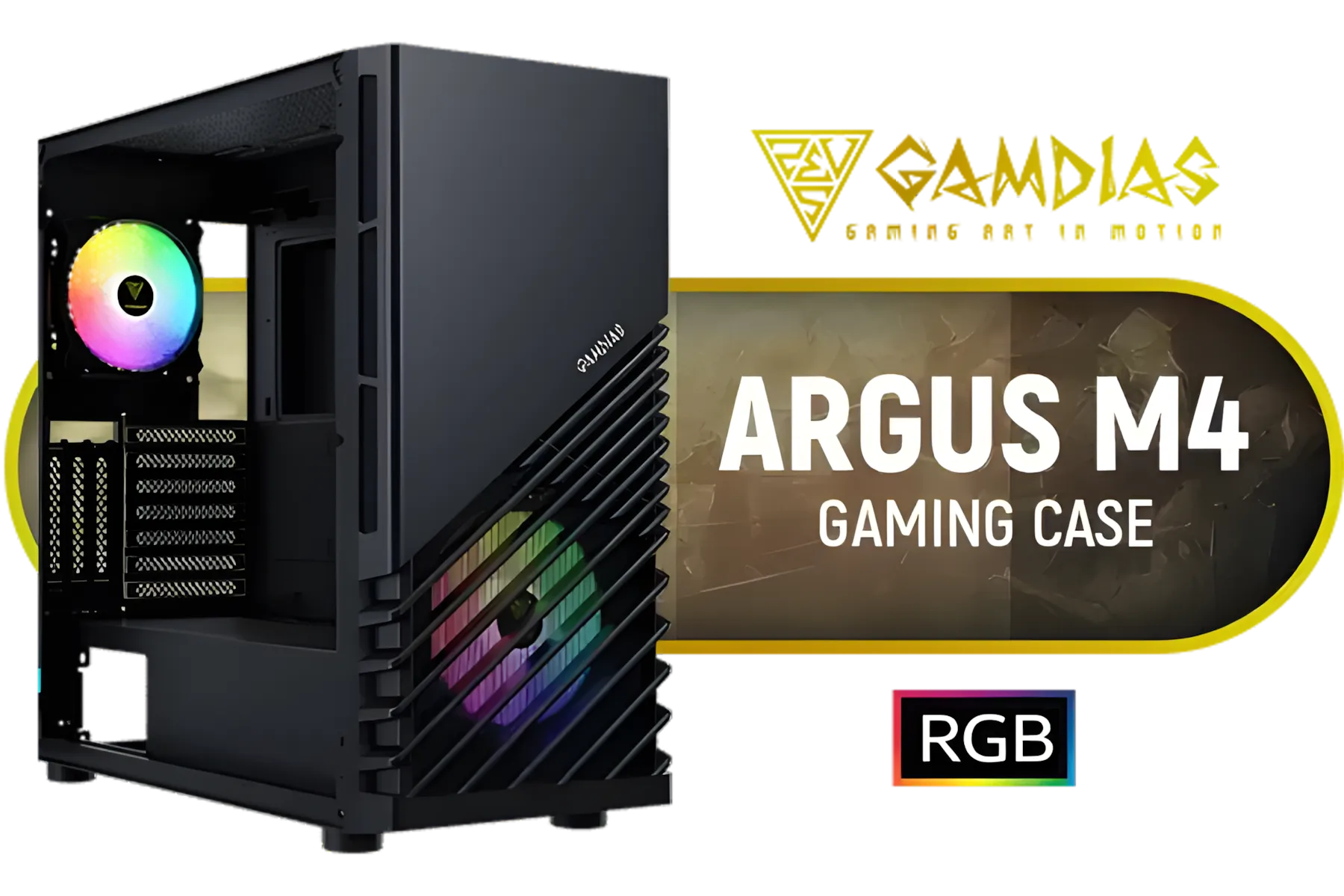
Gamdias Argus M4 Tempered Glass ATX Gaming Case - Black / Supports Motherboards up to ATX / Compatible with Dual 360mm Radiator (Top & Front) / RGB Streaming Lighting / 1 Built-in 140mm Front Fan and 120mm Rear Fan / Magnetic Dust Filter / ARGUS-M4
R1199.00In Stock

Fractal Design Torrent RGB Black - Light Tint Tempered Glass Panels - Open Grille for Maximum air Intake - Two 180mm RGB PWM and Three 140mm RGB Fans Included - ATX Airflow Mid Tower PC Gaming Case - FD-C-TOR1A-04
R3999.00In Stock

DEEPCOOL CG530 Black ATX Mid Tower Gaming Case / Tempered Glass / 4x 120mm ARGB Fans Pre-installed / CPU Cooler Support Up to 160mm / GPU Support Upto 410mm / 7x PCI Slot, 360mm Radiator Supported / Front I/O: 2x USB / 1x Type C / HD Audio / CG530-4F
R1299.00In Stock
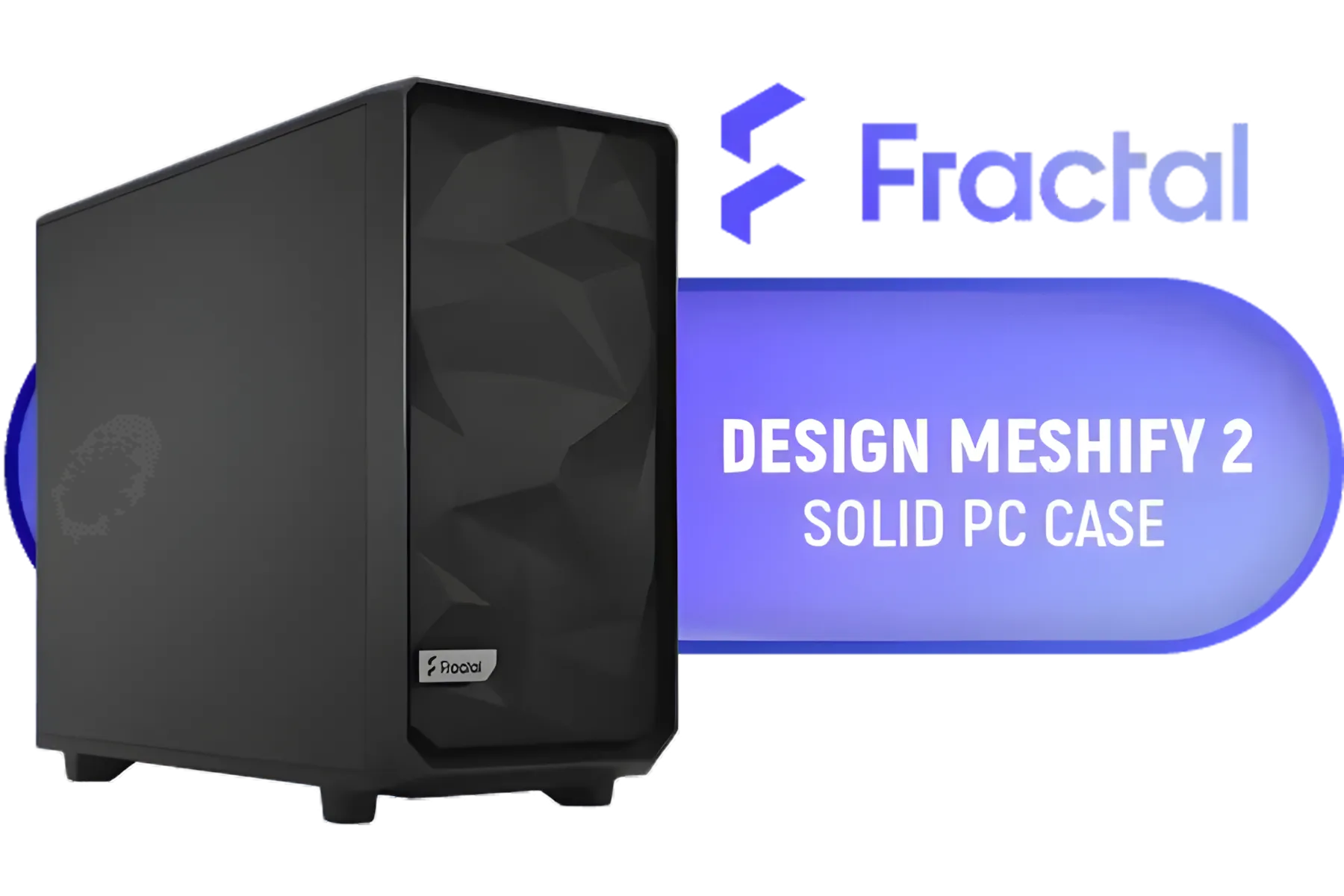
Fractal Design Meshify 2 Black ATX Flexible Mid Tower Computer Case - Stealth-inspired filtered airflow - Fits up to 285mm E-ATX - Fits Radiators Up to 420mm top - 2 x Pre-Installed Fans Included - FD-C-MES2A-01
R2499.00In Stock

ASUS TUF Gaming GT301 ATX Mid-tower Tempered Glass Gaming Case / honeycomb front panel / 120mm AURA Addressable RGB fan / 360mm radiator support / Extensive storage options / 4 x Pre-Installed Fans Included / 90DC0040-B49020 / 90DC0040-B49000
R1599.00In Stock
A Quick Motherboard Size Guide
Before we talk cases, we need to understand what they're built to hold. Motherboard sizes, or "form factors," are standardised dimensions that ensure a board from one brand fits into a case from another.
Here are the most common ones you’ll find:
- ATX (Advanced Technology eXtended): This is the long-standing industry standard. It offers a great balance of expansion slots (like PCIe for your graphics card) and size, making it perfect for most gaming and productivity builds.
- Micro-ATX (mATX): A shorter version of ATX. It has fewer expansion slots but fits into more compact and often more affordable cases. It’s a brilliant choice for budget-conscious builds without sacrificing too much performance.
- Mini-ITX: The smallest of the main three. It’s designed for compact, space-saving PCs. While it typically only has one PCIe slot, you can still build an incredibly powerful machine in a tiny footprint, like with this Cooler Master E301 Mini-Tower case.
- E-ATX (Extended ATX): The big boss. E-ATX boards are wider than standard ATX boards, packing in more features like extra RAM slots, more M.2 storage ports, and robust power delivery for extreme overclocking.

Cooler Master MasterBox 500 PC Case - Mid-Tower Chassis, FineMesh Front Intake & 120mm ARGB Fan, Removeable Top Panel & Tempered Glass Side Panel, Supports Motherboards up to E-ATX, Versatile Component Support, 120mm Rear Fan / MB500-KGNN-S00
R2599.00In Stock

Xigmatek Vision Pro Mid Tower Gaming Case - Black / Supports Motherboards up to E-ATX / 8 x Pre-Installed ARGB Fans Included / EN45158
R3099.00In Stock
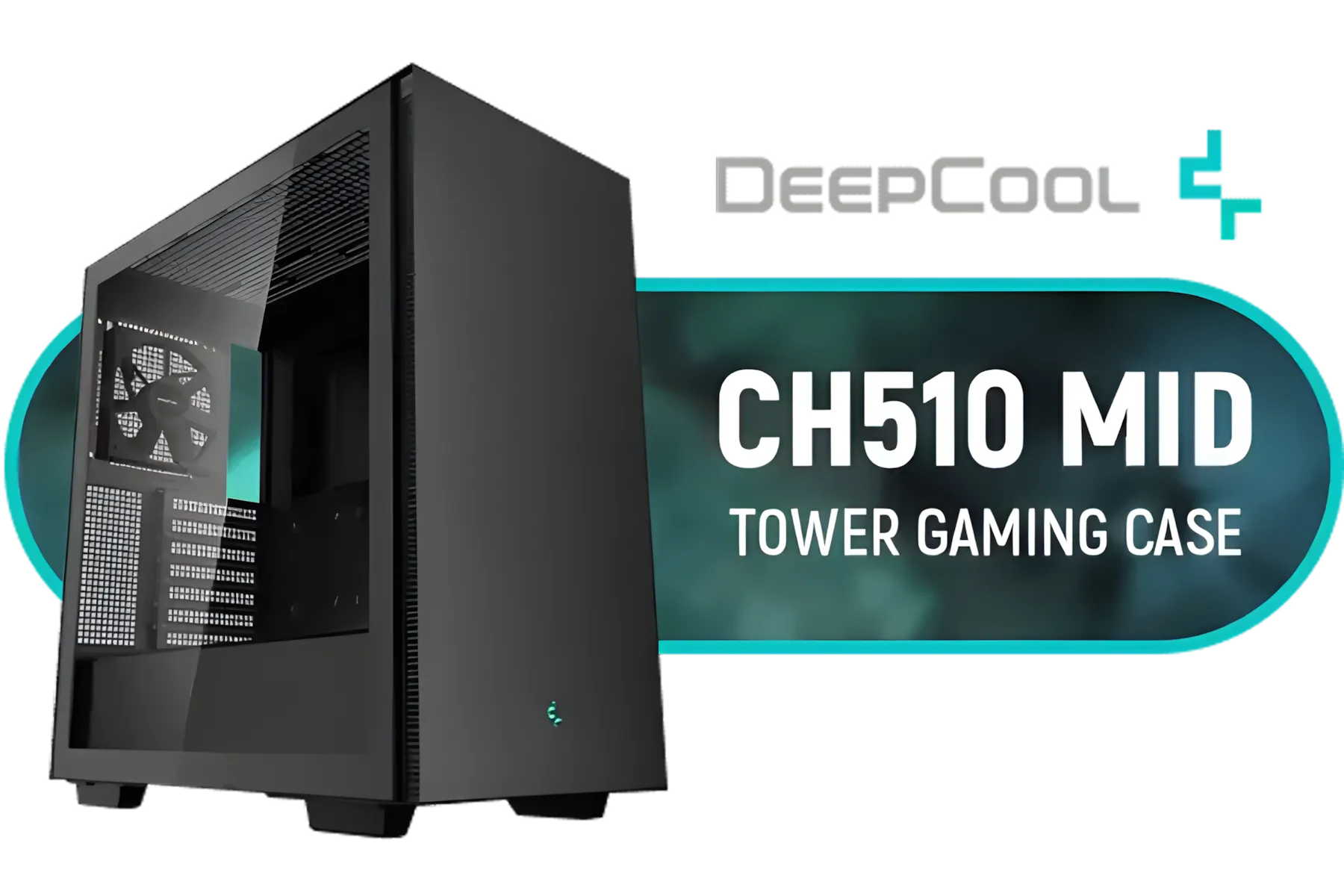
Deepcool CH510 Mid-Tower ATX Computer Case/ Gaming Cabinet - Black | Support - Mini-ITX / Micro-ATX / ATX / E-ATX | Pre-Installed 1 x 120mm Rear Fan / CH510
R1299.00In Stock
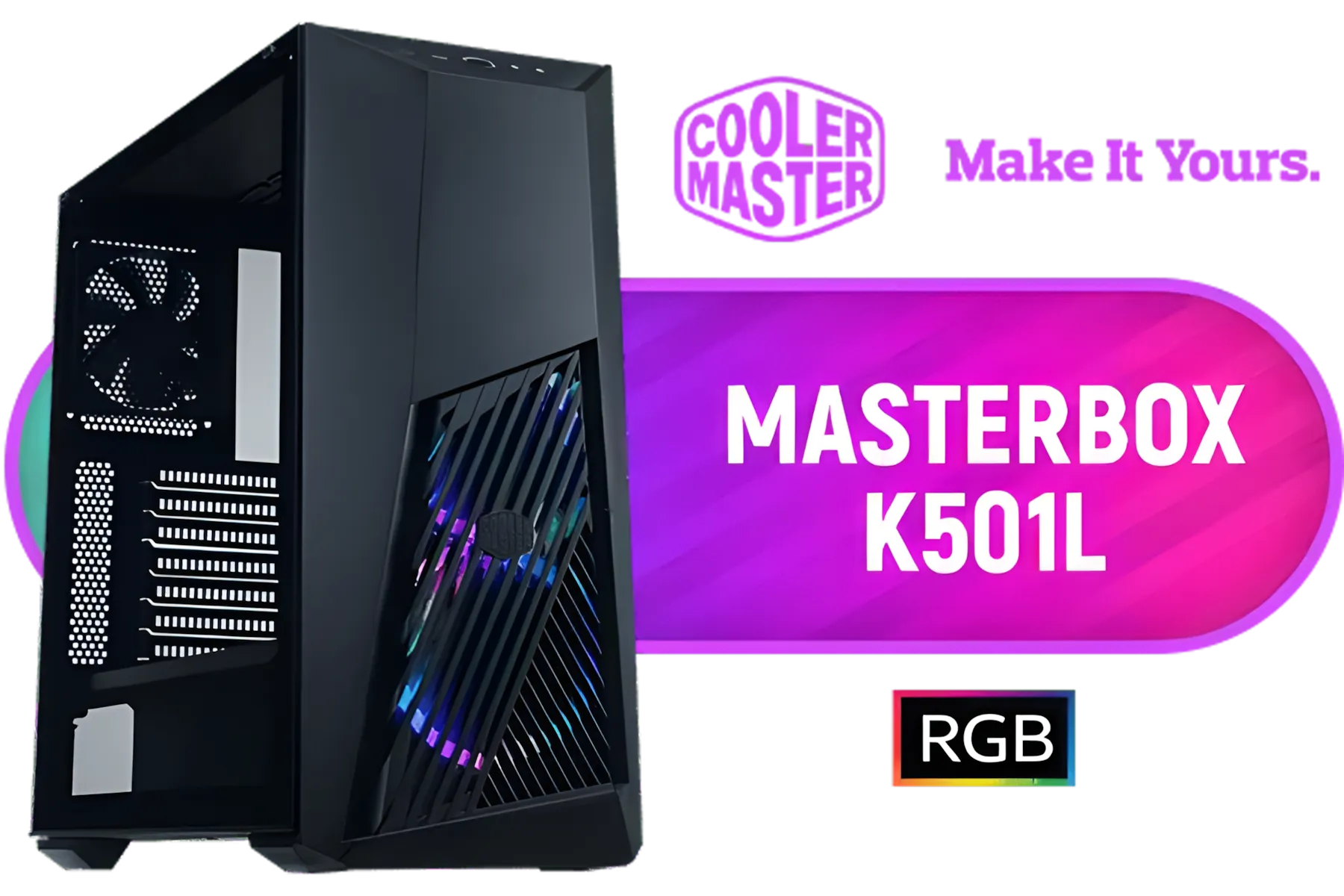
Cooler Master MasterBox K501L ARGB Mid Tower ATX Gaming Case with Pre-Installed Two ARGB Fans, PSU Shroud and Tempered Glass Side Panel / MCB-K501L-KGNN-SR3
R1499.00In Stock
CORSAIR 9000D RGB AIRFLOW Super Full-Tower PC Case - White / InfiniRail™ fan mounting system / iCUE LINK System Hub Included / Supports up to 18x 120mm fans / No Fans Included / CC-9011274-WW
R8299.00In Stock

Corsair 6500X Mid-Tower Dual Chamber Gaming E-ATX PC Case - Black / Compatible with reverse connector motherboards / Supports Motherboards up to E-ATX / Tempered Glass / Wide cooling flexibility / No Fans Included / CC-9011257-WW
R2499.00In Stock
So, When Do You Really Need an E-ATX Case?
Now for the main event. An E-ATX case isn't just for show; it serves specific, high-performance needs. You should seriously consider one if you fall into these categories.
1. You Actually Have an E-ATX Motherboard
This is the most straightforward reason. If you’ve invested in a feature-packed E-ATX motherboard to be the heart of your system, you need a chassis that can physically accommodate it. Trying to squeeze it into a standard ATX case is a recipe for frustration and returned parts.
2. You're Building a Custom Water-Cooling Loop 💧
Custom water cooling looks amazing and offers incredible thermal performance, but it requires space… a lot of it. An E-ATX case provides the generous internal volume needed for radiators, pumps, reservoirs, and tubing without feeling cramped. It makes the building process smoother and the final result cleaner. Many popular Cooler Master cases are designed with exactly this in mind.
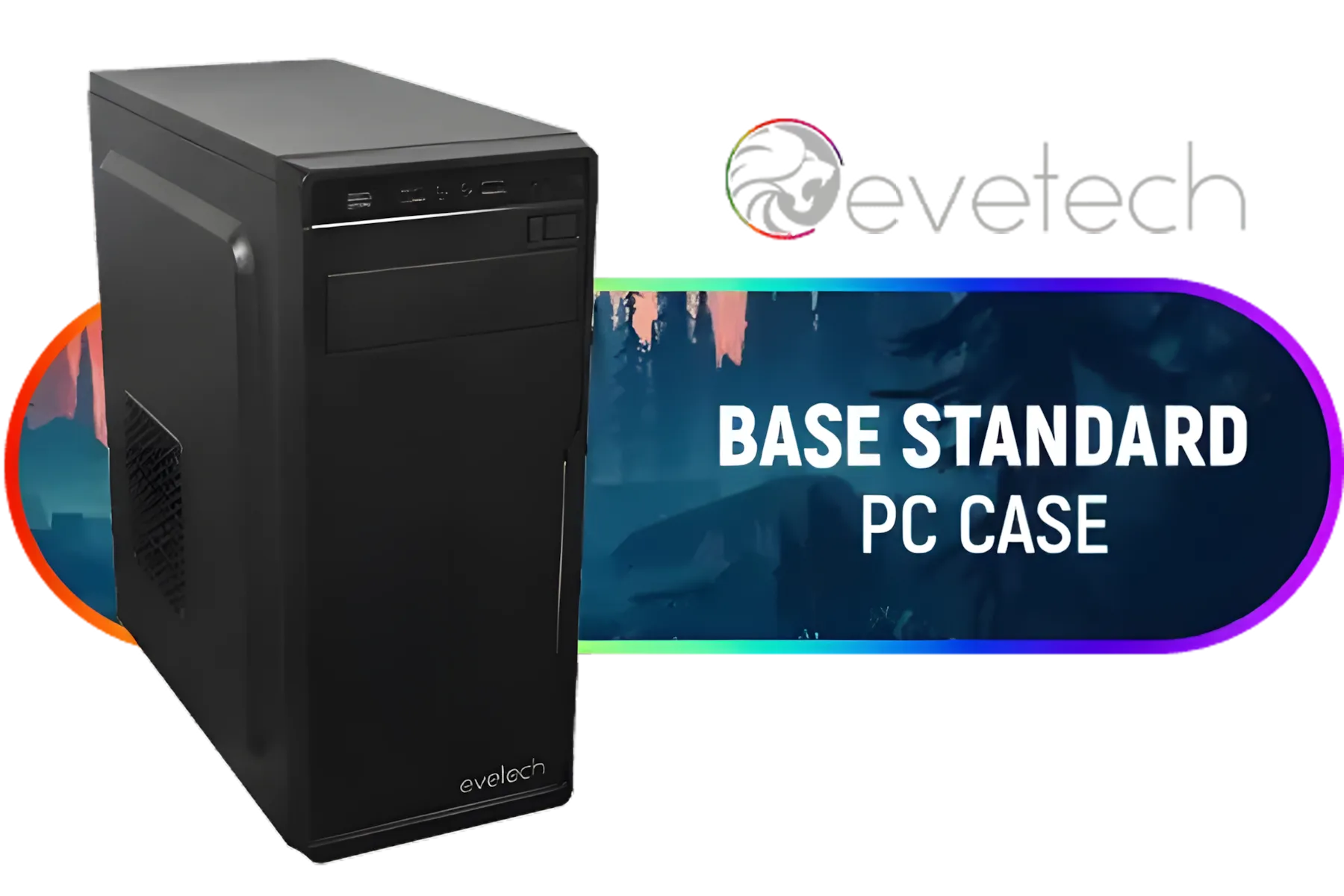
Evetech BASE Standard ATX PC Case / 400W Power Supply / 1x 120mm Fan / 3x 2.5" Drive Bays And 2x 3.5" Drive Bays / 1x USB 3.0 + 2x USB 2.0 / 1x Headphone-out & 1x Audio-in Jack / Supports 7 Expansion Slot
R699.00In Stock

Fractal Design Pop Mini Air RGB White Core Tempered Glass Clear Tint - Up to 240mm front, top Radiator Support - Two HDDs, six SSDs Storage Compartments - Supports mATX, Mini ITX / 3 x Pre-Installed RGB Fans Included / FD-C-POR1M-01
R2199.00In Stock
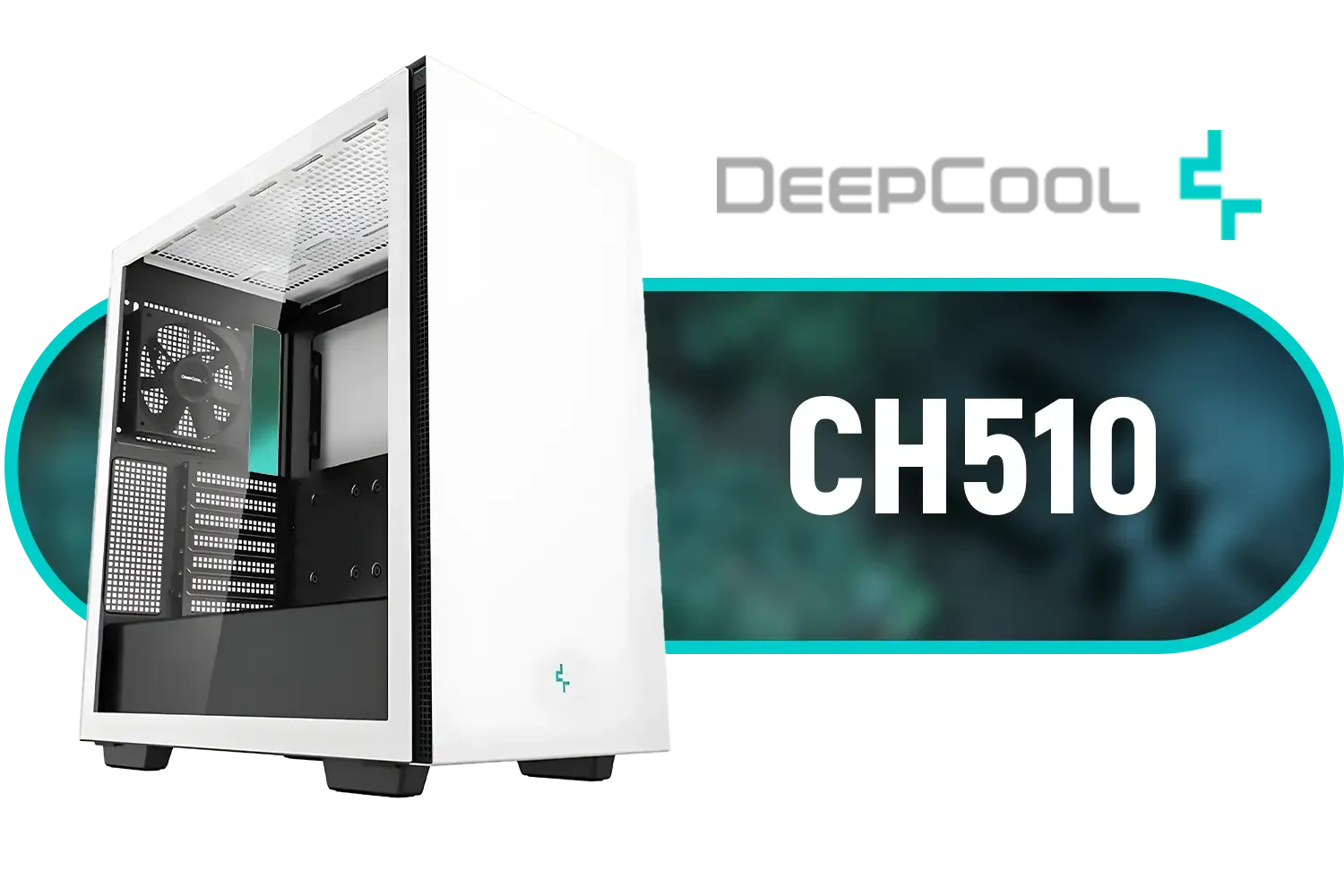
Deepcool CH510 Mid-Tower ATX Computer Case/ Gaming Cabinet - White | Support - Mini-ITX / Micro-ATX / ATX / E-ATX | Pre-Installed 1 x 120mm Rear Fan / CH510 WH
R1199.00In Stock
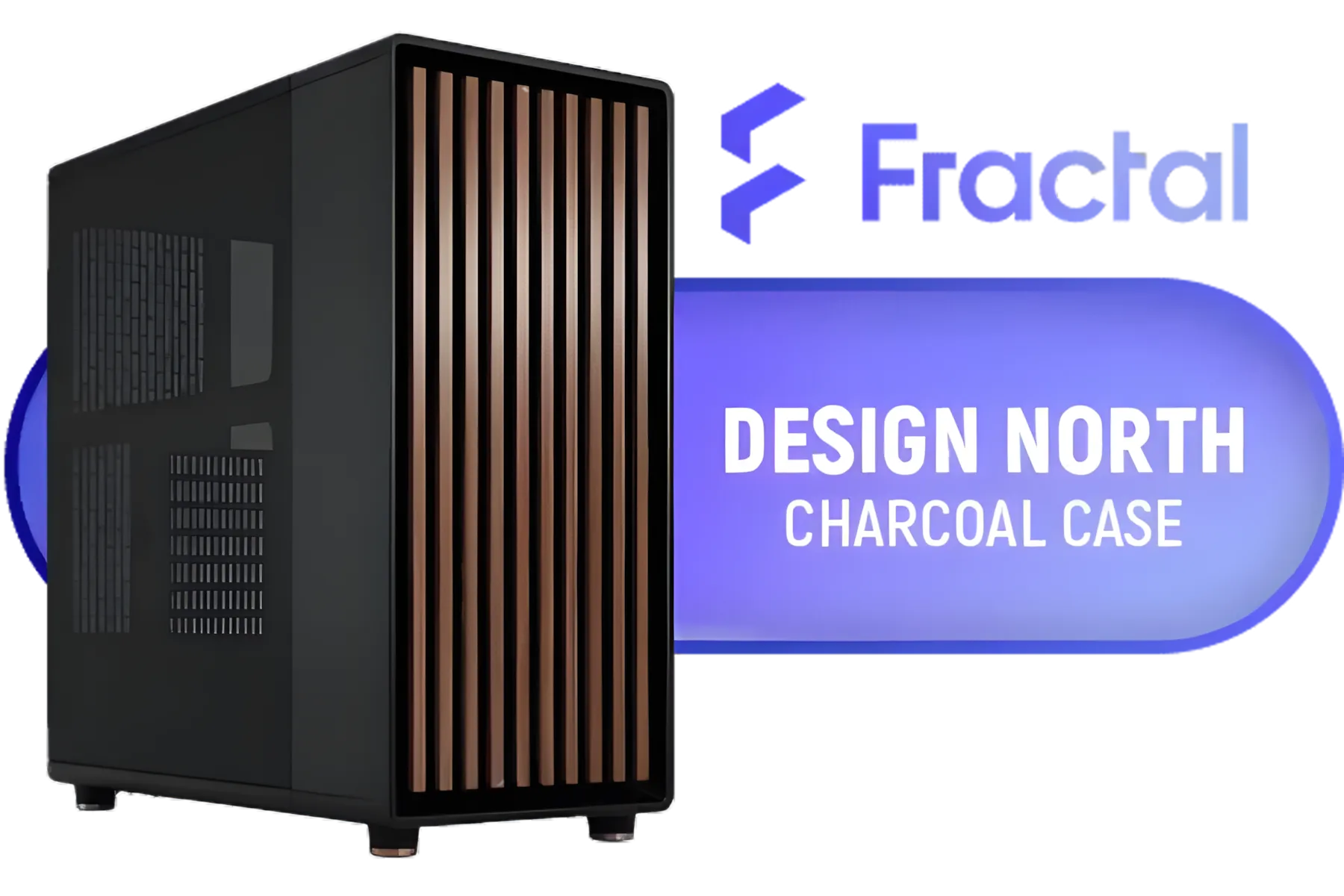
Fractal Design North Charcoal Black With Mesh Side Panel Case / Includes two dedicated 2.5" mounts / Supports GPUs Up to 355 mm / Support ATX, mATX, and ITX motherboards / No Fans Included / FD-C-NOR1C-01
R2499.00In Stock

Fractal Design Pop Silent White Tempered Glass Clear Tint - Bitumen panel and sound-dampening foam – TG side panel - Three 120 mm Aspect 12 fans included - ATX Silent Mid Tower PC Case / FD-C-POS1A-04
R1899.00In Stock

Fractal Design Define 7 Mini Black - Light Tinted Tempered Glass - Brushed Aluminum/Steel Micro ATX Silent Window Mini Tower Computer Case - 2 x Pre-Installed Fans Included / FD-C-DEF7M-02
R2199.00In Stock
3. You Demand Maximum Airflow and Future-Proofing
Bigger case, more fans, better airflow. It’s that simple. The extra space in an E-ATX case allows air to circulate more freely, helping to keep your high-end components frosty. This is crucial for South African summers! Furthermore, with GPUs getting larger every generation, a spacious case ensures you’ll have room for future upgrades without needing a whole new chassis. Many modern Gamemax computer cases offer excellent airflow right out of the box.
TIP FOR YOU
Check Your Clearances! 📏
buying any case, check three key specs: CPU cooler height, GPU length, and radiator support. Your dream case might support an E-ATX board, but if your massive air cooler is too tall or your RTX 4090 is too long, you're going to have a bad time. Always measure twice, buy once!
4. You Value an Easy Building Experience (and Great Aesthetics)
Let’s be honest: working in a larger case is just… easier. There’s more room for your hands, cable management is a breeze, and you’re less likely to scratch your components. The end result is often a much cleaner, more professional-looking build that you’ll be proud to show off. ✨

Fractal Design Meshify 2 Compact Lite RGB Black ATX Flexible Light Tinted Tempered Glass Window Mid Tower Computer Case - Radiator Support Up to 360mm - Angular Mesh Design - Up to 4 Drive Mounting Options - 4 x Pre-Installed ARGB Fans Included - FD-C-MES2C-06
R2899.00In Stock

Fractal Design Pop XL Silent Black Tempered Glass Clear Tint - Supports E-ATX, ATX, mATX, ITX - Four HDDs, six SSDs Storage Options - Two 5.25” bays with storage drawer - 4 x Pre-Installed Fans Included / FD-C-POS1X-02
R2499.00In Stock

Cooler Master HAF 500 High Airflow ATX Mid-Tower, Mesh Front Panel, Dual 200mm Customizable ARG Lighting Fans, Rotatable GPU Fan, USB 3.2 Gen 2 Type C and Tempered Glass / H500-KGNN-S00
R2499.00In Stock

GAMDIAS AURA GC10M Micro-ATX & MIni-ITX Mid Tower Gaming Computer PC Case with Side Tempered Glass, 3x 120mm ARGB Case Fans White / AURA-GC10M-ARGB-WH
R1299.00In Stock

Fractal Design Era 2 Midnight Blue, 2 x 120 mm or 2 x 140, GPU max length 326mm, ITX Motherboard Compatible / 1 x Pre-Installed Fan Included / FD-C-ERA2N-03
R1799.00In Stock
Fractal Design Pop Mini Air RGB Black Tempered Glass Clear Tint - Supports mATX, Mini ITX - Two HDDs, six SSDs Storage Options - 5.25” bays with storage drawer - 3 x Pre-installed RGB Fans / FD-C-POR1M-06
R2199.00In Stock
Does a Bigger Case Always Mean Better?
Not necessarily. While an E-ATX case offers incredible flexibility, it’s not for everyone. If you’re building a standard gaming PC with an ATX motherboard, a single GPU, and an AIO cooler, a mid-tower ATX case will serve you perfectly well and save you desk space. Brands like TRYX Gaming Cases offer fantastic options that balance features and footprint.
The key is to match your case to your components and your ambition. Don’t buy a massive case just for the sake of it, but don’t limit your future potential by choosing one that’s too small. Assess your needs, check your motherboard size, and then browse our full range of computer cases to find the one that ticks all the boxes.
Ready to House Your Dream Build? Choosing the right case is the final, crucial piece of your PC puzzle. Whether it's a compact powerhouse or a spacious E-ATX beast for an all-out custom build, your perfect fit is waiting. Explore our huge range of PC cases and give your components the home they deserve.
Related Products
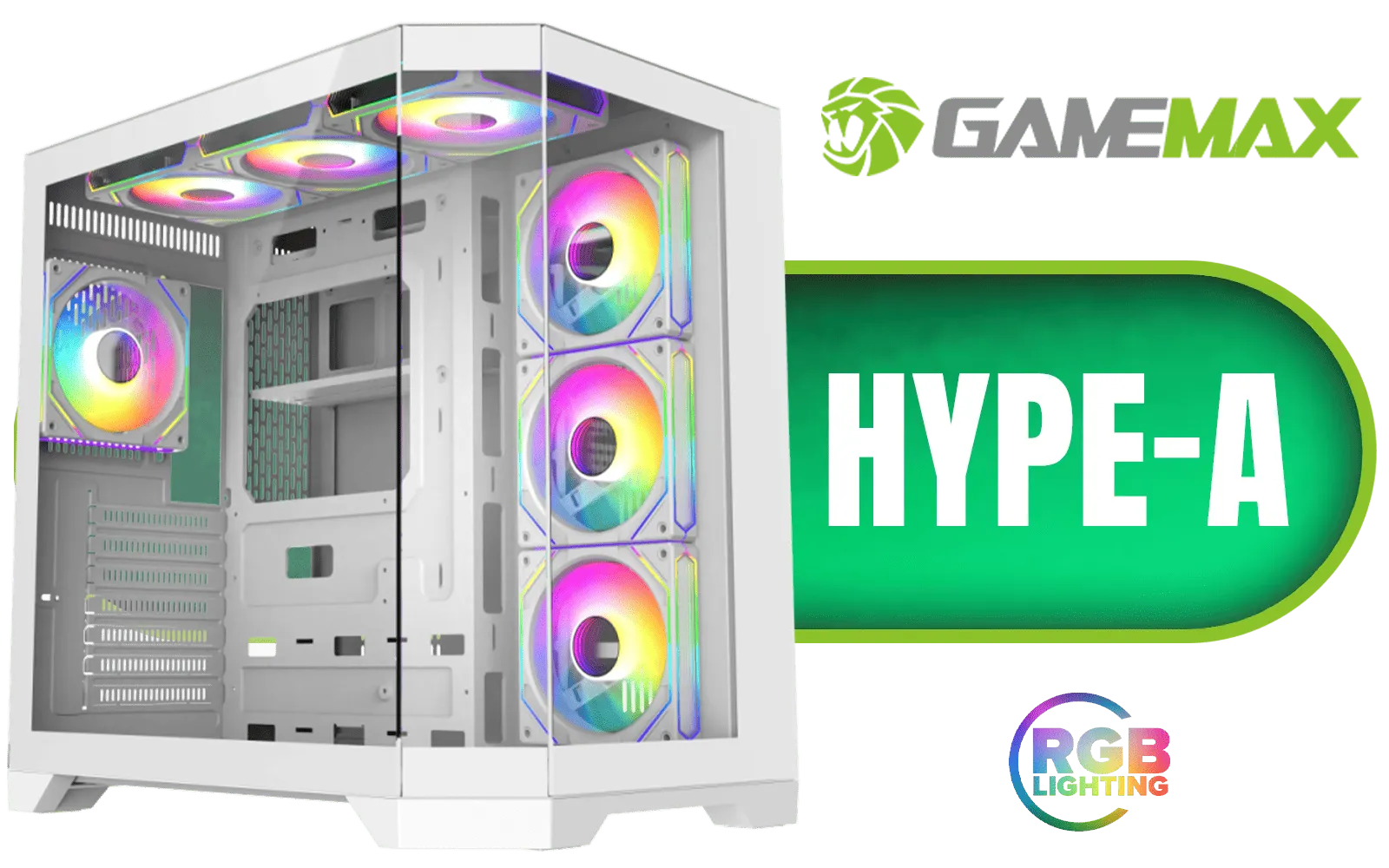
Gamemax Hype-A ATX Mid-Tower Gaming Case - White / Tempered Glass Side Panels / Support 10×120mm or 4×120mm + 4x140mm Fan Mounts / 4 Pre-installed 120mm ARGB Fans / ATX, M-ATX, Mini-ITX Motherboard Support / ATX PSU Support / HYPE-A-WH
R1699.00In Stock
Fractal Design Meshify 2 Black ATX Flexible Mid Tower Computer Case - Stealth-inspired filtered airflow - Fits up to 285mm E-ATX - Fits Radiators Up to 420mm top - 2 x Pre-Installed Fans Included - FD-C-MES2A-01
R2499.00In Stock
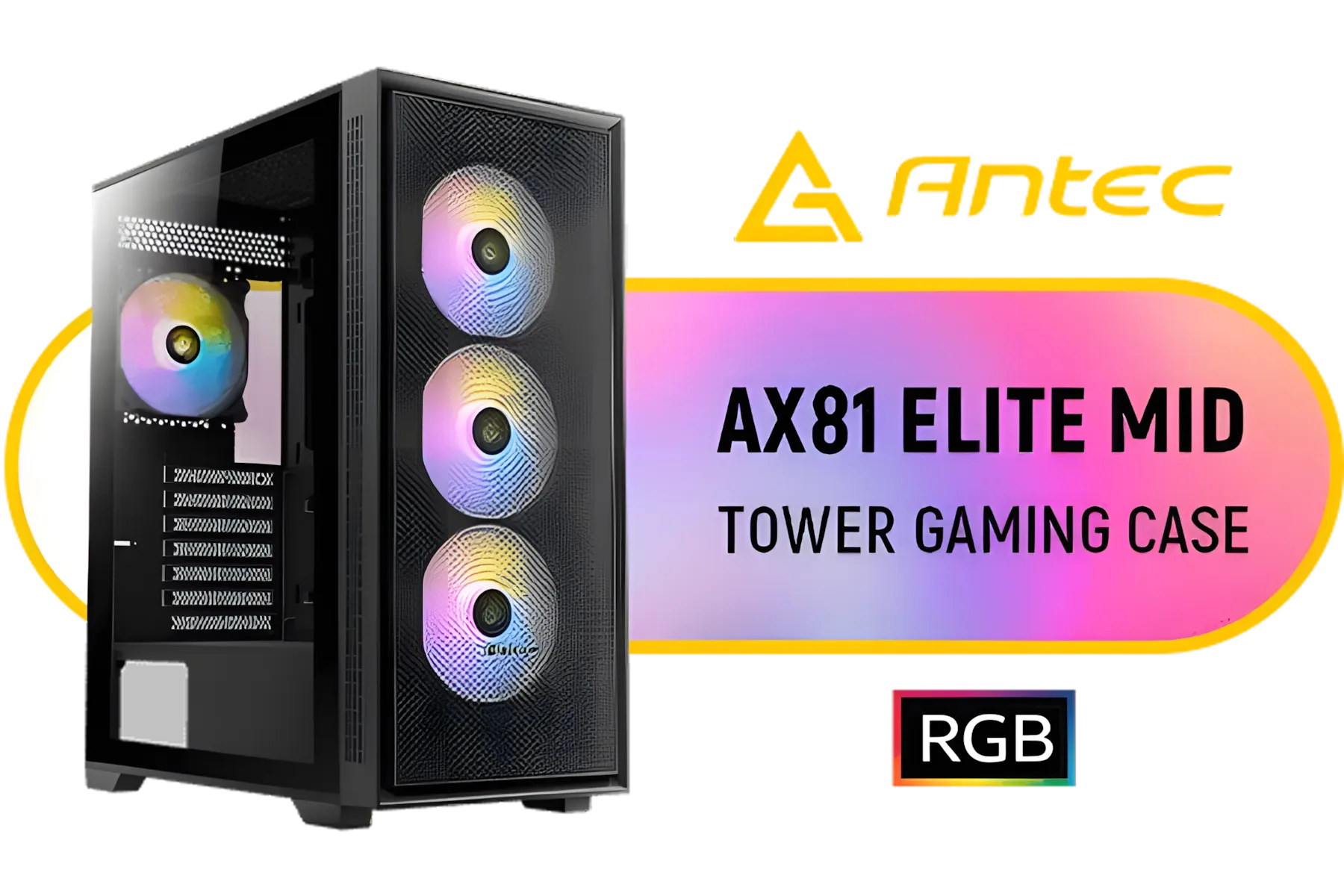
Antec AX81 Elite Mid-Tower Tempered Glass Side Panel Gaming Case - High-Airflow Front Cooling Panel - Supports Motherboards up to E-ATX, ATX, Micro-ATX, ITX- 4 x 120mm ARGB Fans - 24mm Cable Management Space - Supports 8 x 120mm Fans — Black / 0-761345-10085-4
R1199.00In Stock

DeepCool CH780 WH White PC case ATX Dual-Chamber 3 x 140mm PWM ARGB Fans Pre-Installed Full Tower White Gaming PC Case Panoramic Glass Panels 420mm Radiator Support 4 x USB 3.0 Type-C I/O Panel / CH780-WH
R3599.00In Stock
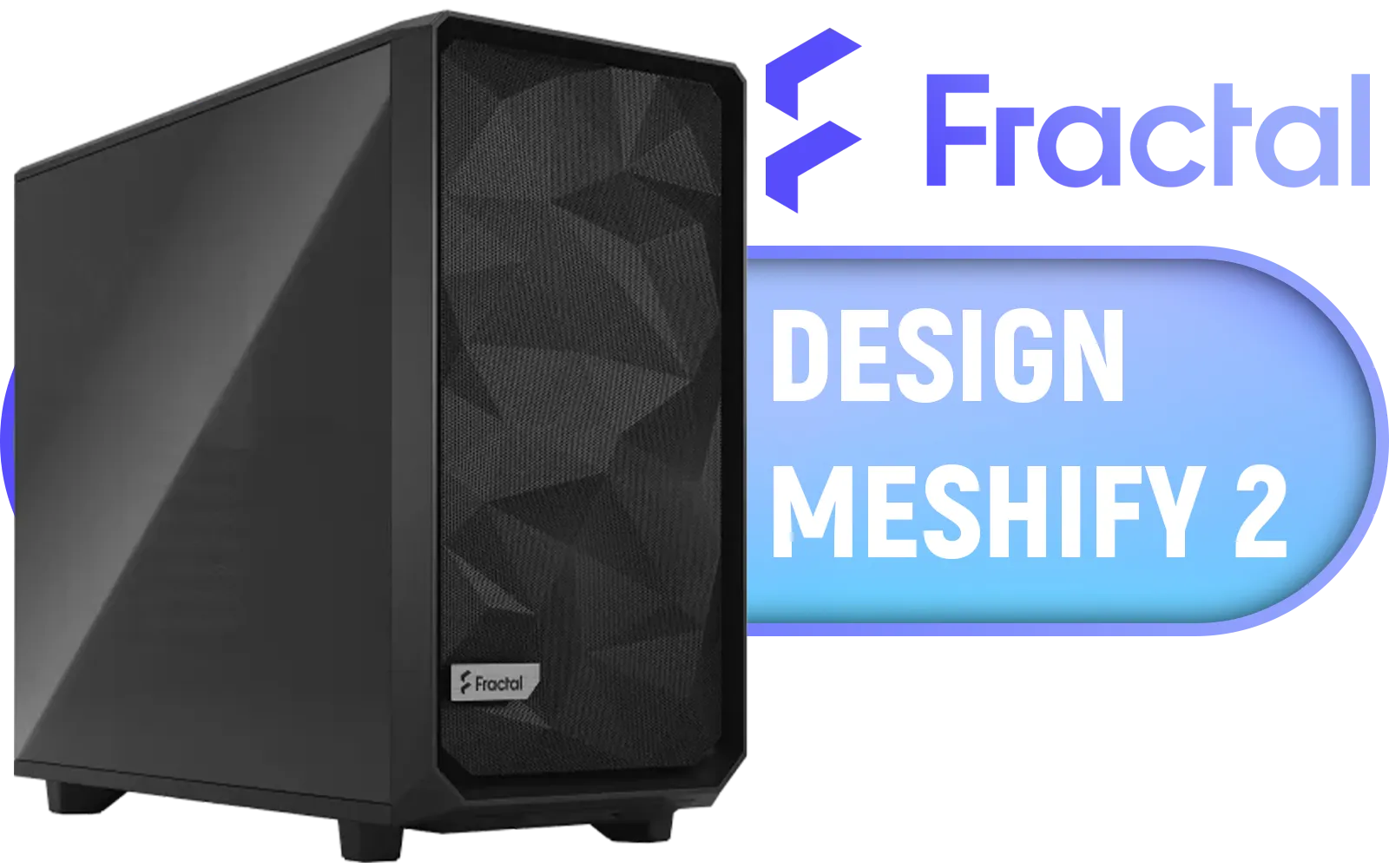
Fractal Design Meshify 2 Black ATX Flexible Light Tinted Tempered Glass Window Mid Tower Computer Case / 3 x Pre-Installed Fans Included / FD-C-MES2A-03
R2699.00In Stock
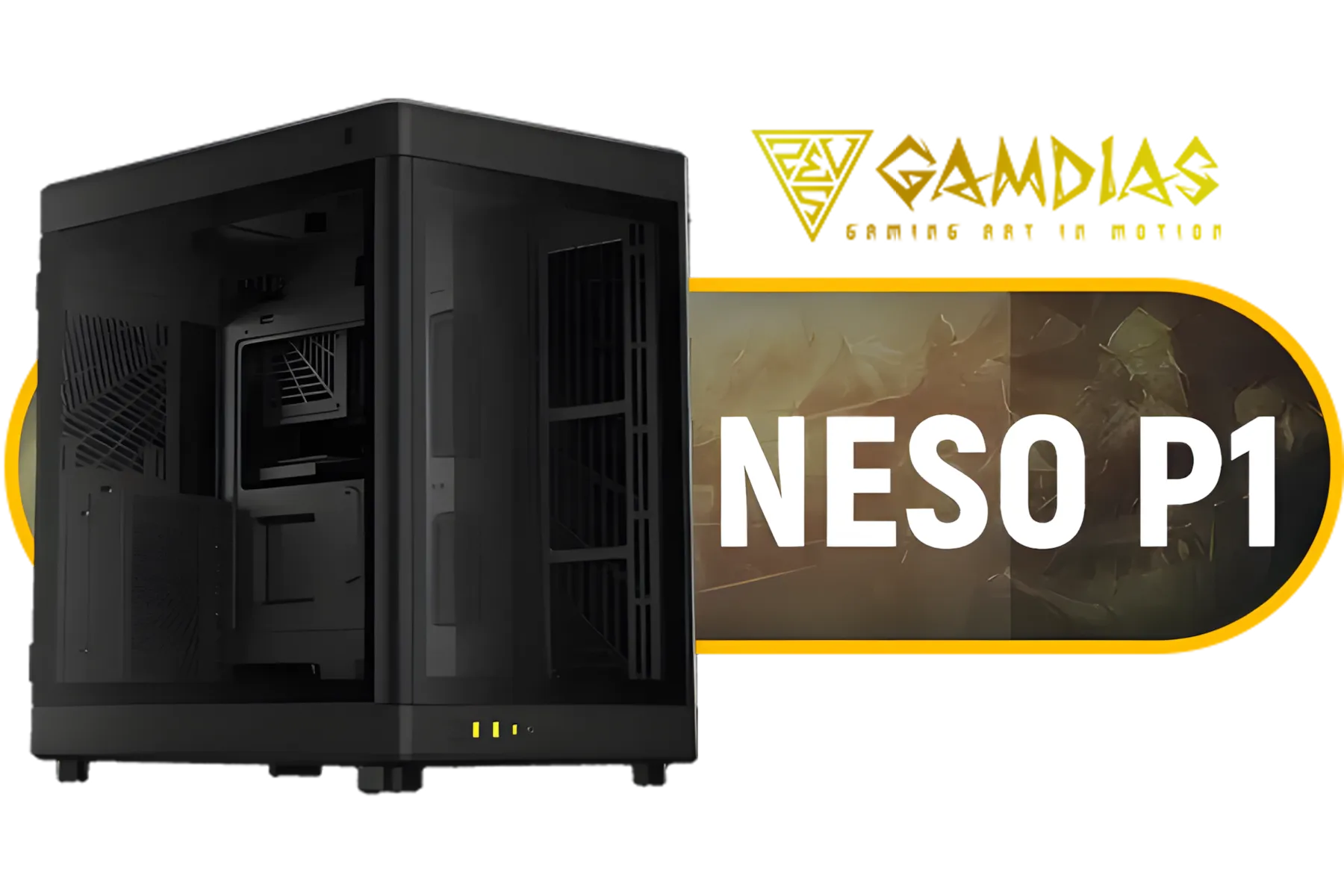
Gamdias Neso P1 Prime Lifestyle E-ATX Gaming Case - Black / Modular Orientation / Full Panoramic Display / Supports Motherboards up to E-ATX / Trapezoid Shaped for Horizontal Desktop and Vertical Tower Setup / No Fans Included / NESO-P1-B
R2299.00In Stock
ATX is the standard size (305x244mm), while E-ATX (Extended ATX) is wider (305x330mm), offering more space for components, RAM slots, and PCIe lanes.
Usually, no. Standard ATX cases lack the width and mounting points for an E-ATX motherboard. You must check the specific chassis specs for E-ATX support.
Rarely. Most high-end gaming builds use standard ATX boards. An E-ATX case is only necessary if you use an enthusiast-grade motherboard or need extreme water cooling.
True E-ATX measures 12 x 13 inches (305 x 330mm), though some manufacturers label slightly wider ATX boards (e.g., 10.6 inches wide) as E-ATX.
Often yes, but some large mid-tower cases now support E-ATX. Always verify the maximum motherboard width supported by the case before buying.
E-ATX cases provide massive interior space, superior airflow potential, support for dual-CPU setups, and room for extensive custom liquid cooling loops.











