



WiFi 7 vs WiFi 6 South Africa: Is It Time to Upgrade?
Our WiFi 7 vs WiFi 6 South Africa guide breaks down the key differences. Discover if the jump to next-gen wireless with faster speeds, lower latency, and Multi-Link Operation (MLO) is the right move for your home or gaming setup. Let's find out if it's worth the upgrade! 🚀📶
|
Loading tags...
Got blazing-fast fibre but still battling mysterious lag spikes during a crucial match? You’re not alone. In South Africa, our internet backbones are getting stronger, but the final hurdle is often inside our own homes. The big question on every tech-lover's mind is the WiFi 7 vs WiFi 6 South Africa debate. Is this powerful new standard worth the upgrade, or is tried-and-tested WiFi 6 still the champion for most of us? Let's find out.
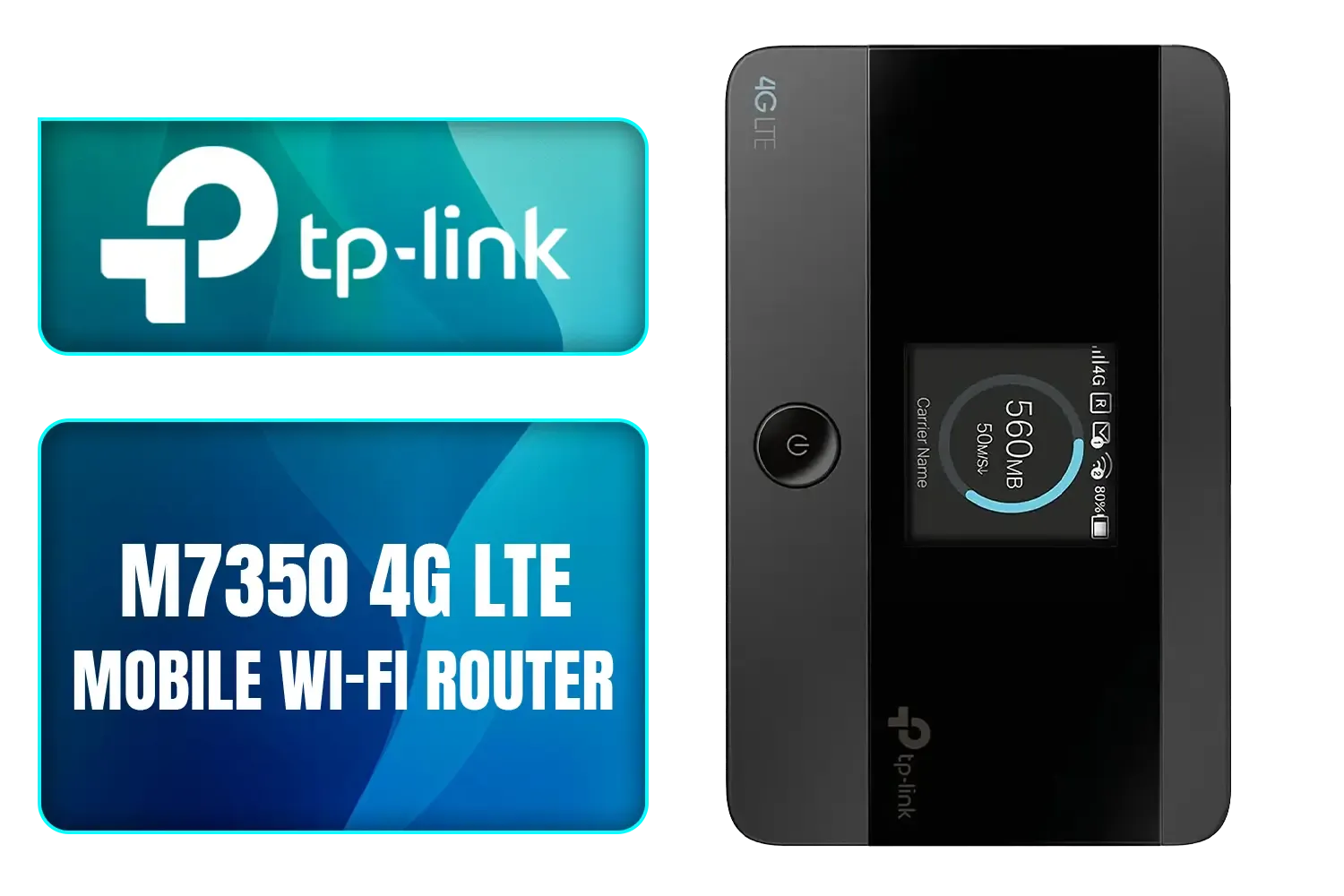
TP-LINK M7350 4G LTE Mobile Wi-Fi Hotspot (Share Wi-Fi with Up to 10 Devices, Long Lasting Battery, Easy to Use, Unlocked) / M7350
R1199.00In Stock
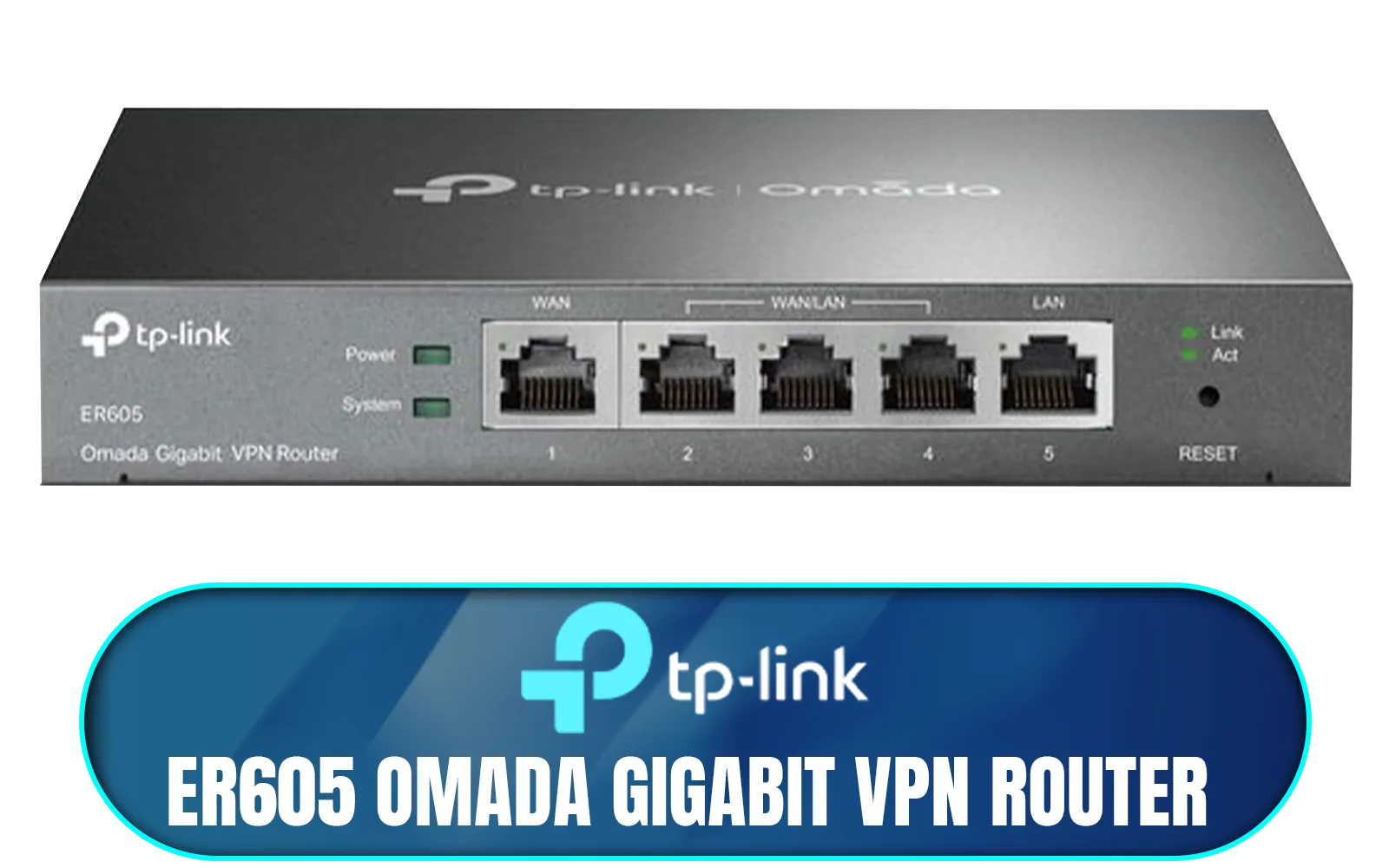
TP-LINK ER605 Omada Gigabit VPN Router / Integrated into Omada SDN / Centralized Management / Five Gigabit Ports / Up to 4 WAN Ports / NET-ER605
R1199.00In Stock

TP-Link Tri-Band WiFi 7 BE22000 Whole Home Mesh System (Deco BE85) | 12-Stream 22 Gbps 2× 10G + 2.5G Ports Wired Backhaul, 8× High-Gain Antennas VPN, AI-Roaming, 4×4 MU-MIMO, HomeShield(2-Pack) / NET-DECO-BE85-2PK
R20999.00In Stock

TP-Link Deco X50 AX3000 Whole Home AI-Driven Mesh Wi-Fi 6 System, Dual-Band with Gigabit Ports, Coverage up to 4,500 ft2, Connect up to 150 devices, 1 GHz Dual-Core CPU, HomeShield Security, Pack of 2 / NET-TL-DECO-X50-2PK
R4199.00In Stock
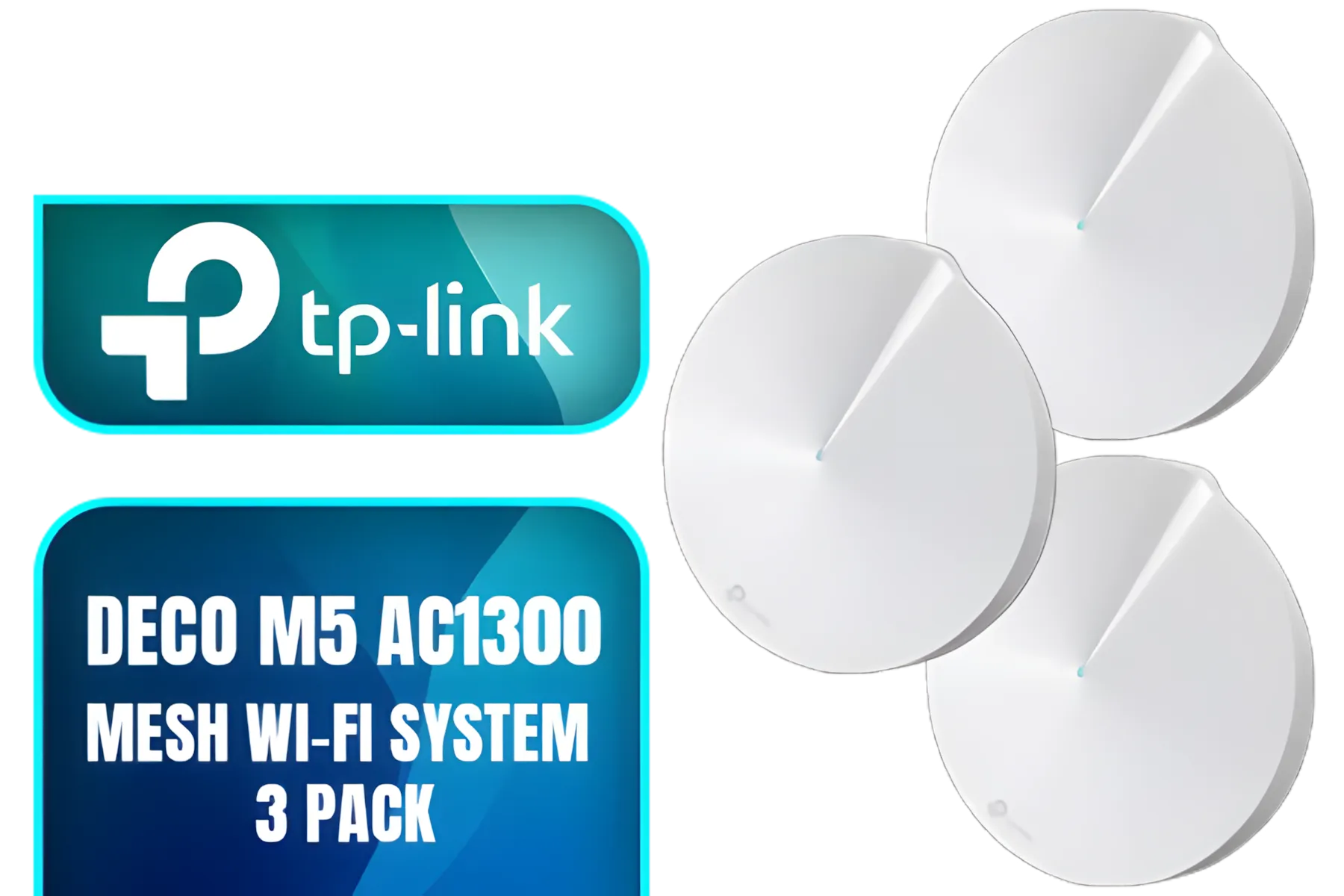
TP-Link Deco M5 AC1300 Whole Home Mesh Wi-Fi System - 3 Pack / Wi-Fi dead-zone killer / TP-Link HomeCare / Enhanced 11AC speeds / Connects over 100 devices / Seamless Roaming / NET-TL-DECO-M5-3PK
R3499.00In Stock
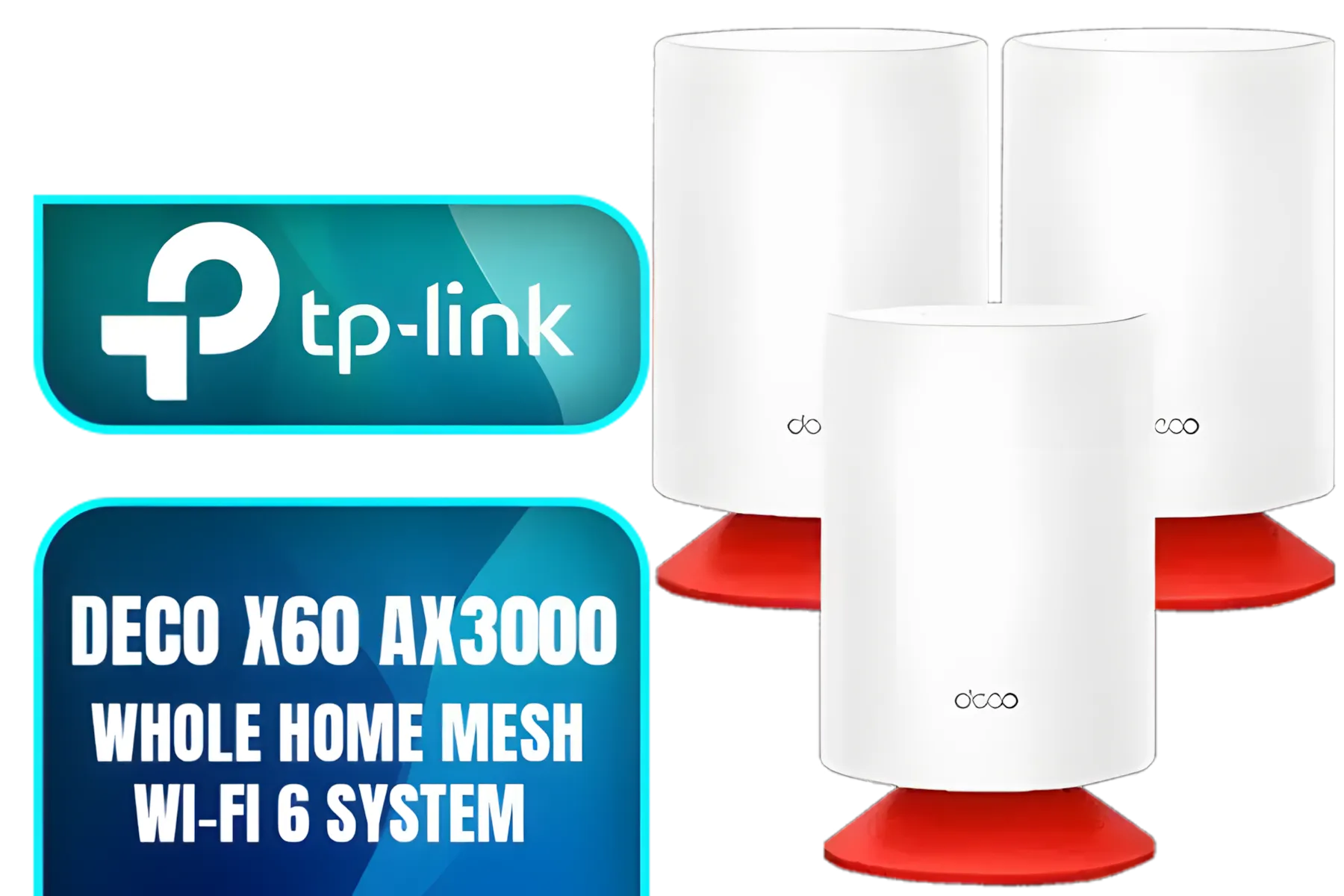
TP-Link Deco Voice X20 AX1800 Whole Home Mesh Wi-Fi 6 System with Alexa Built-In, Dual-Band Wi-Fi, Gigabit Ports, Coverage up to 4000 ft2 ,1.5 GHz Quad-Core CPU, HomeShield Security, Pack of 3
R7499.00In Stock
The Core Tech: What Separates WiFi 7 from WiFi 6?
At a glance, WiFi 7 (or 802.11be) looks like a simple evolution of WiFi 6 (802.11ax). But under the hood, the changes are massive and designed for a future filled with 4K streaming, cloud gaming, and countless smart devices.
Here’s the simple breakdown:
- Sheer Speed 🚀: WiFi 7 boasts theoretical speeds of up to 46 Gbps, which is nearly 5 times faster than WiFi 6's 9.6 Gbps. While you won't see those speeds on a single device, it means the network has a much larger capacity for everyone.
- Wider Channels: WiFi 7 doubles the channel width from 160 MHz to 320 MHz. Think of it as upgrading from a two-lane road to a four-lane highway… data can flow much more freely, reducing congestion.
- Smarter Connections (MLO): This is the real star. Multi-Link Operation (MLO) allows your devices to connect to the router using multiple frequency bands (like 2.4 GHz, 5 GHz, and 6 GHz) at the same time. This drastically cuts latency and improves reliability, which is fantastic news for gamers.
This new generation of performance is pushing the boundaries of what's possible with modern wireless networking.
WiFi 7 vs WiFi 6: What It Means for a South African Home 🇿🇦
So, how does this high-tech talk translate to your daily life in SA? Let's be practical. Most premium fibre plans in South Africa top out at around 1 Gbps. Both WiFi 6 and WiFi 7 can handle that speed with ease. The real battle of WiFi 7 vs WiFi 6 isn't about your raw internet speed… it's about your local network performance.
Imagine this: it's Saturday afternoon. The family is streaming the Springboks game in 4K, someone is on a video call upstairs, and you’re trying to clutch a round in Valorant. On an older network, this is a recipe for lag. WiFi 7's ability to manage traffic and use multiple bands simultaneously means everyone gets a smooth, uninterrupted connection. It’s built to eliminate the digital traffic jams inside your home, ensuring your powerful fibre router can deliver its full potential to every device.
Is It Your Time to Upgrade to WiFi 7?
This is the key question. While the technology is exciting, the decision to upgrade depends entirely on your needs and budget.
You should consider upgrading if…
- You're a Competitive Gamer or Streamer: The lower, more stable latency offered by MLO is a significant advantage. It can mean the difference between winning and losing a firefight.
- You're a Tech Enthusiast: If you're running a home server, working with massive 8K video files, or simply demand the absolute best performance from your network, WiFi 7 is for you.
- You're Future-Proofing a "Smart Home": With dozens of connected devices (lights, cameras, speakers), your network can get crowded. WiFi 7 is designed to handle this congestion effortlessly.
TP-Link Deco M5 AC1300 Whole Home Mesh Wi-Fi System - 3 Pack / Wi-Fi dead-zone killer / TP-Link HomeCare / Enhanced 11AC speeds / Connects over 100 devices / Seamless Roaming / NET-TL-DECO-M5-3PK
R3499.00In Stock
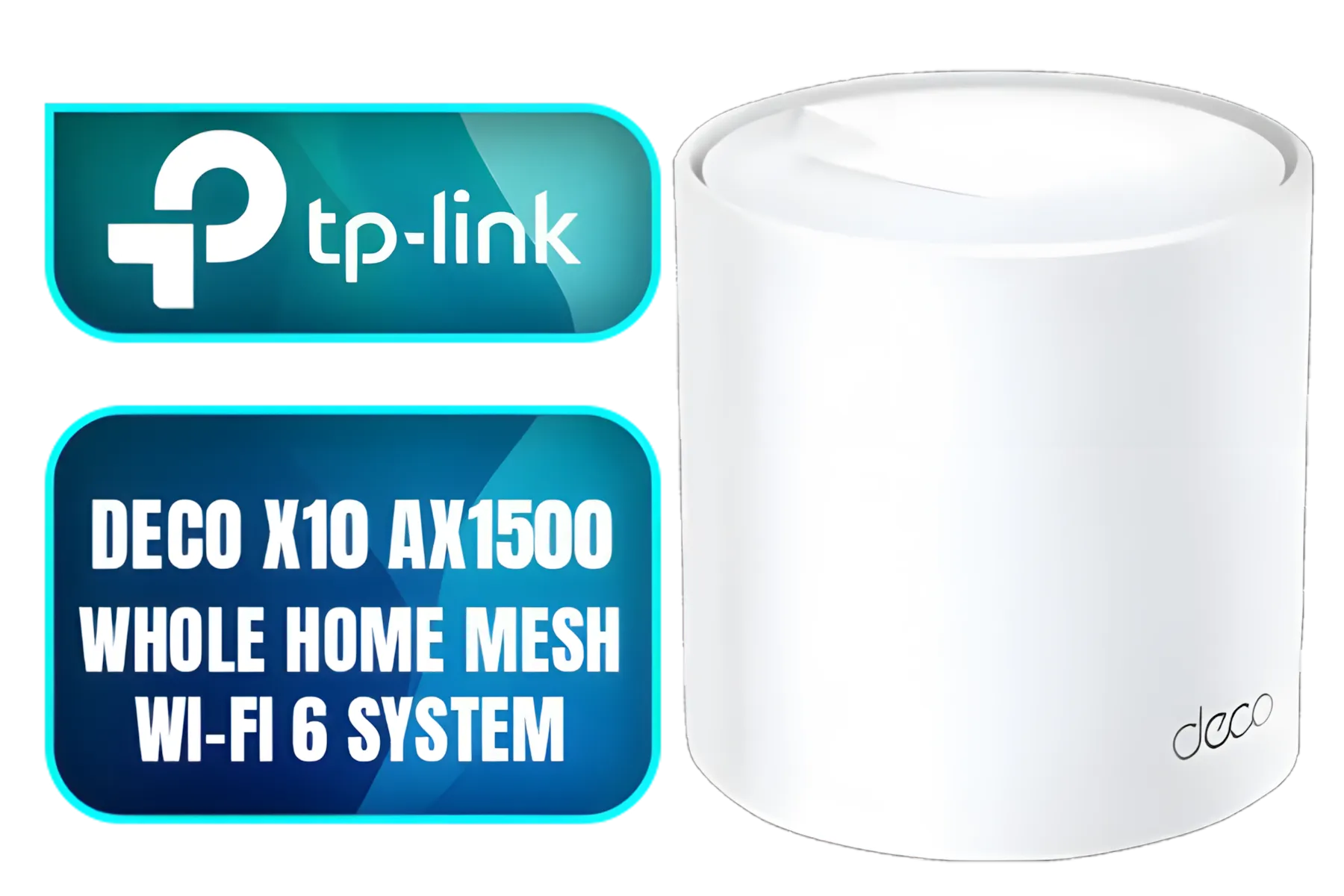
Tp-Link Deco X10 AX1500 Whole Home Mesh Wi-Fi 6 System, Supports OFDMA and MU-MIMO technology, Covers up to 5,600 Sq.Ft - NET-TL-DECO-X10-3PK
R3399.00In Stock

Cudy AC1200 Dual Band Wi-Fi Mesh System - 1 Pack / 10/100Mbps Ethernet Ports + 2 Internal Antennas / 867Mbps on 5GHz and 300Mbps on 2.4GHz / M1200-1PACK
R499.00In Stock
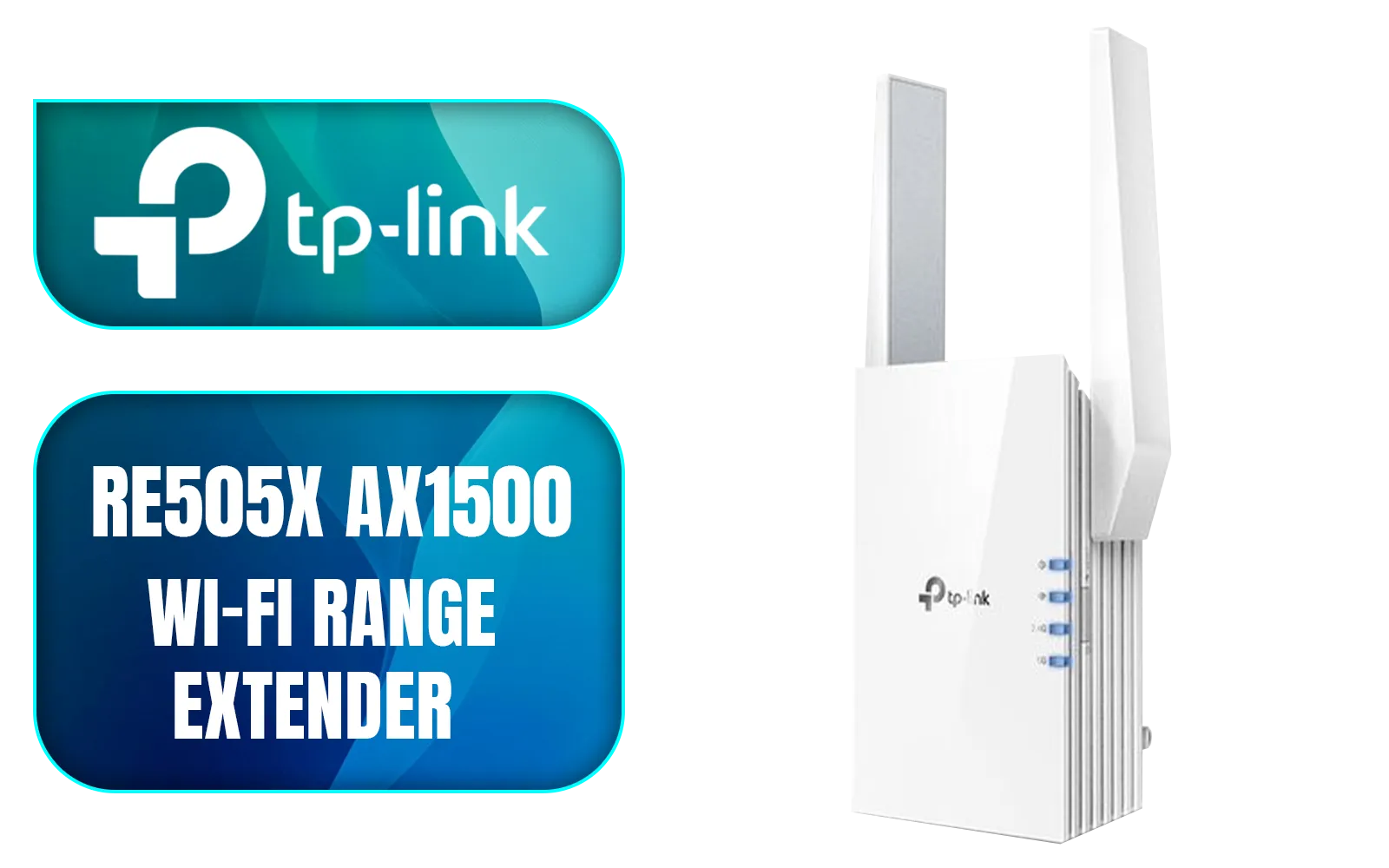
TP-LINK RE505X AX1500 Wi-Fi Range Extender / Built-In Access Point Mode / Gigabit Ethernet Port / Intelligent Signal Light / Cutting-Edge Wi-Fi 6 / Expand Coverage / Adaptive Path Selection / RE505X
R899.00In Stock
TP-LINK M7350 4G LTE Mobile Wi-Fi Hotspot (Share Wi-Fi with Up to 10 Devices, Long Lasting Battery, Easy to Use, Unlocked) / M7350
R1199.00In Stock
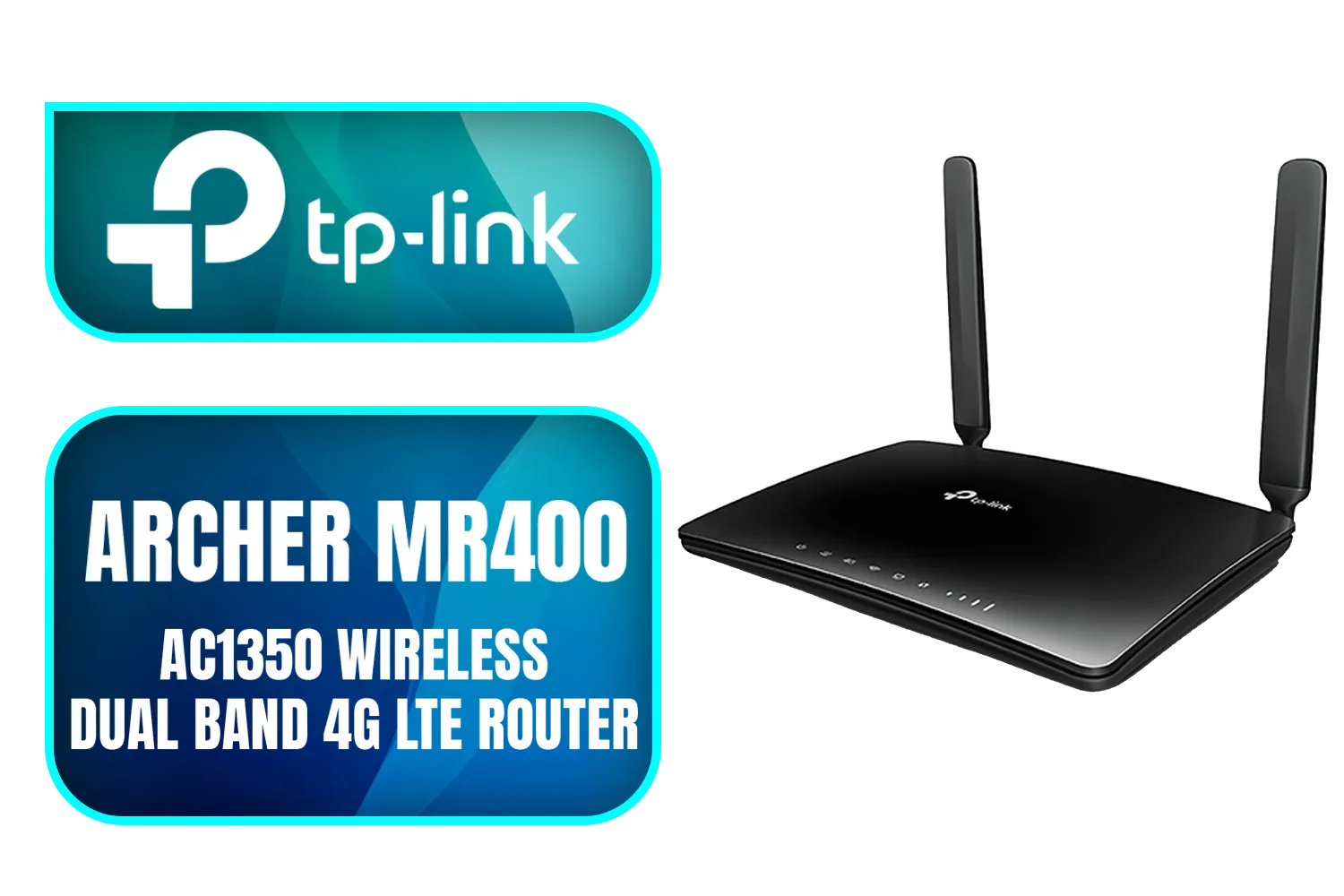
TP-Link Archer MR400 AC1350 Wireless Dual Band 4G LTE Router / Cutting-edge 4G network / Plug a SIM card and play / 2× Detachable External 4G LTE Antennas / 2.4 GHz and 5 GHz / ARCHER-MR400
R1499.00In Stock
You can probably wait if…
- You Have a Great WiFi 6 Setup: A good quality WiFi 6 router is still incredibly capable for the vast majority of homes. It handles 4K streaming, online gaming, and multiple users perfectly well.
- Your Devices Aren't WiFi 7 Ready: You only get the benefits of WiFi 7 if your phone, laptop, and other gadgets also support it. For now, those devices are still rare and expensive.
For most people, choosing from the current range of high-performance wireless routers will deliver an amazing experience without breaking the bank.
TIP FOR YOU
Optimisation Pro Tip 🔧
Before you spend a cent, try repositioning your current router. Keep it in a central location in your home, elevated, and away from thick concrete walls or large metal objects. Sometimes, a simple location change is all you need to kill those dead zones and boost your signal strength!
Building a WiFi 7-Ready Ecosystem
An upgrade isn't just about the router; it's about your entire setup. To truly harness the power of the next generation, you'll need a chain of compatible hardware.
Your desktop PC, for example, will need one of the latest wireless adapters to connect at WiFi 7 speeds. The same goes for your laptop and smartphone.
TP-LINK M7350 4G LTE Mobile Wi-Fi Hotspot (Share Wi-Fi with Up to 10 Devices, Long Lasting Battery, Easy to Use, Unlocked) / M7350
R1199.00In Stock
Tp-Link Deco X10 AX1500 Whole Home Mesh Wi-Fi 6 System, Supports OFDMA and MU-MIMO technology, Covers up to 5,600 Sq.Ft - NET-TL-DECO-X10-3PK
R3399.00In Stock
TP-Link Deco X50 AX3000 Whole Home AI-Driven Mesh Wi-Fi 6 System, Dual-Band with Gigabit Ports, Coverage up to 4,500 ft2, Connect up to 150 devices, 1 GHz Dual-Core CPU, HomeShield Security, Pack of 2 / NET-TL-DECO-X50-2PK
R4199.00In Stock
TP-LINK ER605 Omada Gigabit VPN Router / Integrated into Omada SDN / Centralized Management / Five Gigabit Ports / Up to 4 WAN Ports / NET-ER605
R1199.00In Stock
TP-Link Archer MR400 AC1350 Wireless Dual Band 4G LTE Router / Cutting-edge 4G network / Plug a SIM card and play / 2× Detachable External 4G LTE Antennas / 2.4 GHz and 5 GHz / ARCHER-MR400
R1499.00In Stock
TITAN Silica N300 Wireless Router / Fast Connection / Energy Saving / 32 Users / TIT-CF-WR613N
R399.00In Stock
Furthermore, if you live in a large or double-storey house, a single router might not be enough to provide perfect coverage, regardless of its power. In these cases, investing in wireless range extenders or a mesh system is crucial for eliminating dead spots and ensuring a strong signal in every corner.
Ultimately, the WiFi 7 vs WiFi 6 South Africa decision comes down to this: WiFi 7 is the undisputed future, offering incredible performance for the most demanding users. However, WiFi 6 remains the sensible, high-value choice for most South African households today. 💻
Ready to Banish Lag for Good? The right networking gear is the foundation of a great gaming and streaming experience. Whether you’re ready for the future with WiFi 7 or looking for the best value with a powerful WiFi 6 setup, we’ve got you covered. Explore our complete range of PC Components and build the perfect network for your home.
Related Products
TP-LINK RE505X AX1500 Wi-Fi Range Extender / Built-In Access Point Mode / Gigabit Ethernet Port / Intelligent Signal Light / Cutting-Edge Wi-Fi 6 / Expand Coverage / Adaptive Path Selection / RE505X
R899.00In Stock
TP-Link Deco X50 AX3000 Whole Home AI-Driven Mesh Wi-Fi 6 System, Dual-Band with Gigabit Ports, Coverage up to 4,500 ft2, Connect up to 150 devices, 1 GHz Dual-Core CPU, HomeShield Security, Pack of 2 / NET-TL-DECO-X50-2PK
R4199.00In Stock
TP-Link Deco M5 AC1300 Whole Home Mesh Wi-Fi System - 3 Pack / Wi-Fi dead-zone killer / TP-Link HomeCare / Enhanced 11AC speeds / Connects over 100 devices / Seamless Roaming / NET-TL-DECO-M5-3PK
R3499.00In Stock
TITAN Silica N300 Wireless Router / Fast Connection / Energy Saving / 32 Users / TIT-CF-WR613N
R399.00In Stock
Cudy AC1200 Dual Band Wi-Fi Mesh System - 1 Pack / 10/100Mbps Ethernet Ports + 2 Internal Antennas / 867Mbps on 5GHz and 300Mbps on 2.4GHz / M1200-1PACK
R499.00In Stock
TP-Link Tri-Band WiFi 7 BE22000 Whole Home Mesh System (Deco BE85) | 12-Stream 22 Gbps 2× 10G + 2.5G Ports Wired Backhaul, 8× High-Gain Antennas VPN, AI-Roaming, 4×4 MU-MIMO, HomeShield(2-Pack) / NET-DECO-BE85-2PK
R20999.00In Stock
The key advantage is Multi-Link Operation (MLO), which lets devices use multiple frequency bands at once. This results in significantly higher speeds and lower, more stable latency.
Yes, for competitive gamers, WiFi 7 is a major leap. The ultra-low latency provided by MLO technology dramatically reduces lag, offering a smoother and more responsive experience.
Yes. To get the full benefits of WiFi 7, you need both a WiFi 7 router and WiFi 7 compatible devices, such as a new smartphone, laptop, or motherboard with a WiFi 7 chip.
Absolutely. WiFi 7 routers are backward compatible. Your existing WiFi 6 devices will connect without issue, but they will operate at WiFi 6 speeds and capabilities.
WiFi 7 routers and compatible devices are already available in South Africa. Broader adoption by internet service providers is expected to increase throughout the year.
While theoretically up to 4.8x faster, real-world speed increases depend on your internet plan and devices. However, you will notice a major boost in network efficiency and stability.











