



Xbox Series S 120Hz Monitor Guide: Unlock High Refresh Rates
Wondering if an Xbox Series S 120Hz monitor setup works? Yes! Discover how to unlock 120FPS gaming using HDMI 2.0 and why a 144Hz screen is a great match for your console. 🎮 Boost your competitive edge with smoother visuals today!
|
Loading tags...
So, you’ve got the brilliant Xbox Series S in your setup. Awesome choice! It’s a compact powerhouse that punches way above its weight. But are you still plugging it into that old 60Hz monitor? If so, you're leaving a massive performance upgrade on the table. This guide will show you exactly how to choose the right Xbox Series S 120Hz monitor and unlock the silky-smooth gameplay you deserve. Ready to double your frames? ✨
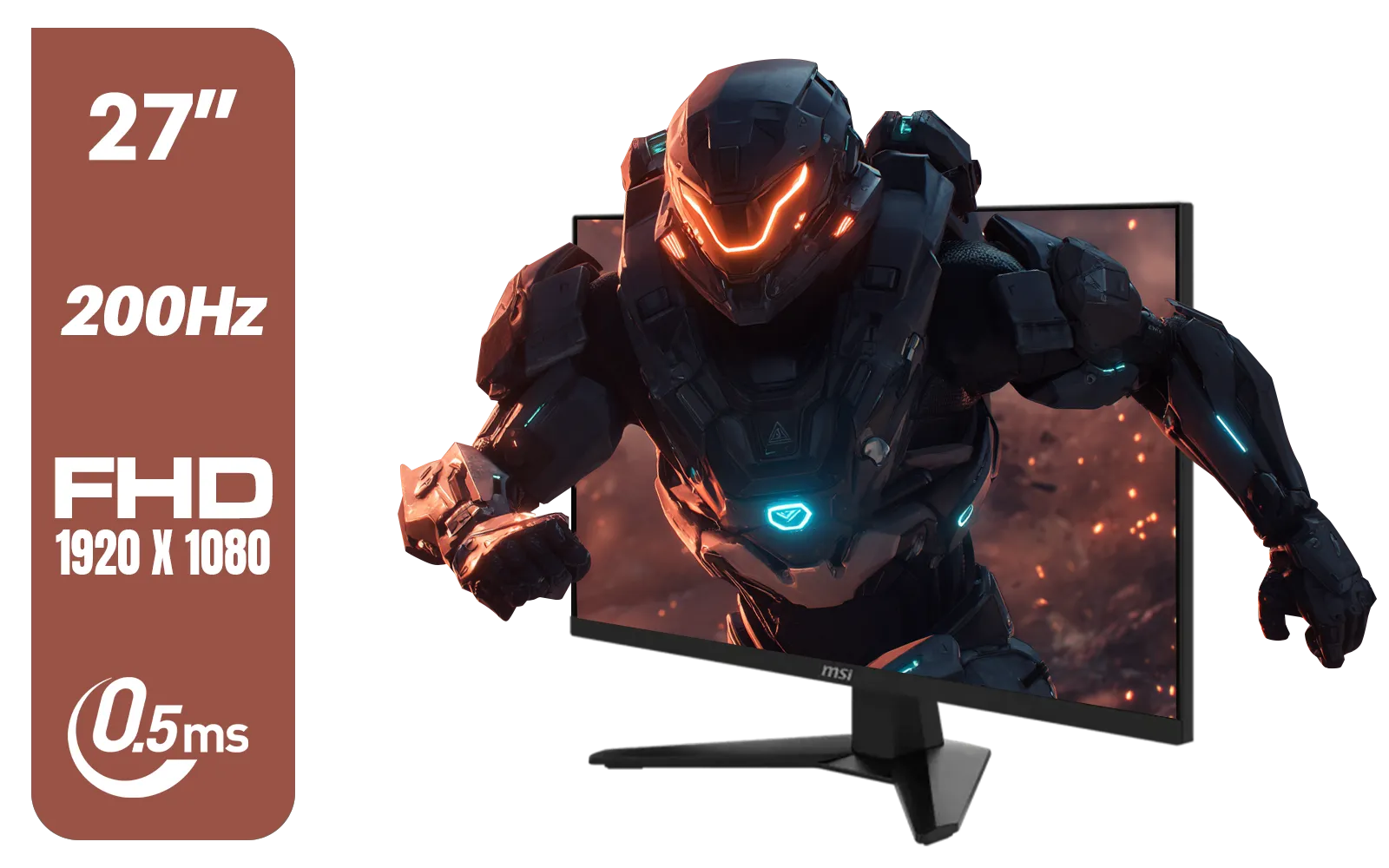
MSI MAG 274F 27" FHD (1920 x 1080) Monitor / 200Hz Refresh Rate / Rapid IPS Panel / 0.5ms Response Time / AI Vision Enhances Brightness, Colors / 9S6-3CE41H-062
R3699.00In Stock
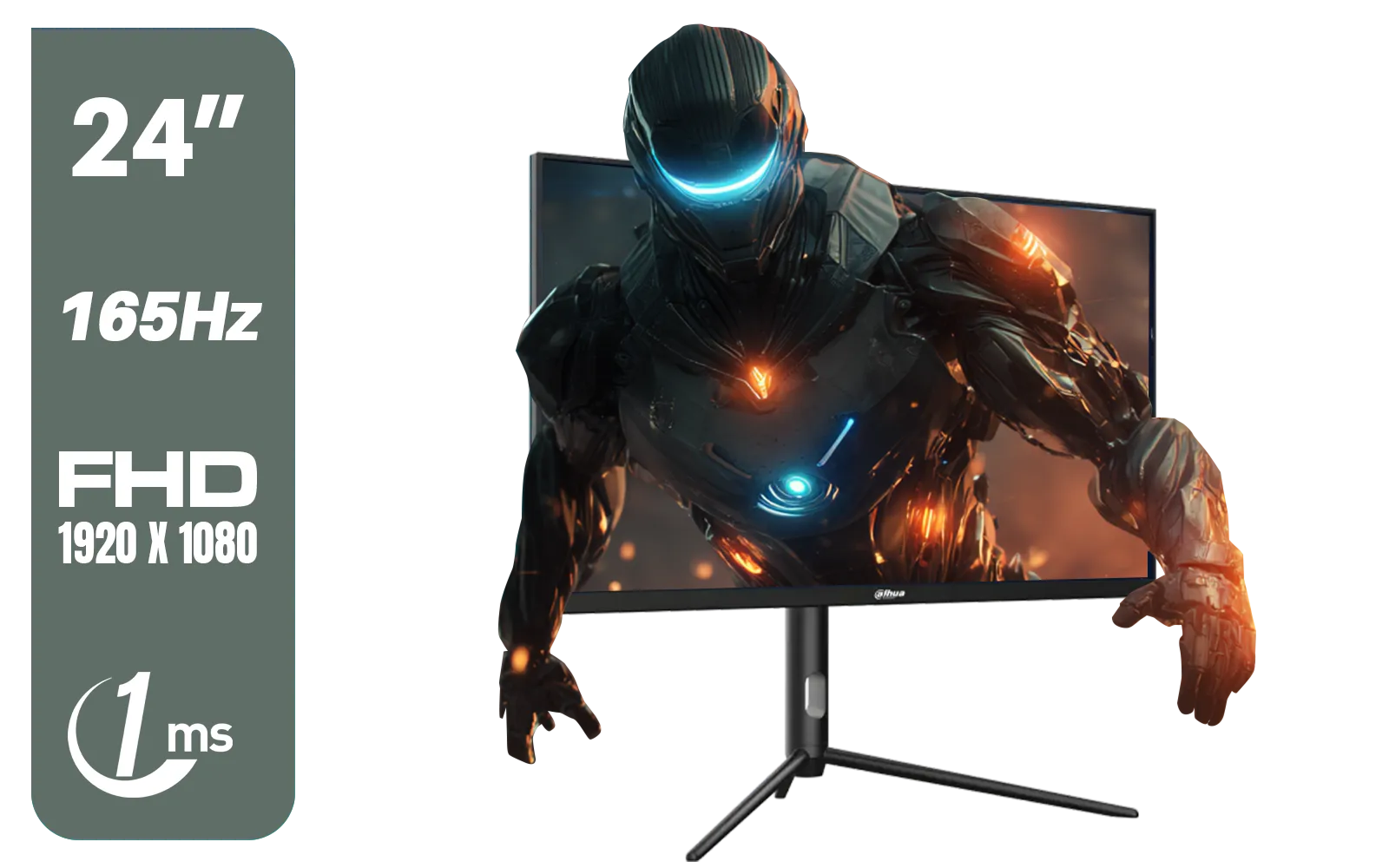
Dahua 24 inch FullHD IPS panel 165Hz 1ms fast response time Ultra-thin bezel Monitor with DisplayPort, HDMI, VGA, Height Adjustable Stand / DHI-LM24-E231A
R2899.00In Stock
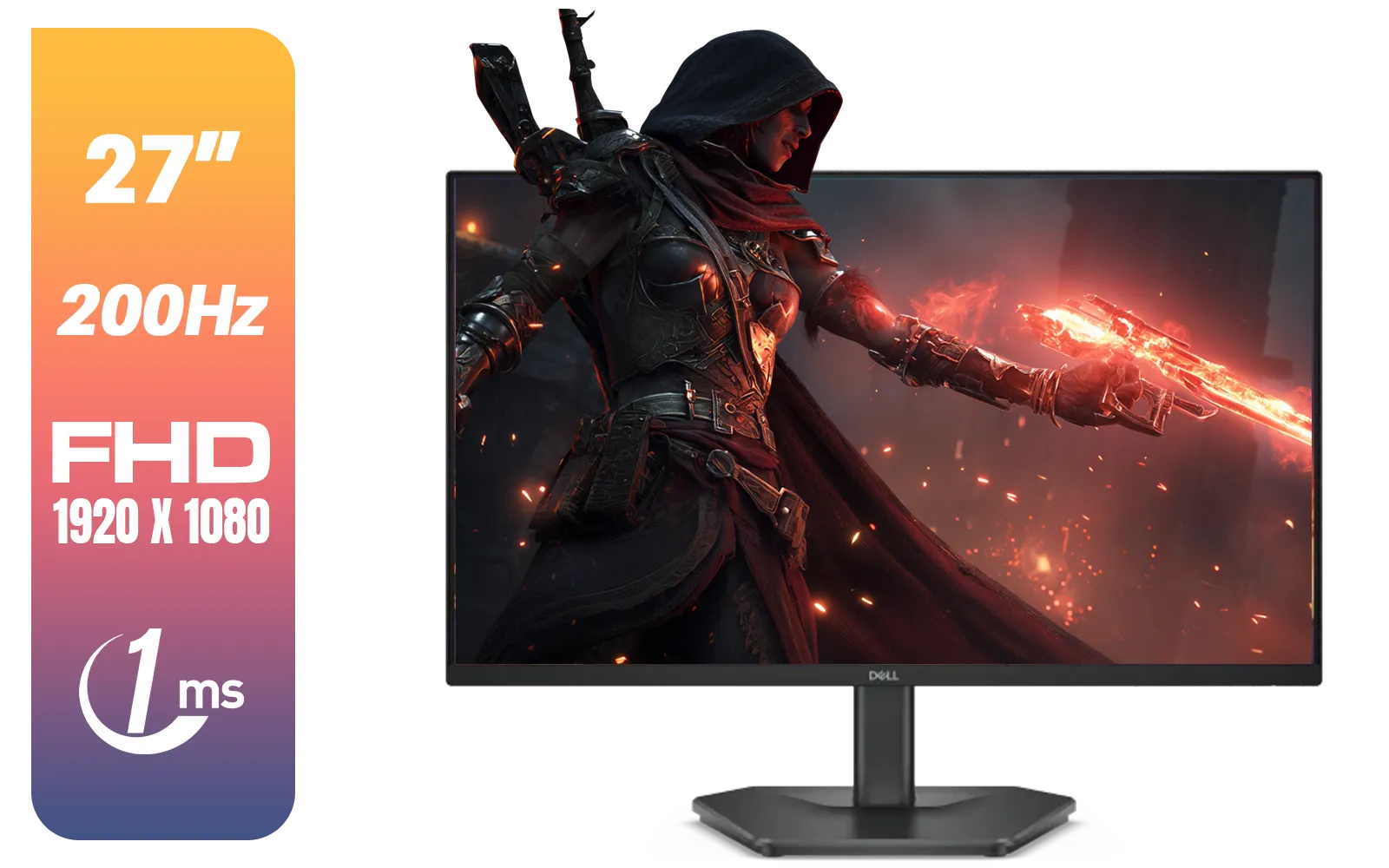
Dell SE2725HG 27" FHD IPS Gaming Monitor / FHD (1920 x 1080) Resolution / 200Hz Refresh Rate / 1ms Response Time / IPS level Display / 178° Horizontal and Vertical Viewing Angles / SE2725HG
R3199.00In Stock

VIEWSONIC 24" FHD Led Backlit Display / 120Hz Refresh Rate / Windows Hello–Certified 5MP Webcam With privacy cover / Dual Mics & Stereo Speakers / USB-C for Audio, Video & Data / USB 3.2 Hub with HDMI & DisplayPort / Ergonomic Adjustable Stand / VG2441V
R3699.00In Stock
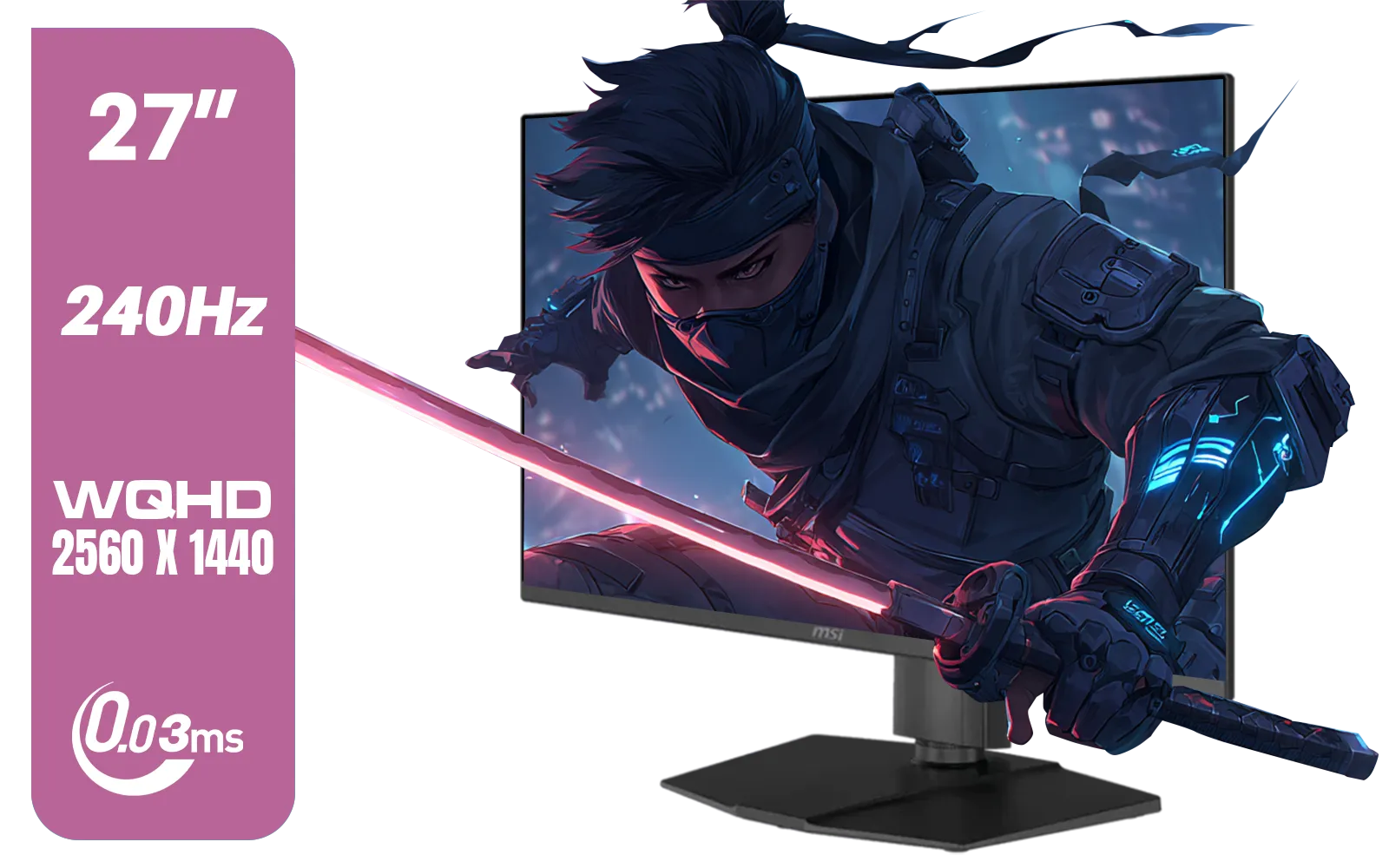
MSI MAG 273QP 27" 2560 x 1440 (WQHD) QD-OLED Monitor / 0.03ms GtG Response Time / 240Hz Refresh Rate / VESA DisplayHDR True Black 400 / 9S6-3CE69H-012
R14999.00In Stock
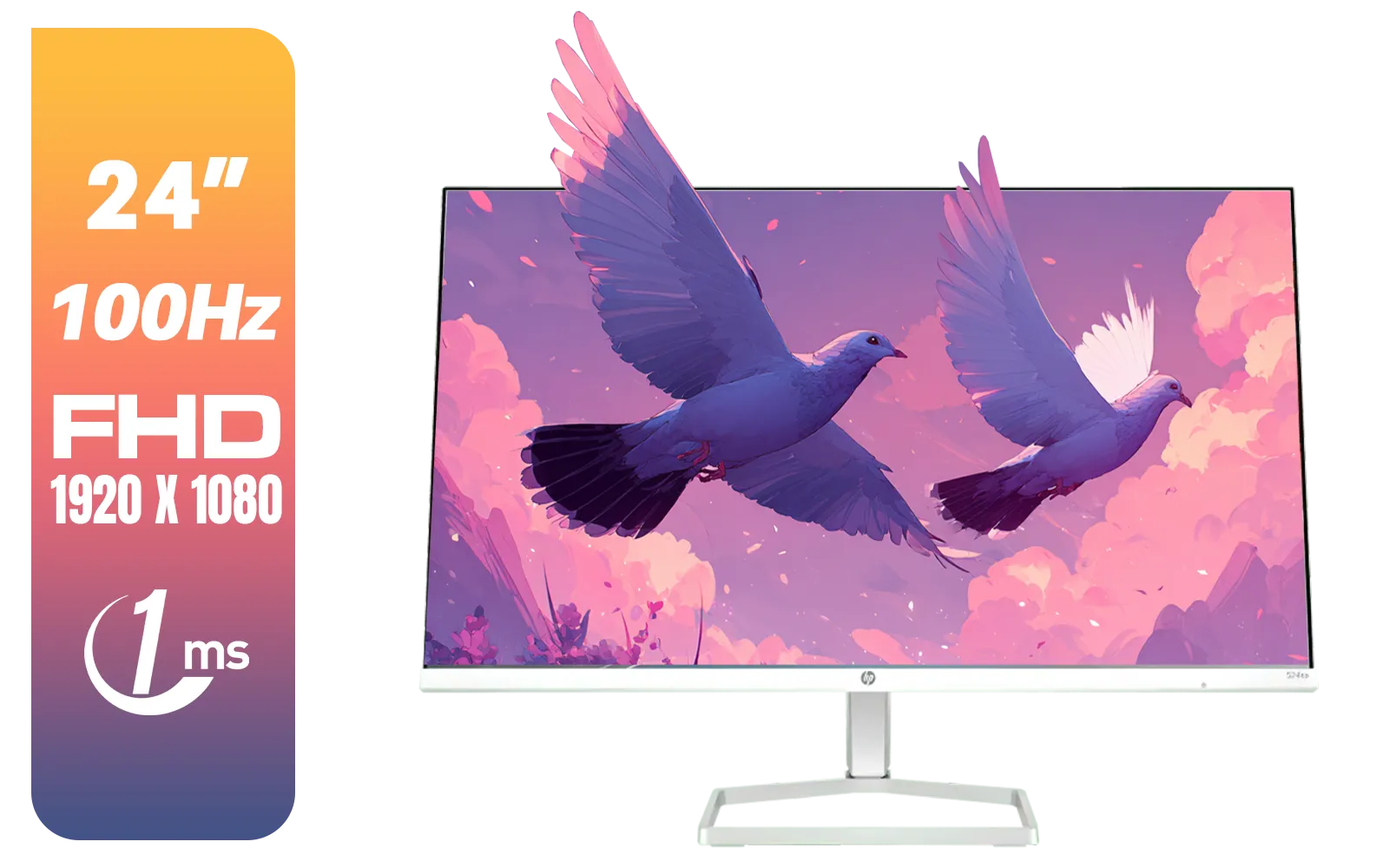
HP 527SA G5 FHD Gaming Monitor - White/Silver / 27" FHD (1920 x 1080) / IPS Panel / 1x HDMI 1.4, 1x VGA / Eye Ease with Eyesafe Certification / 94F48AS
R4999.00In Stock
Why a 120Hz Monitor is Essential for Your Xbox Series S
Think of the jump from 60Hz to 120Hz like this: it's the difference between watching a standard broadcast and seeing a high-framerate action scene. At 120Hz, your monitor refreshes the image 120 times per second, twice as often as a standard 60Hz screen. For your Xbox Series S, this means:
- Buttery-Smooth Motion: Everything from aiming down sights in Warzone to drifting around a corner in Forza looks incredibly fluid.
- Reduced Input Lag: Your controller inputs feel more responsive because the screen is updating faster. In competitive games, this split-second advantage can be the difference between winning and losing a firefight.
- Less Motion Blur: Fast-moving objects and quick camera pans remain sharp and clear, making it easier to track targets.
Unlocking this level of performance is a true upgrade for your console experience. You can explore a wide variety of gaming monitors designed to give you that competitive edge.
How to Choose the Perfect Xbox Series S 120Hz Monitor
Finding the right monitor isn't just about the refresh rate. You need to match the specs to your console's capabilities to get the best performance for your budget. Here’s what to look for when shopping for your new high refresh rate monitor for the Xbox Series S.
Resolution: 1080p is the Sweet Spot
The Xbox Series S is a master of 1080p gaming. Most titles that support 120fps (frames per second) on the console will run at a 1080p resolution to achieve that high performance. This makes a Full HD (1920x1080) monitor with a 120Hz or higher refresh rate the perfect partner for your Series S. While the console can output 1440p, and even upscale to 4K, you'll generally have to drop back to 60fps. If you're considering a screen for a multi-purpose setup, browsing all PC monitors can give you a feel for the options available, including higher-resolution displays like 4K monitors that might be better suited for a Series X or a high-end PC.

VIEWSONIC VX2758A-2K-PRO-3 27" 2K Gaming Monitor / 240Hz Refresh Rate / 1ms MPRT Response Time / AMD FreeSync™ Premium & NVIDIA G-Sync Compatible / Dual HDMI & DisplayPort Inputs / VX2758A-2K-PRO-3
R5499.00In Stock
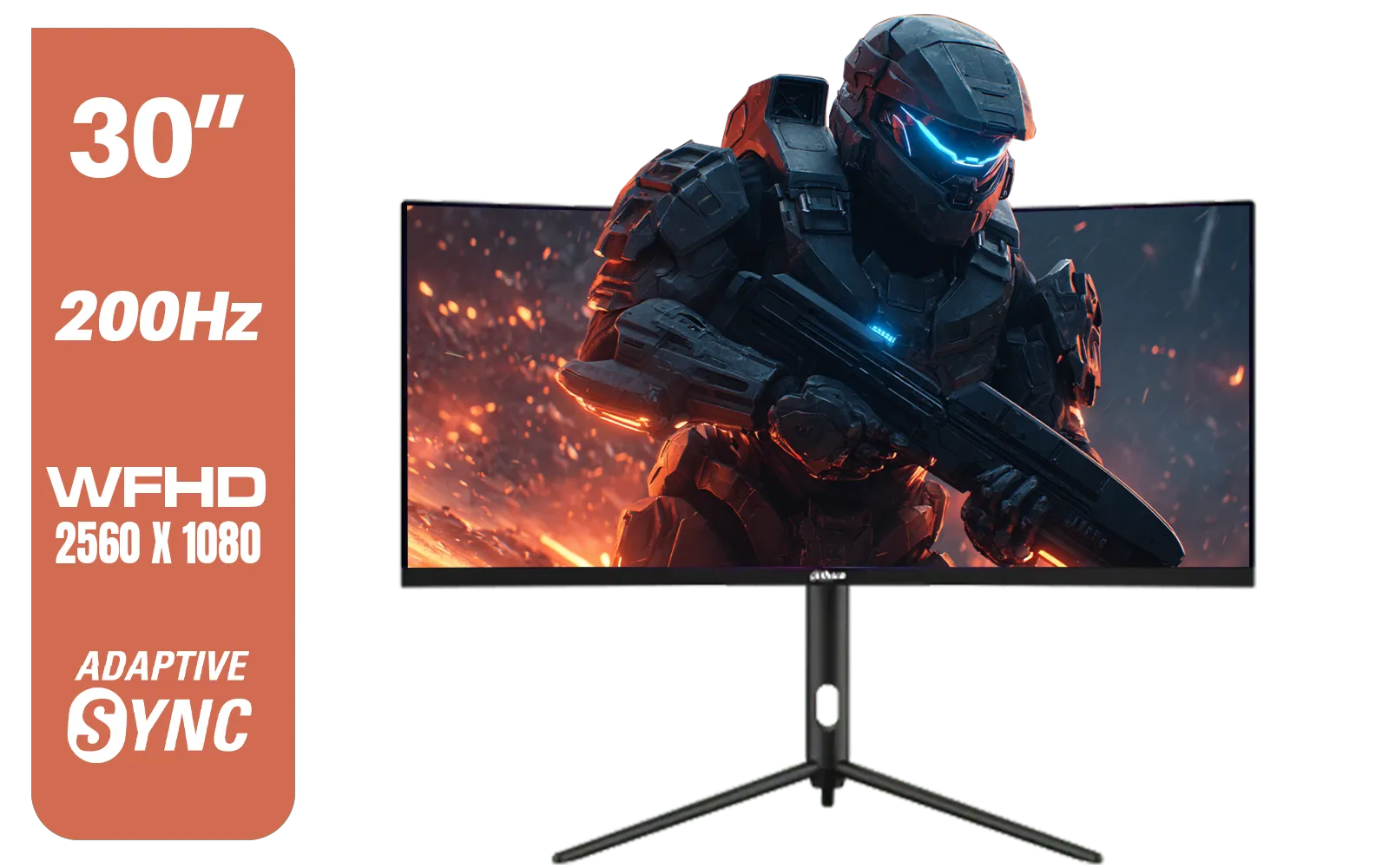
Dahua 30" Ultrawide WFHD 200Hz 1MS DCR Intelligent Adaptive-Sync HDMI DP VA Gaming Monitor Black / DHI-LM30-E330CA
R3999.00In Stock

Targus 24-inch USB-C Docking Computer Monitor w/ 100W PD, Adjustable Height Mac PC Monitor 360 Degree Rotating 24 inch Monitor Gaming Monitor w/Dock, Dual Monitor Compatible / DM4240PUSZ
R1699.00In Stock
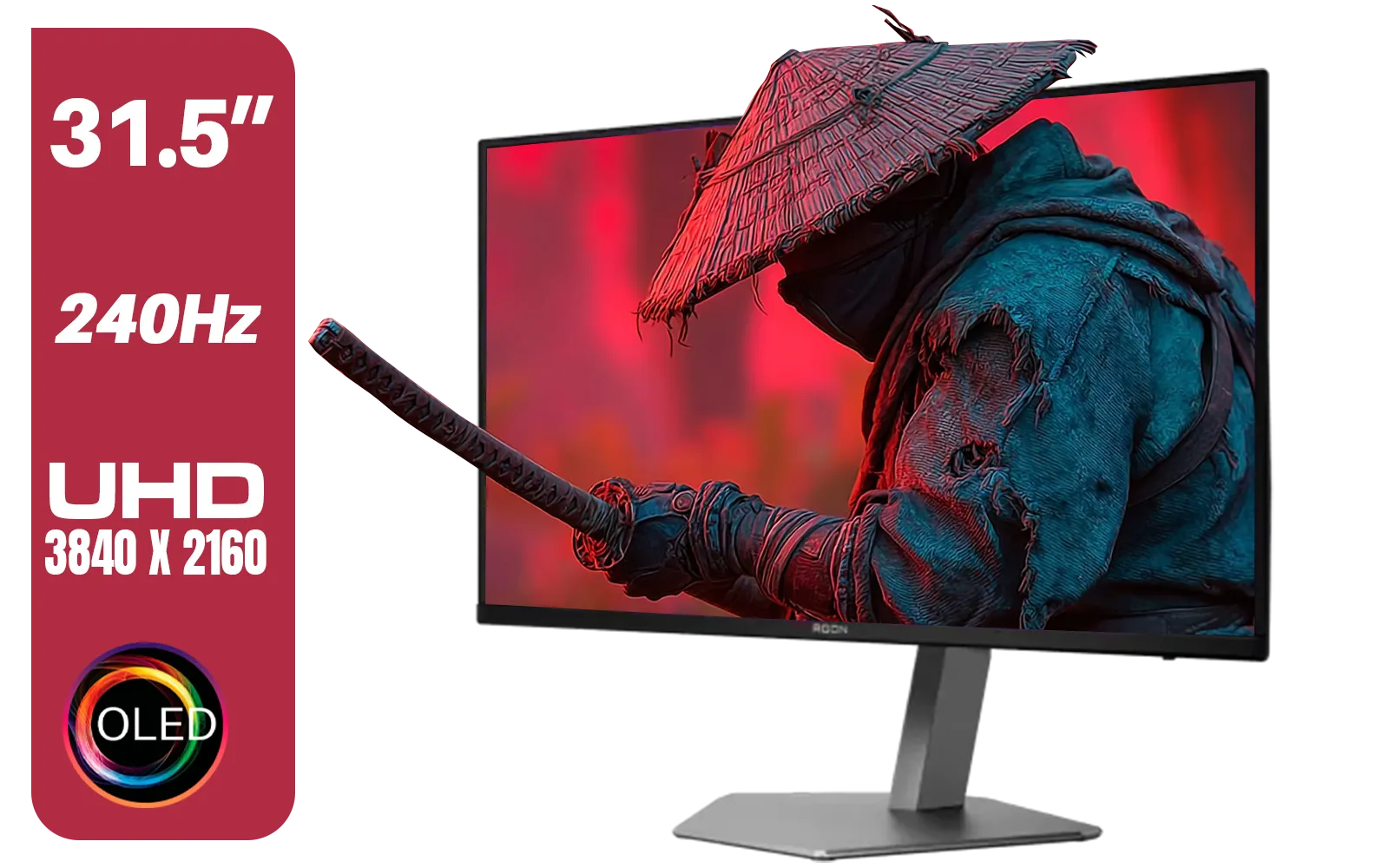
AOC Agon AG326UZD 31.5" Curved Gaming Monitor / UHD (3840x2160) OLED Display / 240Hz Refresh Rate / 0.03ms Response Time (GtG) / DisplayHDR True Black 400 / DisplayPort 2.1 / AG326UZD
R22999.00In Stock

AOC AGON AG275QXR 27" QHD 2K 170Hz Gaming Monitor - Pink - 2022 Edition ,IPS, Flicker-free technology, AMD FreeSync Premium, G-SYNC Compatible / AOC-AG275QXR
R6999.00In Stock

AOC 22B2HN, 21.5 Inch (54.6 cm) LED 1920 x 1080 Pixels Ultra Slim Monitor with 3 Sided Frameless Design, Va Panel, Hdmi/Vga Port, Full Hd, 7 Ms Response Time, 75 Hz Refresh Rate, Flicker Free, Black / AOC-22B2HN
R2099.00In Stock
The Connection is Key: HDMI 2.0 or Bust
This is non-negotiable. To get 120Hz at 1080p, your monitor must have an HDMI 2.0 port (or the newer HDMI 2.1). An older HDMI 1.4 port simply doesn't have the bandwidth and will cap you at 60Hz. Always check the monitor's specifications for "HDMI 2.0" before you buy. And don't forget to use the high-speed HDMI cable that came with your Xbox!
TIP FOR YOU
Check Your In-Game Settings! 🚀
Just enabling 120Hz on your Xbox isn't always enough. Many games, like Fortnite and Call of Duty, have their own video settings. You'll often need to go into the game's menu and select a "Performance Mode" or toggle on the "120Hz Mode" manually to get the high frame rate. Don't skip this final step!
Getting Your Console Ready for 120Hz Gameplay 🔧
Once you have your new Xbox Series S 120Hz monitor, setting it up is a breeze. Just follow these simple steps on your console:
- Press the Xbox button to open the guide.
- Navigate to Profile & system > Settings > General > TV & display options.
- Under the Display column, select Refresh rate and choose 120Hz.
- Your screen will go black for a moment as it tests the new setting. If it's successful, you’re good to go!
If the 120Hz option is greyed out, double-check that your monitor is connected to an HDMI 2.0 port and that the resolution is set to 1080p. For an even more immersive feel, many South African gamers are opting for curved monitors which can make you feel like you're right in the action.

VIEWSONIC VA2708-4K-MHD 27" LCD Monitor – Black / 4K UHD (3840 × 2160) Resolution / SuperClear® IPS Panel / HDR10 Support / Dual HDMI & DisplayPort Inputs / Built-in Speakers / Eye ProTech Comfort Viewing / VA2708-4K-MHD
R4799.00In Stock
MSI MAG 273QP 27" 2560 x 1440 (WQHD) QD-OLED Monitor / 0.03ms GtG Response Time / 240Hz Refresh Rate / VESA DisplayHDR True Black 400 / 9S6-3CE69H-012
R14999.00In Stock

HP OMEN 27 FHD 165Hz Gaming Monitor / AMD FreeSync™ Premium / Eyesafe® certified / Height adjustable for personalized comfort / Pivot rotation for flexible viewing angles / 780F9AS
R5999.00In Stock
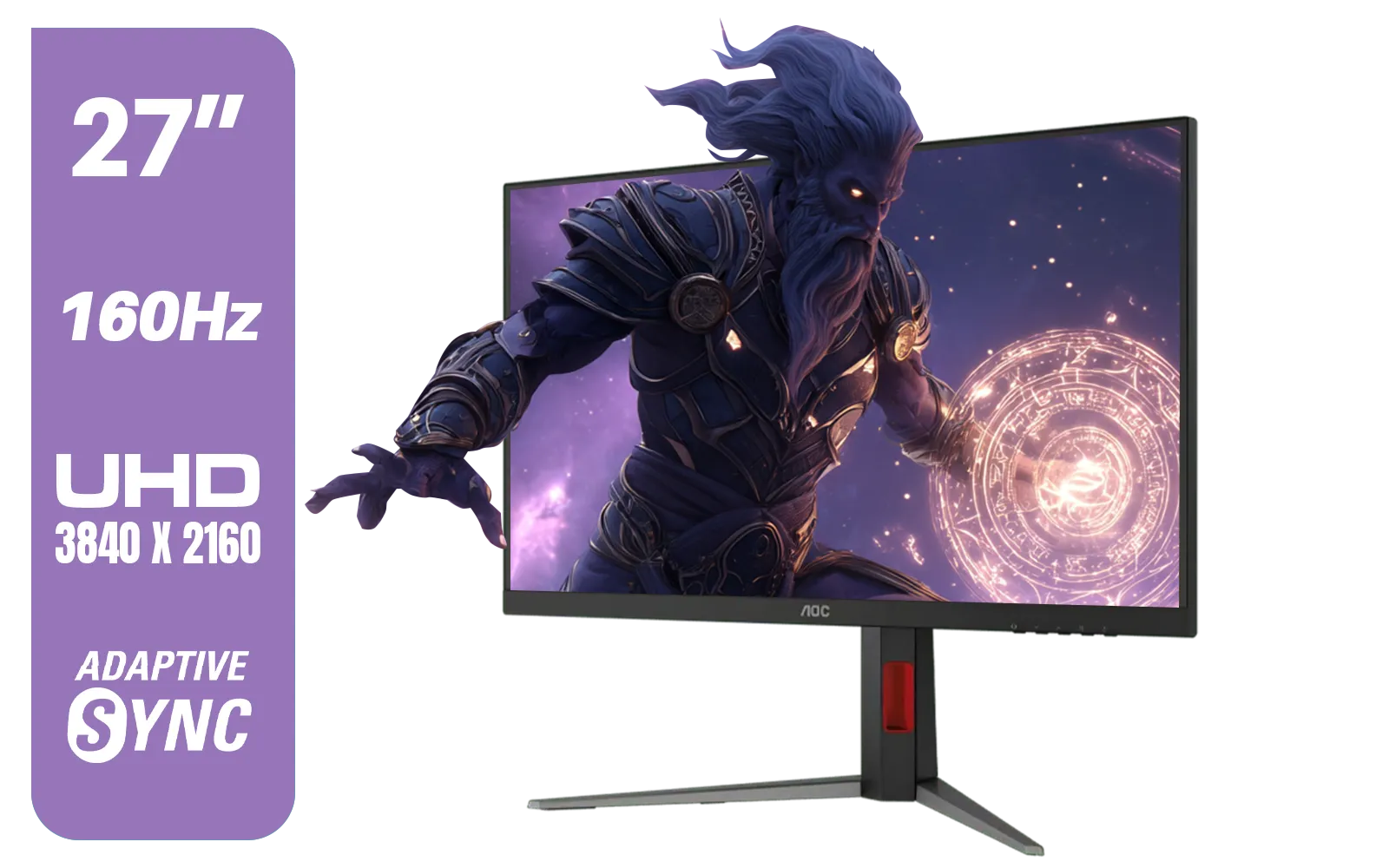
AOC U27G42 27" 160Hz Ultra-Fast Gaming Monitor, 3840 x 2160 (UHD), 0.5ms, Fast IPS, Adaptive Sync, 3-Sided Frameless Design, Black / U27G42
R9599.00In Stock
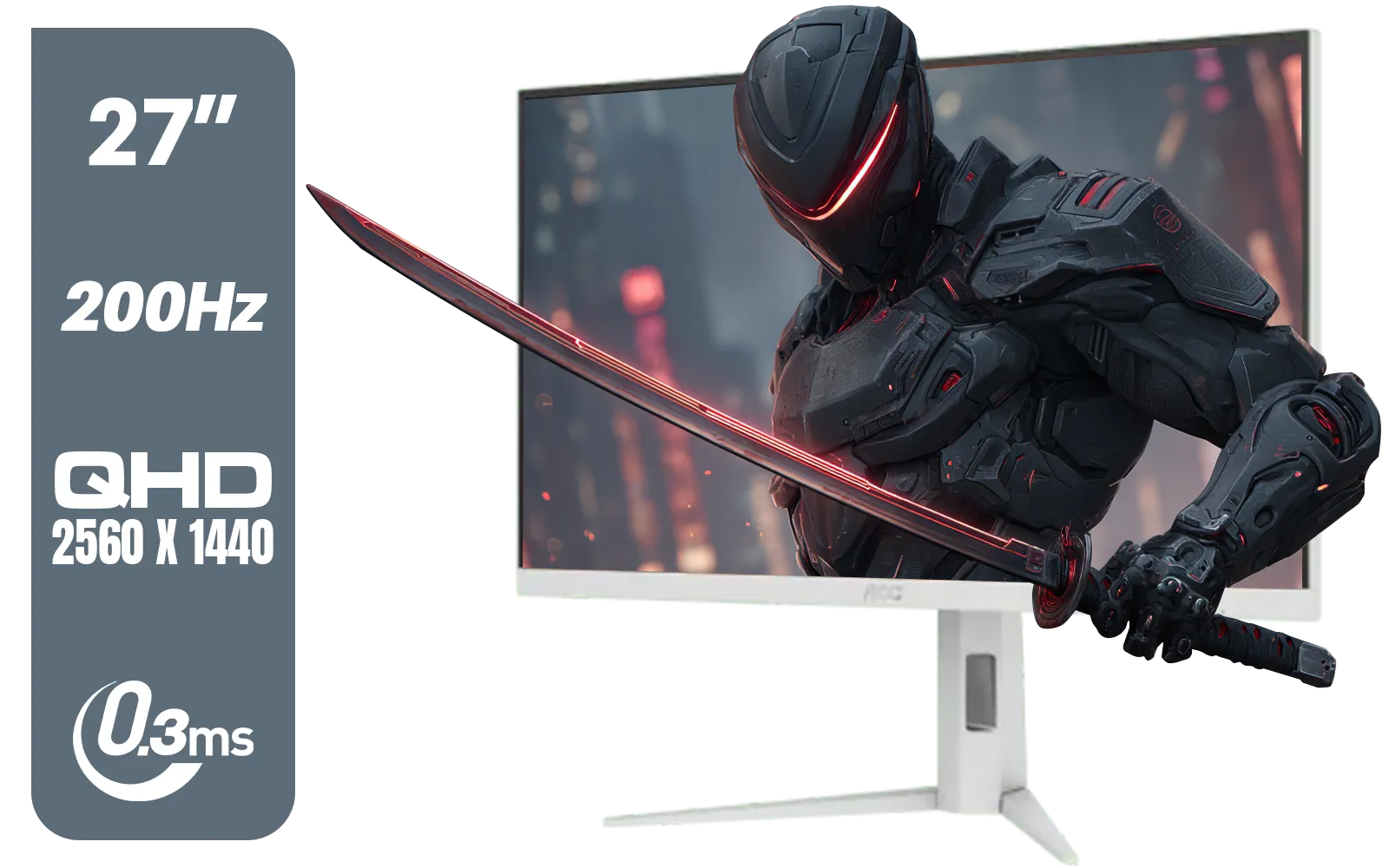
AOC Q27G4/WS 27" Gaming Monitor - White / QHD (2560 × 1440) / 200Hz Refresh Rate / 0.3ms Response Time / IPS-Level Display / Certified HDR400 / Support Adaptive Sync / Q27G4/WS
R4899.00In Stock
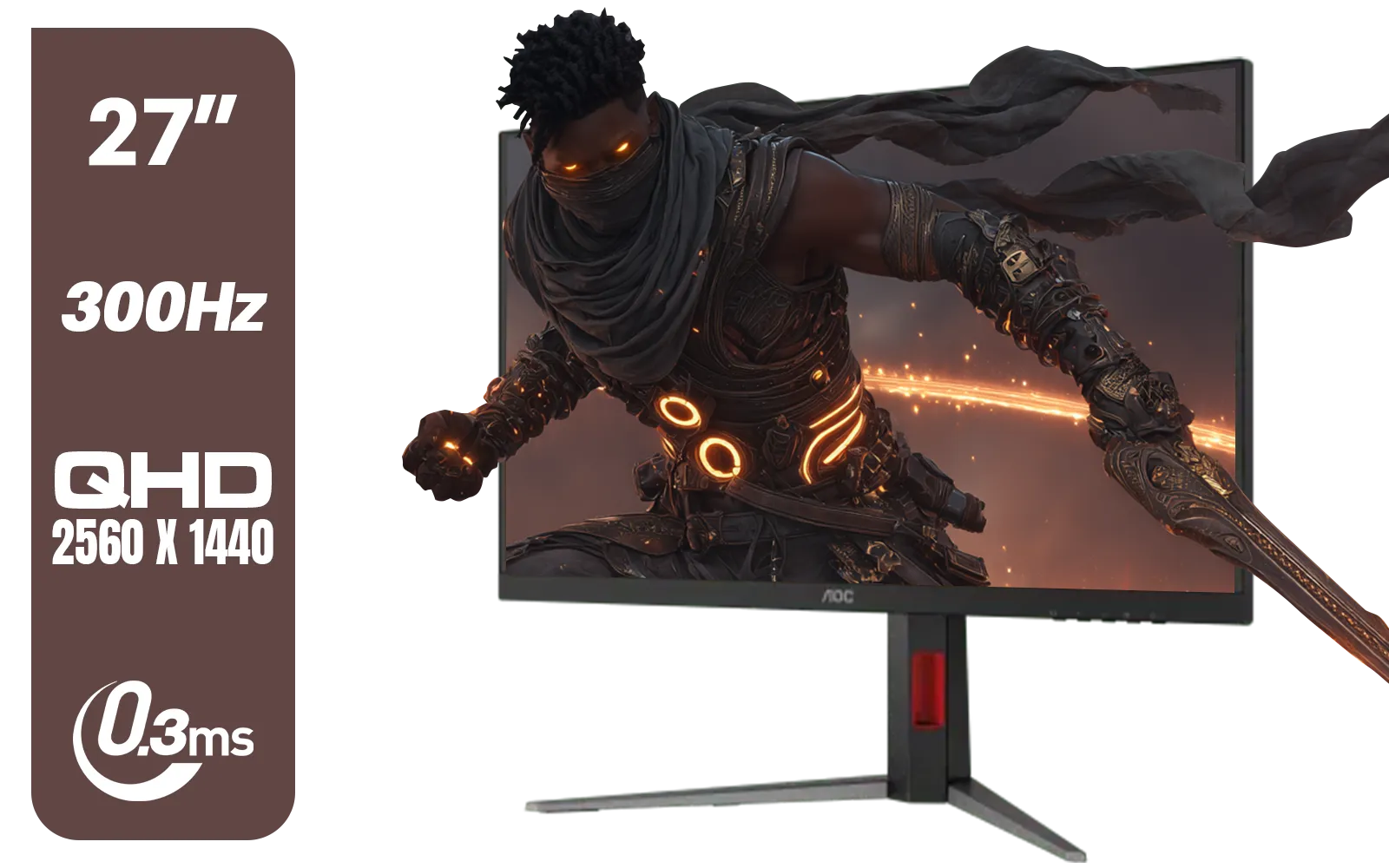
AOC Q27G4S 27" Gaming Monitor - Black / QHD (2560 × 1440) / 300Hz Refresh Rate / 0.3ms Response Time / IPS-Level Display / Certified HDR400 / Support Adaptive Sync / Q27G4S
R6299.00In Stock
Beyond the Basics: Features That Elevate Your Experience
While refresh rate and resolution are the main priorities, a few other features can make your gaming experience even better.
- VRR (Variable Refresh Rate): Technologies like AMD FreeSync prevent screen tearing by synchronising the monitor's refresh rate with the Xbox's frame output. The Series S supports this, and it’s a fantastic feature for ensuring flawlessly smooth visuals.
- HDR (High Dynamic Range): This gives you brighter whites, deeper blacks, and a wider range of colour. Games that support HDR look significantly more vibrant and realistic.
- Portability: For the LAN party enthusiast or student who moves around, there are even high-quality portable monitors that can keep up with your console.
- Your Setup: Don't forget the final touches. A good monitor arm can save desk space and give you the perfect viewing angle. Check out our range of monitor accessories to complete your battle station.
Ready to Unleash 120Hz? Your Xbox Series S is a powerful little console waiting to be uncapped. Pairing it with the right high-refresh-rate monitor is the single best upgrade you can make for smoother, more responsive gaming. Explore our massive range of gaming monitors and find the perfect screen to dominate the competition.
Related Products

VIEWSONIC TD1630-3 15.6" 10-Pont Touch Screen Monitor / HD 768p Resolution / Projected Capacitive Touch / HDMI & VGA Inputs / Dual Integrated Speakers / Durable Scratch-Resistant Screen / TD1630-3
R4499.00In Stock
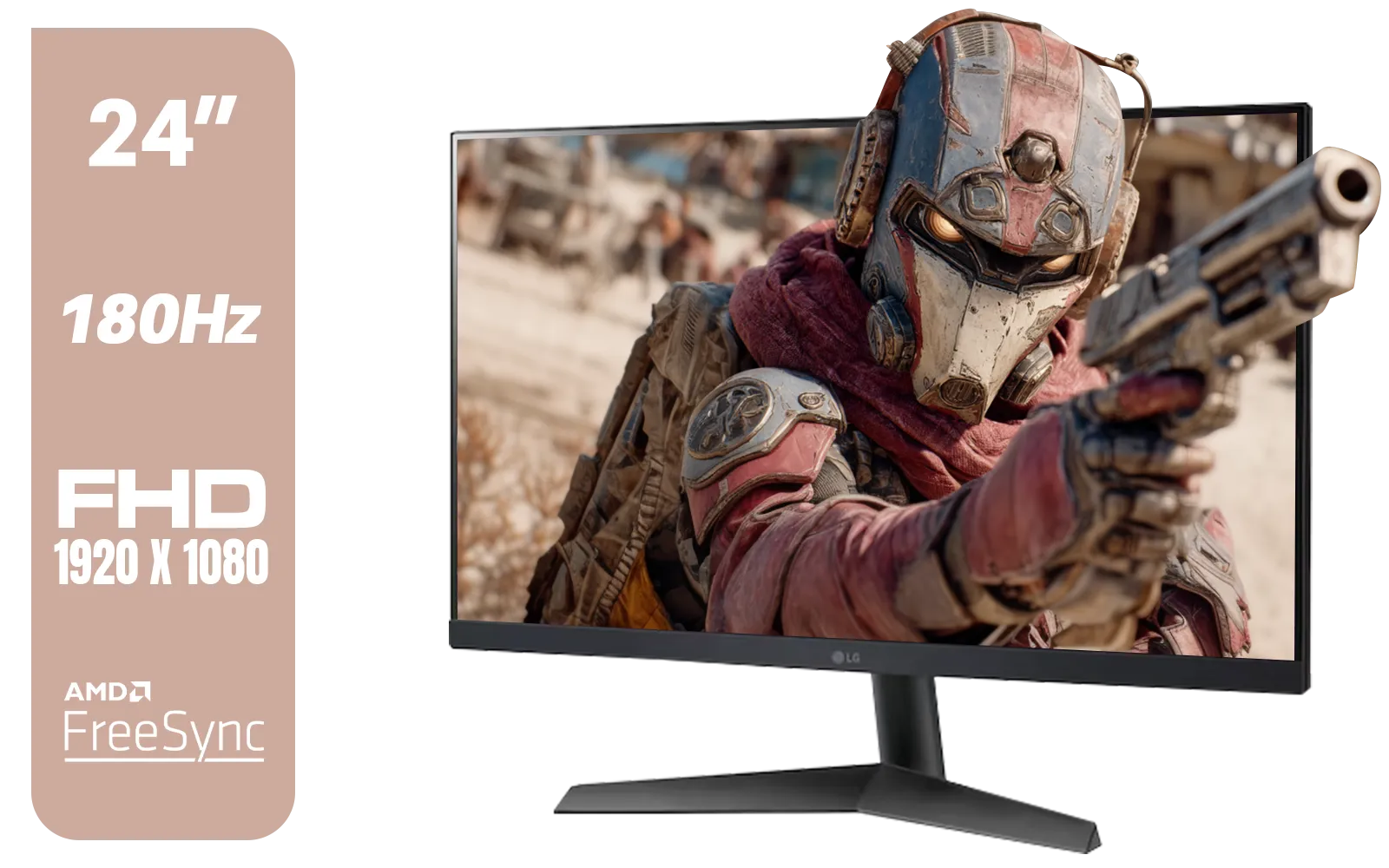
LG UltraGear 24GS60F 24" FHD IPS Gaming Monitor / FHD (1920x1080) IPS Panel / 180Hz Refresh Rate / 1ms Response Time / AMD FreeSync & NVIDIA G-SYNC / FPS Counter / HDMI & DisplayPort Connectivity / 24GS60F
R3299.00In Stock

ViewSonic VA1903H-2 19” WXGA Monitor / 5ms / (1366x768) TN display / Anti-Glare / VA1903H-2
R1299.00In Stock

HP 527SW G5 FHD Gaming Monitor - White/Silver / 27" FHD (1920 x 1080) / IPS Panel / 1x HDMI 1.4, 1x VGA / Eye Ease with Eyesafe Certification / 94F46AS
R4499.00In Stock

VIEWSONIC VX3218C-2K 32" QHD Curved Gaming Monitor / 180Hz Refresh Rate / 1ms MPRT Response Time / 1500R Curvature / AMD FreeSync™ Premium / QHD 1440p Resolution / VX3218C-2K
R4999.00In Stock

Samsung M70D 32″ Smart Monitor / UHD (3840 x 2160) Resolution / 60Hz refresh rate / 4ms response time / LS32DM702UAXXA
R7799.00In Stock
No, the Xbox Series S hardware is capped at 120Hz. However, a 144Hz monitor is fully compatible and will simply run at the console's maximum 120Hz output.
Not usually. For 1080p or 1440p resolution at 120Hz, standard HDMI 2.0 is sufficient. HDMI 2.1 is only required if you are targeting 4K at 120Hz.
Navigate to Settings > General > TV & display options. Select 'Refresh rate' and switch it to 120Hz. Ensure your monitor's internal settings also allow this mode.
For competitive gaming, yes. Monitors generally offer significantly lower input lag and faster pixel response times than TVs, providing a smoother experience.
Yes, the Series S supports AMD FreeSync (VRR). This syncs the display's refresh rate with the console to eliminate screen tearing and reduce stuttering.
The Series S typically targets 1080p or 1440p for 120FPS gameplay. Performance depends on the specific game optimization and your monitor's supported timings.











