

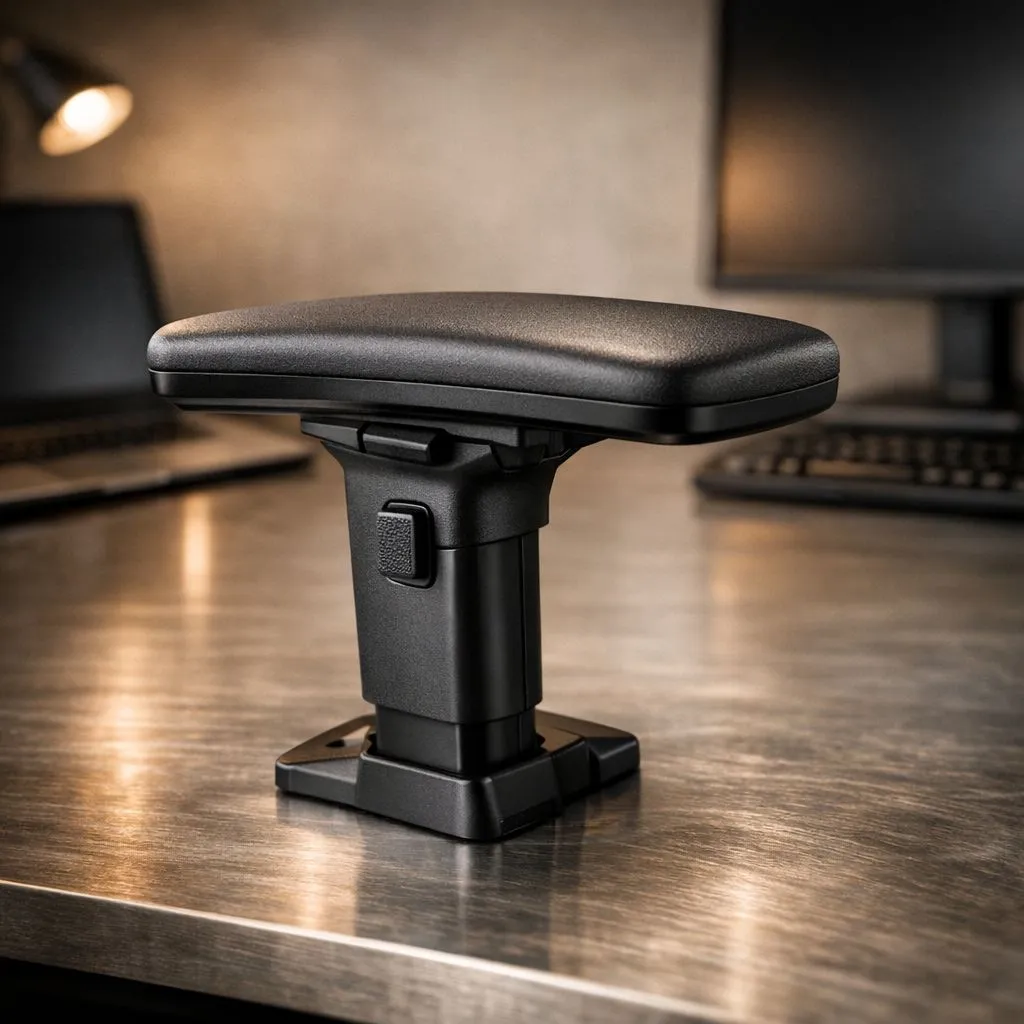
Why Armrest Height: Match It to Your Desk Setup Matters
Ever finished a five-hour session in Apex Legends only to realise your shoulders feel like they’ve been carrying a literal load? Most South African gamers focus on their GPU or monitor refresh rate, but your armrest height is just as critical. If your Armrest Height: Match It to Your Desk Setup isn't calibrated correctly, you’re inviting fatigue and long-term strain. Let's fix that posture today. 🔧
The primary goal is to achieve a neutral posture. This means your shoulders are relaxed and your elbows sit at a comfortable 90-degree angle. When you browse the latest gaming chairs in South Africa, look for models that offer 4D adjustability. This feature allows you to move the armrests up, down, left, right, and even diagonally to ensure they align perfectly with the top of your desk.
Finding Your Ideal Ergonomic Alignment
If your armrests are too high, you’ll end up shrugging your shoulders without even noticing. If they are too low, you’ll lean to one side, putting unnecessary pressure on your spine. To get it right, sit in your chair and adjust the height until the armrests are level with your desk surface. This creates a seamless bridge for your forearms to move from the chair to the mousepad.
For those looking for high-end builds, investing in premium seating starting from R5449 often provides the structural integrity needed for long-term comfort. A sturdy base ensures that once you set your height, it stays there, even during intense clutch moments... no slipping or sliding mid-game. ⚡
The 90-Degree Rule ⚡
Always aim for your elbows to be bent at 90 degrees with your wrists in a neutral, straight position. If your desk is too high for your chair, consider a footrest. This allows you to raise your chair to match the desk height while keeping your feet planted, maintaining proper circulation in your legs during those long Pretoria summer gaming sessions.
Matching Armrests to Your Specific Game Desk
Every desk is different. Some have thin tops while others have thick drawers that might get in the way of your chair. This is where brand-specific ergonomics come into play. If you have a particularly deep desk, Vertagear Gaming Chairs offer excellent slide adjustments to get you closer to the action without your armrests hitting the edge of the table.
If you prefer a more executive feel for your home office and gaming hybrid setup, Noblechairs Gaming Chairs provide sophisticated adjustment mechanisms. These are designed to blend into a professional environment while offering the same ergonomic benefits as a hardcore gaming seat. Matching your armrest height to your desk setup isn't just about comfort... it's about protecting your health. 🚀
Premium Features for Local Gamers
We know that value for money is huge in the South African market. You don't always need to spend a fortune to get the ergonomics right. For instance, Gamdias Gaming Chairs offer fantastic entry-level and mid-range options that still include adjustable armrests.
By ensuring your Armrest Height: Match It to Your Desk Setup is properly configured, you reduce the risk of Carpal Tunnel and general "gamer's neck." Take five minutes today to check your alignment... your body will thank you after the next raid. ✨
Ready to Find Your Perfect Match? Getting your ergonomics right is the first step to a better gaming experience. Whether you need 4D adjustability or premium leather finishes, we have the right seat for you. Explore our massive range of gaming chairs and find the perfect match to conquer your world.











