

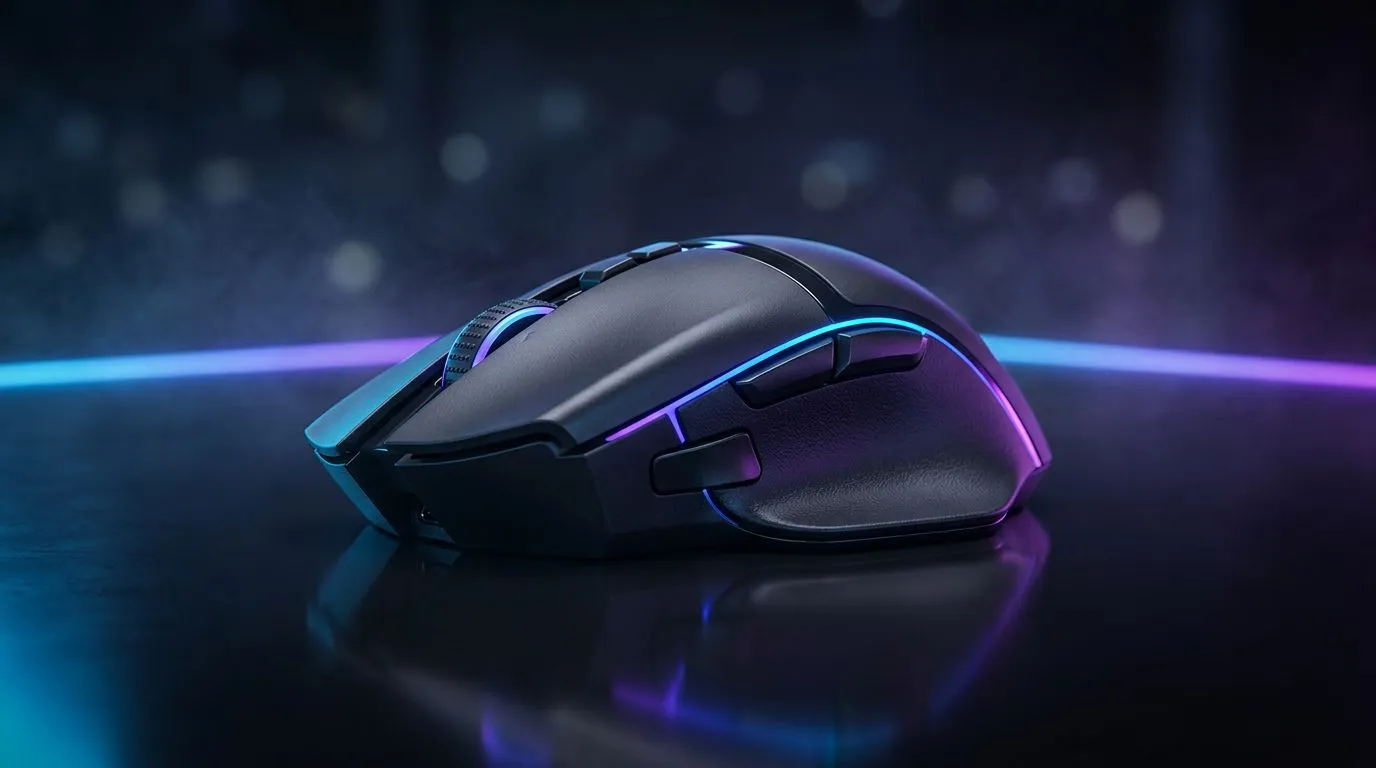
Struggling to land those headshots in Valorant or misclicking abilities in Dota 2? Your mouse DPI might be the culprit. Nailing the best DPI settings for gaming isn't just for the pros; it's a massive advantage for any South African gamer looking to climb the ranks. It’s the difference between a clutch win and a frustrating loss. Let's demystify DPI and find your perfect sensitivity to dominate the server. 🎯
Understanding Mouse DPI and Why It Matters
So, what exactly is this "DPI" everyone talks about? DPI stands for Dots Per Inch. In simple terms, it's a measure of your mouse's hardware sensitivity. A higher DPI means your cursor will move further across the screen with less physical movement of your hand. A lower DPI requires you to move your hand more for the same on-screen distance.
Think of it like this:
- High DPI (e.g., 3200+): Fast, twitchy cursor movement. Great for quickly navigating menus or desktops.
- Low DPI (e.g., 400-800): Slower, more controlled cursor movement. Ideal for precise, deliberate actions.
Finding the right balance is key, and it all starts with a high-quality gaming mouse that has a reliable sensor capable of handling your preferred settings without issues like jitter or acceleration.
A Quick Word on eDPI
To truly optimise your setup, you need to understand eDPI (effective Dots Per Inch). This is the "true" sensitivity you experience in-game. The formula is simple:
Mouse DPI x In-Game Sensitivity = eDPI
This is why two players with the same 800 DPI mouse can have wildly different aiming experiences. A player with 800 DPI and a 0.5 in-game sensitivity has an eDPI of 400, while another with 800 DPI and a 1.0 sensitivity has an eDPI of 800. Comparing eDPI is the only way to accurately compare sensitivity settings between players.
The Best DPI Settings for FPS Games like CS:GO and Apex Legends
When it comes to First-Person Shooters (FPS), precision is everything. Whether you're holding an angle in Counter-Strike 2 or tracking a moving target in Apex Legends, you need pixel-perfect accuracy. This is why the vast majority of professional FPS players use surprisingly low DPI settings.
Most pros play within the 400 to 1600 DPI range, with 800 DPI being a very popular sweet spot.
Why so low? A lower sensitivity forces you to use your whole arm for large movements (like a 180-degree turn) and your wrist for fine-tuning your aim. This engages larger muscle groups, which are much better for building consistent muscle memory. It smooths out jittery hand movements and makes micro-adjustments much easier, leading to more consistent headshots. For competitive play, the stability of a reliable wired mouse is often the top choice for its zero-latency connection.
Find Your Perfect FPS Sensitivity ⚡
Use the 'PSA Method'. Set your DPI to 800. Go into your favourite game's practice range. Place your crosshair on a small target. Now, strafe left and right while trying to keep your crosshair locked on the target. If you're over-shooting, lower your in-game sensitivity. If you're lagging behind, increase it. Tweak it in small increments until it feels like an extension of your arm.
Nailing Your DPI Settings for MOBA and RTS Dominance
Moving over to MOBAs (Multiplayer Online Battle Arenas) like League of Legends or Dota 2, and RTS (Real-Time Strategy) games like StarCraft II, the requirements change dramatically. While precision is still important for last-hitting minions or micro-managing units, speed across the screen is a much higher priority. 🚀
For these genres, a higher gaming DPI setting is generally recommended, typically in the 1000 to 3200 DPI range.
You need to quickly pan your camera across the map, check on teammates, snap back to your character, and navigate complex menus… all in a fraction of a second. A higher DPI allows you to do this with quick, efficient wrist movements, keeping your focus on strategy rather than fighting your mouse. The freedom of a modern wireless gaming mouse can be a huge plus here, as cable drag is the last thing you want when executing a complex combo.
Is More DPI Always Better? The Marketing vs. Reality
You'll see mice advertised with insane DPI numbers... 16,000, 25,000, even higher. Is this necessary? Honestly, for 99% of gamers, the answer is no.
These ultra-high DPI values are mostly marketing. While the sensor technology is impressive, very few people can control a cursor accurately at such high sensitivities. Sensor quality, tracking accuracy, weight, shape, and switch reliability are far more important factors in what makes a great gaming mouse. Don't get fixated on the highest DPI number; focus on a mouse with a proven sensor that feels comfortable in your hand. You can often find a fantastic mouse with a top-tier sensor without breaking the bank. Check out our current gaming mouse deals to see what's on offer.
Remember, the best DPI settings for gaming are useless without a good surface to track on. A large, high-quality mousepad is crucial for low-DPI FPS players and ensures consistent tracking for everyone. Investing in quality mouse accessories is just as important as the mouse itself. ✨
Ready to Find Your Perfect Match? Finding your perfect DPI is personal, but it starts with the right tool for the job. Whether you need pinpoint accuracy or lightning-fast response, the right gaming mouse makes all the difference. Explore our massive range of gaming mouse deals and find the perfect hardware to conquer your game.











