

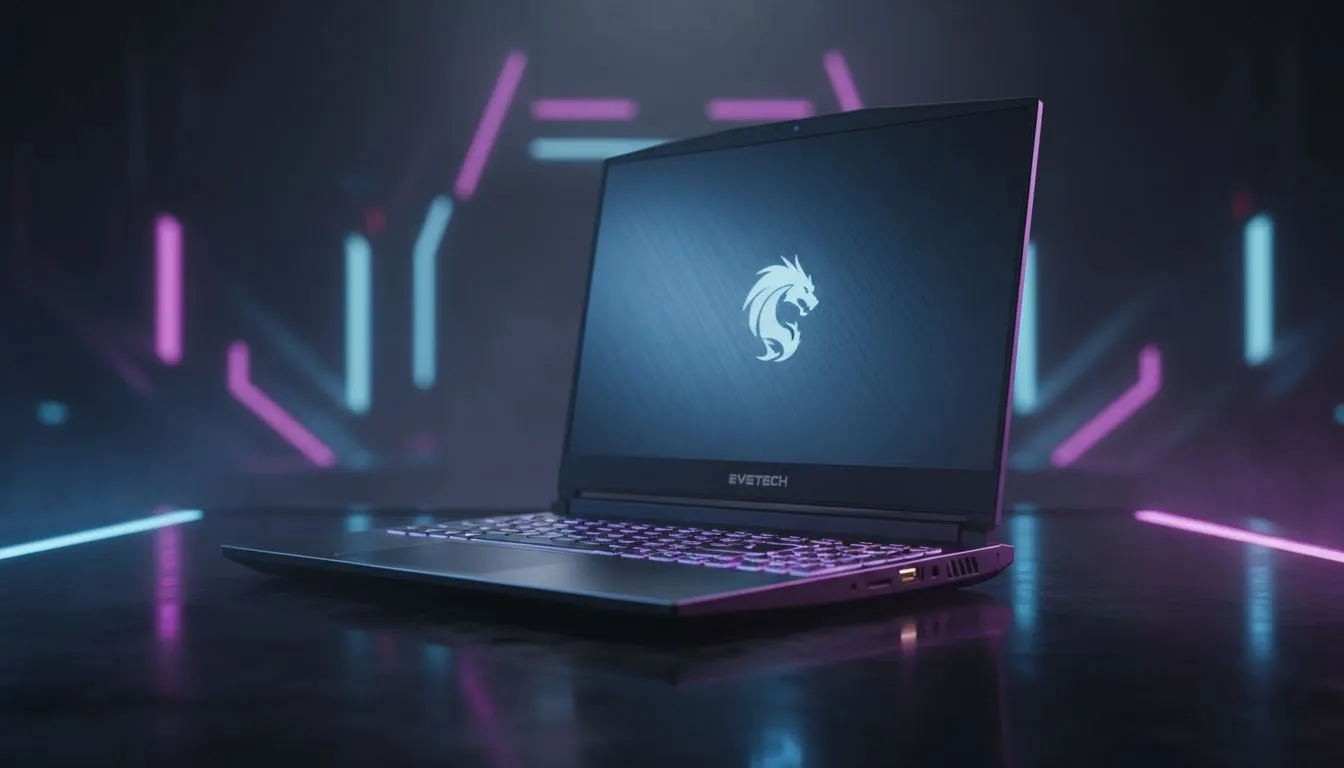
Finding the Best Laptop for Monster Hunter Wilds
Capcom is raising the bar again... Monster Hunter Wilds promises a living, breathing ecosystem that will push your hardware to the limit. For South African hunters, finding the right balance between performance and price is vital. Whether you are tracking a Doshaguma through a sandstorm or dodging lightning, you need a machine that keeps up. Here is our guide to the best laptop for Monster Hunter Wilds. 🐉
System Requirements and Performance Expectations
Monster Hunter Wilds is built on a highly advanced version of the RE Engine. This means the game looks incredible, but it also demands a lot from your hardware, specifically regarding VRAM and CPU cycles. To get a smooth 60 FPS at 1080p, you will want a modern GPU with support for frame generation.
If you are shopping on a budget, you can still join the hunt. You can find several capable machines in our selection of gaming laptops under R20k that meet the entry-level requirements. These units typically feature the RTX 4050, which uses DLSS 3 to keep your frame rates stable when the action gets intense.
The Importance of Graphics and VRAM
In the Forbidden Lands, weather changes dynamically. These transitions involve heavy particle effects and complex lighting that can tank your performance if your GPU is outdated. To truly appreciate the vibrant colours and textures of the environment, we recommend looking at GeForce RTX gaming laptops on special.
An RTX 4060 or 4070 is the "sweet spot" for this title. These cards offer enough VRAM to handle high-resolution textures without stuttering. When the wind picks up and the monsters start clashing, having that extra graphical overhead ensures your game does not turn into a slideshow. ✨
Optimising for Wilds ⚡
To get the most out of your laptop, always enable "Performance Mode" in your manufacturer's software (like Armoury Crate or Vantage). Monster Hunter Wilds is CPU-intensive... keeping your fans at maximum speed helps maintain high clock speeds during long hunts in the South African heat.
Choosing the Right Processor: Intel vs. Ryzen
While the GPU does the heavy lifting for visuals, the CPU manages the complex AI of the monster herds. Monster Hunter Wilds features more "on-screen" entities than any previous entry in the series. This means your processor needs high single-core performance.
If you prefer Team Blue, our range of Intel laptops on special features the latest 13th and 14th Gen chips that excel at high-frequency gaming tasks. On the other hand, if you value power efficiency and multi-threaded performance, you should browse the latest Ryzen laptop deals. Both platforms are more than capable, provided you have at least six performance cores to handle the game's simulation logic. 🚀
Why Screen Quality Matters for Hunters
You are going to spend dozens, if not hundreds, of hours staring at your screen. A display with a high refresh rate and good colour accuracy is not just a luxury... it is a tool. It helps you spot a monster lurking in the brush before it spots you.
When looking for the best laptop for Monster Hunter Wilds, don't ignore the panel. Many of our best gaming laptop deals include 144Hz or 165Hz IPS displays. These screens provide the clarity needed to read monster telegraphs and dodge attacks with frame-perfect precision. 🔧
Final Thoughts on Evetech Picks
Choosing a laptop for a next-gen title like Monster Hunter Wilds requires a bit of foresight. You want a machine that doesn't just play the game today, but stays relevant for the expansions to come. Focus on a strong GPU, a modern processor, and at least 16GB of RAM to ensure your journey through the Forbidden Lands is a legendary one.
Ready to Find Your Perfect Match? The hunt for the perfect rig is just as important as the hunt for a Rathalos. For maximum power, choice, and value in South Africa, Evetech has you covered. Explore our massive range of laptop specials and find the perfect machine to conquer your world.











