

Tired of losing your Bedwars win streak because your frame rate dipped during a critical bridge fight? In South Africa, battling high ping is already a challenge... you do not need your hardware fighting you too. Finding the best PvP settings for Minecraft: Crystal PvP & Bedwars is about more than just aesthetics. It is about maximising every millisecond of reaction time to ensure you land that final hit. ⚡
Optimising Visuals for Competitive Clarity
The first step to mastering the best PvP settings for Minecraft: Crystal PvP & Bedwars is stripping away the fluff. Minecraft is beautiful with shaders, but in a sweat-drenched Bedwars match, those extra shadows are just distractions. Set your Graphics to "Fast" and turn off "View Bobbing" to keep your crosshair steady while sprinting.
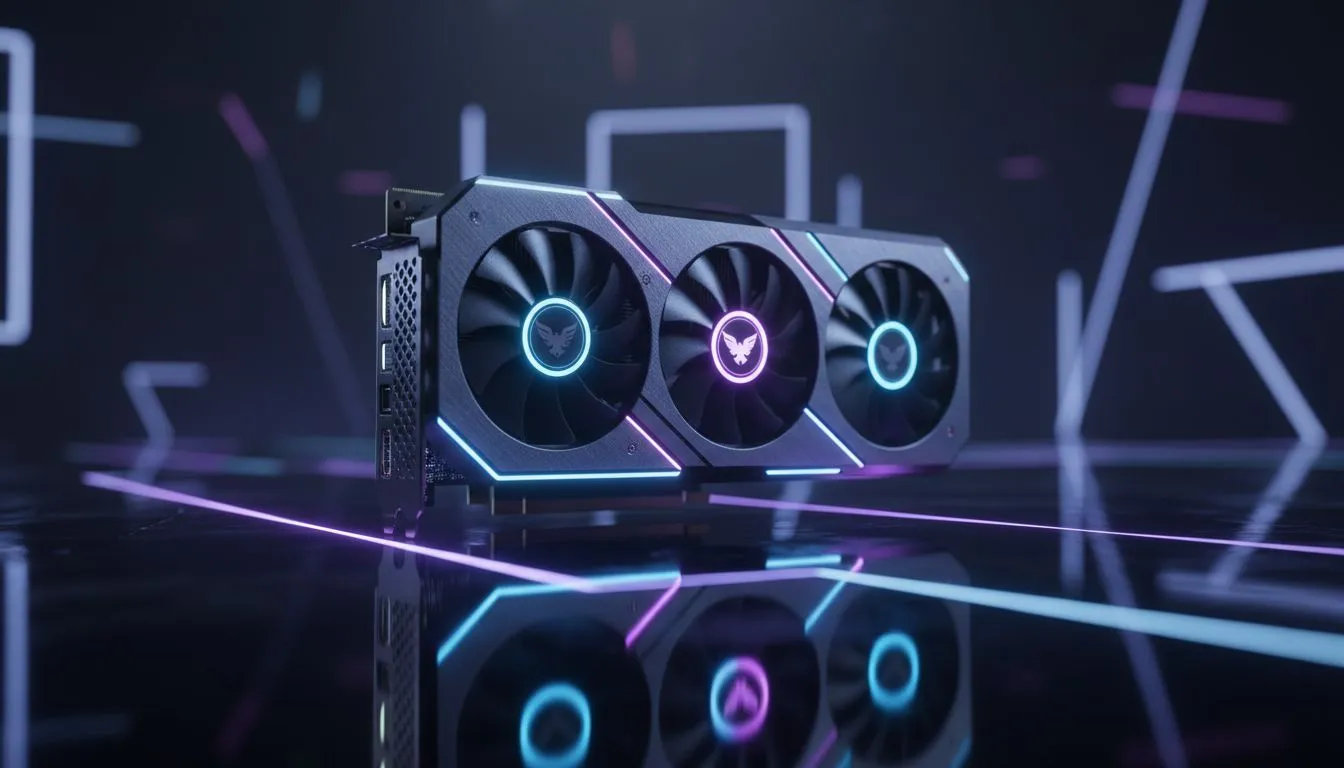
For the smoothest experience, your hardware needs to keep up with high-refresh monitors. If your current frames are stuttering, upgrading to one of the latest NVIDIA or ATI graphics cards can eliminate those micro-stutters. High FPS reduces input latency, which is the difference between a successful block-clutch and falling into the void.
Maximising Performance for Crystal PvP
Crystal PvP is arguably the most technical form of combat in the game. It requires insane clicking speeds and perfect timing. To maintain a locked 240 FPS during explosive ender crystal chains, many local pros rely on MSI graphics cards for their superior thermal management. Keeping your GPU cool ensures your clock speeds stay high during intense explosions.
If you are looking for incredible price-to-performance value in ZAR, checking out AMD Radeon graphics cards is a smart move. They offer massive VRAM buffers which help when loading complex PvP maps or large-scale Bedwars arenas.
PvP Performance Pro Tip ⚡
Use a dedicated Minecraft launcher like Lunar Client or Badlion. These clients come pre-optimised with "Frames+ " mods that can double your FPS on older systems. They also include essential PvP huds to track your CPS and reach distance in real-time.
Balancing Quality and Stability
While raw power is great, stability is king. New players often overlook Intel Arc graphics cards as a viable option for competitive play. These cards offer modern drivers that handle Minecraft’s Java-based engine surprisingly well.
For those who use their rigs for more than just gaming, such as rendering or 3D design, workstation graphics cards provide the reliability needed for long sessions. Even in a professional environment, having a stable frame rate in Minecraft ensures your break-time matches are just as smooth as your workflow. 🚀
Perfecting Your Mouse and Keybinds
The final piece of the puzzle is your sensitivity. Most pro players use a lower DPI (around 400 to 800) to ensure precision when clicking heads. Map your "Pick Block" and "Hotbar Slot 1" to your side mouse buttons. This allows for instant switching between your sword and wool blocks during a rush.
By combining these software tweaks with the right hardware, you will find that the best PvP settings for Minecraft: Crystal PvP & Bedwars are the ones that let you play without thinking about your PC. ✨
Ready to Dominate the Leaderboards? The right settings only take you so far... you need the hardware to back it up. For maximum power, choice, and value in South Africa, Evetech has the gear you need. Explore our massive range of graphics card specials and find the perfect upgrade to conquer your next Bedwars match.











