

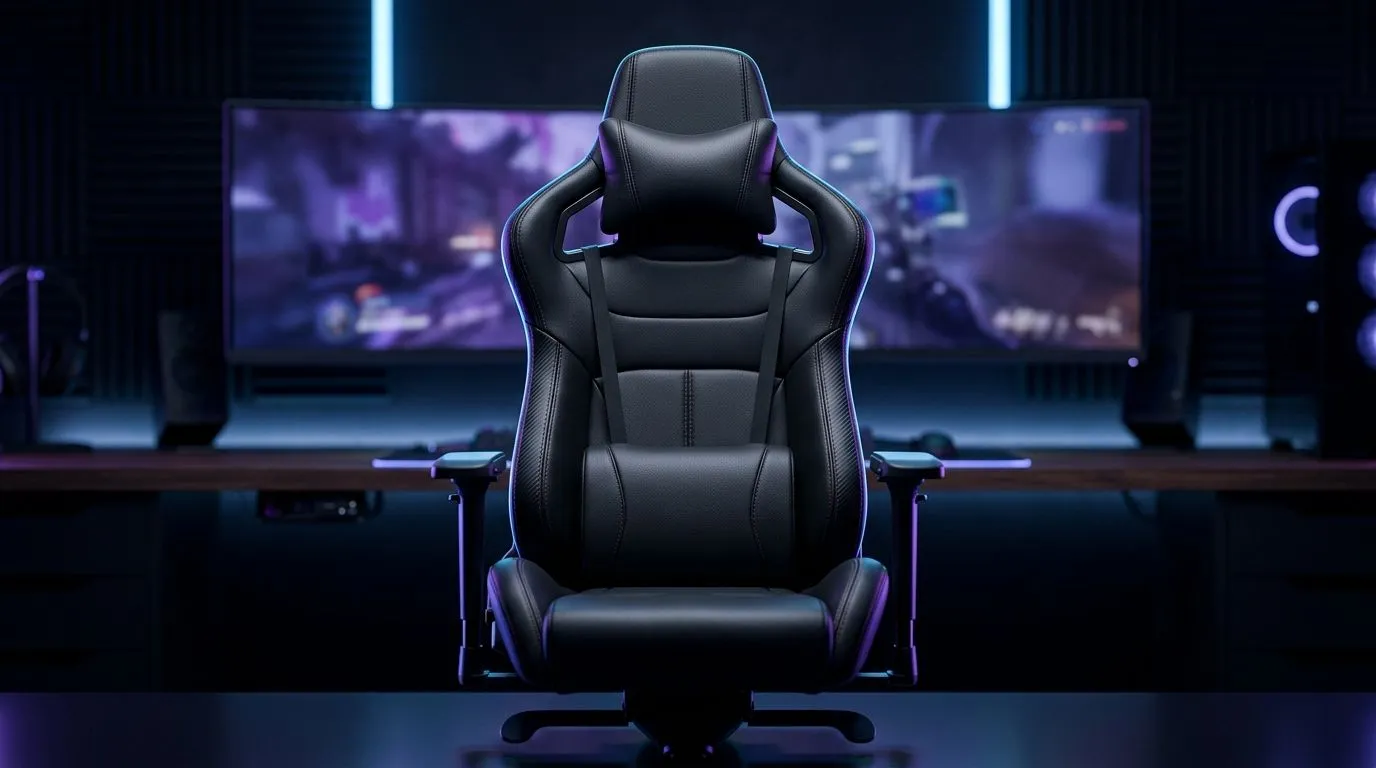
How to Clean and Maintain Soft PU Leather Gaming Chairs
If your gaming chair is starting to look a bit tired after long sessions, you are not alone. South African gamers put in serious hours... and soft PU leather takes the knocks. Dust, sweat, snack crumbs, and sunlight all add up fast. The good news? A little routine care keeps your chair looking sharper for longer, and it helps protect the comfort you paid for 🔧
How to Clean and Maintain Soft PU Leather Gaming Chairs Without Damaging the Finish
Soft PU leather is popular because it feels smooth, looks premium, and is easier to wipe down than fabric. But it still needs the right care. Harsh chemicals, rough cloths, and too much water can wear the surface down early.
Start with a gentle weekly clean
Use a soft microfibre cloth to remove dust first. Then lightly dampen another cloth with clean water and wipe the chair down. If needed, add a tiny amount of mild soap. Keep it simple. You are cleaning the surface, not scrubbing a stubborn floor tile.
Avoid these common mistakes
- Do not use bleach or ammonia-based cleaners
- Do not soak the material
- Do not use abrasive sponges
- Do not leave the chair in direct sun for long periods
Heat and UV exposure can make PU leather dry out and crack faster. That matters in SA, where sunny rooms and home offices can get warm quickly.
Deal with spills immediately
If you spill coffee, energy drink, or water, blot it straight away. Do not rub. Rubbing pushes liquid deeper and can spread the stain. A dry cloth first, then a lightly damp one, usually does the trick.
Maintenance Pro Tip ⚡
Give your chair a quick 2-minute wipe every Friday. It stops grime from building up, and it is far easier than trying to revive a neglected surface later. A small habit saves a lot of wear.
How to Clean and Maintain Soft PU Leather Gaming Chairs for Longer Lifespan
A chair lasts longer when you treat it like part of your setup, not just furniture. If you already care about your gaming desk and cable management, your seat deserves the same attention. For readers upgrading their battlestation, Evetech’s gaming desks can help build a cleaner, more organised space around your chair.
Use the right environment
Try to keep the chair away from direct sunlight and open windows where dust builds up. If you have air conditioning or a fan, angle it so it does not constantly blow dust and dry air onto the chair.
Check moving parts while you clean
While wiping the upholstery, take a moment to inspect the wheels, armrests, and tilt mechanism. Tighten loose screws if needed. A chair that feels solid is usually more comfortable and safer over time.
Rotate your habits too
If you always sit in the same position, the same side of the cushion gets all the pressure. Shift your posture now and then. It helps reduce uneven wear.
How to Clean and Maintain Soft PU Leather Gaming Chairs With the Right Accessories
If you are choosing a new chair or comparing models, it helps to think beyond looks. Build quality, stitching, padding, and base stability all matter for daily use. Evetech’s AutoFull gaming desks and setup options are worth a look if you want a matching, premium-feeling setup.
Small upgrades that protect your chair
- Use a desk mat to reduce debris around the chair base
- Keep drinks on a separate surface
- Vacuum the room regularly to cut dust
- Consider a chair cover if the room gets very dusty
These small steps are practical, especially in busy homes or shared gaming spaces.
How to Clean and Maintain Soft PU Leather Gaming Chairs With Brand-Specific Care in Mind
Different gaming chair brands can vary in feel and finish, so always check the care instructions that came with your model. Evetech also stocks Arozzi gaming desk options and Nitro gaming desk options, which can help you match your seating and desk setup for a cleaner overall workspace.
When to deep clean
A deeper clean every month or two is usually enough for most users. If you game daily, have pets, or snack at your desk, you may need to do it more often. Keep it light, consistent, and gentle.
Signs your chair needs attention
- The surface looks dull
- Dust is collecting in seams
- The seat feels sticky
- The colour looks patchy from sun exposure
Catch these early, and the chair stays looking newer for longer 🚀
Final practical advice for South African gamers
Looking after soft PU leather gaming chairs is not difficult. It is mostly about consistency. Wipe gently, avoid harsh chemicals, keep it out of strong sun, and check the frame as you go. That is how you protect comfort and stretch the life of your setup without spending extra on replacements too soon.
Ready to Find Your Perfect Match? The Mac vs Windows debate is complex, but for maximum power, choice, and value in South Africa, Windows is hard to beat. Explore our massive range of laptop specials and find the perfect machine to conquer your world.











