

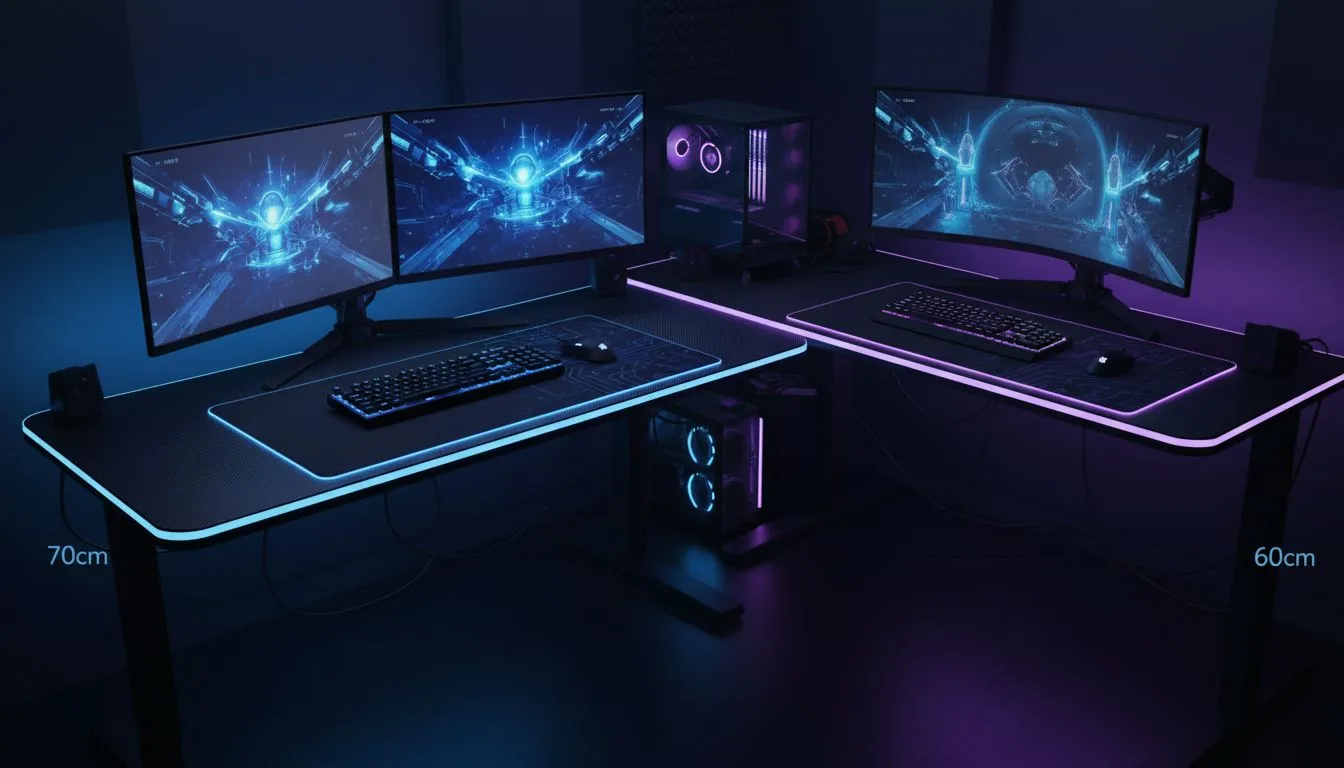
Finding the Sweet Spot for Your Dual Monitor Setup
Setting up a dual-monitor rig in a South African home office or bedroom often comes down to one crucial measurement: desk depth. If you choose poorly, those screens will be right in your face. Or worse, you will have no space for your keyboard and mouse. Let's settle the desk depth for dual monitors debate so you can game in total comfort. 🔧
Why 60cm Might Feel Too Small
Most standard office furniture in South Africa sits at a 60cm depth. While this works for a single laptop, it often fails when you add two large panels. When you place two 27-inch monitors on a shallow surface, they dominate your field of view. This can lead to neck strain because you are constantly turning your head.
If you are working with a tight space, choosing a versatile gaming desk from a reputable range can help. However, you must consider how much of that 60cm is taken up by the monitor stands themselves. Many modern stands are bulky... they can easily eat up 20cm of your usable surface.
The Ergonomic Advantage of 70cm Depth
Stepping up to a 70cm depth is the preferred choice for serious gamers and professionals. This extra 10cm provides a better focal length between your eyes and the screens. It allows you to push the monitors further back... creating a more natural viewing angle.
Premium options like AutoFull gaming desks are designed with these ergonomic needs in mind. That additional depth means your wrists and forearms can rest fully on the desk surface. This reduces the risk of carpal tunnel during those marathon sessions in Cape Town or Joburg.
Ergonomic Pro Tip ⚡
To find your ideal monitor distance, sit back in your chair and extend your arm. Your middle finger should just barely touch the screen. If the screen is closer than your fingertips, you need more desk depth or a monitor arm to reclaim your space.
Reclaiming Space with Monitor Arms
If you are stuck with a 60cm desk, there is a workaround. Using a dual monitor mount can free up a massive amount of "real estate" on your desktop. By removing the original stands, you gain back the area directly under the screens.
Brands like Arozzi desks often feature cable management systems that complement these mounts perfectly. Keeping your cables tucked away makes a shallow desk feel much larger than it actually is. It also keeps your setup looking clean and professional for those Zoom calls or Twitch streams. 🚀
Making the Right Choice for Your Budget
In South Africa, we often have to balance performance with price. You might find a 60cm desk for a few hundred ZAR less than a 70cm model. However, the long-term comfort is usually worth the small extra investment.
If you are looking for high-quality builds that do not break the bank, Nitro desks offer excellent stability for dual-monitor configurations. Always check the weight capacity before buying... two monitors and a heavy mechanical keyboard add up quickly. ⚡
Summary: 70cm vs 60cm Explained
If you have the floor space, 70cm is the clear winner for desk depth for dual monitors. It offers better ergonomics, more room for peripherals, and a less cluttered feel. Only stick to 60cm if you are using monitor arms or have a very small room. Your eyes and your neck will thank you for the extra breathing room. ✨
Ready to Find Your Perfect Match? Choosing the right desk depth is the foundation of a great setup, but quality matters just as much. For the best selection of ergonomic surfaces in South Africa, we have you covered. Explore our massive range of gaming desks and find the perfect hub for your dual-monitor empire.











