

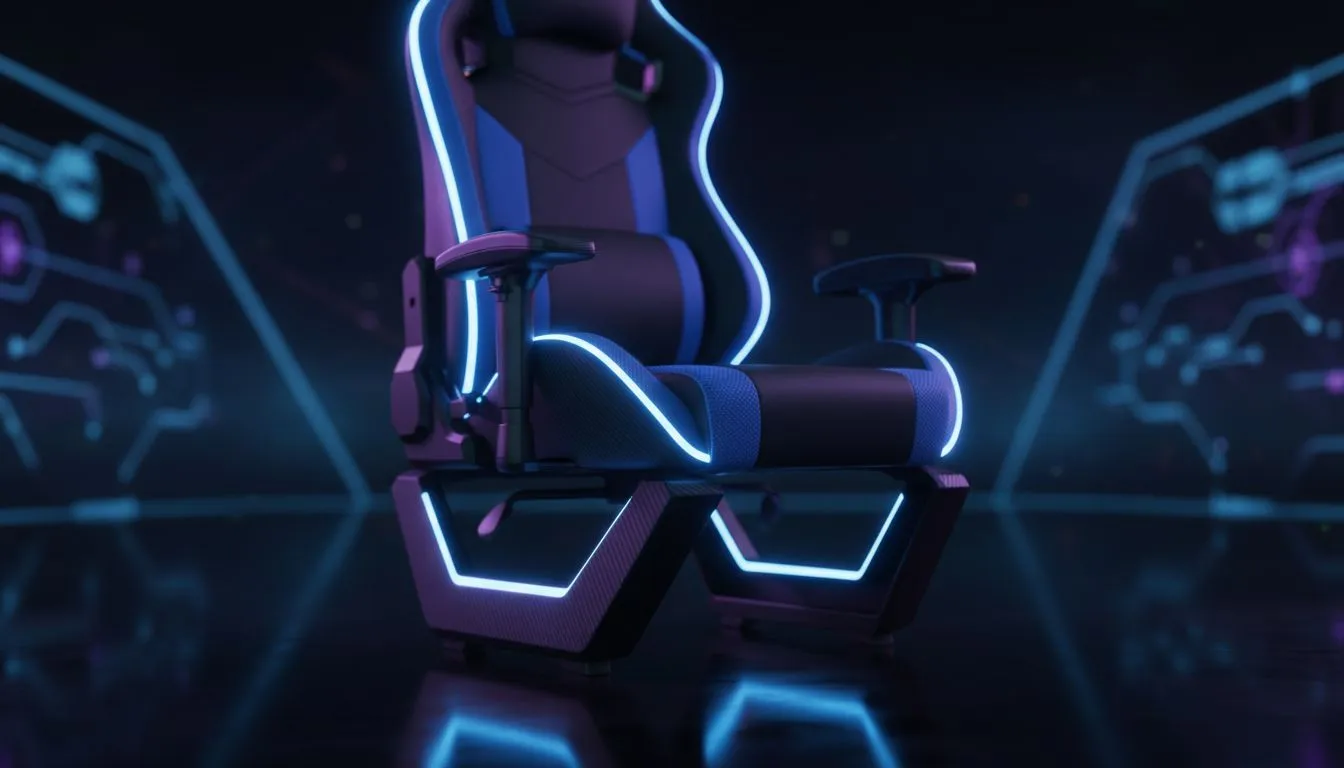
Quick hook: start with posture, not pain
South African gamers, tired of neck strain after long raids? Ergonomic Gaming Chair Setup for Proper Posture is the short phrase you need to remember — and this quick guide shows exactly how to sit, adjust and game without the ache. Whether you play in Cape Town or Jozi, small tweaks to your chair will protect your back and keep your K/D ratio sharp. 🎮
Ergonomic chair setup essentials for proper posture
The core of any ergonomic gaming chair setup is simple: neutral spine, feet flat, elbows relaxed. Start with the base: adjust seat height so your knees sit at roughly 90 degrees and your feet are flat on the floor. If you’re shopping local, browse the full Evetech gaming chair range to compare styles and materials — a good place to begin is the main chairs collection. https://www.evetech.co.za/components/gaming-chairs-south-africa-213
Ergonomic gaming chair setup: step-by-step adjustments
Step 1: lumbar support. Use the chair’s lumbar pillow or adjust built-in support until you feel a gentle inward curve in your lower back. Step 2: armrests. Set them so your shoulders relax and forearms are parallel to the desk. Step 3: recline and lock. A 100–110 degree tilt is comfortable for long sessions. If you’re working with a tighter budget, check chairs starting from about R5,449 for reliable support and features. https://www.evetech.co.za/components/gaming-chairs-south-africa-213?min-price=5449
Ergonomic gaming chair setup: positioning and monitors
Screen height matters as much as the chair. Top of your monitor should sit at or just below eye level. For brand-specific options, compare Vertagear designs known for adjustability and breathable fabrics. https://www.evetech.co.za/components/gaming-chairs-south-africa-213?category=Vertagear+Gaming+Chairs
Ergonomic gaming chair setup: quick habits that help
Micro-breaks reset posture. Every 30–45 minutes stand, stretch the chest and hips, and reset your chair adjustments if you slump. If you prefer premium foam and refined aesthetics, Noblechairs offer luxury options that pair form with function. https://www.evetech.co.za/components/gaming-chairs-south-africa-213?category=Noblechairs+Gaming+Chairs
Ergonomic gaming chair setup: buyer tips and materials
Leather-look covers are easy to clean but can trap heat; mesh breathes better. Balance durability, comfort and resale value. Curious about colourful, gaming-centric designs? Gamdias has bright, feature-rich chairs to match your rig. https://www.evetech.co.za/components/gaming-chairs-south-africa-213?category=Gamdias+Gaming+Chairs ✨
Setup Pro Tip 🔧
Sit back into the lumbar support first, then set seat depth so two fingers fit behind your knee. Small angle and height tweaks are more effective than big changes.
Final nudges: make the setup your routine
Test adjustments during a live game session, not just while idle. Log what works and tweak weekly. Proper setup prevents pain and keeps you playing longer.
Ready to Find Your Perfect Match? The Mac vs Windows debate is complex, but for maximum power, choice, and value in South Africa, Windows is hard to beat. Explore our massive range of laptop specials and find the perfect machine to conquer your world.











