

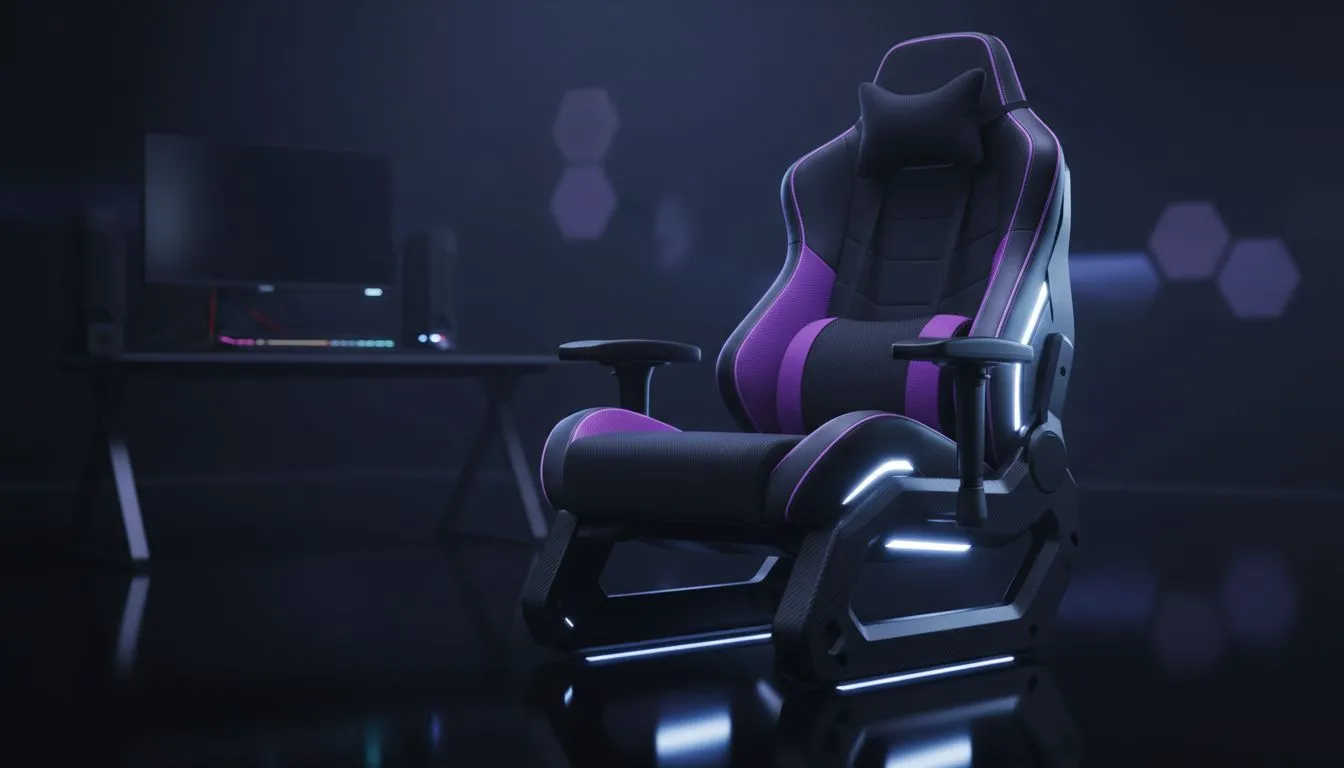
Ergonomic Home Office Setup for Work and Play
South African gamers: tired of wrist aches after a 9-to-5 and another evening of raids? Build an ergonomic home office setup for work and play that actually supports long days and late-night sessions. Start small — chair, desk height, keyboard and mouse — and you’ll feel the difference within a week. 🔧
Ergonomic home office setup for comfort and focus
A good setup balances posture for work tasks and quick reactions for play. Choose a desk that lets your forearms sit parallel to the floor and your monitor top at eye level. If you’re shopping for the right keyboard, check Evetech’s guide to the cheapest gaming keyboards in South Africa for budget options budget gaming keyboard selection — they list compact, full‑size and tenkeyless choices that suit both spreadsheets and FPS.
For brand-specific feel tests, compare Razer and Glorious options to match switch type and layout. See Razer models Razer gaming keyboards and Glorious picks Glorious keyboards so you can try before committing.
Ergonomic home office setup: peripherals that reduce strain
Switch selection matters. Wireless keyboards clear cable clutter and let you angle a keyboard or move it forward for a better wrist posture — browse wireless options here wireless keyboards. Prefer absolutely zero latency and consistent power? Wired keyboards remain popular wired keyboards.
Mice are equally important. A lightweight, ergonomic mouse reduces wrist torque during long sessions; start with Evetech’s gaming mouse category to compare shapes and sensor specs gaming mice. For deals, check curated sales and bundles best gaming mouse deals. If you prefer wireless, see Evetech’s wireless mouse range buy wireless mouse; wired fans can browse high-performance wired options buy wired mouse. Don’t forget mouse accessories like skates and grips for personalised feel mouse accessories. ✨
Productivity Pro Tip ⚡
On Windows, use the PowerToys FancyZones utility to create custom snap layouts for your windows. It's a lifesaver for managing multiple apps on an ultrawide monitor, letting you organise your timeline, preview window, and asset folders perfectly for video editing.
Ergonomic home office setup: small changes that matter
Practical, testable changes beat theory. Raise or lower your chair in 5 mm steps until your wrists are neutral. Swap keycaps or switches if a keyboard causes finger fatigue. Swap between claw and palm grip in-game to find what keeps your forearm relaxed. Keep a water bottle and take micro-breaks every 45–60 minutes to reset posture and focus.
Ergonomic home office setup for South African homes
Space, power stability and budget are real concerns in SA. Prioritise adaptable, modular gear that fits your room and your rand. Start with a trusted keyboard and mouse combo, add a monitor arm later, and choose furniture that doubles for both work and play. Small investments (from R500 upwards on peripherals at Evetech) can stop pain and improve performance.
Ready to Find Your Perfect Match? The Mac vs Windows debate is complex, but for maximum power, choice, and value in South Africa, Windows is hard to beat. Explore our massive range of laptop specials and find the perfect machine to conquer your world.











