

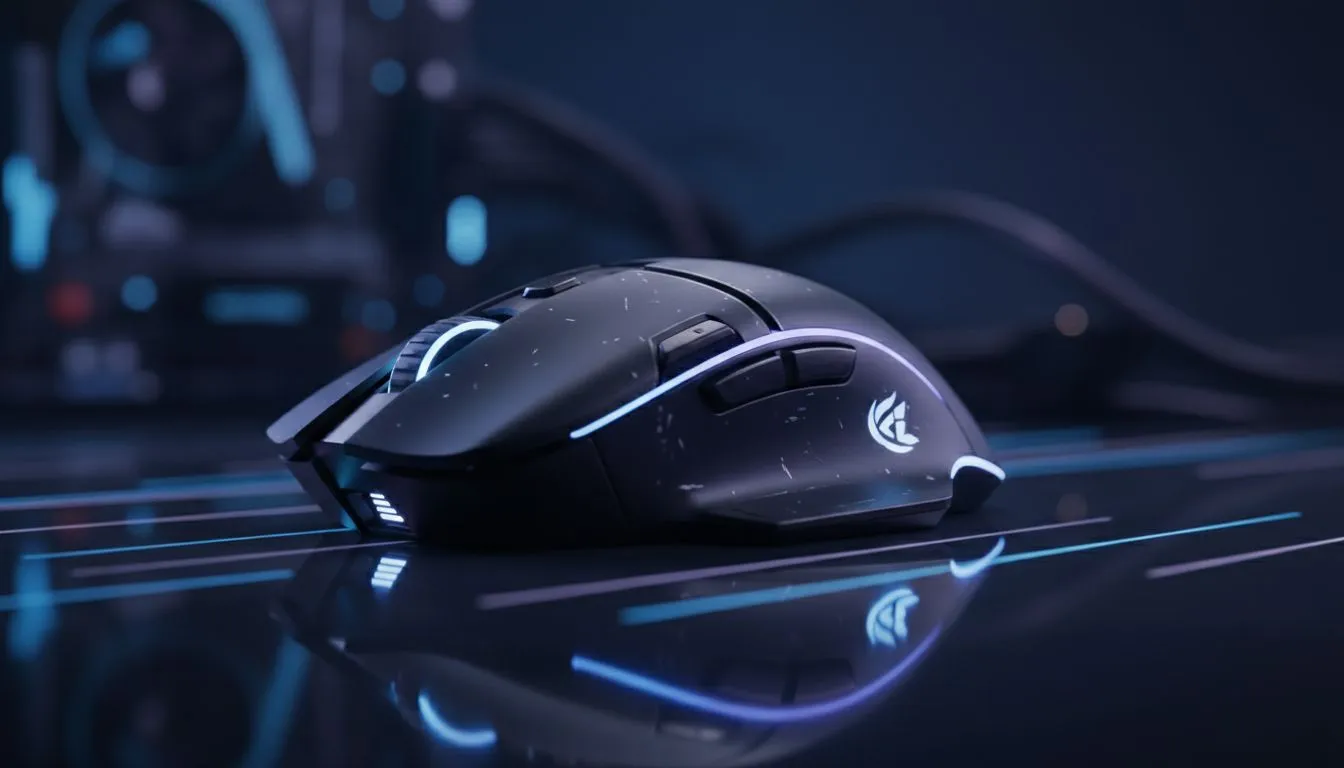
Maximising Your Wireless Gaming Mouse Efficiency
There is nothing worse than your cursor freezing mid-clutch because of a dead battery. If you want to extend wireless mouse battery life during long gaming sessions, you need a strategy. In South Africa, where load shedding can interrupt your charging schedule, keeping your peripherals powered up is essential. Whether you are climbing the ranks in Valorant or exploring open worlds, these tips ensure your gear stays alive. ⚡
Adjusting Software Settings for Longevity
The easiest way to save power is through your mouse software. Most modern peripherals allow you to adjust the polling rate. While 1,000Hz is the standard for competitive play, it drains battery much faster than 500Hz or 250Hz. For casual titles or browsing, dropping this setting can double your uptime. If you are looking to upgrade, Evetech offers a vast selection of gaming mouse options with advanced power-saving features.
Another major culprit is RGB lighting. Those vibrant colours look great, but they consume significant power. Turning off the LEDs or lowering the brightness to 10% can add hours to your playtime. You can often find the best gaming mouse deals on models that feature high-efficiency sensors designed to sip power rather than gulp it.
Polling Rate Pro Tip ⚡
For competitive shooters, keep your polling rate at 1,000Hz. However, when you switch to strategy games or daily office work, drop it to 125Hz or 250Hz. This simple change can significantly extend the time between charges without affecting your productivity.
Smart Power Management Habits
How you use your mouse between matches matters just as much as your settings. Always use the physical "off" switch when you step away from your desk. Even if your mouse has an "auto-sleep" mode, it still consumes a tiny amount of power to stay ready for wake-up. When you buy wireless mouse hardware, look for those with dedicated "Low Power" or "Efficiency" modes in their software suites.
If the anxiety of a dying battery is too much, you might consider a different approach. Some players choose to buy wired mouse setups to eliminate the battery variable entirely. However, for those committed to the wire-free life, you can also buy mouse accessories like power-play mats or high-quality rechargeable batteries to keep things running smoothly. 🔧
Hardware Considerations for South African Gamers
With high-end gaming mice often costing upwards of R1,500, protecting your investment is vital. Ensure your wireless receiver is close to your mouse pad... this prevents the mouse from boosting its signal strength to maintain a connection, which saves battery. Keep your firmware updated, as manufacturers often release patches that optimise power consumption. By following these steps, you can focus on your game instead of your battery percentage. 🚀
Ready to Find Your Perfect Match? Staying powered up is the key to victory. For the best performance, choice, and value in South Africa, our range of peripherals is hard to beat. Explore our massive range of gaming mouse specials and find the perfect tool to conquer your next session.











