

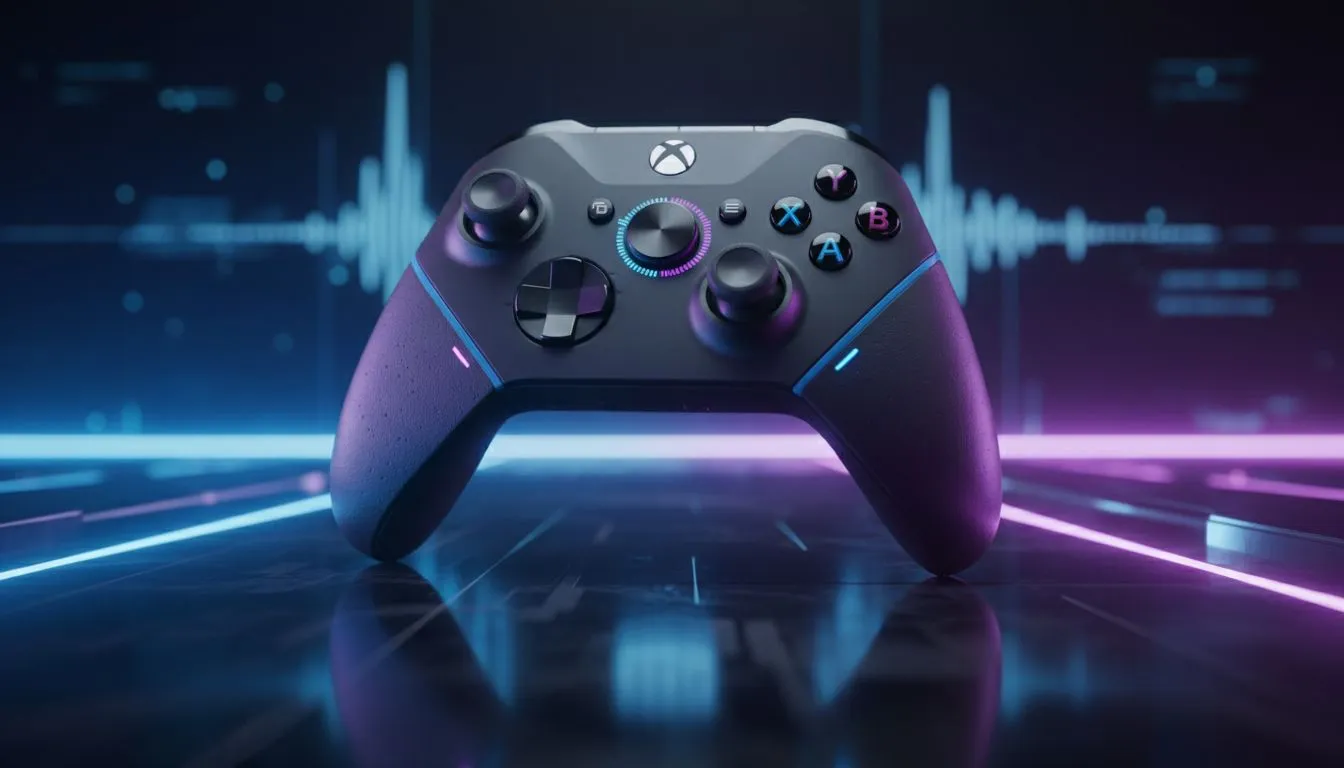
Ever been in a high-stakes Warzone match where your teammate’s background noise drowns out the enemy's footsteps? Balancing audio is a nightmare. Understanding how a game and chat mix Xbox controller works can save your sanity and your K/D ratio. In South Africa, where competitive play is heating up, getting your audio levels right is the secret weapon you didn't know you needed. 🚀
Understanding the Game and Chat Mix Xbox Controller
The core concept is simple. A game and chat mix Xbox controller allows you to independently adjust the volume of your game world and your party chat. Instead of digging through messy software menus mid-fight, you use physical buttons or dials. It helps you prioritise what matters in the moment.
Most standard pads require you to use the Xbox Guide menu. This takes your hands off the sticks. However, when you browse the latest gaming controllers, you will notice that premium models often include dedicated mapping for these functions. It keeps you in the action while you optimise your acoustic environment.
When Should You Use Audio Mixing?
There are specific moments when this feature becomes essential. If you are playing a narrative-driven game like Elden Ring, you might want the atmospheric music to swell. But if a friend joins your party to chat, you need to find a balance.
In competitive titles, the stakes are higher. You might need to mute a "tilted" teammate quickly to hear footsteps. Alternatively, you might want to boost chat volume during a complex raid strategy in Destiny 2. Having this control at your fingertips is a massive advantage for South African gamers playing on high-latency servers... every audio cue counts.
Pro Audio Tip 🎧
When setting up your mix, always start with game audio at 60% and chat at 40%. This provides a baseline that prevents "clipping" or audio distortion during loud explosions. You can then tweak the balance using your controller's on-board buttons without ever pausing the game.
Choosing the Right Hardware for the Job
Not all controllers are built the same. If you want the best experience, you should look at Razer’s range of controllers available locally. These devices often feature "Agile Control" systems. This allows for remappable buttons that can handle your volume shifts instantly. 🔧
For those who take their performance seriously, the Razer Wolverine V3 Tournament Edition 8K is a standout choice. It offers incredible polling rates and tactile buttons. While it focuses on speed, its customisation software lets you manage how you interact with your console’s audio. It is a premium investment for players who want to eliminate every possible distraction. ✨
Why Physical Controls Beat Software
Software sliders are slow. In the heat of a match, you cannot afford to open a menu. A physical game and chat mix Xbox controller uses hardware-level integration to shift the bias. It works by telling the console to reroute power to specific audio channels.
This is especially useful if you use a wired headset plugged directly into the 3.5mm jack. In South Africa, where high-quality gear can cost several thousand ZAR, getting a controller that maximises your current headset's potential is a smart financial move. It ensures you get the most out of your setup without needing expensive external mixers. ⚡
Ready to Master Your Audio? Don't let bad volume levels cost you the win. Whether you need a competitive edge or just want to hear your friends more clearly, the right gear makes all the difference. Explore our massive range of gaming controllers and find the perfect match for your Xbox or PC setup today.











