

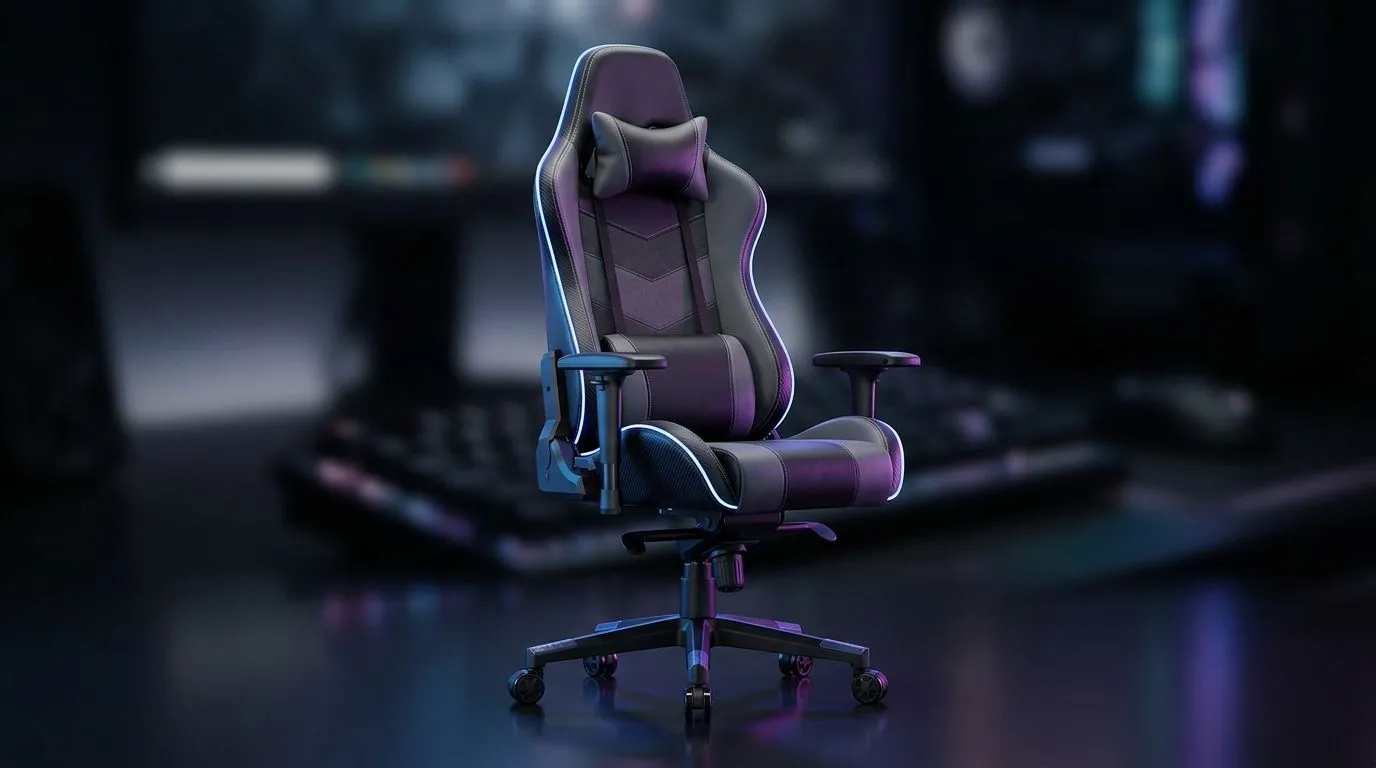
How to Set Up a Gaming Chair for Perfect Ergonomics and Comfort
A great chair can save your back, but only if you set it up properly. Too many gamers in South Africa buy a premium seat, then sit in it like a dining chair. That’s a fast route to sore shoulders, numb legs, and a tired neck after one long ranked session. The good news? A few small adjustments can make your setup feel far more supportive, more comfortable, and less fatiguing 🔧
Gaming Chair Ergonomics Basics for Better Comfort
When people talk about gaming chair ergonomics, they usually mean three things... posture, support, and fit. Your chair should help your body stay relaxed without forcing you into a rigid position. That starts with the seat height. Your feet should rest flat on the floor, with your knees close to a 90-degree angle. If your chair is too high, your thighs lose support. Too low, and your hips take the strain.
Next, check the backrest. It should support the natural curve of your lower back. If your chair has lumbar support, place it where the small of your back sits, not too high. A headrest should support the upper neck area gently, not push your chin forward. These basics matter whether you’re gaming, working, or both.
How to Adjust a Gaming Chair Step by Step
Start with the height. Raise or lower the seat until your elbows sit roughly level with your desk. That keeps your shoulders relaxed and your wrists happier during long sessions. If your desk is fixed-height, you may need to adjust the chair first, then fine-tune the armrests.
Now move to the armrests. Your forearms should rest lightly without lifting your shoulders. If the armrests are too high, you’ll feel tension in the neck. If they’re too low, your arms do the work. The aim is easy support, not pressure.
Tilt is next. A small recline can reduce spinal load during breaks. It’s a simple comfort upgrade, especially for longer play sessions or late-night work. And yes, a proper gaming chair setup should change slightly depending on what you’re doing. Competitive gaming, casual streaming, and office work all ask a little differently of your body.
Quick Comfort Check ⚡
If you can sit back, relax your shoulders, and place both feet flat on the floor without slouching, your chair is probably close to the right setup. Small changes matter more than expensive accessories.
Gaming Desk Position and Chair Pairing Matter Too
A chair is only half the story. Your desk height, monitor position, and keyboard placement all affect comfort. If your desk sits too high, you’ll shrug your shoulders. Too low, and you’ll curl forward. That’s why many South African buyers look at a proper gaming desk alongside the chair. A stable surface helps you keep the right distance from your screen and avoids awkward reaching.
If you’re comparing desk styles, take a look at a clean, space-friendly option like this gaming desk range. If you want a specific aesthetic or brand feel, AutoFull gaming desks, Arozzi gaming desks, and Nitro gaming desks are worth a look. Pairing the right desk with the right chair can make your whole setup feel calmer and more efficient. 🚀
Common Gaming Chair Mistakes to Avoid
The biggest mistake is over-reclining. A lounge-like posture may feel nice for a minute, but it often shifts pressure away from the back support you actually need. Another common error is using the lumbar pillow too high. It should support the lower spine. Not your ribs.
Also, don’t ignore your monitor height. If the screen sits too low, your neck bends forward. Over time, that gets uncomfortable. A simple monitor riser or desk adjustment can help. Finally, don’t assume “tight = supportive”. A chair should feel secure, but it should not squeeze your body.
Make Your Setup Work for Long South African Sessions
Whether you’re grinding through a weekend tournament or working from home between matches, comfort is about consistency. Set the chair once, then check it again after a few days. Bodies adapt, and tiny adjustments often make the biggest difference.
If you’re shopping for a new setup, think beyond the look. Focus on fit, adjustability, and how the chair works with your desk. That’s the real ergonomic win... and it pays off every single day ✨
Ready to Find Your Perfect Match? The Mac vs Windows debate is complex, but for maximum power, choice, and value in South Africa, Windows is hard to beat. Explore our massive range of laptop specials and find the perfect machine to conquer your world.











