

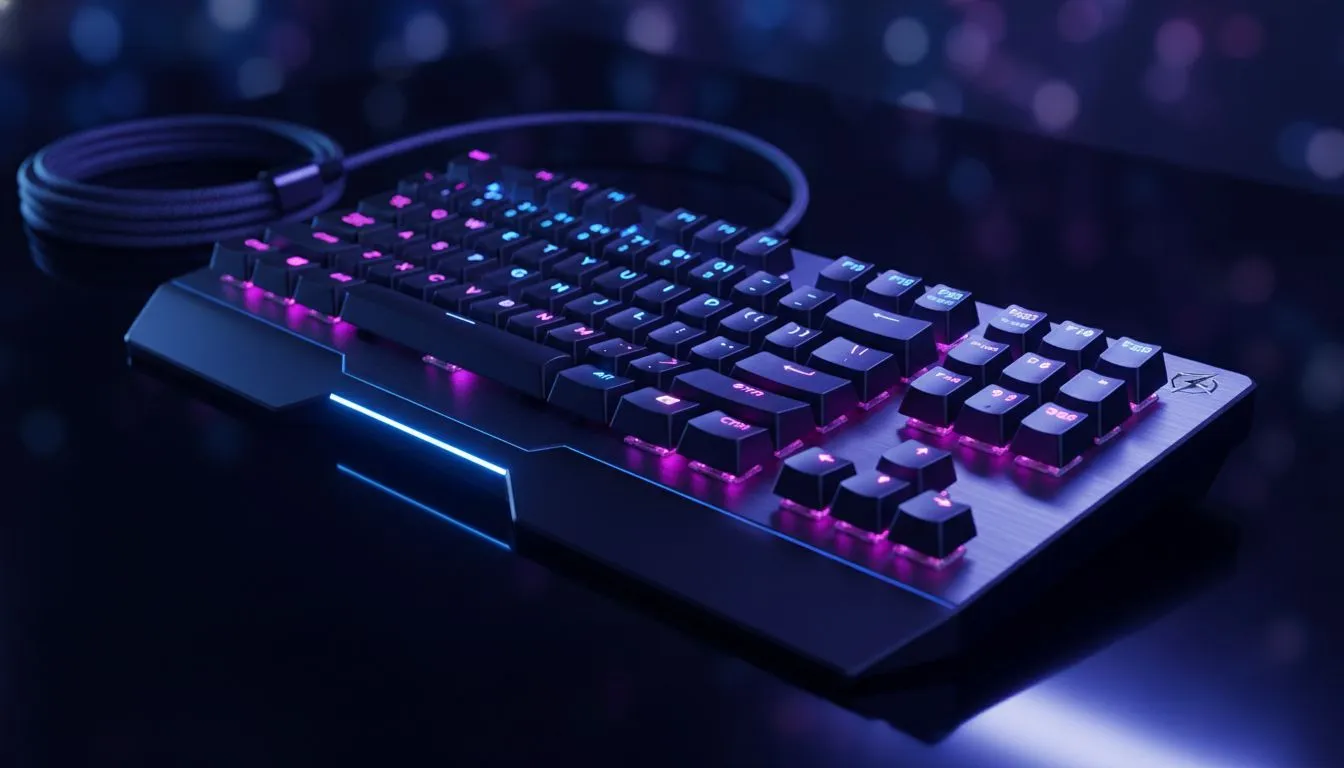
Master Your Gaming Keyboard Power Outage: Setup, USB Stability & PC Settings
There is nothing worse than your peripherals cutting out during a heated ranked match in Cape Town. Whether it is a literal power outage or a USB port failure, stability is everything. Mastering your Gaming Keyboard Power Outage: Setup, USB Stability & PC Settings ensures you never lose control when the pressure is on. Let us fix those disconnects for good. ⚡
Optimise Windows Power Settings for USB Stability
Windows often tries to be too clever with power saving. By default, the operating system may cut power to USB ports to save energy. This is a disaster for gamers who need 100% uptime. You should disable the "USB selective suspend" setting in your Power Options. This ensures that reliable wired gaming keyboards stay active even during long periods of inactivity... like when you are camping a corner in a tactical shooter.
USB Power Pro Tip ⚡
Navigate to your Windows Device Manager and find the Universal Serial Bus controllers section. Right-click your USB Root Hub and select Properties... then uncheck "Allow the computer to turn off this device to save power". This simple tweak prevents your keyboard from "sleeping" during idle moments in a long match.
Managing Wireless Connectivity and Battery Life
If you prefer a cable-free desk, power management becomes even more critical. Interference from other devices can cause micro-stutters that feel like a power outage. When browsing cutting-edge wireless keyboards, always check for low-latency 2.4GHz modes. These provide better stability than standard Bluetooth. Keep your receiver close to your mat to avoid signal drops during intense sessions. 🔧
Hardware Solutions for South African Power Challenges
Load shedding and surges are a reality for every local gamer. A sudden dip in voltage can cause your PC to reset its USB bus... leading to that dreaded "device disconnected" sound. Investing in a quality surge protector is the first step. You can also find incredible value by checking out the best gaming keyboard deals available right now. Look for models with detachable cables... they are easier to replace if a port gets damaged by a surge. 🚀
Finding the Right Balance of Performance and Price
You do not need to spend a fortune to get a stable connection. If you are building a new setup on a budget, you can find the cheapest gaming keyboard in South Africa without sacrificing essential features like anti-ghosting. Stability is often about how the hardware interacts with your motherboard... so ensure your BIOS is updated to the latest version for the best USB compatibility. ✨
Streamlining Your Desk with Reliable Bundles
Sometimes, the best way to ensure stability is to use hardware designed to work together. Using a high-performance keyboard and mouse combo can reduce the number of USB ports required... which lowers the total power draw on your motherboard's bus. This can be a lifesaver on older systems where power delivery might be inconsistent. Keep your setup lean, keep your drivers updated, and you will stay ahead of the competition.
Ready to Find Your Perfect Match? Don't let power issues or connectivity drops ruin your gaming experience in South Africa. Explore our massive range of gaming keyboard specials and find the perfect hardware to keep you in the game.











