

Optimise Your Visuals for the Win
Getting blindsided in a Los Santos shootout is frustrating. You need every advantage when the bullets start flying. Optimising your GTA Online PvP visibility settings for clearer targets is the secret to surviving. Whether you are fighting in the city or the desert... clear visuals matter. Don't let murky shadows hide your enemies. ✨
Graphics Settings for Maximum Clarity
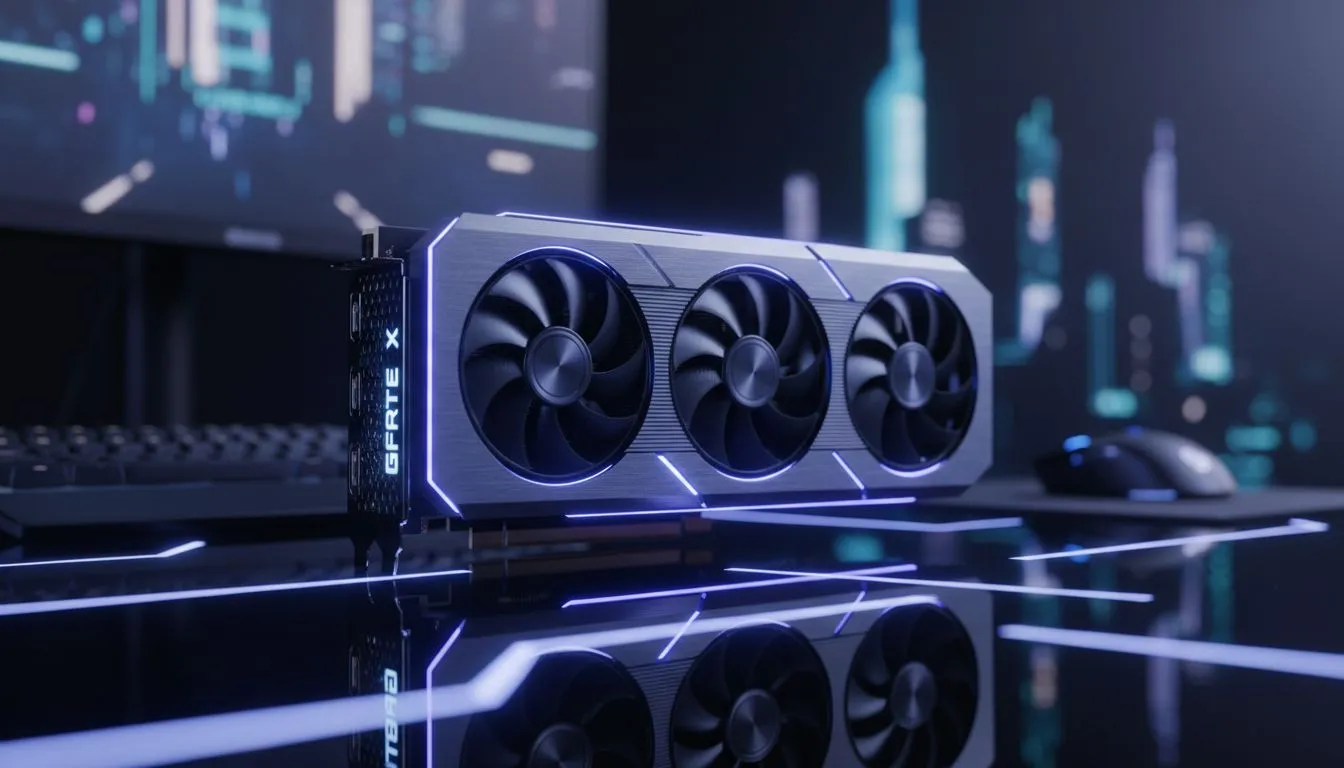
Lighting effects often hide players in dark corners. Turn off Ambient Occlusion to make character models pop. High-end NVIDIA graphics cards handle these changes easily. You want high contrast without losing detail. Shadows should be soft but distinct... helping you spot movement from afar. Many local gamers prefer MSI graphics cards for their cooling and reliability during long sessions. 🔧
Radar Awareness ⚡
Expand your mini-map in the settings menu. A larger radar helps you spot incoming Oppressors before they get in range. It is a simple tweak that saves lives in busy lobbies.
Fine-Tuning Your Hardware
If you are on a budget... Intel Arc graphics cards offer surprising value for 1080p gaming. Even workstation graphics cards can handle the job if you are dual-purposing your PC for work and play. Frame rates are just as vital as visibility. High FPS reduces input lag during intense 1v1 battles. Consider the latest AMD Radeon graphics cards for excellent raw performance. Smooth motion makes tracking fast-moving targets much easier. 🚀
Adjusting Post-Processing and Brightness
Brightness levels are often misunderstood. Most players crank it up too high. This washes out the world and makes distant players blend into the sky. Keep your brightness at a level where the Rockstar logo is barely visible. This ensures deep blacks and vibrant colours.
Post-FX settings also play a huge role. Motion blur is your worst enemy in PvP... turn it off immediately. It creates a smudge when you turn your camera. This makes it impossible to track a moving target. Depth of Field should also be disabled. You want everything in focus at all times... from the street corner to the sniper on the roof.
High-quality textures help define player silhouettes. If your PC can handle it... set texture quality to Very High. This makes the difference between a grey blob and a visible player. By perfecting your GTA Online PvP visibility settings for clearer targets... you gain a massive competitive edge in every lobby.
Ready to Dominate Los Santos? Winning in GTA Online requires the right hardware and the sharpest settings. Upgrade your rig with our latest graphics card deals and never miss a target again.











