

Quick Answer
Optimising your Ethernet connection for South African ISPs involves matching your cable category to your line speed, configuring network adapter settings in Windows or Linux, and adjusting router QoS to prioritise gaming traffic. These steps reduce latency and improve connection stability on local fibre networks.
Fibre has transformed home internet across South Africa''s major metros, but raw fibre speed does not automatically translate into optimal gaming or streaming performance. The physical Ethernet cable, network adapter settings, and router configuration all shape the experience between your ISP''s line and your gaming PC. Here is a practical optimisation guide specific to South African network conditions.
Choosing the Right Ethernet Cable Category
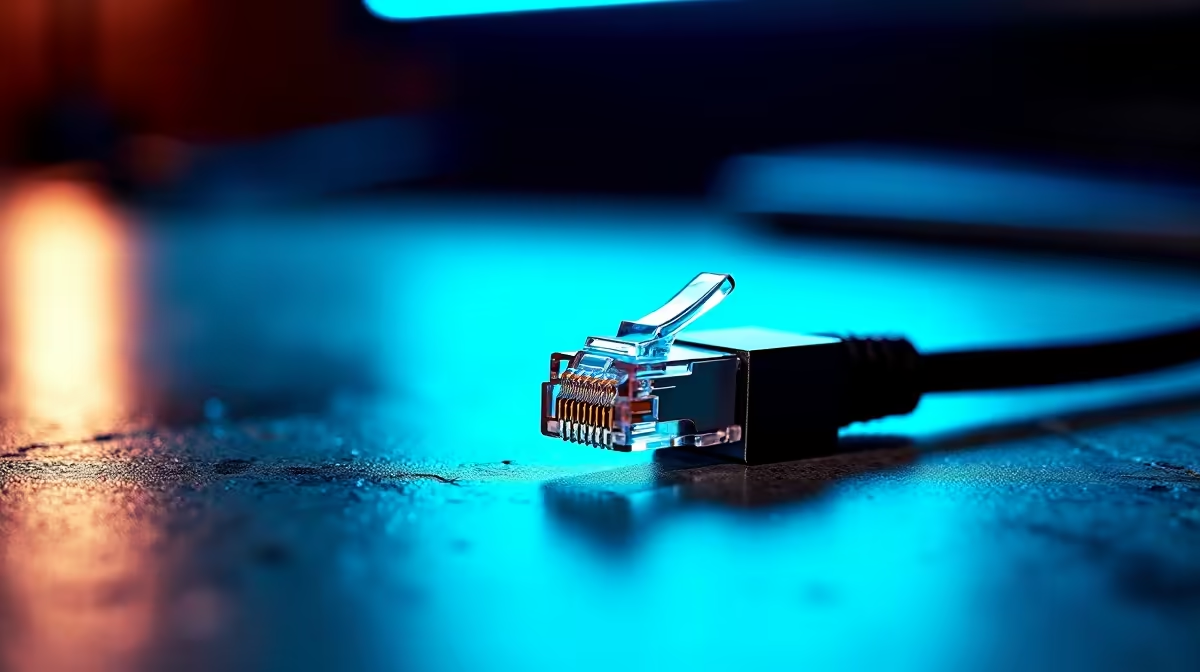
For South African fibre plans up to 1Gbps - which covers the vast majority of residential connections - Cat5e cabling is technically sufficient, but Cat6 is the recommended minimum for new installations. Cat6 handles up to 1Gbps at distances common in South African homes without degradation, offers better crosstalk rejection, and is widely available at reasonable cost. If you are cabling a dedicated gaming room or running cable through walls, Cat6a is worth the marginal additional cost for forward-compatibility with multi-gigabit connections. Avoid older Cat5 cabling if you are on a 200Mbps or faster fibre plan - it introduces unnecessary signal degradation.
Windows Network Adapter Optimisation
Windows network adapter settings default to power-saving configurations that introduce latency. For gaming, open Device Manager, navigate to your Ethernet adapter''s advanced properties, and disable Energy Efficient Ethernet (EEE) - this feature throttles the connection to save power but adds variable latency spikes. Also set Speed and Duplex to match your switch or router''s port capability (typically 1.0 Gbps Full Duplex) rather than leaving it on Auto Negotiation when possible. Disabling Interrupt Moderation can reduce latency in competitive gaming scenarios at the cost of slightly higher CPU utilisation - a worthwhile trade on modern processors.
Router QoS and Traffic Prioritisation
South African households often share a single fibre connection across multiple users and devices simultaneously - gaming, streaming, video calls, and background updates all compete for bandwidth. Quality of Service (QoS) settings on your router let you prioritise gaming traffic, ensuring your PC gets first access to upload and download bandwidth during peak household use. Most modern routers include a gaming QoS mode accessible through the admin interface. Configure it to prioritise your gaming PC''s MAC address or the ports used by your most-played games. This is especially valuable on plans of 100Mbps or lower where household contention is more impactful.
Frequently Asked Questions
Q: What Ethernet cable category should I use for fibre in South Africa? A: Cat6 is the recommended minimum for modern fibre installations. Cat5e works for speeds up to 1Gbps but Cat6 offers better noise rejection and longevity.
Q: Does disabling Energy Efficient Ethernet actually reduce ping? A: Yes. EEE introduces variable micro-latency that shows up as inconsistent ping spikes during gaming. Disabling it produces more consistent, slightly lower latency.
Q: Can QoS settings help when my household is bandwidth-heavy? A: Definitely. QoS ensures your gaming traffic is prioritised even when other household members are streaming or on video calls, maintaining stable ping during shared internet use.
Ready to Find Your Perfect Match? Shop networking gear and gaming PC components at Evetech.











