


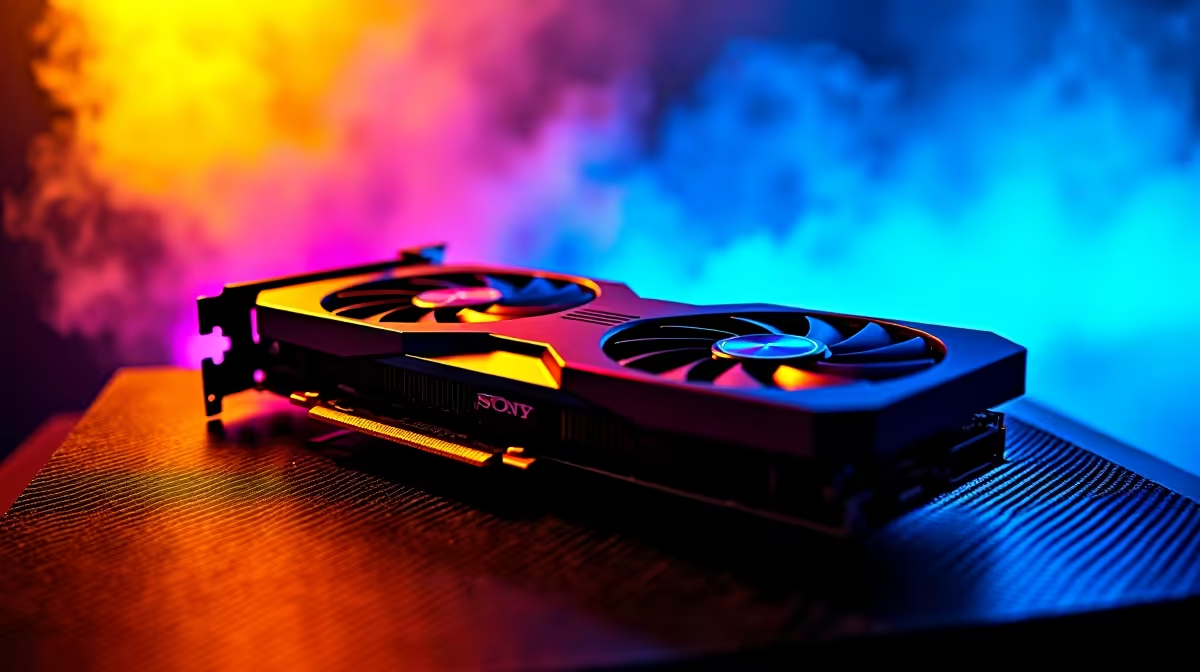
Unlock Maximum FPS with RTX 4080 Super Settings in South Africa 🇿🇦
If you’re gaming in South Africa, squeezing every frame out of your RTX 4080 Super matters. Whether you’re on fibre or battling Wi-Fi hiccups, optimising your GPU settings lets you enjoy smoother gameplay and sharper visuals, especially in fast-paced titles. In a market where every rand counts, knowing how to tweak your RTX 4080 Super can boost performance without breaking the bank. Let’s dive into these expert tips so you can dominate your multiplayer nights with confidence. 🔧
Why Optimising RTX 4080 Super Settings Sharpens Your Gameplay
The RTX 4080 Super is a powerhouse, but defaults aren’t always perfect for South African rigs, where power fluctuation or thermal conditions vary. Adjusting settings like DLSS, ray tracing, and refresh rates makes a huge FPS difference. Not only does this extend your card's lifespan, but it also keeps your rig cooler under load—a real bonus here with our summer heatwaves. Explore custom graphics cards to find models with better cooling suited to these tweaks at Evetech’s graphics cards page.
Step-by-Step: Optimise Your RTX 4080 Super for Max FPS
1. Tweak DLSS Settings for an FPS Boost
DLSS (Deep Learning Super Sampling) uses AI to upscale lower-res frames. Switching DLSS to “Performance” mode instead of “Quality” can give you 10-15% extra FPS without perceptible sharpness loss — ideal on South African monitors limited to 60Hz or 144Hz. Check your in-game settings or Nvidia Control Panel for DLSS options.
2. Ray Tracing—Balance Visuals and Speed
Ray tracing is stunning but hungry for power. Disable it selectively in competitive games or set it to “Medium” rather than “Ultra.” For cinematic or immersive titles, try toggling ray tracing off/on to check which brings you smoother gameplay without killing immersion.
3. Cap Your Frame Rate to Your Monitor’s Refresh Rate
Uncapped FPS causes your GPU to run hotter and waste power. Cap your FPS to your monitor’s refresh rate (e.g., 144Hz or 240Hz). This reduces GPU stress and enhances consistency, preventing screen tearing without dropping frames.
4. Manage Power and Temperature Limits
South African power grids sometimes fluctuate. Use Nvidia’s Power Management mode set to "Prefer maximum performance” and adjust your fan curve aggressively in software like MSI Afterburner. This keeps temps healthy and your performance steady even during peak hours.
Smart Cooling Tip
Lower your fan curve by 5% to shave off 2°C—quieter rig, same FPS. A cool card clocks better and lasts longer in our climate
Additional South African Gaming Essentials
Considering a fresh build or upgrade? Browse Evetech’s gaming PC deals tailored for local gamers. These pre-tested rigs are optimised for South African power and internet conditions. If you prefer ready-to-go systems, check pre-built PCs with RTX 4080 Super options already tuned for max performance.
For gamers on the move, the right gaming laptop also benefits from personalised RTX optimisations. Look for laptops with advanced cooling and the ability to tweak Nvidia settings to suit your preferred balance of visuals and FPS.
Finally, keep an eye on Evetech’s specials page for discounted components or bundled deals that help you upgrade your rig without blowing your budget during seasonal sales.
Fine-Tune and Dominate SA’s Competitive Gaming Scene 🚀
Optimising your RTX 4080 Super is more than just about raw power; it’s about adapting to your environment. South Africa’s unique energy landscape and heat levels demand a pragmatic approach to GPU settings. Play smart, save rand, and enjoy silky-smooth performance whether you game solo or squad up with friends. The RTX 4080 Super can shine brilliantly when you tweak with intention.
Elevate Your Gaming Setup Today Ready for performance that leaps ahead? Shop now at Evetech for tailored RTX 4080 Super deals that match your South African gaming needs.











