

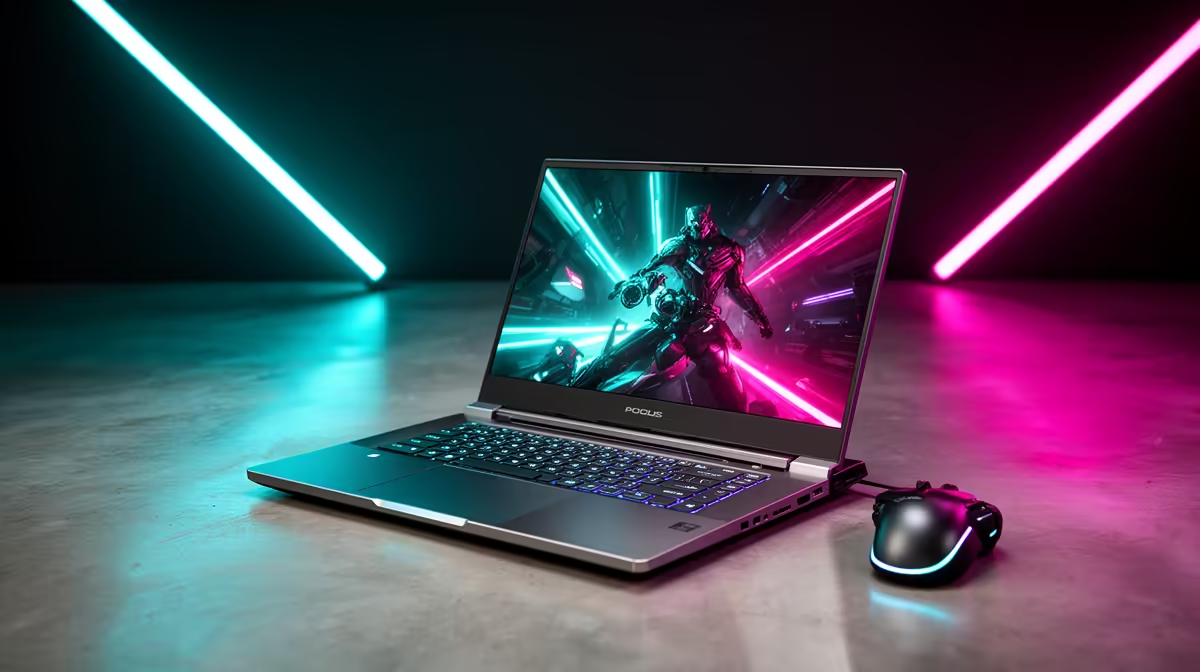
So, you've just unboxed your brand-new HP Victus 15. Lekker! You're holding the heart of a seriously capable gaming rig. But a powerful laptop is only half the battle... the right peripherals transform your desk from a study spot into an immersive command centre. Whether you're on a student budget or ready to build your dream station, we've got the perfect HP Victus 15 gaming setup ideas for every South African gamer.
Starting Point: The Core Components
Before we dive into peripherals, let's appreciate the canvas. The HP Victus 15 is a popular choice for a reason: it strikes a fantastic balance between performance and price. Whether you've opted for a model with a powerful Intel processor or one from the versatile AMD laptop range, you have a solid foundation. The goal now is to build an HP Victus 15 gaming setup that complements its power without breaking the bank.
The beauty of a laptop-based setup is modularity. You can start small and upgrade piece by piece. Let's break it down by budget.
The Budget-Conscious Battlestation (Under R5,000)
This setup is all about smart choices and maximising bang-for-your-buck. The focus here is on core functionality that offers a significant upgrade over using the laptop's built-in keyboard and trackpad.
Essential Peripherals on a Shoestring
Your first priority should be a decent mouse and an external monitor. Forget fancy features for now; we need reliability.
- The Monitor: Even a basic 24-inch 1080p monitor is a massive step up. It provides more screen real estate and better ergonomics, saving your neck during long sessions.
- The Mouse: A reliable wired gaming mouse from a reputable brand offers low latency and accuracy that a standard office mouse just can't match.
- The Keyboard & Headset: Use the laptop's excellent keyboard for now. For audio, a simple pair of in-ear headphones will do the trick for positional audio in games like Warzone or Valorant.
This starter HP Victus 15 gaming setup proves you don't need to spend a fortune to have a great experience. Many gamers start here before exploring the best gaming laptop deals for their next big upgrade.
Cable Management Hack 🔧
Use a few reusable velcro cable ties and some adhesive clips under your desk. For less than R100, you can take your setup from a chaotic nest of wires to a clean, organised space. It not only looks better but also makes cleaning and swapping peripherals much easier.
The Mid-Tier 'Sweet Spot' Setup (R5,000 - R15,000)
Ready for an upgrade? This is where your Victus 15 setup truly comes alive. We're investing in performance, comfort, and aesthetics to create a space you'll never want to leave. 🚀
Upgrading Your Senses: Audio & Visuals
- High-Refresh-Rate Monitor: This is the single biggest upgrade you can make. A 1080p or 1440p monitor with a 144Hz (or higher) refresh rate makes gameplay feel incredibly smooth and responsive. Your Victus 15's GPU is more than capable of pushing high frame rates to take advantage of it.
- Mechanical Keyboard: The tactile feedback and satisfying sound of a mechanical keyboard are unmatched. It improves both typing and gaming accuracy.
- Quality Headset: A dedicated gaming headset with a clear microphone makes team communication a breeze and delivers immersive audio that lets you hear every footstep.
This tier is where most gamers find their perfect balance, creating a setup that's both highly functional and personalised. The core of your station is still the laptop, and you can always find great options among the latest Intel laptops on special.
The 'No Compromises' Ultimate Setup (R15,000+)
If your budget allows, you can build an HP Victus 15 gaming setup that rivals high-end desktop battle stations. This is about premium peripherals, ultimate comfort, and creating a vibe. ✨
- Pro-Level Peripherals: Think a lightweight, high-DPI wireless mouse, a custom-built mechanical keyboard, and a studio-quality USB microphone for crystal-clear comms or streaming.
- Immersive Display: Consider an ultrawide monitor for an incredible field of view in racing and strategy games, or a high-end 4K display for stunning visual fidelity in single-player adventures.
- Ergonomics & Aesthetics: A high-quality ergonomic gaming chair is a must for long sessions. Add in some smart RGB lighting strips (like Nanoleaf or Govee) and a massive desk mat to complete the look.
At this level, your HP Victus 15 acts as the powerful, portable brain of a full-fledged, professional-grade gaming environment.
Ready to Build Your Perfect Setup? Your HP Victus 15 is the start of an amazing gaming journey. Building the right setup around it is the next step. Explore our massive range of laptop specials and find the peripherals you need to conquer your world.











