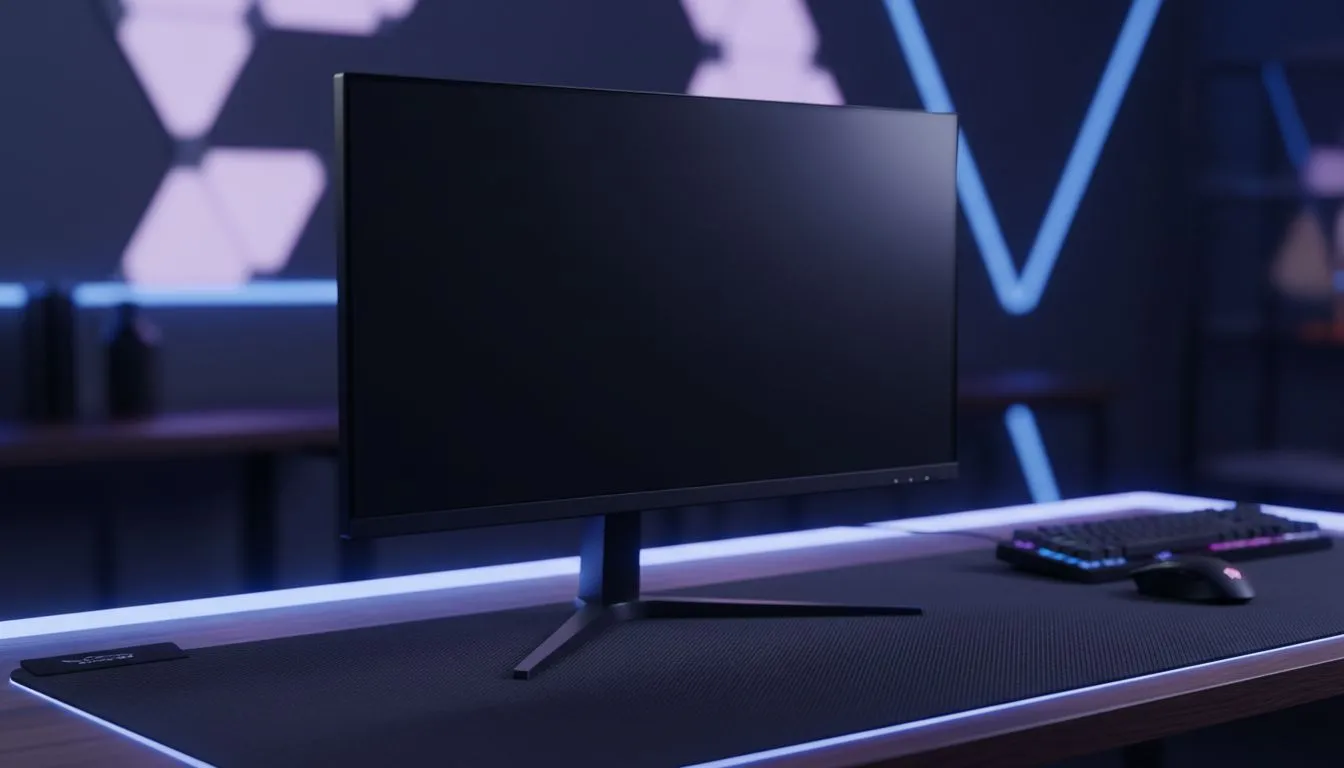
So, you've just unboxed a glorious 32-inch monitor, ready to dominate in Apex or get lost in Cyberpunk 2077. But after setting it up, you're leaning back in your chair just to see the whole screen. Sound familiar? Finding the ideal desk depth for a 32-inch monitor isn't just about fitting it on the surface; it's about ergonomics, immersion, and preventing eye strain. Let's get your South African battle station dialled in perfectly. ✨
Why Desk Depth is a Bigger Deal Than You Think
When you upgrade to a larger screen, your desk needs to keep up. A desk that's too shallow forces you to sit too close, leading to a few common problems:
- Eye & Neck Strain: Constantly scanning the screen from edge to edge because it fills too much of your vision is tiring. You might find yourself squinting or developing neck pain from awkward viewing angles.
- Pixel Peeping: Sitting too close to even the best PC monitors can make individual pixels visible, breaking the illusion of a crisp, clean image.
- Lost Immersion: Instead of the game world filling your peripheral vision naturally, it feels like you're staring at a giant digital wall. The experience becomes overwhelming rather than immersive.
- No Space for Anything Else: Your keyboard gets pushed up against the monitor stand, leaving no room for your mouse, notepad, or that essential morning coffee.
The Sweet Spot: Finding the Ideal Desk Depth
For most 32-inch monitors, the sweet spot for desk depth is between 75cm and 90cm (30-35 inches). This range generally allows you to sit at a comfortable viewing distance where the screen fills your field of view without forcing excessive head or eye movement.
This recommendation is based on a simple ergonomic principle: your eyes should be roughly 80cm to 100cm away from the screen. This distance allows you to see the entire display clearly, reduces strain, and provides a cinematic, immersive experience, especially with high-resolution 4K monitors where you want to appreciate the detail without seeing the pixels.
Does a Curved Screen Change Things?
Slightly, yes. The gentle curvature of curved monitors is designed to match the natural curve of the human eye. This can make a large 32-inch screen feel more comfortable at the closer end of the recommended viewing distance (around 80cm), as the edges of the screen are angled slightly toward you, reducing distortion and eye travel.
Quick Ergonomics Check 📏
Before buying a new desk, test your ideal viewing distance. Sit comfortably in your chair and use a tape measure to find the 80-100cm distance from your eyes. This spot is where the centre of your monitor should be. This simple check ensures you're not just guessing and can save you from a costly mistake!
What If Your Current Desk is Too Shallow?
Don't have the space or budget for a brand-new desk? No problem, you've got options. You don't have to live with the discomfort. A few smart upgrades can make a huge difference.
The most effective solution is a monitor arm. By clamping an arm to the back of your desk, you can ditch the bulky factory stand and position your screen further back, instantly gaining 15-20cm of precious desk space. It also gives you complete control over height and tilt. Check out a range of monitor accessories like arms and mounts to find one that fits your setup. 🚀
Thinking Beyond Depth: Other Setup Factors
While finding the right desk depth for your 32-inch monitor is critical, don't forget about width and height.
- Width: Ensure your desk is wide enough to accommodate your PC, speakers, and give you plenty of mousing area. If you're planning a multi-monitor setup in the future, think even wider!
- Height: Standard desk height is around 73cm, but an adjustable standing desk is the ultimate ergonomic choice.
- Multi-Monitor Magic: If you're adding a second screen, consider pairing your 32-inch beast with smaller vertical or portable monitors for Discord, OBS, or Spotify.
Ultimately, your goal is to create a comfortable and immersive command centre. By considering these factors, you'll be well on your way to enjoying your new screen to its fullest potential, exploring the vast universe of all gaming monitors available.
Ready to Build Your Ultimate Setup? Getting your desk depth right is the key to unlocking the full potential of your 32-inch monitor. Don't let a cramped space ruin your immersion. Explore our massive range of PC monitors and find the perfect screen to complete your battle station.