

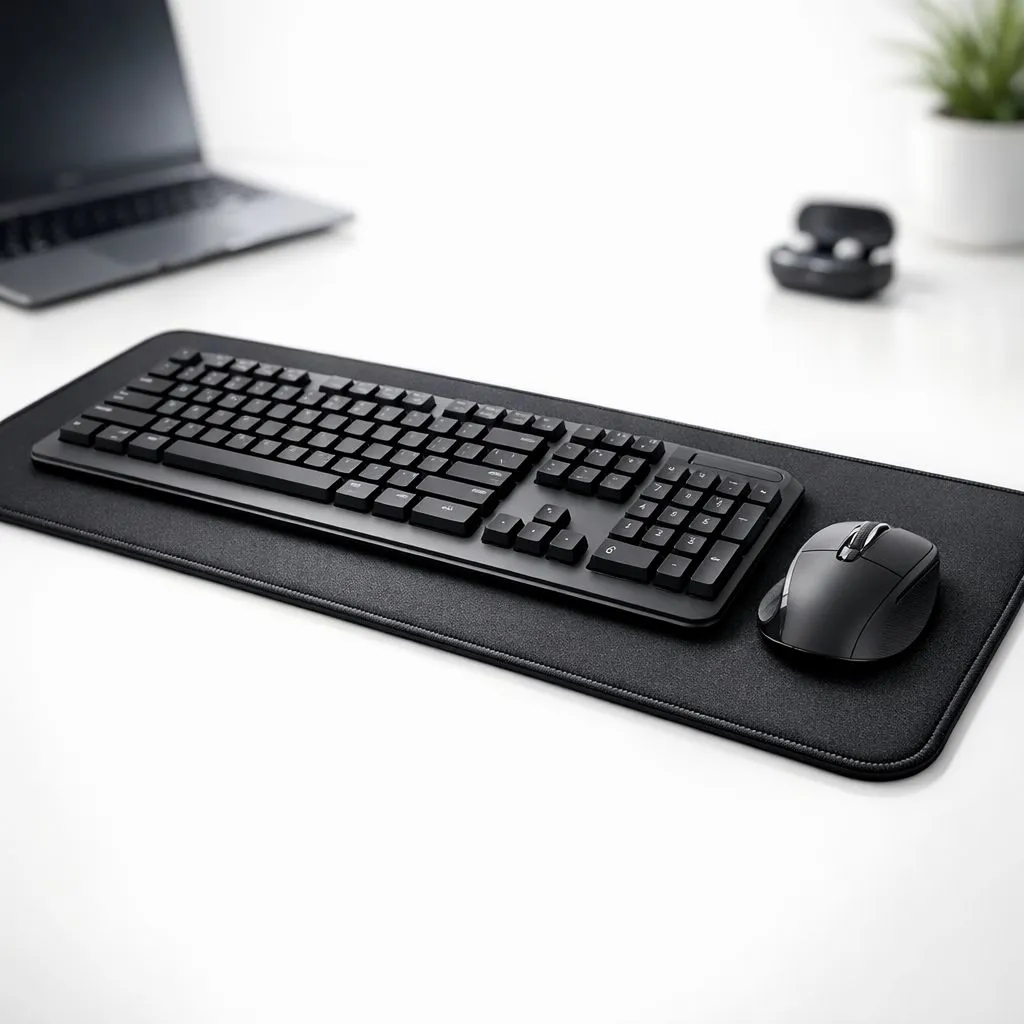
Ever had your mouse slip off its tiny pad during a clutch 1v3 in Valorant? Ja, we've all been there. That split-second fumble costs rounds. What if your entire desk was your mousepad? Placing your keyboard and mouse on one surface isn't just for pro streamers; it's a massive upgrade for consistency, comfort, and creating a clean, unified battle station. It’s time to ditch the postage stamp and go big.
Why Put Your Keyboard and Mouse on One Surface?
The concept is simple but the impact is huge. Using a single, large mat under both your peripherals creates a cohesive gaming zone. The primary benefit is consistency. Your mouse gets a massive, uninterrupted area for tracking, which is crucial for low-DPI players who make wide, sweeping arm movements. No more lifting off or hitting the edge during a critical flick shot. 🎯
Another major plus is stability. Your keyboard won't slide around during intense gaming sessions because it's anchored on the same grippy surface as your mouse. This unified setup, often called a desk mat or extended mouse pad, also protects your desk from scratches and wear. Ultimately, using one mat for your keyboard and mouse just feels and looks better, creating a tidy, professional-grade setup. The first step is to check out the different types of mouse pads available.
Choosing the Right Desk Mat for Your Setup
Finding the perfect single surface for your keyboard and mouse depends on your space, style, and budget. Size is the most important factor. You can start with standard extended mouse pads, which are typically around 900mm wide, or go all-in with enormous XXL desk mats that can cover your entire desk.
Once you know the size, consider the brand and features. Industry giants like Steelseries offer premium cloth surfaces known for their precise tracking, making Steelseries gaming mouse pads a top choice for competitive players. For excellent value, brands like Marvo deliver quality without breaking the bank, and their range of Marvo gaming mousepads is always a solid bet. And of course, you can find incredible deals on our own Evetech mouse pads, designed for local gamers.
Finally, think about the vibe. Do you want a clean, minimalist look? There are plenty of sleek, non-RGB options available. Or do you want your setup to pop with colour? If so, the vibrant glow of dazzling RGB models will complete your rig perfectly. ✨
Measure Twice, Buy Once 📏
Before you click 'add to cart', grab a tape measure. Check your desk's width and depth to ensure your new desk mat will fit perfectly. Leave a bit of room around the edges. An oversized mat hanging off the desk looks messy and can wear out faster. A perfect fit makes your setup look a hundred times cleaner!
Pro Setup Tips for Your New Surface
Once you've got your new mat, setting it up for peak performance is easy.
- Positioning is Key: Don't just centre everything. Place your keyboard where it's most comfortable for typing, then give your mouse the majority of the remaining space. Most gamers prefer an offset layout, with the keyboard slightly to the left to maximise mouse real estate on the right.
- Cable Management: A single large surface is the perfect opportunity to tidy up your cables. Run your keyboard and mouse wires neatly along the back edge of the mat. You can use small cable clips to keep them in place for an ultra-clean look.
- Keep it Clean: Desk mats can gather dust and grime. Most cloth pads can be cleaned with a damp cloth and a little bit of mild soap. Let it air dry completely before using it again. A clean surface ensures your mouse sensor tracks perfectly every time.
Optimising your keyboard and mouse on one surface is a simple process that pays off big time in comfort and in-game performance.
Ready to Unify Your Desk? A single surface for your keyboard and mouse is more than an aesthetic choice—it's a performance upgrade. Stop limiting your aim and start dominating the server. Explore our massive range of gaming mouse pads and find the perfect foundation for your battle station today.











