

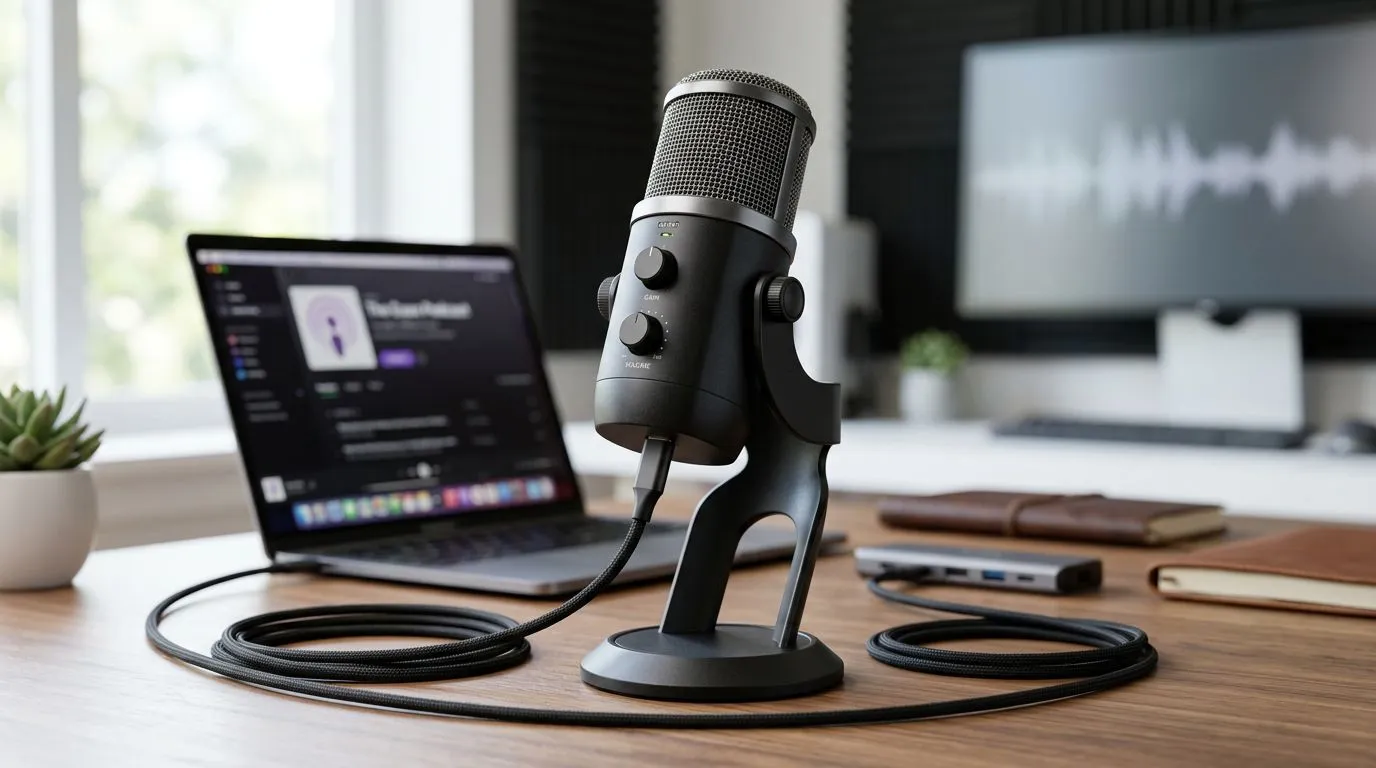
Long cable USB microphone: why length matters for your Game Desk 🔧🎧
If your mic cable stops you from leaning back, reaching for snacks, or mounting a boom arm, you’re not alone. South African gamers who stream, podcast, or want a tidy desk can win big with a long cable USB microphone — it gives real freedom without forcing a pricey audio interface. Read on for smart placement, cheap upgrades, and where to buy locally.
Long cable USB microphone placement tips for cleaner setups
A longer USB lead lets you position a mic for optimal voice capture and minimal desk rumble. Aim for 15–25 cm from your mouth and slightly off-axis to avoid plosives. If your desk is cramped, route the cable behind monitors and under the desk to reduce clutter and accidental tugs.
Check Evetech’s streaming gear selection for affordable mounts and arms that pair well with long‑lead mics: find streaming essentials and mounting options here — https://www.evetech.co.za/PC-Components/buy-streaming-essentials-369.aspx.
Long cable USB microphone acoustic tricks
Place soft materials behind your mic: a thin shield, an open bookshelf filled with books, or a desk mat can lower reflections. For gamers in small rooms, a simple blanket on a mic stand makes an inexpensive vocal booth. Keep the cable away from power bricks and routers; USB leads can pick up noise if run alongside noisy electronics.
Desk Layout Tip ⚡
Angle your mic slightly off-axis and pair a 2–3 metre USB cable with a foam pop filter. Mount the mic on a boom arm to remove desk vibration and free up space for your mouse and keyboard.
Long cable USB microphone accessories and brands to consider
If you want RGB or branded bundles, Evetech stocks options and lighting add-ons. Explore Corsair-themed setups and combos tailored to streamers here — https://www.evetech.co.za/PC-Components/buy-streaming-essentials-369.aspx?brands=CORSAIR. For ambience and visual flair, pairing a long‑cable mic with Cololight panels can lift your stream visuals — see Cololight products at Evetech: https://www.evetech.co.za/PC-Components/buy-streaming-essentials-369.aspx?brands=Cololight.
Long cable USB microphone vs short cable: practical comparisons
Short cables can be fine for desktop stands, but they limit mounting. A long cable makes it easy to attach a boom arm and keep your mic at mouth level while monitors sit low. If you’re also upgrading your webcam, check Evetech’s curated webcam selection for matching quality and price in ZAR — https://www.evetech.co.za/PC-Components/buy-webcams-145.aspx.
Practical tip: measure your route (monitor height, arm length, USB hub location) and add 0.5–1.0 metre extra to avoid tension. Most boom arms and mic stands accommodate XLR or USB adapters, but a native long cable USB microphone removes one extra point of failure.
Long cable USB microphone: final setup checklist 🚀✨
- Measure and map cable routing before buying.
- Use a boom arm or shock mount to remove desk noise.
- Keep cable away from power bricks; use ferrite beads if needed.
- Match mic height to your seated posture for consistent levels.
Ready to Find Your Perfect Match? The Mac vs Windows debate is complex, but for maximum power, choice, and value in South Africa, Windows is hard to beat. Explore our massive range of laptop specials and find the perfect machine to conquer your world.











