

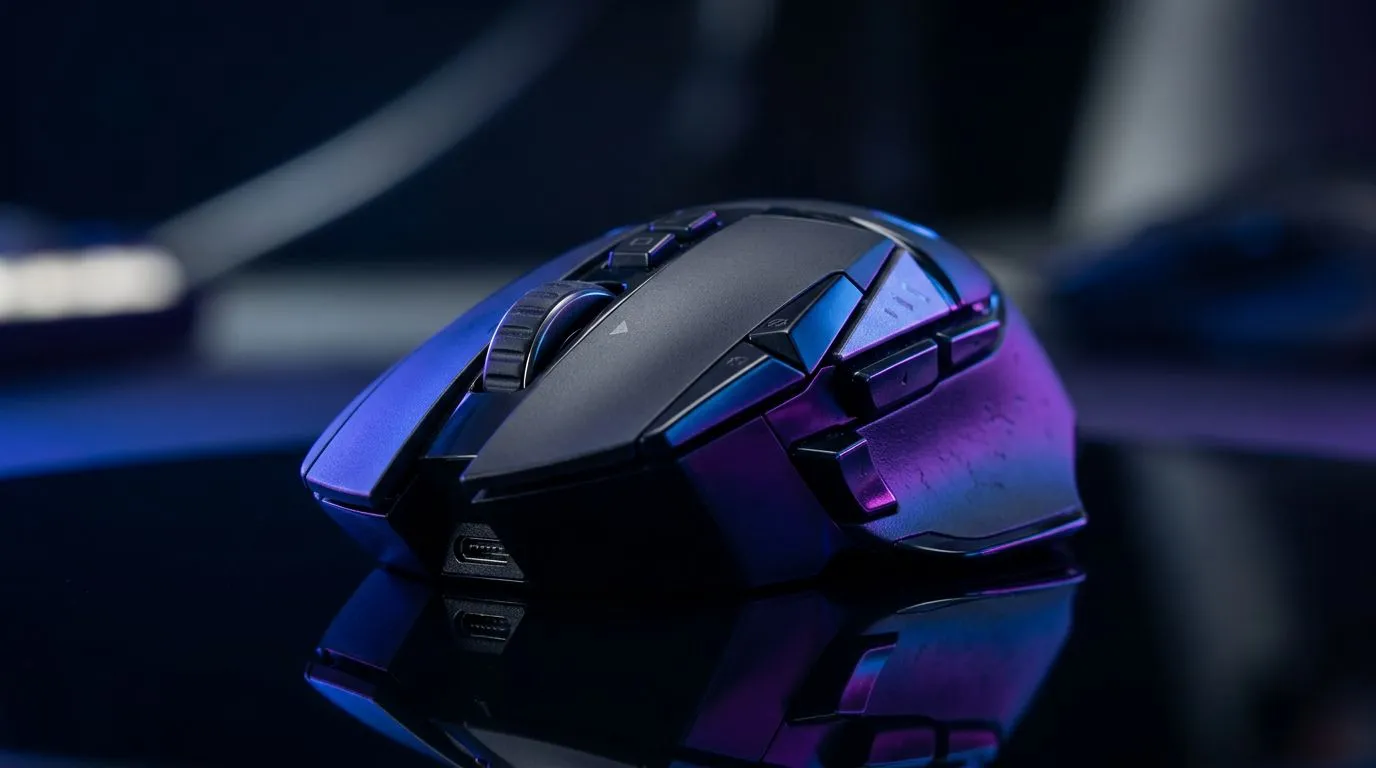
Mastering Your Hardware: Programmable Mouse Buttons
Ever felt like you’re doing gymnastics with your keyboard just to swap weapons or use a heal? If you’re still relying solely on your keyboard for every action, you’re playing at a disadvantage. Learning how to set up programmable mouse buttons is one of the easiest ways to level up your gameplay, whether you’re grinding in a competitive shooter or managing complex macros in an RTS. Let’s dive into how you can reclaim your reaction time. ⚡
Why Customise Your Clickers?
The primary advantage of having extra buttons is muscle memory. By offloading repetitive actions—like melee attacks, voice chat, or inventory management—from your keyboard to your thumb, you free up your fingers for movement. If your current gear is holding you back, browsing a high-quality gaming mouse is the best place to start. Most modern mice allow you to assign these buttons via manufacturer software, turning a simple click into a complex sequence of commands. 🔧
Pro Tip: Macro Efficiency ⚡
When setting up macros for your side buttons, keep them simple. Avoid long, multi-second sequences that can be interrupted. Instead, map single, high-frequency actions like 'crouch-jump' or 'ping' to ensure they fire instantly every time you need them.
Finding the Right Gear for Your Setup
Not all mice are created equal. Some are built for FPS titles with two snappy side buttons, while others feature a full numpad on the side for MMO enthusiasts. If you are looking to save a few Rand, checking out the latest gaming mouse deals can help you snag premium hardware without breaking the bank.
For those who prefer a clean desk setup, a wireless mouse offers the freedom of movement required for low-sensitivity flick shots. However, if you are a competitive purist, a wired mouse remains the gold standard for zero-latency performance. Don't forget that comfort is key; consider looking into mouse accessories like mouse grips or high-end pads to ensure your hand stays comfortable during those long South African load-shedding-free gaming marathons. ✨
Optimising for Your Playstyle
Start by mapping your most frequent "oh no" buttons. In most games, that’s your grenade or your ultimate ability. Once you get comfortable, try mapping utility items. You’ll be surprised at how much smoother your movement feels when your fingers aren't constantly reaching for the far side of your keyboard. It’s about making the hardware work for you, rather than the other way around. 🚀
Ready to Find Your Perfect Match? Whether you need a sniper-ready sensor or a button-heavy MMO beast, we have the gear to suit your grip. Explore our massive range of gaming mice and find the perfect peripheral to dominate the leaderboards.











