

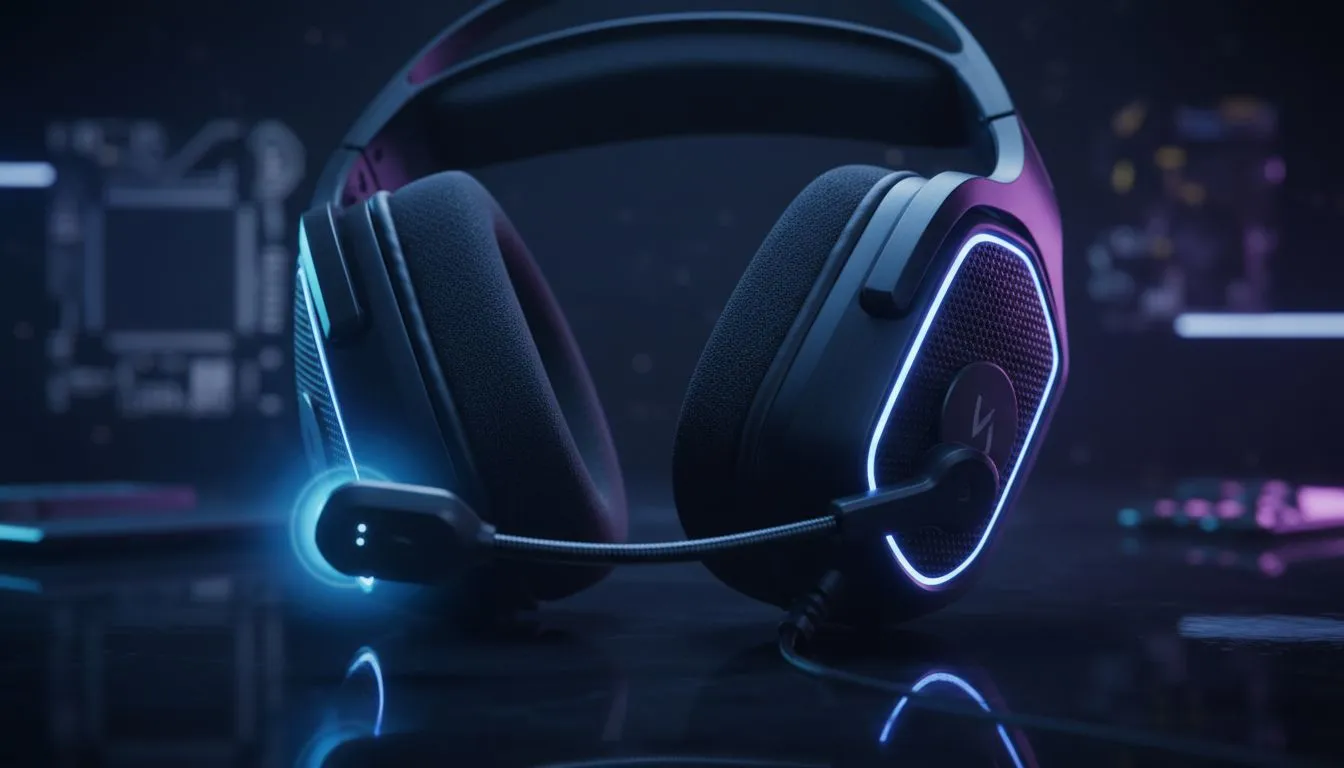
Master Your Audio: How to Reduce Background Noise on Headset Mic Setups
Whether you are clutching a 1v4 in Counter-Strike or presenting a monthly report on Microsoft Teams, background noise is the ultimate immersion killer. In South Africa, we deal with unique challenges, from the hum of a noisy inverter during loadshedding to the neighbour's barking Boerboel. Learning how to reduce background noise on headset mic setups is essential for anyone serious about their digital presence 🎙️.
Optimise Your Software Settings First
Before spending a cent, look at your software. Most modern communication apps have built-in tools to help you reduce background noise on headset mic inputs. Discord, for example, uses Krisp technology to filter out everything from keyboard clicks to fan whirring. If you are using a dedicated sound card or an integrated solution, ensure your "Noise Suppression" and "Acoustic Echo Cancellation" are toggled on in the Windows sound control panel.
For those looking for a hardware-level solution, browsing a wide range of high-quality headphone headsets is the first step toward professional-grade audio. Many modern units feature unidirectional microphones designed specifically to ignore sounds coming from the sides and back.
The Golden Rule of Mic Gain ⚡
Avoid cranking your microphone gain to 100% in Windows settings. This often introduces "floor noise," a constant static hiss. Instead, set your gain to around 70-80% and move the physical microphone closer to your mouth. This creates a better signal-to-noise ratio, making your voice clearer without picking up the hum of your PC fans.
Physical Placement and Environment Tweaks
The physical distance between your mouth and the capsule is the most common reason for poor audio. If the mic is too far away, you have to increase the volume... which naturally picks up more of your environment. Aim for about two fingers' width from the corner of your mouth. This prevents "plosives"... those harsh "P" and "B" sounds that peak the audio... while keeping your voice crisp.
If you find that your current gear just isn't cutting it, the Razer headset lineup offers some of the best passive noise-cancelling microphones in the industry. Their HyperClear Cardioid mics are specifically tuned to focus on your voice while dampening ambient chatter 🚀.
Upgrade to Smart Noise-Cancelling Hardware
Sometimes, software can only do so much. If you are streaming in a room with high ambient noise, you might need a headset that uses AI-assisted pickup patterns. Advanced headsets now use secondary microphones to "listen" to the room and actively subtract those frequencies from your primary voice feed.
A standout choice for South African gamers is the Razer Barracuda X Chroma Wireless Headset. It features a detachable HyperClear Cardioid Mic that provides enhanced speech pickup and noise cancellation, ensuring your teammates hear your callouts and not your mechanical keyboard ⚡.
Final Checks for Crystal Clear Comms
Always perform a "Mic Test" in your settings before a big stream or meeting. Listen for "clipping" or "muffled" tones. If your room has a lot of echo, consider adding soft materials like rugs or curtains... these absorb sound waves and prevent them from bouncing back into your microphone. With the right hardware and a few software tweaks, you can achieve studio-quality silence in any environment ✨.
Ready to Silence the Noise? Don't let background distractions ruin your stream or your K/D ratio. From budget-friendly options to elite pro gear, find the audio solution that fits your setup. Explore our massive range of headset specials and experience crystal clear communication today.











