

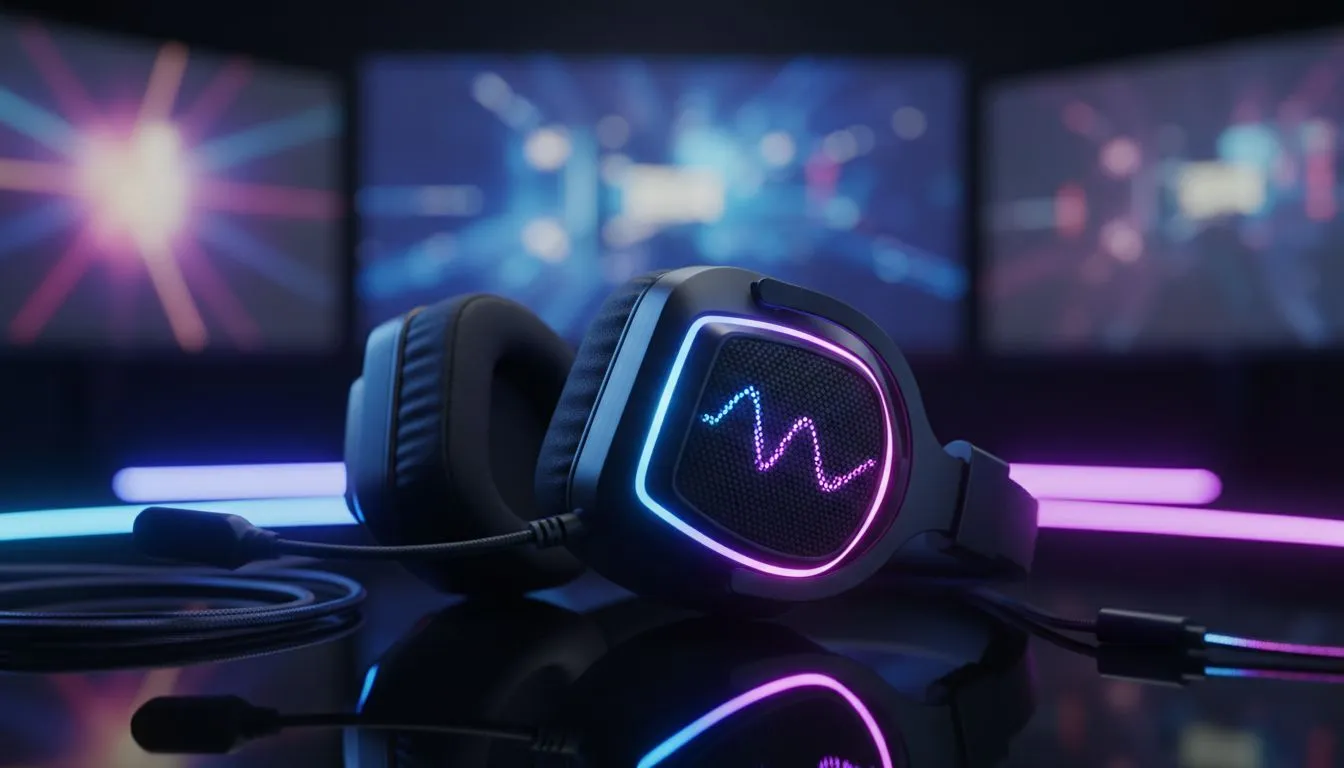
RGB Gaming Headset Setup for the Ultimate Desktop Aesthetic 🔧✨
South African rigs deserve more than functional audio — they should look as sharp as they sound. Whether you’re chasing a clean cyber‑punk desk or a cosy streaming corner, this guide helps you set up an RGB gaming headset so your desktop aesthetic actually turns heads. Quick wins, gear picks, and cable routing tips — all tuned for local buyers and Evetech shoppers. 🚀
RGB gaming headset setup: pick the right headset first
Choosing the right headset makes everything easier. If you want wireless with onboard RGB, the Razer Barracuda X Chroma is a compact option that packs Chroma lighting and a wireless connection — check official specs and availability on Evetech’s product page. (Use the onboard lighting to match your desk’s dominant colour for instant cohesion.) Anchor: Razer Barracuda X Chroma wireless headset — https://www.evetech.co.za/razer-barracuda-x-chroma-wireless-headset-phantom-white/best-deal/24367
Placement and colour harmony for your desk
Position your headset stand where RGB wash hits unobstructed surfaces: the back edge of your desk, a shelf, or beside an LED strip. Aim for a dominant accent colour and one or two supporting tones. Too many colours dilute the aesthetic.
RGB headset setup tips to optimise sync and performance
Use the headset’s software to synchronise lighting with your peripherals. Razer’s headsets ecosystem lets you create scenes and profiles that trigger with games or apps — see the Razer headphones range for compatible models and software notes. If you stream, pick a profile with softer backlighting to reduce camera glare. Anchor: Explore Razer headsets and software — https://www.evetech.co.za/PC-Components/razer-headphones-headsets-105
Cable management and mounting micro‑story
A quick story: I once swapped a tangled headset cable for a short velcro wrap and a low‑profile mount. Result: clearer desk, better mic placement, and my viewers commented on the cleaner backdrop. Use adhesive mounts or a slim arm to keep cables tucked under the desk lip.
RGB Setup Tip ✨
Set your headset and peripheral lighting to a primary colour and use 10–20% brightness for background LEDs. It keeps glare low on camera and makes contrast pop on reflective surfaces.
Advanced sync: software, profiles, and power
Create two profiles: "Play" with dynamic effects and "Work" with muted, steady tones. If your headset supports wireless passthrough or USB audio, test latency in games. For a wider range of options, browse Evetech’s headset category to compare features and budgets locally. Local stock and warranty simplify returns. Anchor: Browse headsets across categories — https://www.evetech.co.za/components/headphone-headsets-100
Final setup checklist before you stream or shoot photos
- Sync headset RGB with keyboard and mouse.
- Lower brightness to avoid overexposure on camera.
- Use a stand at eye height for a tidy silhouette.
- Save your profiles in the manufacturer app.
Ready to Find Your Perfect Match? The Mac vs Windows debate is complex, but for maximum power, choice, and value in South Africa, Windows is hard to beat. Explore our massive range of laptop specials and find the perfect machine to conquer your world.











