

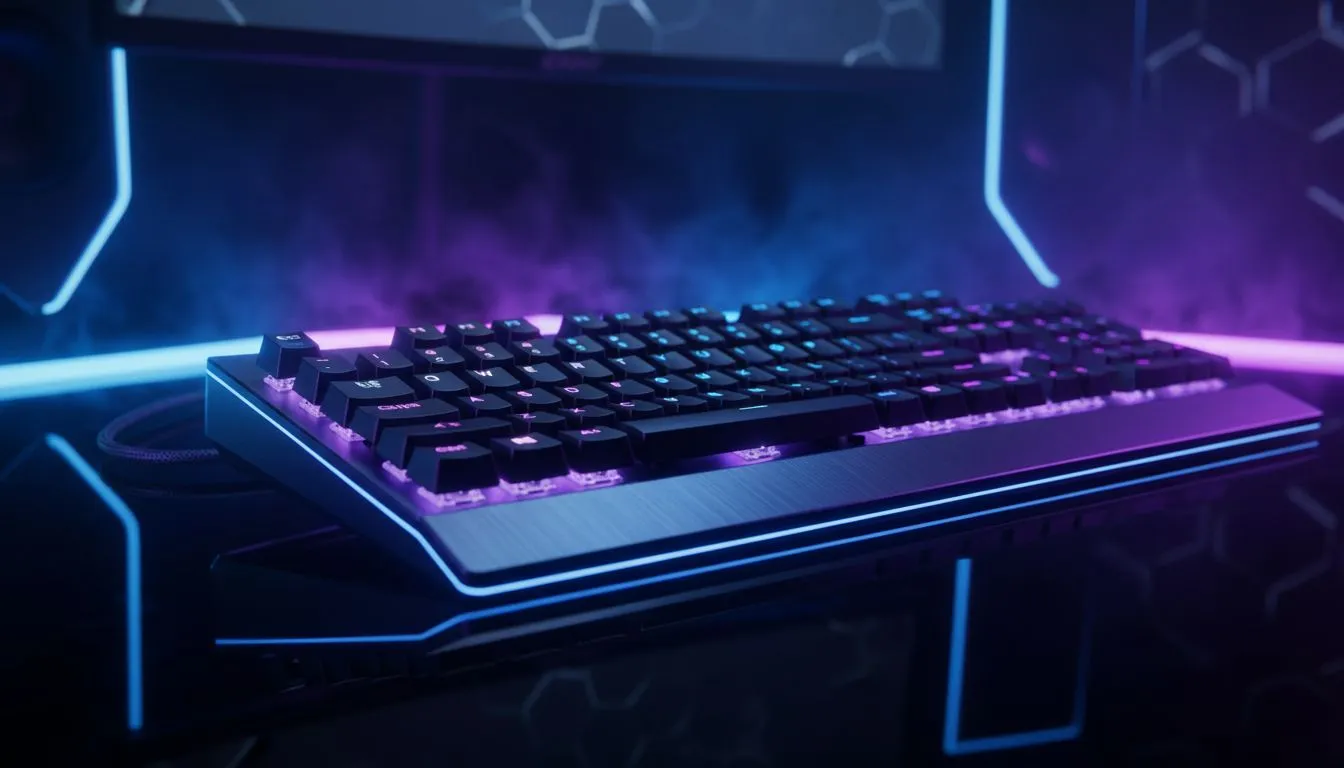
Why RGB lighting for eye strain: Night gaming tips matter for SA gamers
We have all been there. It is 2 AM in Johannesburg. The only light in your room is the harsh glow of your monitor. Your eyes feel like they are filled with sand. Most gamers think RGB is just for show... but it has a secret benefit. Using RGB lighting for eye strain: Night gaming tips can protect your vision during those long raids. ⚡
The Science of Bias Lighting
When you sit in a pitch-black room, your pupils dilate to let in more light. However, the monitor is incredibly bright. This contrast forces your eyes to work overtime to adjust. This is where bias lighting comes in. By placing a soft light source behind your screen, you reduce the perceived contrast. It makes the screen appear more vibrant while relaxing your eye muscles.
If you are looking to upgrade your setup without breaking the bank, finding a gaming keyboard in South Africa with customisable backlighting is a great place to start. A soft amber or red glow is far better for your eyes than a harsh blue or white light during late-night sessions.
Optimising Your Peripheral Glow
Your keyboard is often the largest source of light on your desk. Choosing a high-quality Razer Gaming Keyboard allows you to use Synapse software to dim the LEDs to a comfortable level. You do not want the lights to be blinding... you want them to be a subtle guide for your fingers.
For those who prefer a more boutique feel, Glorious Keyboards offer excellent diffusion. This means the light spreads evenly rather than creating "hot spots" that can distract your peripheral vision.
Eye Comfort Tip ⚡
Use the 'Night Light' feature in Windows 10 or 11 to reduce blue light output as the sun goes down. Combine this with a static, warm RGB colour profile on your peripherals to help your body maintain its natural sleep cycle after a heavy gaming session.
Balancing Your Desk Layout
A cluttered desk can lead to light reflecting off surfaces in annoying ways. When choosing between Wireless gaming keyboards and traditional Wired keyboards, consider how the cables might catch the light. A clean setup reduces visual noise.
The same applies to your mouse. A high-performance gaming mouse often features RGB strips along the sides. While these look fantastic, ensure you can adjust the brightness. If you are hunting for value, keep an eye on our gaming mouse deals to find a model with multi-zone lighting control.
Precision and Comfort in the Dark
If you prefer a minimalist look, a wireless mouse keeps your desk looking sleek. However, if you are a competitive player who never wants to worry about battery life, a wired mouse is the reliable choice. 🚀
Do not forget about the surfaces. Using specific mouse accessories like non-reflective mats can prevent glare from bouncing back into your eyes. Every little adjustment helps when you are trying to maintain peak performance during a R5000 tournament or a casual night with friends.
Final Thoughts on Visual Health
RGB is more than just "pimping" your ride. It is a functional tool for South African gamers who spend hours in front of a screen. By following these RGB lighting for eye strain: Night gaming tips, you can enjoy your favourite titles for longer without the dreaded "gamer headache". 🔧
Ready to Light Up Your Setup? Protecting your eyes doesn't mean sacrificing style. Whether you need a keyboard with subtle backlighting or a mouse that fits your grip perfectly, Evetech has the best deals in the country. Explore our massive range of gaming peripherals and find the perfect gear to level up your night gaming experience.











