

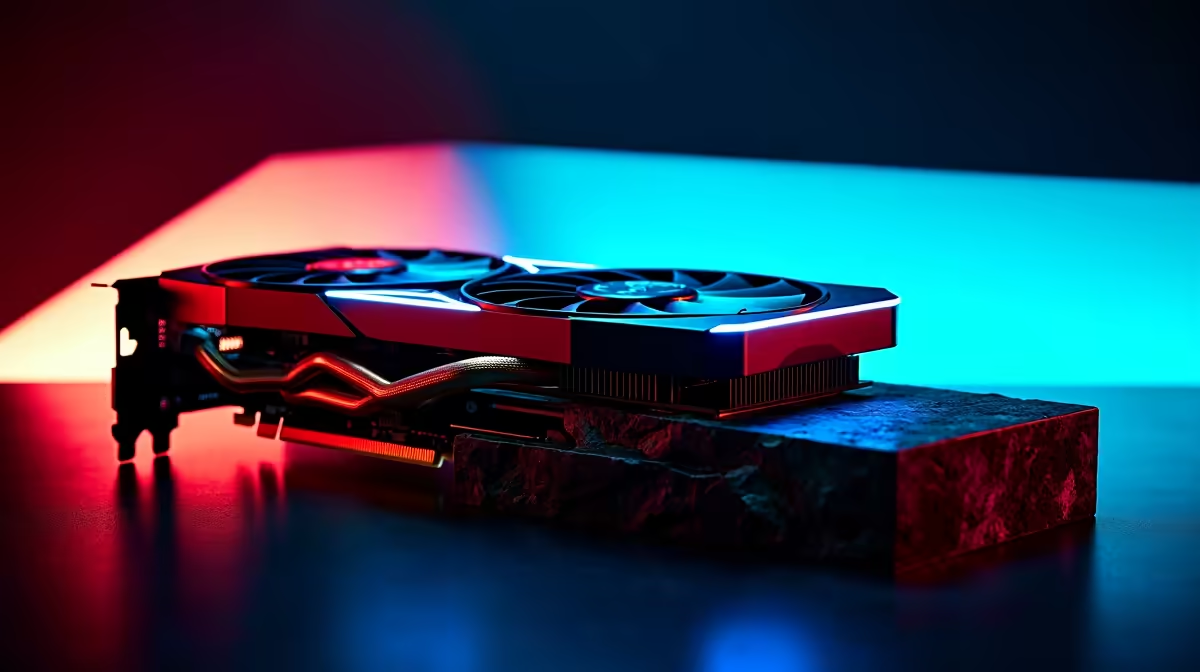
Unleash Your RTX 3050: Safe Overclocking Tips for Gamers in SA ⚡
South African gamers know the thrill of squeezing extra juice from their rigs. The RTX 3050 overclocking guide here is your key to unlocking top-tier performance without risking hardware damage. Whether you’re chasing higher FPS in Apex Legends or boosting graphical fidelity in Cyberpunk 2077, safe OC settings will get you there reliably. Ready to tune your graphics card the right way?
Understanding RTX 3050 Overclocking: What You Need to Know
The RTX 3050 is Nvidia’s budget-friendly card that punches above its weight. Overclocking pushes the GPU beyond stock speeds, raising clock rates and memory frequencies to boost frame rates. But beware: improper OC can cause crashes, higher temperatures, or even shorten your card’s lifespan. It’s vital to balance maximum performance with safe voltage and temperature limits.
Check out the latest graphics cards selection at Evetech to find the exact RTX 3050 model you want to overclock. Different manufacturers tweak cooling and cores, so your overclocking headroom may vary.
Step-by-Step Guide to Safe RTX 3050 Overclocking 🔧
- Benchmark Your Baseline Performance
Start with tools like MSI Afterburner and Unigine Heaven to measure your RTX 3050's default FPS and temperatures. - Increase Core Clock Slowly
Add increments of +15 to +30 MHz to the core clock, testing stability with each step. If crashes or artefacts appear, dial back by 10 MHz. - Adjust Memory Clock Carefully
Boost memory clock by +50 MHz steps. Memory overclock impacts texture rendering speed and data throughput noticeably. - Keep an Eye on Temperatures
The RTX 3050 should stay under 85°C during heavy loads. Use software to monitor GPU temps; tweak your fan curves if needed. - Stress Test for Stability
Run gaming sessions or stress tests for at least 30 minutes after each adjustment to ensure your OC settings hold. Restart if you see instability.
You might also explore pre-built PC deals on Evetech that come optimised for gaming — a practical alternative if overclocking isn’t your jam.
Pro Tip for Overclocking Success
Avoid pushing voltage too high—stick below 110% power limit. Increased voltage amps up heat and risk, but modest core and memory tweaks often hit the sweet spot.
Essential Cooling & Power Tips for Overclocked RTX 3050 Builds
Stable power delivery and effective cooling are vital when overclocking the RTX 3050. Consider upgrading your PC’s airflow or investing in high-quality thermal paste. South Africa’s warm climate makes proper cooling even more important.
Don’t forget your power supply should comfortably handle increased wattage. Many modern PSUs have headroom for mild OC on mid-range GPUs.
Looking to upgrade comprehensively? Browse Evetech’s best gaming PC deals for bundles optimised to handle extra GPU juice with solid cooling.
Keep Your Rig Game-Ready with Exclusive Laptop & Specials Picks 🚀
If you prefer gaming on the go or want a balanced setup, check out South Africa’s best gaming laptops right here: Notebooks for sale in South Africa. Many come with factory-tuned Nvidia GPUs for good out-of-the-box performance.
And don’t miss regular Evetech specials for discounts on GPUs, components, and peripherals. Getting your OC-ready RTX 3050 or complementary gear at a bargain price helps you boost your setup without breaking the bank.
Get More from Your RTX 3050 Step up your game performance effortlessly — explore the latest graphics cards and gaming rigs at Evetech and experience smooth, reliable overclocking. Shop now at Evetech for performance that leaves lag in the dust.











