

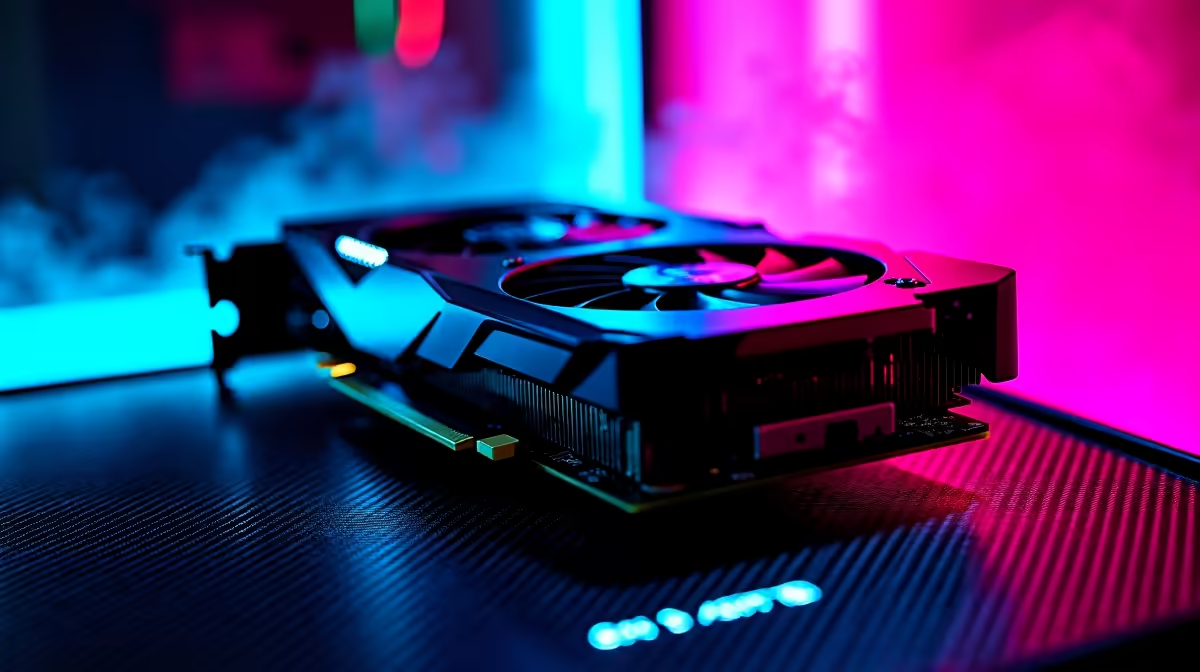
Just unboxed your new AMD Radeon RX 9070? You already know it is an absolute beast. But what if you could squeeze an extra 10% performance out of it for absolutely zero ZAR? Welcome to our ultimate RX 9070 overclocking guide. We will show you exactly how to push those frame rates safely... ensuring your rig dominates everything from competitive shooters to stunning AAA worlds.
Understanding the RX 9070 Architecture ✨
Before tweaking sliders, you need to know your hardware. The RX 9070 boasts incredible power efficiency. AMD built this GPU to run cool... which leaves plenty of thermal headroom for safe overclocking. If you are still shopping around for the latest graphics cards, the 9070 hits that perfect sweet spot of price and performance for South African gamers. Let us get those clock speeds up safely.
Preparation and Safe OC Settings 🔧
Overclocking requires patience. Do not just max out every slider immediately. Start by increasing your power limit to the maximum allowed. This tells the card it can draw more juice when needed. Next, bump up your core clock by 50MHz increments.
If you prefer a system that is already tuned and tested by professionals, our pre-built PC deals offer incredible out-of-the-box performance. For the DIY tuners... keep pushing the core clock until you see minor graphical glitches, then dial it back by 25MHz for stability.
Tuning Pro Tip ⚡
Always use AMD's built-in Adrenalin software for your initial tweaks. It features an auto-undervolt tool that pairs perfectly with a mild memory overclock. This keeps temperatures low while boosting your overall frame rates.
Memory Tuning and Stability Testing
Your VRAM also loves a good speed bump. Increase the memory clock in small steps. Fast memory feeds the GPU core quicker... resulting in smoother 1440p and 4K gaming. Stability is crucial here. Run a demanding benchmark like 3DMark or play a heavy title for an hour.
If your system crashes, simply lower the clocks. If you want a rig that handles these intense stress tests effortlessly, check out our best gaming PC deals for machines equipped with premium cooling solutions.
What About Mobile Gaming? 🚀
Desktop GPUs like the RX 9070 are incredible for raw, untethered power. But what if you travel often? Overclocking a laptop GPU is much more restricted due to strict thermal limits. If you need portable power without the tuning hassle, browsing our range of high-performance laptops is your best bet. They deliver massive frame rates in a compact form factor... perfect for gaming on the go.
Finalising Your RX 9070 Overclocking Guide Settings
Once you find that perfect balance of high clocks and low temperatures... save your profile. You have just gained free performance. Remember to keep your case fans clean to maintain that crucial thermal headroom. Looking for more ways to optimise and upgrade your setup? Keep an eye on our daily tech specials for massive savings on coolers, monitors, and premium peripherals.
Ready to Maximise Your Frame Rates? Pushing your hardware to the limit is part of the PC gaming thrill. Whether you are upgrading your current rig or building a brand new one from scratch, Evetech has you covered in South Africa. Explore our massive range of PC components and find the perfect hardware to conquer your gaming world.











