

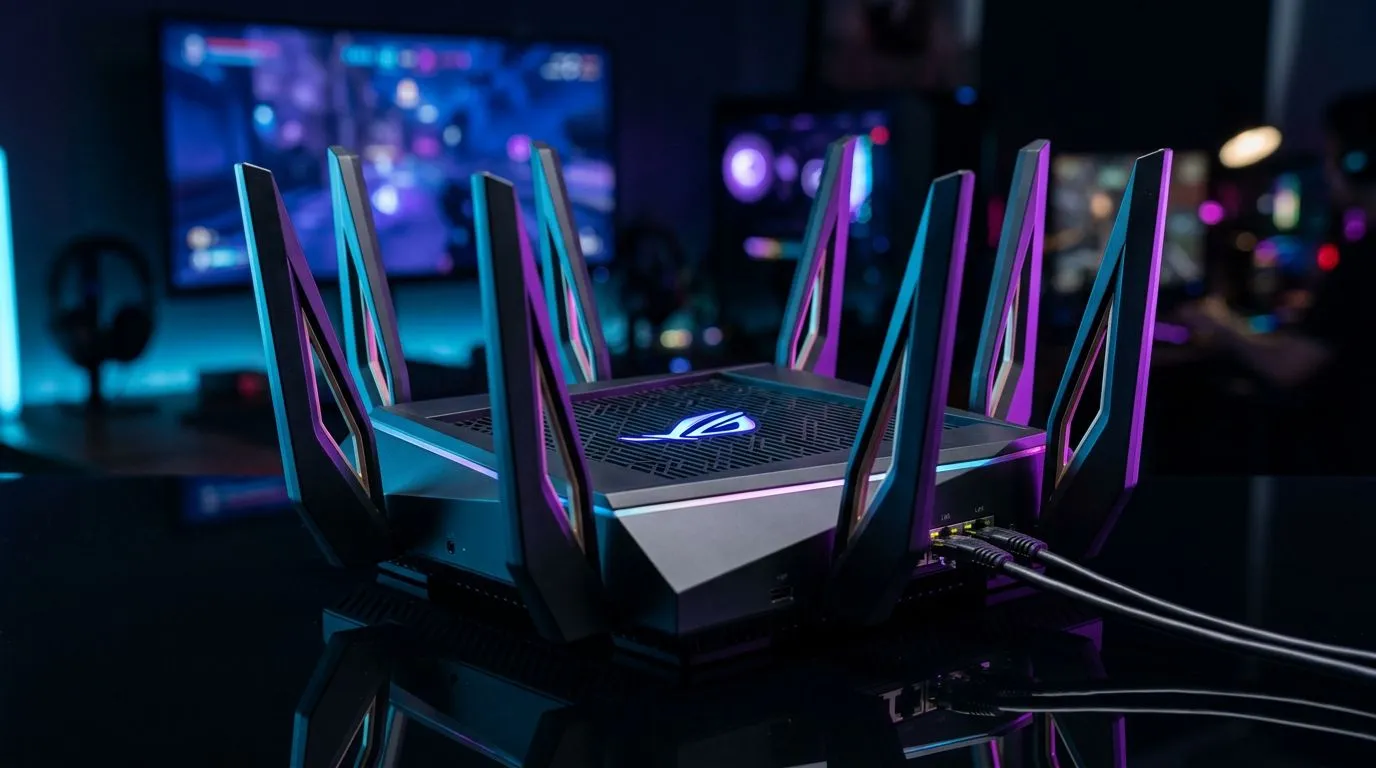
Optimising Your Connection for Competitive Play
Nothing ruins a clutch moment in a ranked match quite like a sudden lag spike or a "strict NAT type" error. If you are tired of rubber-banding across the map in your favourite shooter, it is time to take control of your network. Learning how to set up port forwarding on an Asus router is one of the most effective ways to ensure your PC or console has a direct line to game servers, reducing latency and stabilising your connection. ⚡
Why Port Forwarding Matters for South African Gamers
In South Africa, where our ping to international servers is already a hurdle, every millisecond counts. By opening specific ports, you allow your router to bypass restrictive firewalls that might be throttling your gaming traffic. Before you dive into the settings, ensure your hardware is up to the task. If you are still struggling with signal drops, it might be time to upgrade your wireless networking gear to something more capable of handling modern high-bandwidth traffic.
Step-by-Step Router Configuration
To begin, log into your Asus router dashboard—usually found at 192.168.1.1. Navigate to the "WAN" tab and select "Virtual Server / Port Forwarding." Enable the service and add a new profile for your specific game. You will need your local IP address and the specific port numbers provided by the game developer.
If you are gaming over a long distance from your router, your connection might be suffering due to signal degradation. Consider adding a wireless range extender to keep your speeds consistent. For those who prefer a rock-solid connection, check out our selection of fibre routers designed to handle the demands of modern South African broadband. 🚀
Pro Connection Tip 🔧
Always assign a static IP address to your gaming PC or console within your router's LAN settings before setting up port forwarding. If your IP address changes after a reboot, your port forwarding rules will stop working, forcing you to reconfigure them every time you want to play.
Hardware Upgrades for Better Performance
Sometimes, the bottleneck isn't your router settings, but the hardware itself. An outdated network card can struggle to process data packets efficiently. If your current rig is feeling sluggish, you might want to browse our latest wireless adapters to ensure you are getting the most out of your fibre line. If you are ready for a complete network overhaul, our wireless routers are curated to provide the best performance for local gamers... helping you stay ahead of the competition. ✨
Ready to Elevate Your Gaming Setup? A stable connection is only half the battle. If your hardware is holding you back, it is time to upgrade to a system that can handle the latest titles without breaking a sweat. Explore our range of high-performance gaming PCs and dominate the leaderboard with hardware built for victory.










