


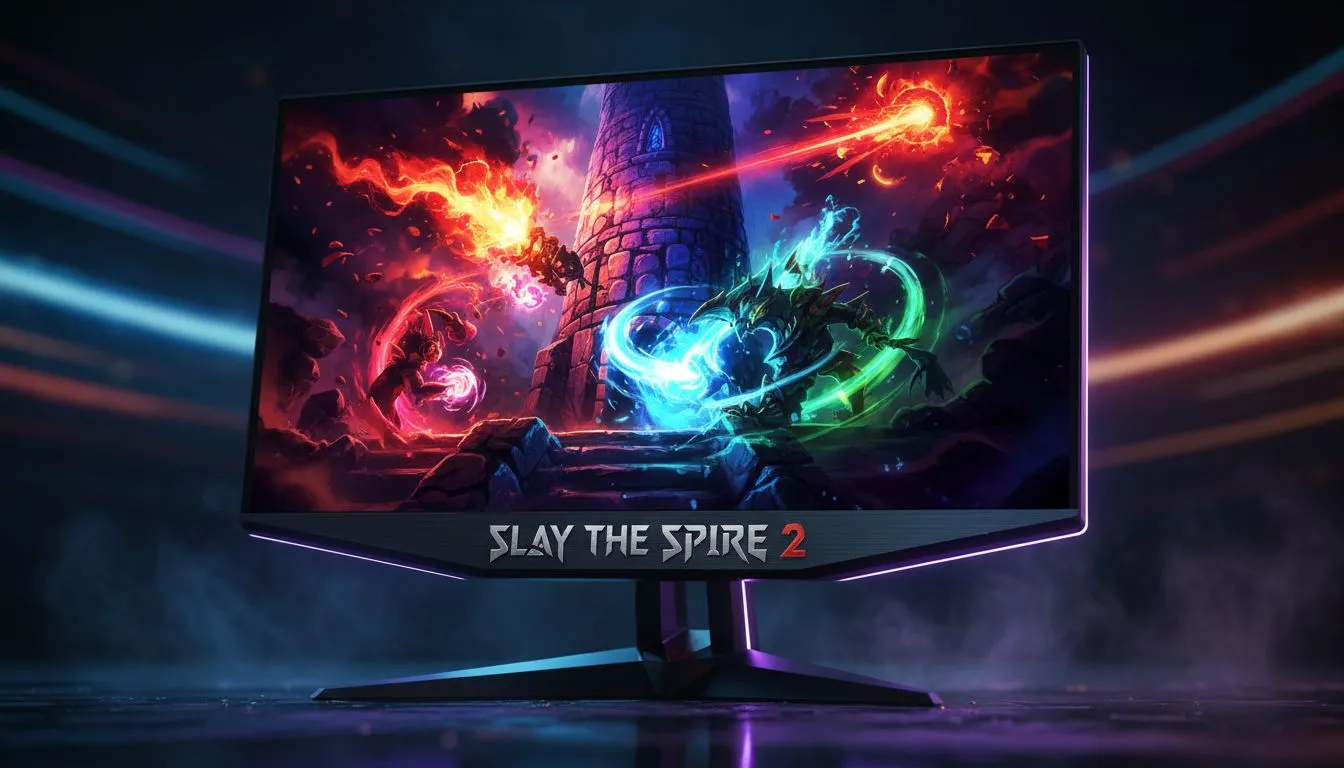
If you spent hundreds of hours climbing the Spire in the original, the sequel is about to take over your life. But this time, the visuals are a massive step up. To truly appreciate the new art style, you need a solid Slay Spire 2 HDR Guide: Make Colors Pop on your screen. Don't let dull settings ruin your next legendary run.
Why HDR Matters for Slay the Spire 2
The move to the Godot engine has allowed the developers to push visual effects further than ever before. We are talking about glowing neon sigils... deep, inky shadows in the Exordium... and spell effects that actually feel powerful. To see these details, you need one of the modern PC monitors that can handle high dynamic range content. Without it, the vibrant greens of the Silent and the fiery reds of the Ironclad can look washed out and flat.
Calibrating Your Display for the Spire
Before you start your first run, you need to ensure your Windows settings are ready. Many South African gamers forget to toggle HDR in the OS before launching the game. If you are looking for an upgrade to make the most of these visuals, checking the best PC monitor deals is a great place to start. You want a screen that offers at least 400 nits of peak brightness to see the difference.
HDR Calibration Tip ⚡
Use the Windows HDR Calibration app available on the Microsoft Store. It allows you to set the exact black and white points for your specific panel. This ensures that the dark corners of the Spire remain detailed rather than becoming a muddy mess of grey pixels.
Finding the Right Hardware in South Africa
If you want the absolute best experience, high-resolution panels are the way to go. The intricate card art in the sequel looks stunning on 5K and 4K monitors where every pixel adds to the atmosphere. For those who want to feel completely surrounded by the encroaching darkness of the tower, curved monitors offer a level of immersion that flat panels simply cannot match.
Even if you are a mobile gamer or frequently move your setup to avoid the latest round of loadshedding, you don't have to sacrifice quality. High-quality portable monitors now come with HDR support, allowing you to slay bosses from your couch or a coffee shop. 🔧
Final Touches for Visual Perfection
Once your hardware is sorted, look at your desk ergonomics. You can browse all gaming monitors to find a unit with a high refresh rate, which makes card animations feel buttery smooth. To keep your setup clean and professional, investing in monitor accessories like gas-spring arms can help you position your screen perfectly for those long, late-night sessions. 🚀
Getting your Slay Spire 2 HDR Guide: Make Colors Pop settings right isn't just about vanity... it is about seeing the game exactly how the artists intended. Whether you are spending R3,000 or R15,000 on a display, the right calibration makes all the difference. ✨
Ready to Find Your Perfect Match? Slay the Spire 2 deserves a screen that can handle its beautiful new art style. For maximum power, choice, and value in South Africa, Evetech has you covered. Explore our massive range of monitor specials and find the perfect display to conquer the Spire.











