

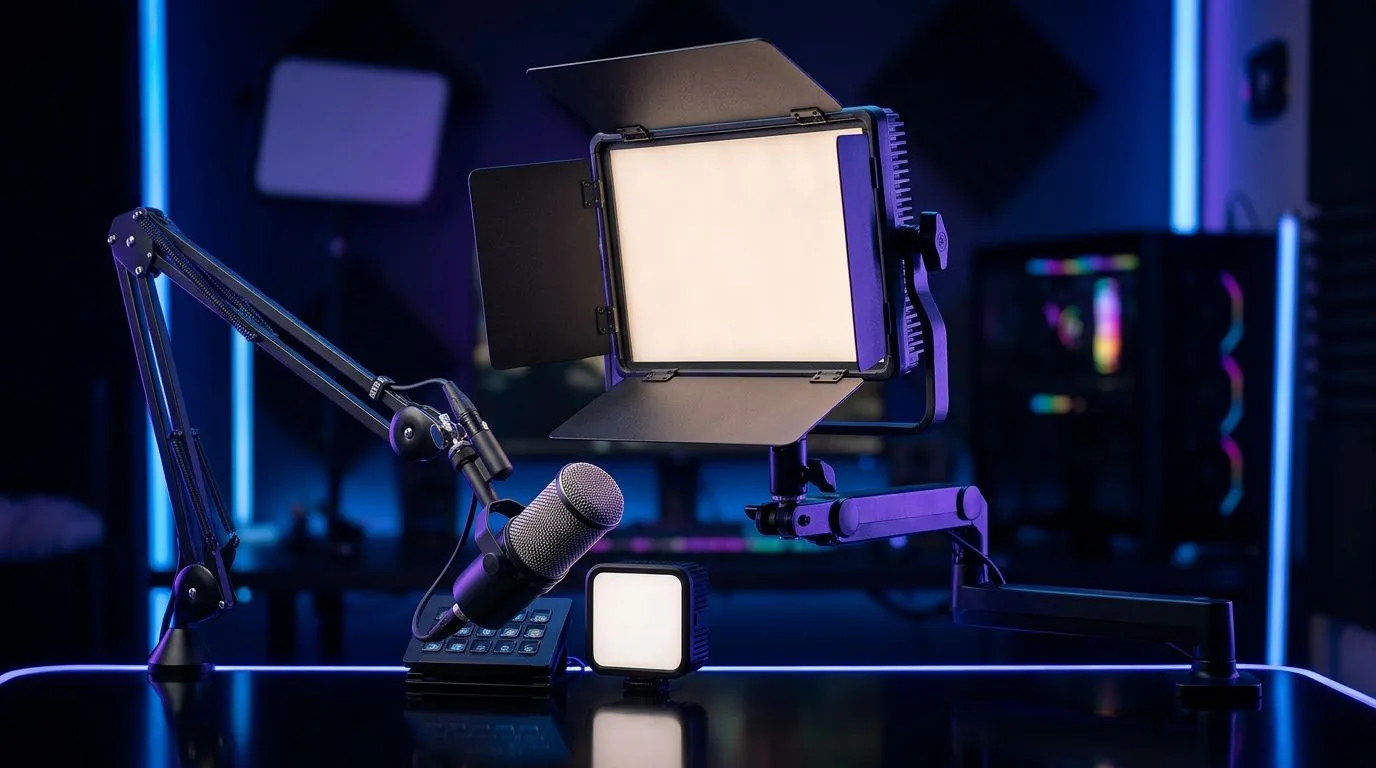
Stream lighting for small rooms: fast wins for better looking streams
Small bedrooms, study corners and student digs can still look pro on camera. Stream Limited Lighting: Professional Setup for Small Rooms makes a tiny space feel bigger, with soft key light, hair rim, and smart diffusion. Think: cheap LEDs, sensible placement, and camera tweaks that stop grain and boost skin tones — all without breaking R1,000. 🎮✨
Choose compact fixtures and diffusion
Start with a compact key light. A 10–15 cm LED panel with adjustable colour temperature is perfect for narrow desks; it gives even skin tones without frying the background. Pair it with a small softbox or diffusion panel to remove harsh shadows. For cameras, if you’re upgrading to reduce noise, check Evetech’s selection of webcams — plenty of options for streamers: webcams under different budgets can radically change your low‑light performance (see webcams under R3,000) https://www.evetech.co.za/PC-Components/buy-webcams-145.aspx?max-price=3000.
Light placement and angles that make small rooms feel larger
Place your key light 30–45 degrees off-axis and slightly above eye level. Add a subtle rim or backlight opposite the key to separate you from the wall — just 10–20% of key light intensity. If you have a desk lamp, bounce its light off the ceiling for a soft fill. Need to match white balance to your webcam? Evetech’s general webcam listings are a quick place to compare models and spec sheets https://www.evetech.co.za/PC-Components/buy-webcams-145.aspx.
Lighting Pro Tip ⚡
for a three‑point mindset: key, fill (soft), and rim. Use spill guards or flags if reflections hit your monitor. This small investment saves hours in colour grading later.
Budget layouts that keep desks clear
Micro‑stories: I helped a Cape Town streamer convert a 1.8 m desk and loft bed nook into a clean shot. We used two clamp LEDs, one behind the monitor as a rim, and a cheap ring diffused with tracing paper. The result? Clearer skin tones and fewer compression artefacts on low‑bitrate streams. If you want a plug‑and‑play webcam instead, browse curated cheap picks like webcams under R1,000 for reliable plug‑and‑play options https://www.evetech.co.za/PC-Components/buy-webcams-145.aspx?max-price=1000.
Quick checklist before you go live
- Calibrate white balance on camera, then lock it.
- Set key light at 60–100 lux at face level for webcams; test in your typical streaming resolution.
- Keep RGB accents subtle; a single coloured backlight beats busy palettes.
- If budget allows, compare mid‑range webcams with better low‑light handling here https://www.evetech.co.za/PC-Components/buy-webcams-145.aspx?max-price=2000. 🔧🚀
Final setup tips to reduce hassle
Label cables, use quick‑release clamps, and store diffusion in a flat envelope. Small rooms reward planning... and tidy mounting. One consistent light source and a tuned webcam will make your stream look far more professional than more expensive, mismatched gear.
Ready to Find Your Perfect Match? The Mac vs Windows debate is complex, but for maximum power, choice, and value in South Africa, Windows is hard to beat. Explore our massive range of laptop specials and find the perfect machine to conquer your world.











