

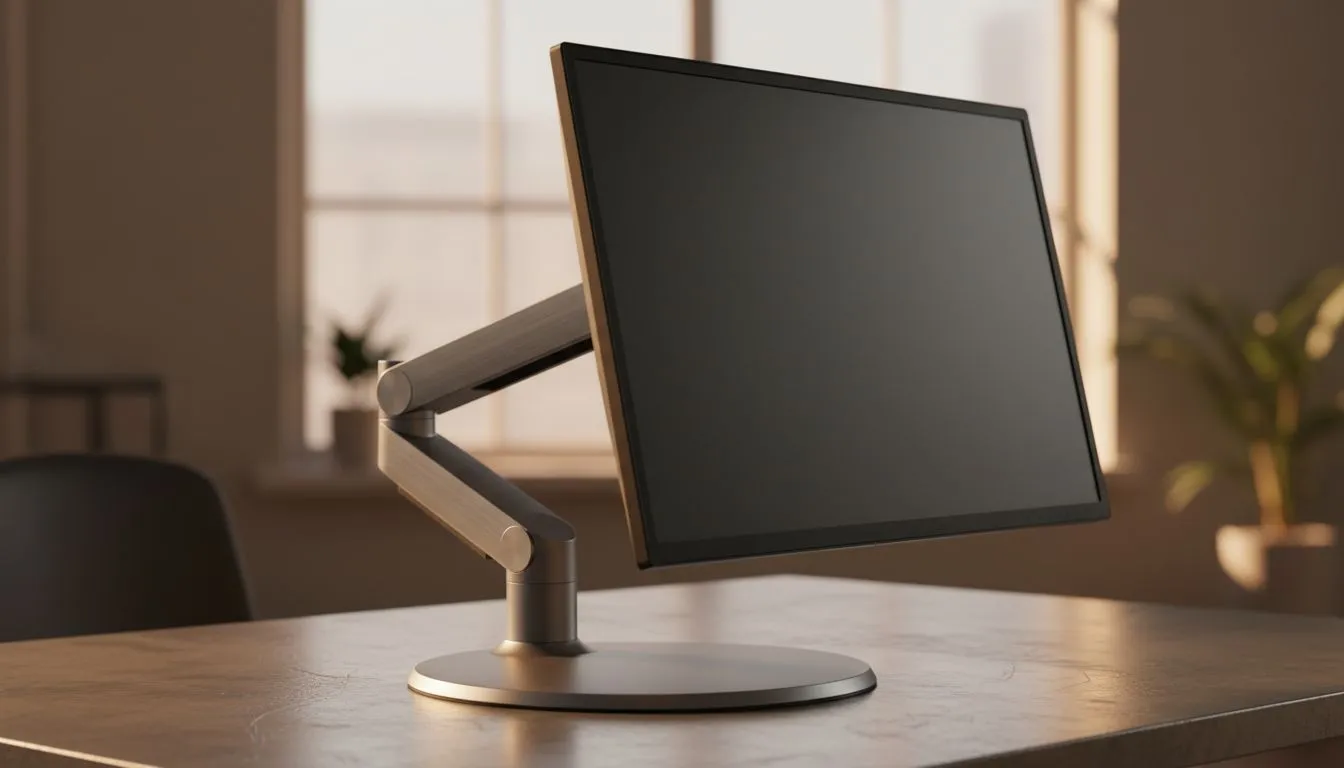
Ever finished a five-hour session only to find your neck feels like it’s been in a scrum? You aren't alone. Many South African gamers overlook the basics of desk setup. Mastering tilt-only monitor positioning: essential ergonomics for comfort is the simplest way to fix this. It’s about more than just looking good. It’s about staying in the game longer without the literal headache. 🔧
Why Tilt-Only Monitor Positioning Matters for Your Health
Most gamers focus on high refresh rates but forget about their spine. If your screen is flat against the wall, you might be hunching. This leads to long-term strain. Proper tilt-only monitor positioning: essential ergonomics for comfort involves angling the screen slightly upwards. This aligns the display with your natural line of sight.
When you sit at your desk, your eyes should rest on the top third of the screen. By tilting the monitor back about 10 to 20 degrees, you reduce the need to crane your neck. It’s a small change that makes a massive difference during those late-night raids.
Choosing the Right Screen for Your Space
Every setup is different. If you prefer a traditional look, flat screens are incredibly easy to adjust. They offer a predictable viewing plane that works well with standard tilt mounts. However, many local pros are moving toward curved screens to increase immersion. These displays naturally wrap around your field of vision... reducing the amount of head movement needed.
Ergonomic Pro Tip ⚡
Use a stack of books or a dedicated riser to get your monitor to eye level before adjusting the tilt. If you find yourself leaning forward to see small text, increase the Windows scaling percentage rather than moving your chair closer. Your lower back will thank you after a long weekend of gaming.
Visual Clarity and Eye Comfort
Ergonomics isn't just about posture; it’s about your eyes too. Choosing IPS panels is a smart move for tilted setups. These panels maintain colour accuracy even when viewed from an angle. This ensures your game looks vibrant regardless of how you tilt the display. 🚀
Furthermore, screen tearing can cause significant eye fatigue. This is why most modern PC monitors include some form of synchronisation technology. Whether you opt for FreeSync (AMD) or G-Sync (NVIDIA), keeping your frames smooth is essential. Even a basic monitor with Adaptive Sync will help reduce the strain caused by stuttering images.
Optimising Your Setup in South Africa
You don't need to spend R20,000 to get a comfortable experience. Many budget-friendly options at Evetech offer excellent tilt ranges. Start by clearing your desk of clutter. Position your keyboard so your elbows stay at a 90-degree angle. Then, apply your tilt-only monitor positioning: essential ergonomics for comfort. You will notice the relief almost immediately. ✨
Ready to Level Up Your Comfort? Neck pain shouldn't be part of your gaming experience. For the best deals on ergonomic displays and the latest tech in South Africa, we have you covered. Explore our massive range of monitors and find the perfect screen to save your posture today.











