

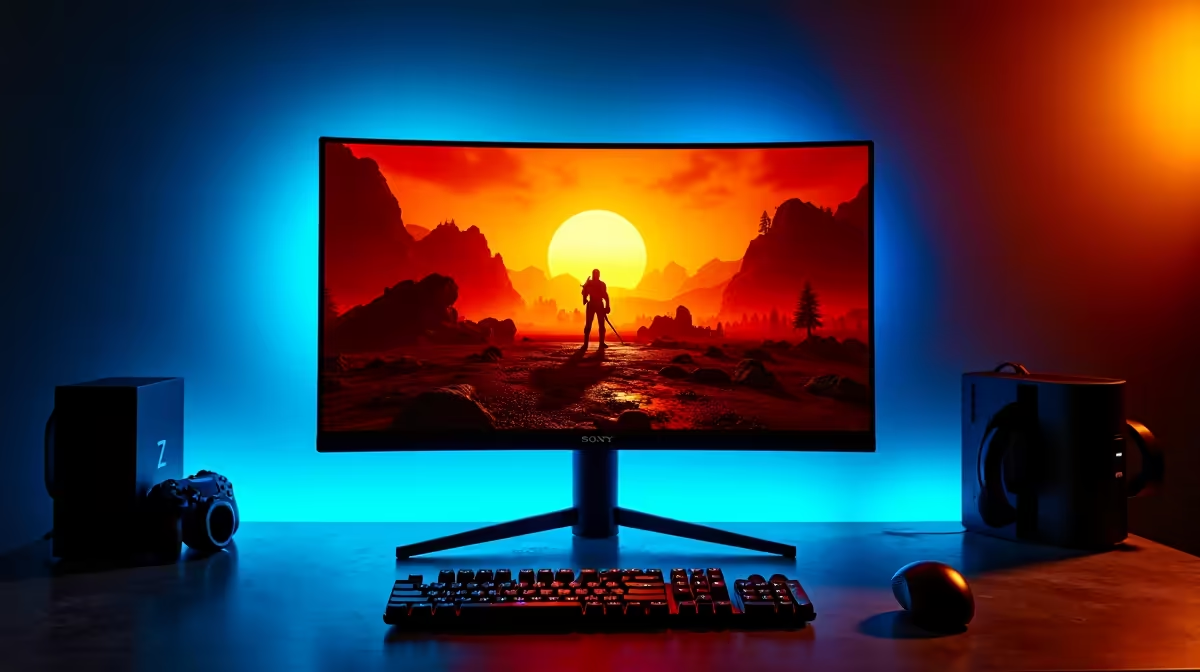
Valorant at 4K is a different visual experience from 1080p, but the game's competitive DNA means settings choices carry real consequences for your ranked performance. SA players building or upgrading to 4K setups need to understand the exact trade-offs between visual quality and the frame rates that determine whether your shots register with snap-like responsiveness or feel like they're sliding through mud.
Quick Answer
At 4K in Valorant, prioritise frame rate over visual quality. Set textures and UI to High, drop all shadows and post-processing to Low or Off, disable anti-aliasing (MSAA), and target a minimum of 144 FPS. On high-end GPUs like the RTX 4080 or RTX 5070, you can maintain 4K High settings above 200 FPS without compromise.
🖥️ Understanding 4K in Valorant - Why It's Different from Other Games
Valorant is a tactical shooter where pixel-precise aim and consistent frame delivery matter more than environmental beauty. At 4K (3840×2160), the engine renders four times more pixels than 1080p, which taxes both the GPU and the game thread that handles render calls. Even on powerful hardware, native 4K at uncapped framerates requires deliberate settings discipline. The good news: Valorant's Vanguard-protected engine is well-optimised, and a modern GPU from the RTX 40 or RTX 50 series on a gaming PC can achieve 200+ FPS at 4K with correct settings. The bad news: players who don't optimise and run native 4K Ultra often sit at 80–100 FPS, which puts them at a significant input-latency disadvantage against 240Hz opponents.
⚙️ Performance Mode Settings (Competitive Priority)
These settings maximise FPS at 4K for players targeting 144Hz+ monitors. Limit FPS on Battery: On. Material Quality: Low. Texture Quality: High (low has visible impact on character outlines - keep High). Detail Quality: Low. UI Quality: High. Vignette: Off. VSync: Off. Anti-Aliasing: None. Anisotropic Filtering: 4x. Improve Clarity: Off. Bloom: Off. Distortion: Off. Cast Shadows: Off. With these settings on an RTX 4080, expect 220–300 FPS at 4K. On an RTX 5070, expect 260–340 FPS. These numbers comfortably drive 240Hz and even 360Hz monitors at 4K. For competitive players, this is the recommended configuration regardless of available GPU power.
🎨 Quality Mode Settings (Visual Balance)
For players using 4K as a visual experience alongside ranked play - or for content creation - these settings deliver a noticeably sharper image without destroying frame rates. Material Quality: High. Texture Quality: High. Detail Quality: High. UI Quality: High. Vignette: Off. VSync: Off. Anti-Aliasing: MSAA 2x (softer but adds 15–20% GPU cost - only enable if FPS remains above your monitor's refresh rate). Anisotropic Filtering: 8x. Improve Clarity: On. Bloom: Off. Distortion: Off. Cast Shadows: On (Medium). With these settings on an RTX 4080, expect 140–180 FPS at 4K - still sufficient for 144Hz play. On an RTX 5070 or RTX 4090, 200 FPS+ is achievable even in quality mode.
🖱️ Input Settings and Display Configuration for 4K
4K monitors introduce a configuration step that 1080p players skip: Windows display scaling. Valorant renders at native 4K but Windows often scales the UI to 150% by default on 4K displays, which can cause mouse sensitivity discrepancies. Set Windows display scaling to 100% for competitive play and use the in-game crosshair and UI scaling sliders to compensate for small text. Set your in-game Display Mode to Fullscreen (not Borderless) - fullscreen mode bypasses the Windows compositor and delivers the lowest possible input latency, which matters at 4K where the render cost is higher and GPU scheduling becomes more sensitive. Pair this with a gaming mouse set to 800 DPI with in-game sensitivity adjusted accordingly - high DPI doesn't improve precision at 4K.
❓ FAQ
What GPU do I need to run Valorant at 4K 144FPS? An RTX 3080 or RX 6800 XT can maintain 144+ FPS at 4K on performance settings. For 240 FPS at 4K, an RTX 4080 or better is recommended. Mid-range cards can hit 4K 144 FPS in Valorant because the game is relatively GPU-efficient.
Does DLSS or FSR help in Valorant at 4K? Valorant does not natively support DLSS or FSR. However, NVIDIA DLAA is available as an anti-aliasing option on RTX cards, which improves image quality at true 4K resolution with minimal performance cost compared to MSAA.
Should I use 4K or 1080p stretched for competitive Valorant? Stretched 1080p is a popular competitive choice because character models appear wider, but on a 4K monitor it introduces visible interpolation blur. At the top of the ranked ladder, native 4K on performance settings is increasingly common. The choice comes down to whether model width or image sharpness is your priority.
Is there a frame cap I should set in Valorant at 4K? Cap your FPS to your monitor's refresh rate plus 10–15 FPS (e.g., 155 FPS for a 144Hz monitor). This keeps GPU utilisation high enough for consistent frame delivery without the heat and power waste of uncapped rendering thousands of frames nobody sees.
Shop Graphics Card Deals and Evetech Best Sellers at Evetech for fast delivery across South Africa.











