

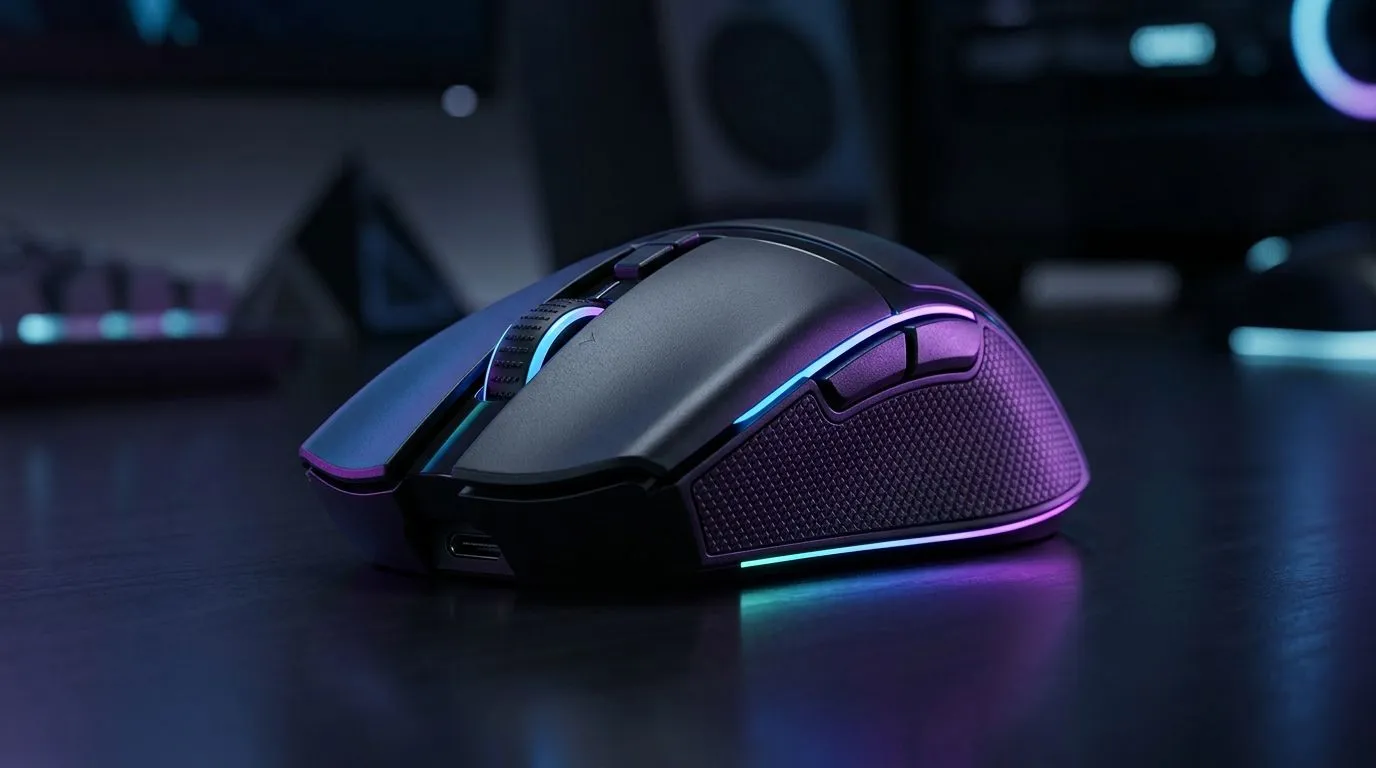
100 Hour Battery Gaming Mouse for Competitive Play: Why It Matters in South Africa ⚡
You’ve probably felt it… one more match, one more round, and suddenly your mouse goes to sleep. In SA LANs, late-night ranked grinds, and even office desk sessions, battery anxiety is real. That’s why a 100 Hour Battery Gaming Mouse for Competitive Play isn’t just marketing. It’s about consistency, fewer interruptions, and staying locked in when the stakes rise.
This guide breaks down what to look for, how to set it up for competitive play, and where to buy the right mouse accessories and peripherals from Evetech.
What “100 Hours” Should Mean in Real Use
“100 hours” typically assumes specific settings: usually lower polling modes, RGB off or minimal, and standard use patterns. If an EVETECH product listing specifies these conditions, always treat the number as context, not a promise. When you choose one for competitive play, focus on three things that you can control:
- Wireless stability (2.4GHz is common for gaming-grade mice)
- Polling rate mode (higher rates can shorten battery life)
- Tracking consistency under your mousepad and sensitivity settings
If you’re chasing competitive consistency, the mouse should feel predictable across long sessions. That means no random disconnects, no “dead clicks”, and smooth tracking at your DPI and in-game sensitivity.
Setup Checklist for Competitive Consistency 🔧
Even the best 100 Hour Battery Gaming Mouse for Competitive Play can underperform if the setup is off.
Tune Your DPI and In-Game Sensitivity
Pick a DPI you can repeat (many players sit in the 400–1600 range). Then match in-game sensitivity so your “flick” distance feels natural. If you keep changing DPI, your aim becomes guesswork.
Choose the Right Connection Mode
If your mouse supports multiple wireless modes, use the gaming mode for ranked. When battery matters, switch to a more efficient mode between sessions.
Setup Pro Tip ⚡
On Windows, make sure you calibrate your mouse settings once, then leave them alone. Use Windows mouse settings to test movement speed, but do your competitive aiming sensitivity inside your game, not in the OS. Consistency beats constant tweaking.
Manage Battery Without Sacrificing Aim
- Turn RGB down or off for ranked nights.
- Use sleep settings that won’t wake at random.
- Keep the charging routine simple: top up after practice, not mid-match.
Shopping Smarter at Evetech for Long-Squad Sessions 🚀
When you’re building a competitive setup, you’re not buying the mouse alone. You need the right accessories, plus a strategy for wired vs wireless depending on your desk and routine.
Start by browsing:
- Gaming mouse accessories here: mouse accessories
- If you want rock-solid zero-latency vibes, check wired gaming mice
- If you prefer desk freedom for long sessions, explore wireless gaming mice
For deals that can help you stay within budget in ZAR, use these pages as your shortlist:
And if you want to compare models by category, start here:
Quick Decision Guide Before You Buy ✨
Ask yourself:
- Do you play for 2+ hours straight? Battery life matters more.
- Do you hate cable management? Wireless can be worth it.
- Are you on a tight desk with a lot of movement? Wireless helps you reposition faster.
- Do you need maximum reliability? Wired often wins for pure consistency.
A 100 Hour Battery Gaming Mouse for Competitive Play is most valuable when it reduces distractions. The best mouse is the one you trust every round.
Ready to Find Your Perfect Match? The Mac vs Windows debate is complex, but for maximum power, choice, and value in South Africa, Windows is hard to beat. Explore our massive range of laptop specials and find the perfect machine to conquer your world.











